
Start a Workflow the Moment Your Team Replies to a Contact
Up to now, most of your automations waited on the customer. A lead had to reply, book, or click before anything happened next. But plenty of the work you want to track happens on your side of the conversation - the moment one of your team actually responds.
There's a new trigger for exactly that.
What landed
It's called User Replied. It fires whenever a team member sends a reply to a contact - by SMS, email, or another supported channel - rather than waiting for the customer to write back.
So now you can build automations around your team's actions. Update a record the second an agent responds, tag the conversation, notify a manager, or set a follow-up task for later. All off the reply your team already sent.
How to set it up
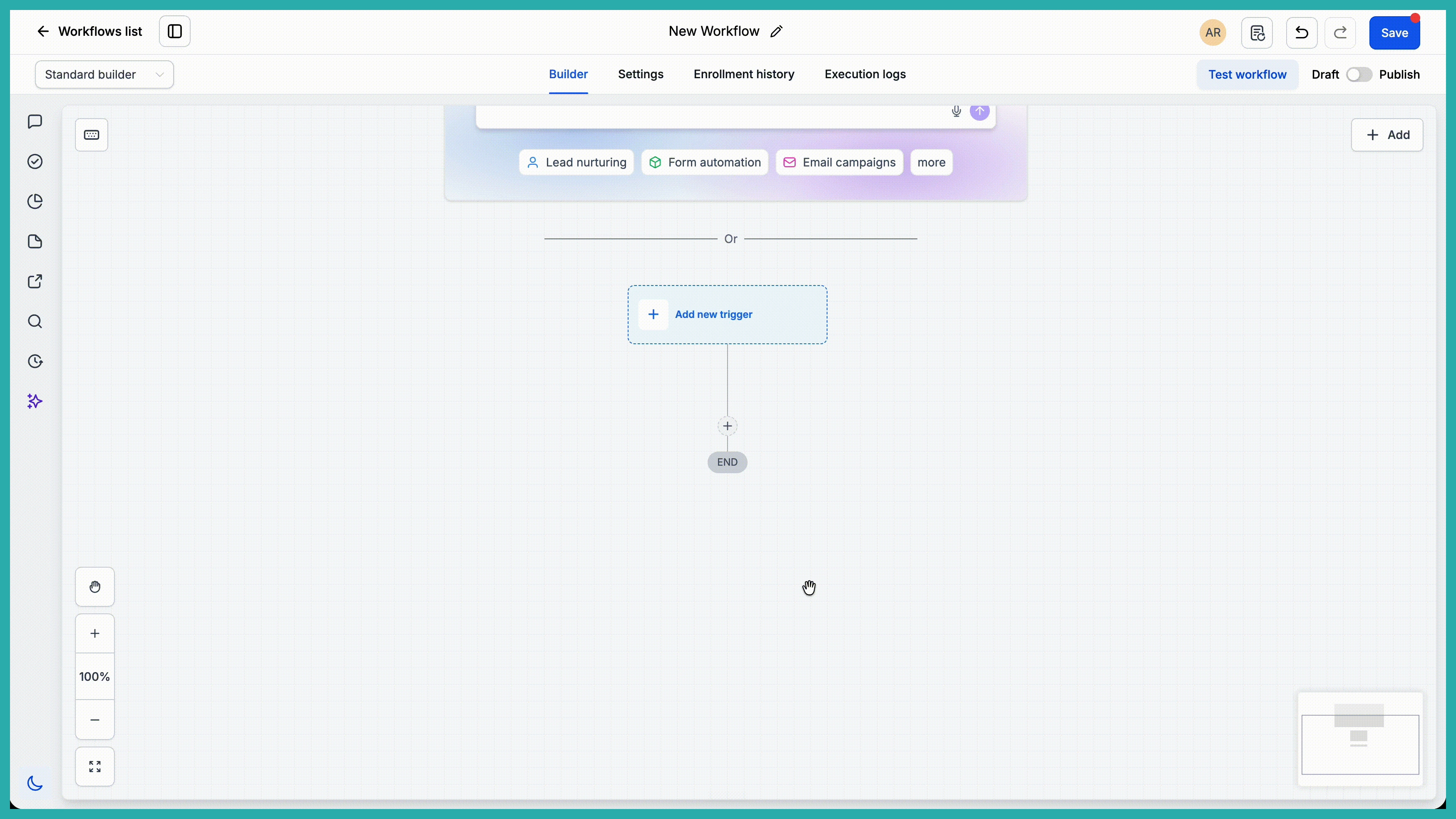
Go to Automations, then Workflows, and either open the workflow you want or start a new one. Add a trigger and choose User Replied.
From there, add any filters you need so the workflow only runs in the right situations. In the screenshot below you'll see where you set those conditions before saving.
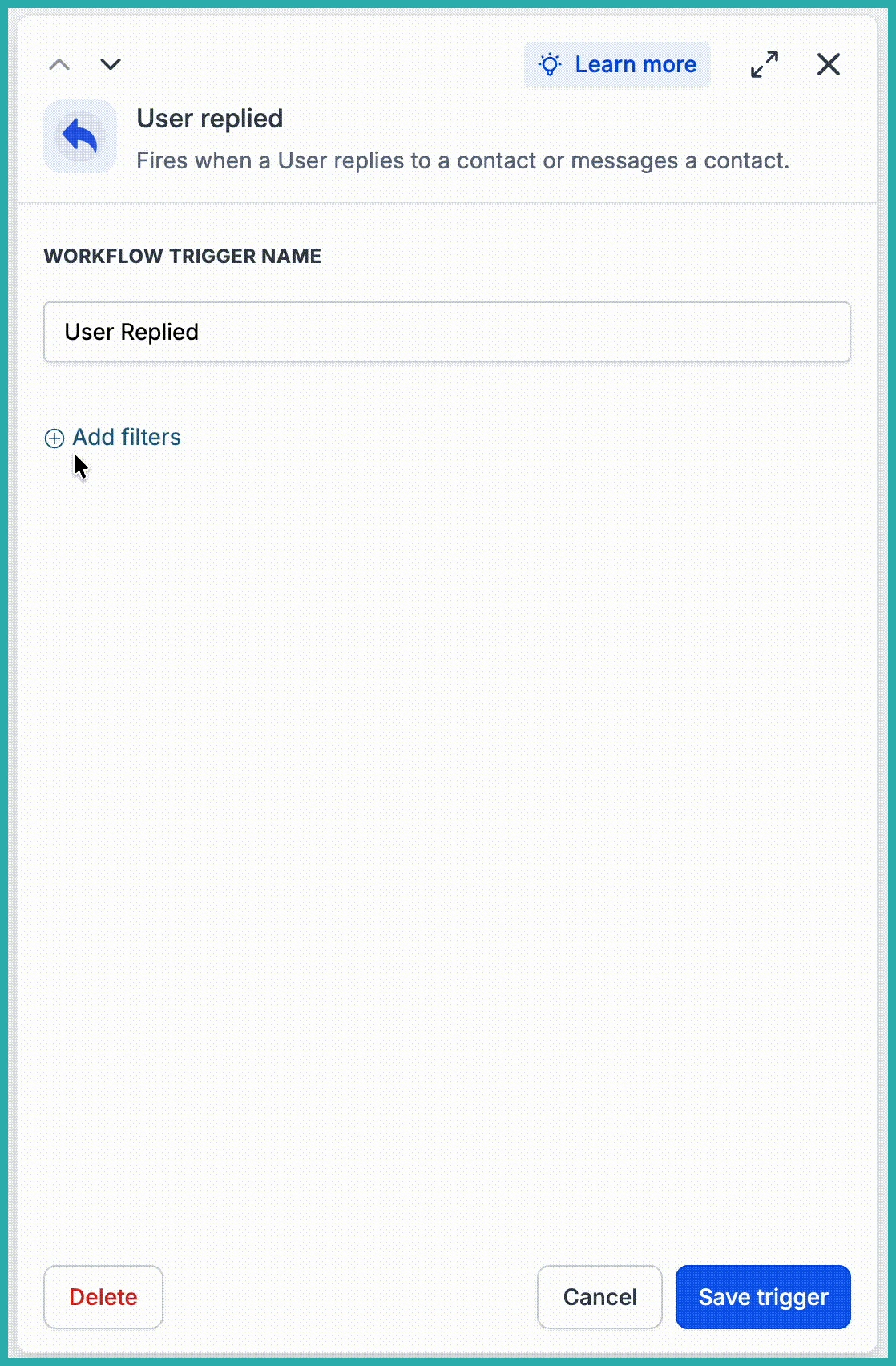
Once it looks right, publish the workflow. From then on, every time a team member replies to a contact, your actions run on their own.
A couple of ways to use it
- A rep replies to a new lead's SMS, so the opportunity moves to Contacted and the sales manager gets a heads-up.
- A support agent answers a customer email, so a Support Responded tag goes on and a task appears to check back in 48 hours.
One thing to keep in mind: this only fires when a user replies, not when a customer does. It's built for automating your internal steps based on what your team actually does.
Have a workflow that's been waiting on the wrong side of the conversation? This is the piece that fixes it. Go add the trigger and let your follow-up run itself.
