
Turn WhatsApp Username-Only Leads Into Contacts You Can Actually Call
Some of your WhatsApp customers now message you using a username instead of a phone number. It gives them privacy, which is fair enough. But it leaves you with a contact you cannot call, cannot export, and cannot run any phone-based automation on.
Now you can fix that in one tap.
What landed
You can add a Share contact info button to your WhatsApp templates, or send the same request from a workflow. When the customer taps it, they share their phone number and it gets saved straight onto their contact. A username-only lead becomes one you can actually reach.
Even better, the number is only added when no existing contact already has it. So you can recover numbers at scale without filling your database with duplicates.
Add the button to a template
Head to Settings, then WhatsApp, then Templates. Create a new template or edit an existing one.
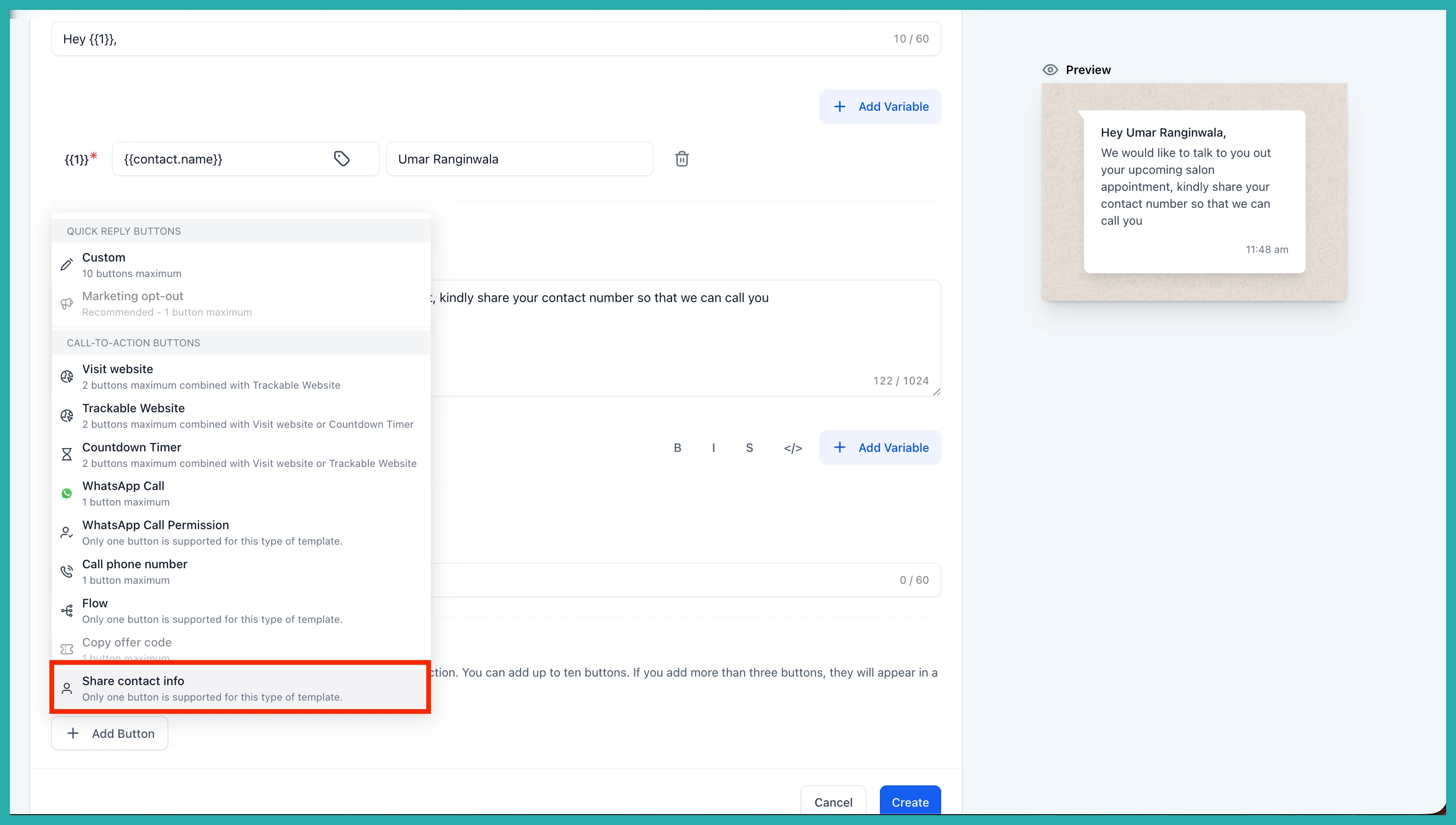
Under Button (Optional), choose Share contact info. In the screenshot below, you'll see where that option sits in the button setup.
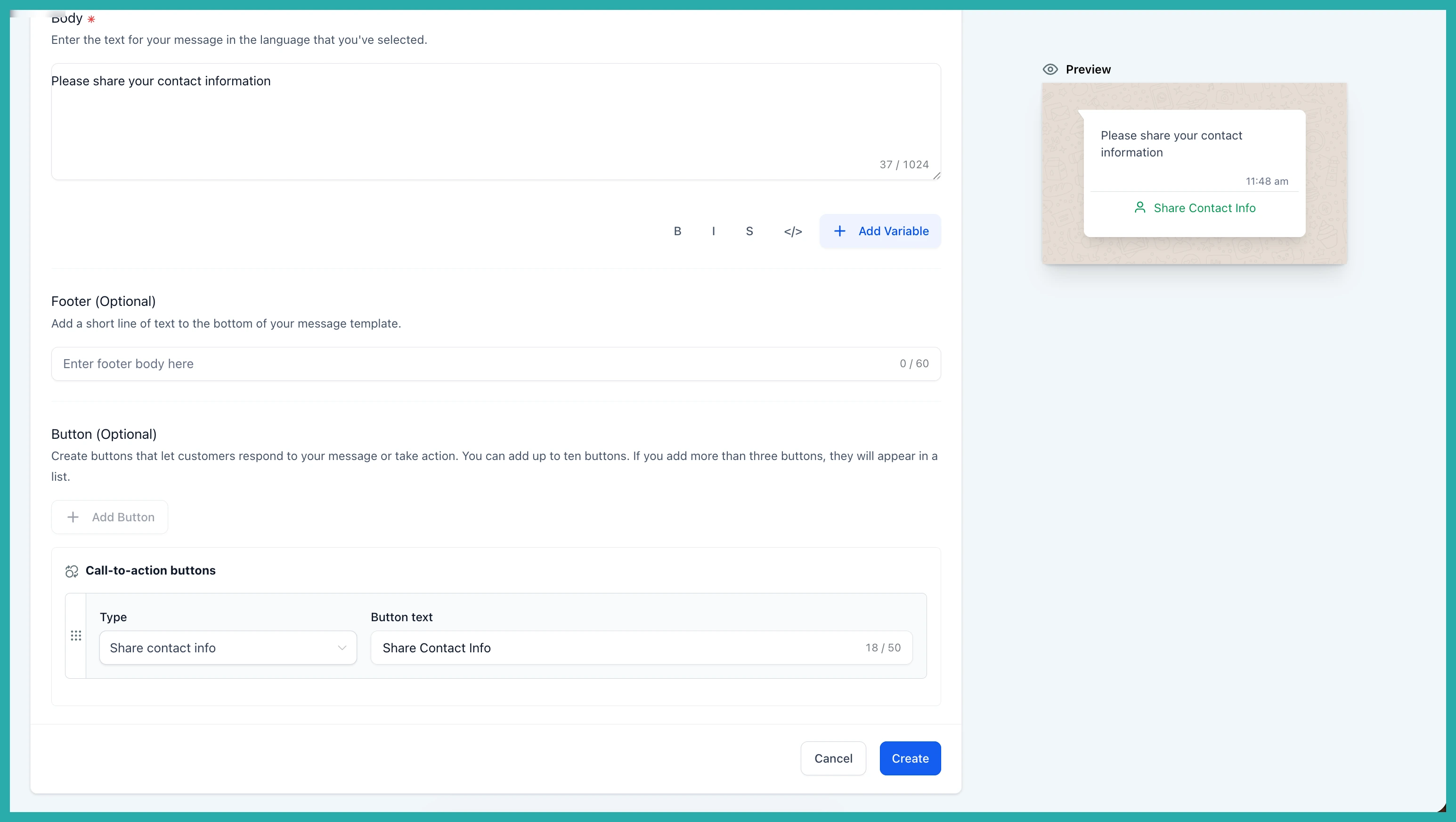
That's the whole setup. Next time a username-only customer receives that template, they'll get a one-tap way to share their number with you.
Or ask automatically from a workflow
If you'd rather not chase numbers by hand, you can build the ask right into a workflow so it happens at the right moment on its own.
Go to your Workflow, add an Action, and choose WhatsApp interactive messages. Set the Interactive message type to Request Contact Info, then add your message body.
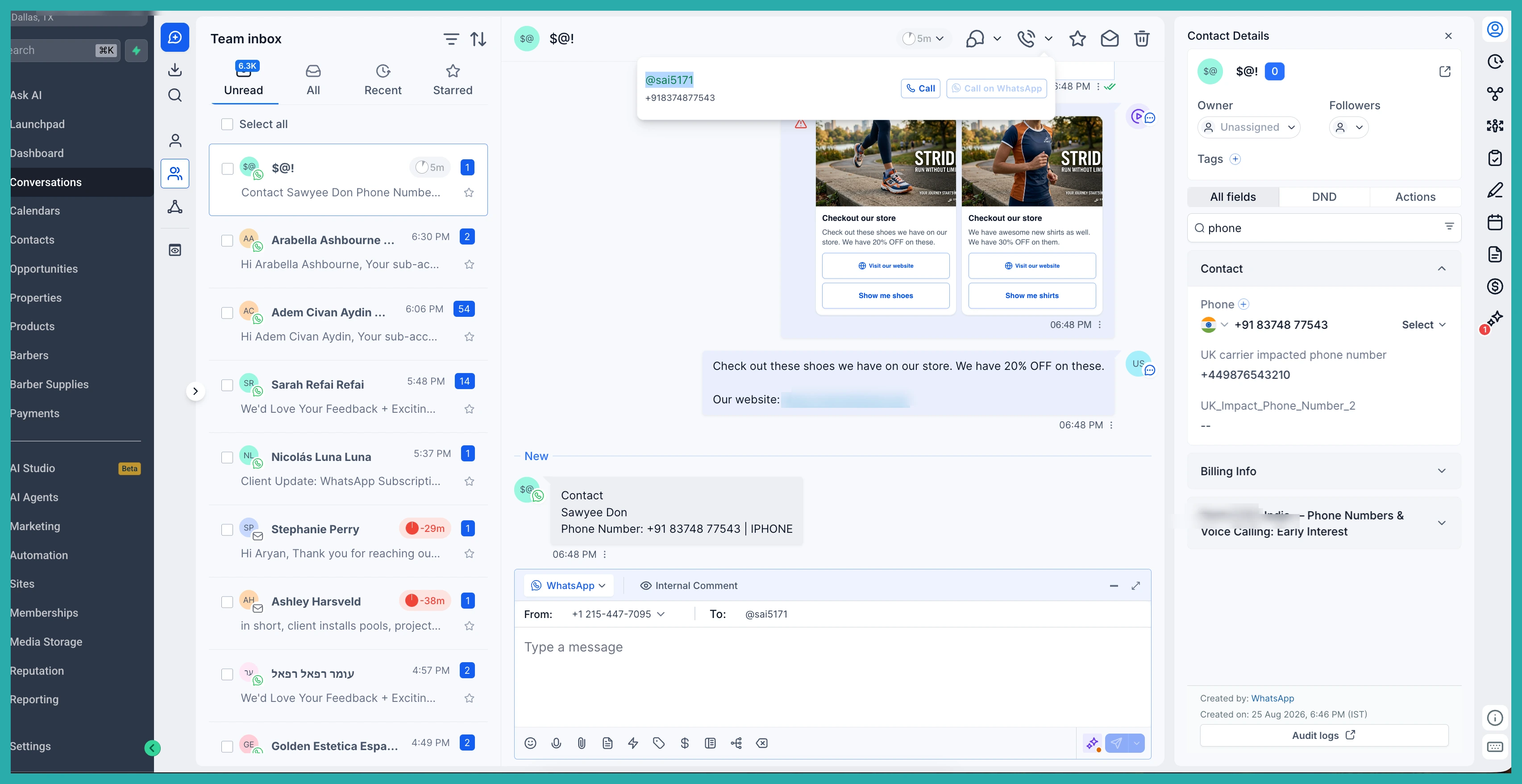
Now the request goes out automatically at whatever step makes sense in your flow, with no manual follow-up from you.
Calling works for usernames too
One more thing worth knowing: WhatsApp calling now works for contacts who use usernames. So a customer adopting a username no longer drops out of your calling flows.
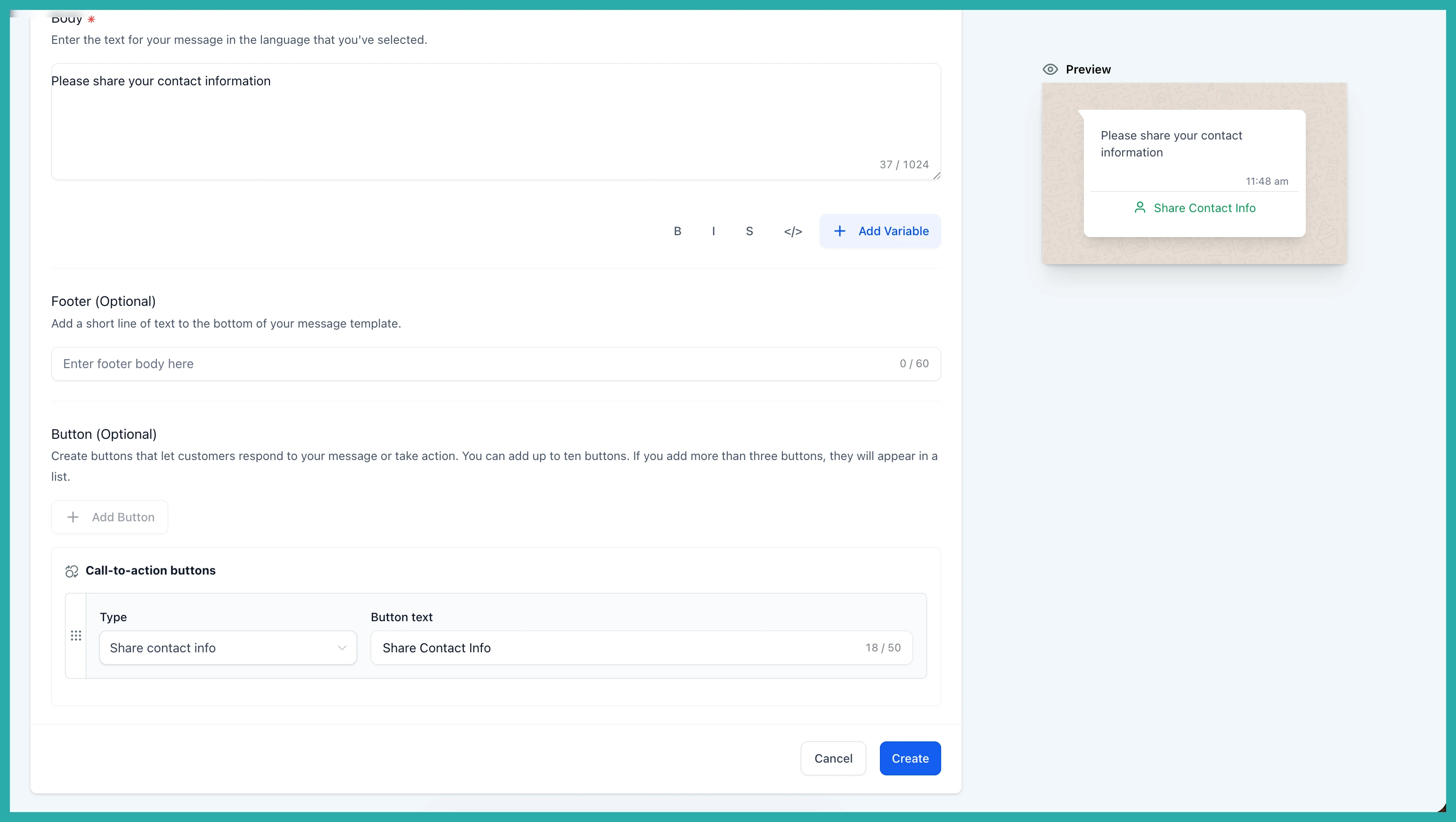
Add a Share contact info button to your next template and start turning those username-only leads into contacts you can call, export, and automate. It's a small change that recovers the numbers you'd otherwise never get.
