
Show Up to Ten Offers in a Single WhatsApp Message
Here's a tricky little choice you've probably faced on WhatsApp. Send one offer and hope it's the right one, or send a few separate messages and pay for each while chewing through the frequency limits Meta sets per customer.
Carousels end that trade-off. You can now put up to ten products, offers or services in a single WhatsApp message. Each card gets its own image or video and its own buttons, and your customer swipes through them right there in the chat.
What landed
A scrollable row of cards inside one message. You write your message body once, then attach between two and ten cards. Each card carries its own image or video header, optional text, and up to two buttons. Your customer swipes sideways without ever leaving the conversation.
The best part on the money side: WhatsApp bills per message. So a ten-card carousel costs you one marketing message, not ten. It also counts once against your messaging limits instead of ten times.
Buttons that tell you what they actually want
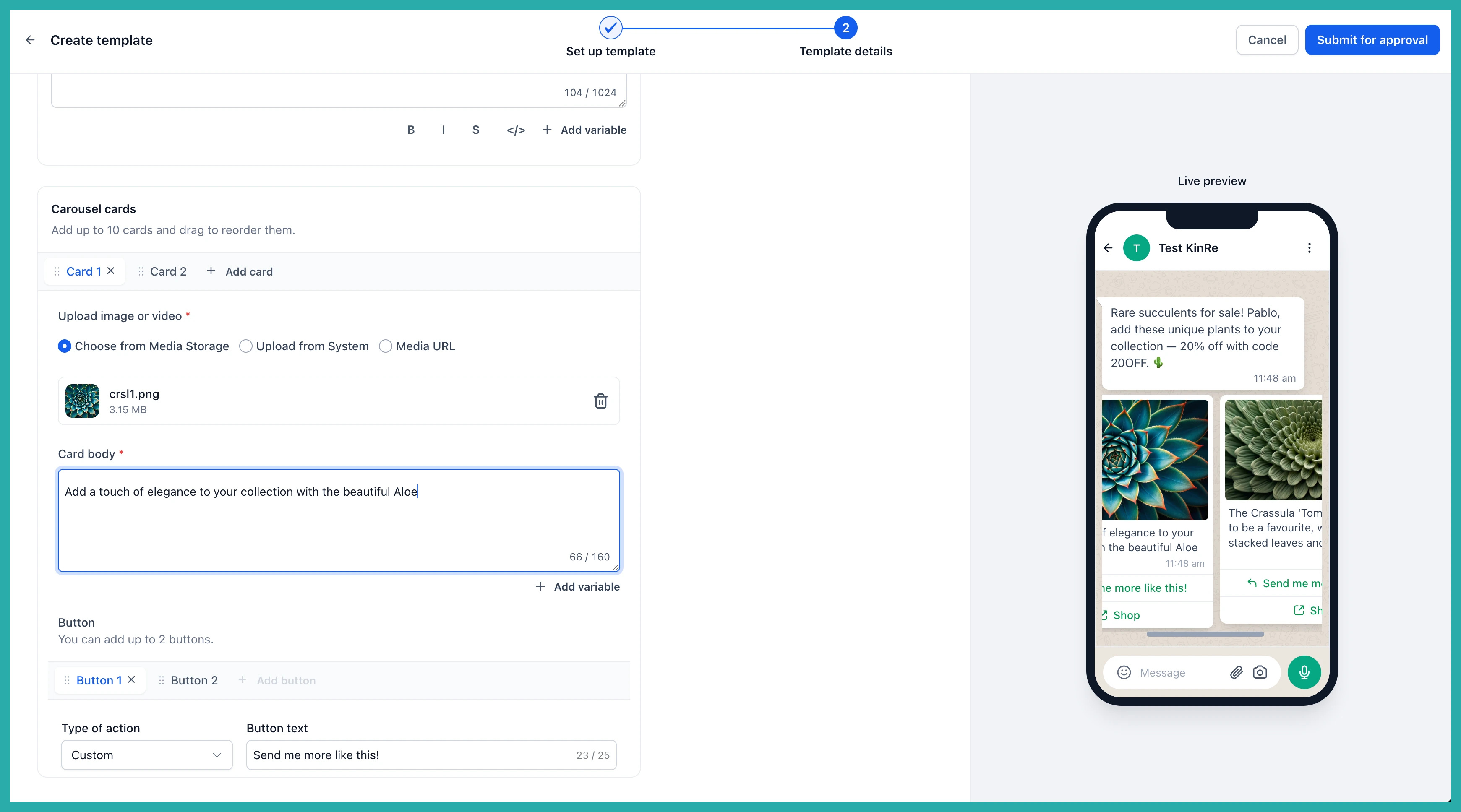
Each card can carry up to two buttons, and you can mix quick reply, call, and website buttons.
A tap on card three is a far stronger signal than a tap on a generic "Shop now", because you learn which product caught their eye. A quick reply button answers right in the thread and fires off to a workflow, so you can follow up on that exact item without sending anyone off to a browser. And each card's website button can carry its own link, so card one goes to that product's page and card two goes somewhere else entirely.
Show the thing, not a description
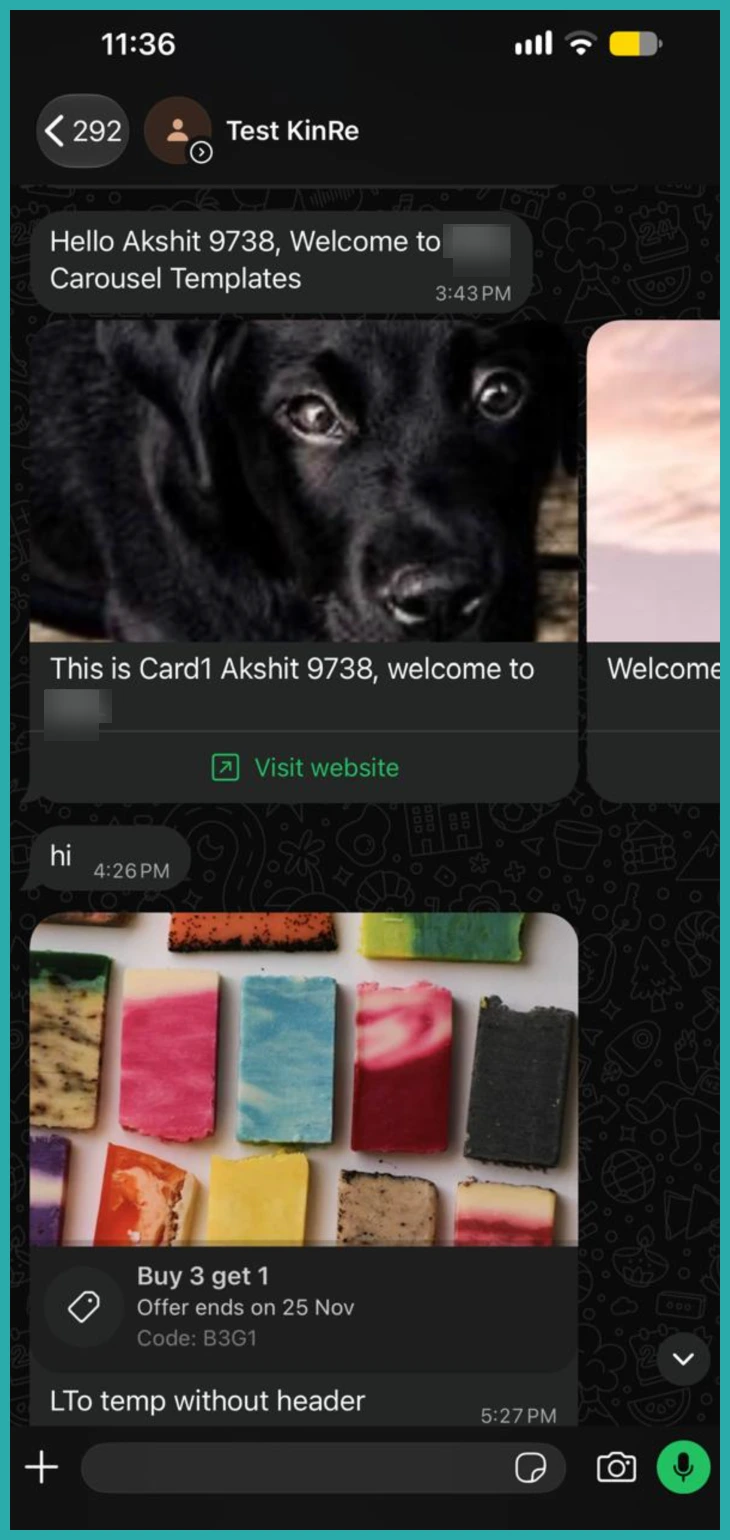
Every card header takes an image or a video, cropped automatically to fit your customer's device. That's handy for product drops, property listings, menu items, class schedules, or a seasonal set of offers. People see the thing rather than reading about it.
How to set it up
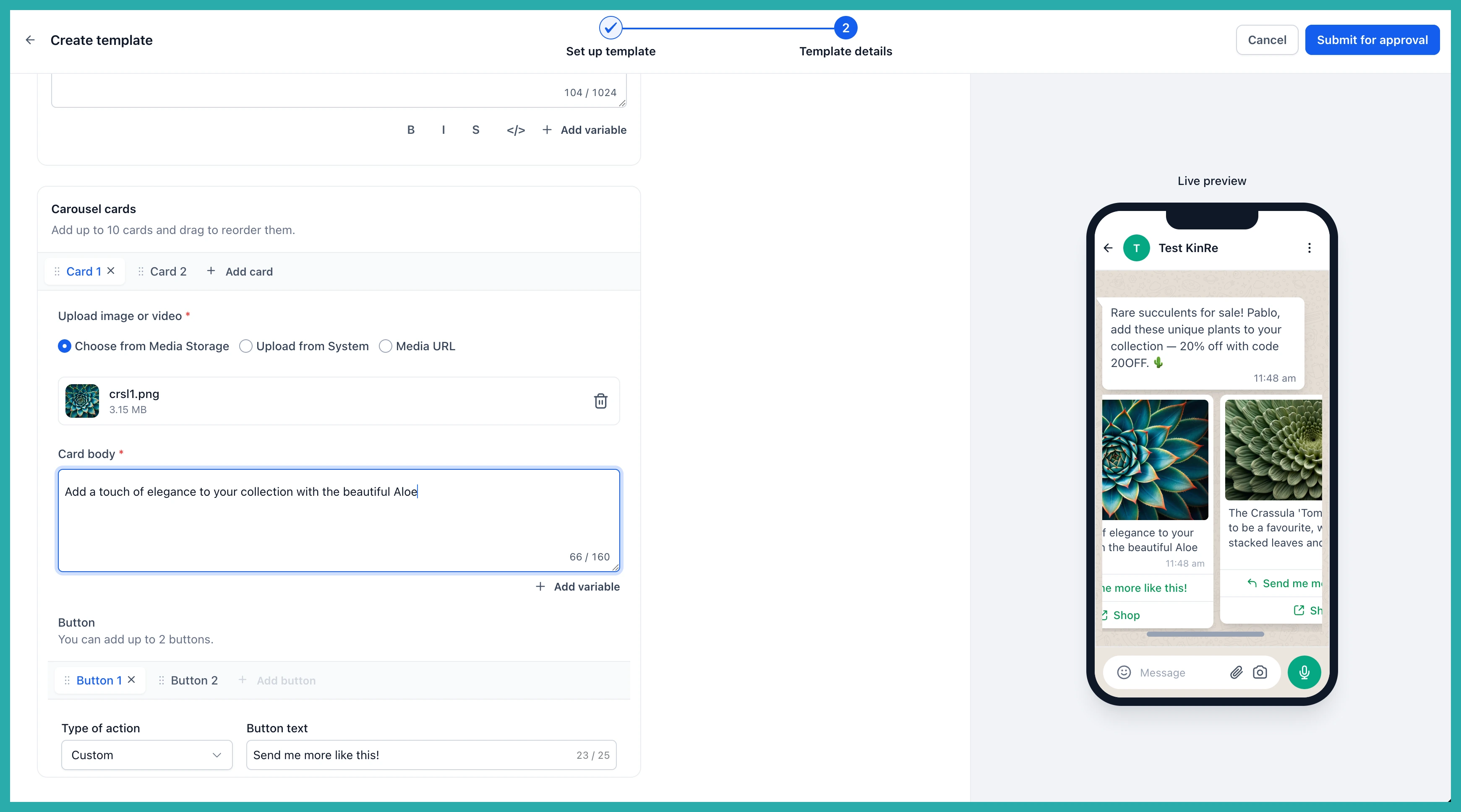
- Go to Settings, then WhatsApp, then Templates, and click Create template.
- Set the Category to Marketing and choose the Carousel type.
- Write your message body, then add your cards with their images or video, text and buttons.
- Submit for Meta approval, then send from Conversations, a workflow, or a bulk action.
Two things to plan for
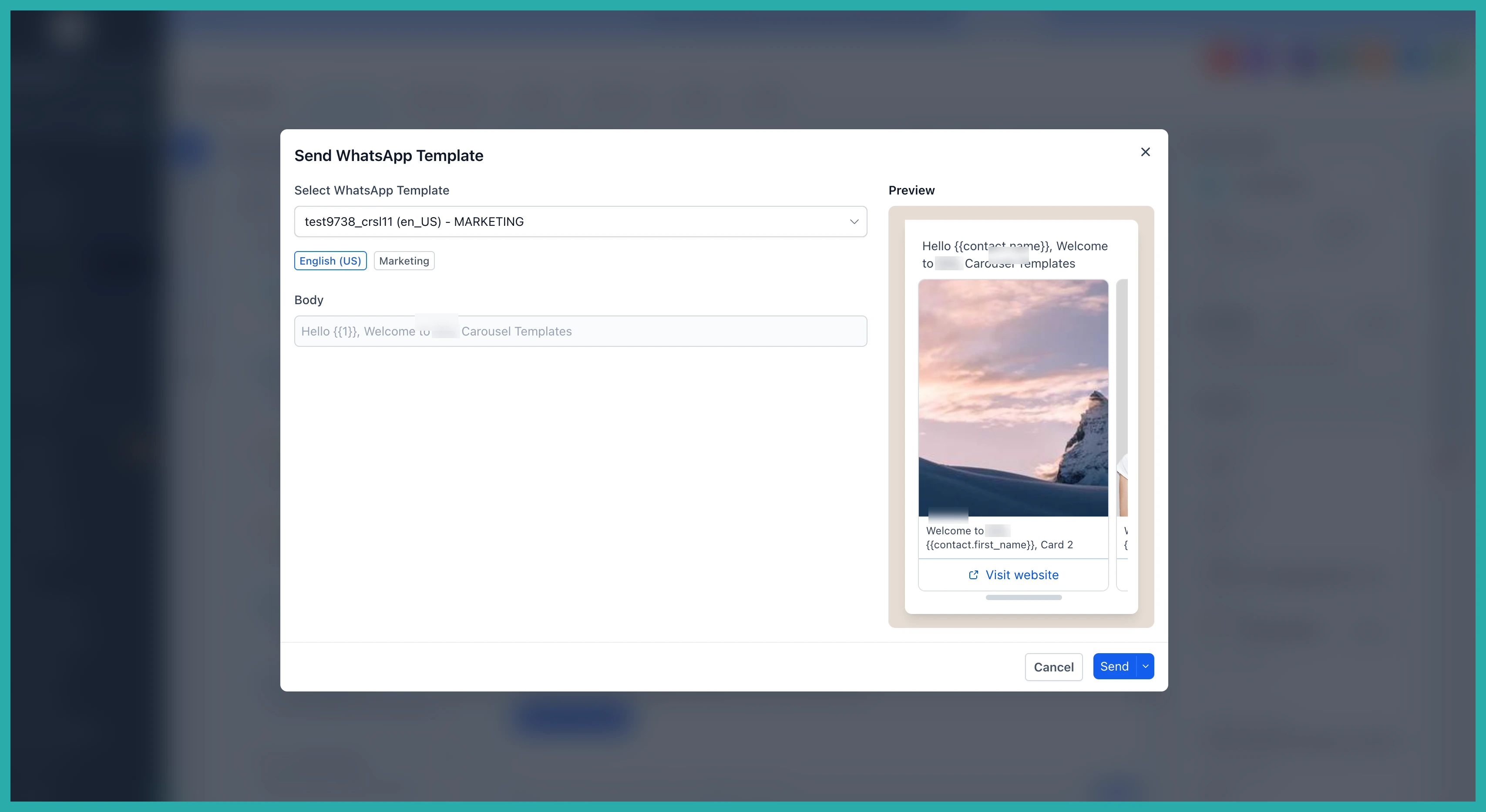
The card count is locked in at approval. A template approved with five cards always sends five. If you want a four-card version too, that's a second template.
Every card also has to match. If one card has body text, they all need body text. If one has two buttons, they all need two buttons. That's what keeps the card heights even as your customer swipes.
Next time you've got a range to show off, build a carousel instead of guessing which single offer to lead with. One send, a whole range on display, and a tap that tells you exactly what to follow up on.
