
Run Your Video Calls Inside ESC Hub With the New Meeting Room
You book a call, then bounce the client over to some other video app, hunt for the link, fiddle with settings, and hope the recording saves somewhere you can find later.
That whole detour is gone. ESC Hub now has its own built-in video conferencing, called Meeting Room, and it keeps your scheduling, calls, recordings, transcripts and AI summaries all in one place.
What you get
Meeting Room is a proper video call experience that lives right inside your account. No separate login, no extra subscription, no sending people off to another platform.
Here's what it covers:
- A personal meeting room with a permanent link you can reuse any time.
- Instant meetings you can start on the spot, no appointment needed.
- Automatic Meeting Room links on your calendar appointments.
- Guests join with a link, and they don't need an account.
- HD video and audio, screen sharing, and live chat.
- Co-hosts, plus control over who can use their mic, camera or share their screen.
- Waiting rooms and passcodes to keep meetings private.
- Reactions, hand raising, flexible layouts, and custom backgrounds when you're signed in.
- Picture-in-picture, so you can keep watching while you work on something else.
Starting a meeting
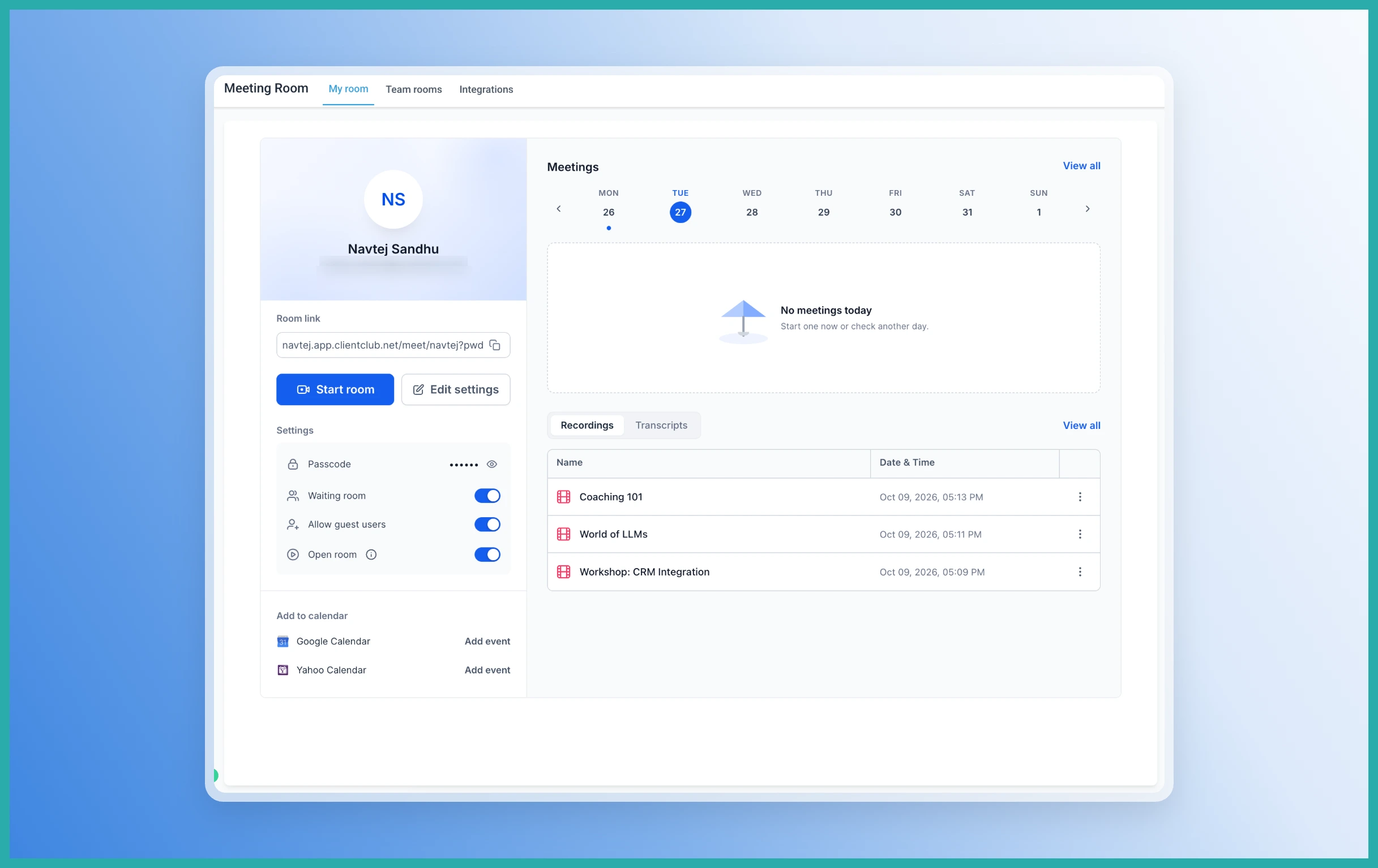
Go to Meeting Rooms in the side panel. From here you can set up your personal room or start an instant meeting straight away.
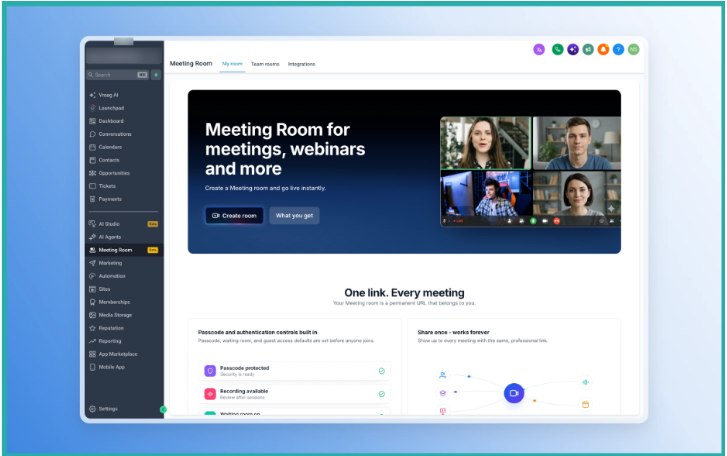
Your personal room has a permanent link, so you can hand it out once and use it again and again. For a quick chat, just hit the instant meeting option and you're in.
Inside the call
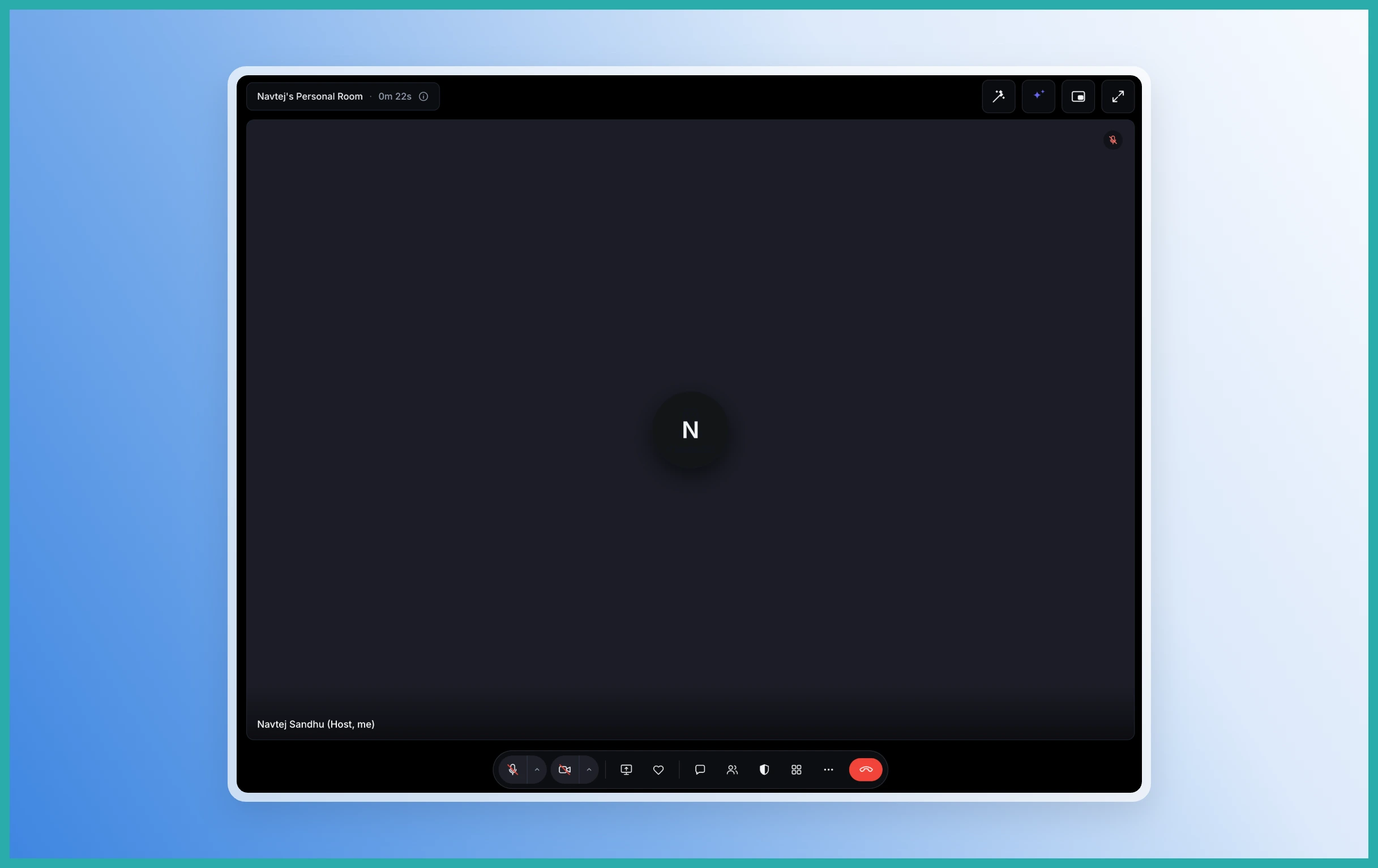
Once you're in a meeting, everything you'd expect is right there - video, audio, screen sharing and chat all in one tidy view.
As the host, you can assign co-hosts and manage participants, including muting mics, turning cameras on or off, and deciding who gets to share their screen. Waiting rooms and passcodes let you keep uninvited people out.
Attaching it to your appointments
If you take booked calls, you can set Meeting Room as the location when you configure your calendar. Every appointment then gets its own unique Meeting Room link automatically, so there's nothing to copy and paste.
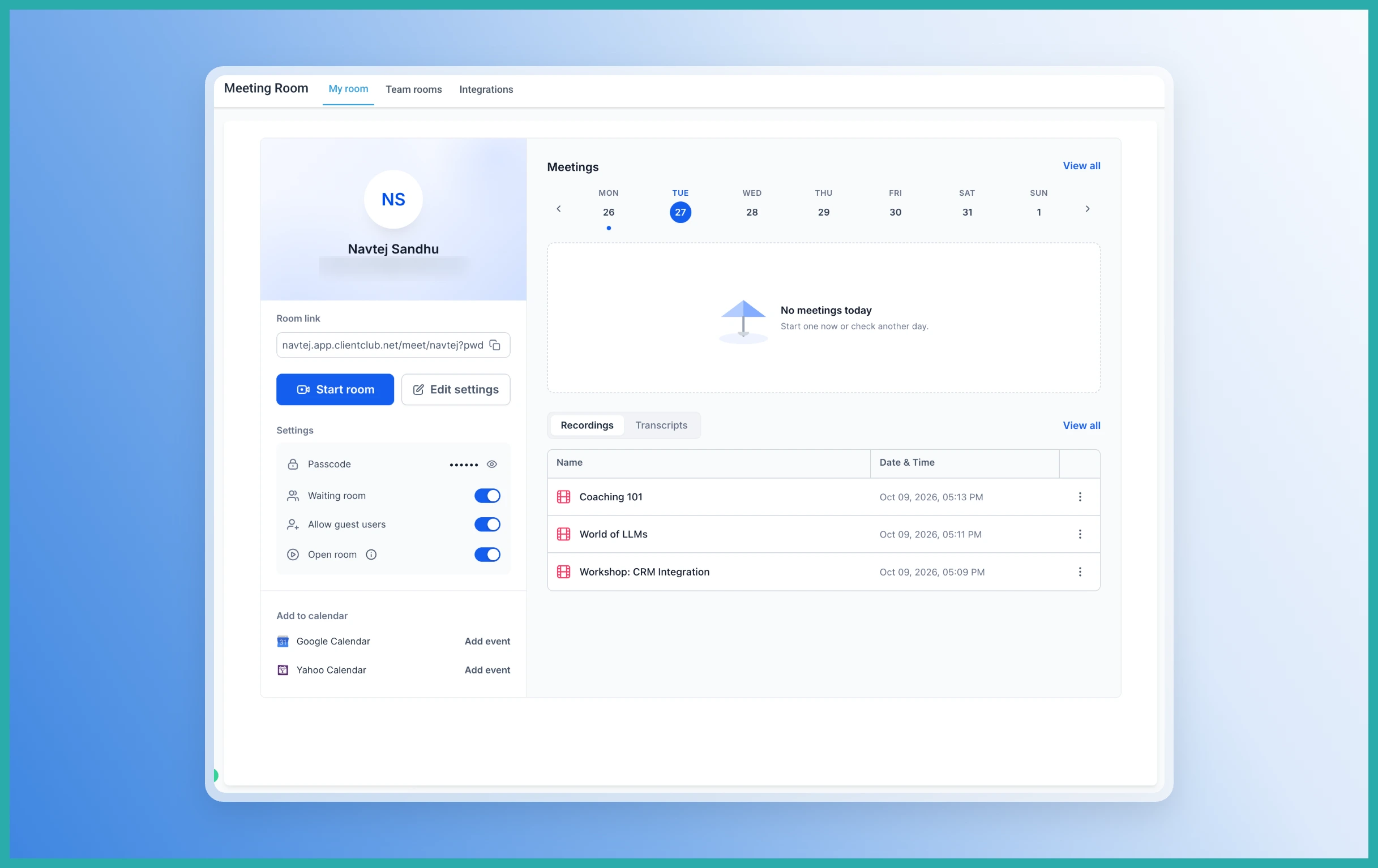
Your client books, gets the link, and clicks to join. Simple on both sides.
Recordings, transcripts and AI summaries
You can record important conversations and come back to them later from Meeting History. When available, each meeting can include the recording, a speaker-labelled transcript, and the participant and meeting details.
From a transcript you can generate an AI summary that pulls out the key takeaways, action items and next steps, and any decisions made. Handy when you'd rather act on a call than sit through it a second time.
Where it fits
Meeting Room works for sales calls and consultations, calendar-based client appointments, team check-ins, coaching sessions, training calls and demos. Pretty much any conversation you'd normally take to video.
Have a client call coming up? Set Meeting Room as your calendar location and try it on the next booking. It takes a minute to switch on and you'll have one less app to juggle.
