
YouTube Links You Email Now Show a Clickable Thumbnail (No More Blank Boxes)
You drop a YouTube link into an email, the preview looks great while you're typing, and you hit send feeling good about it.
Then the person on the other end opens it and sees a blank rectangle. Not the video. Not even a hint of what it was. Just an empty box where your walkthrough or trailer should have been.
That's fixed now.
What changed
When you paste a YouTube link into an email from Conversations, your recipients now see a proper clickable thumbnail. They click it, the video opens in a new tab on YouTube, and it works exactly the way you pictured when you put it in.
The old problem wasn't really on your end. Major inboxes like Gmail, Outlook, and Yahoo block the embedded video player, so the preview that looked fine to you came through empty to them. We've changed how these previews are sent so they render reliably across all the big inboxes.
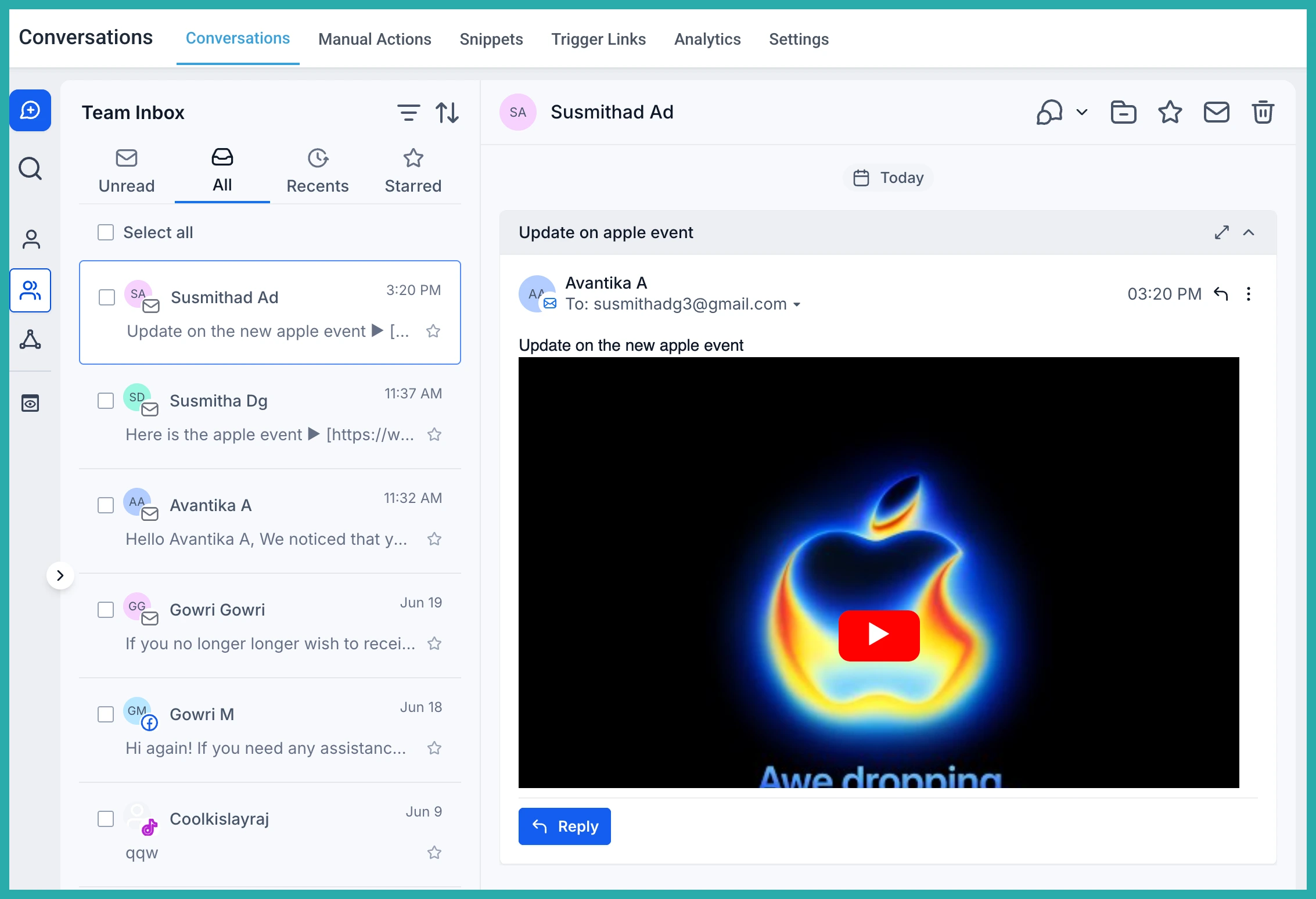
Nothing new to learn
This is the good kind of update. You don't have to do anything differently.
- Paste your YouTube link into the email as you always have.
- It works with standard youtube watch links.
- It also works with shortened youtube share links.
That's it. Same steps, just a result that actually shows up for the people reading it.
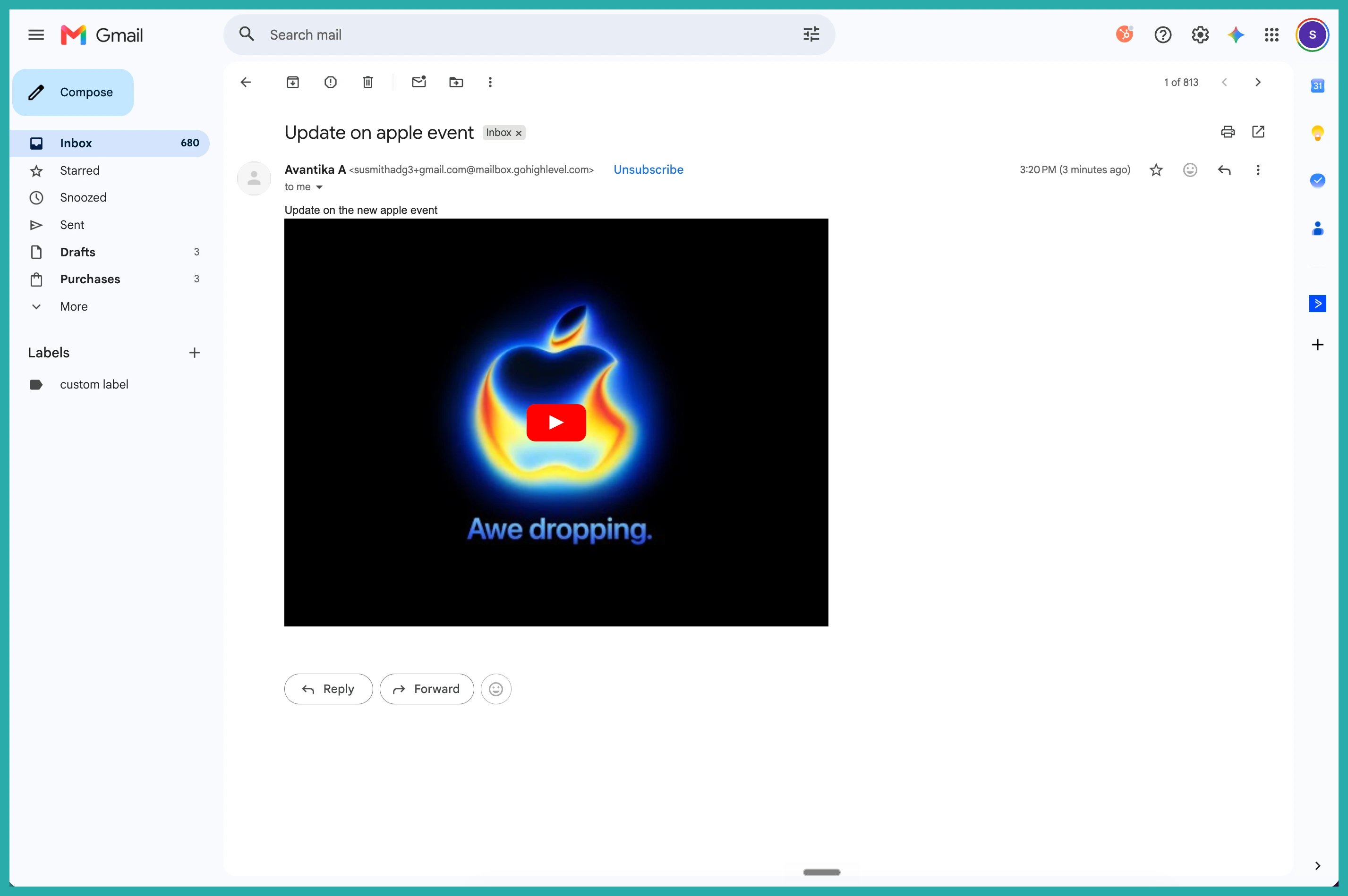
In the screenshot above, you'll see what your recipient now gets: a clickable thumbnail that opens the video on YouTube.
If you've been holding off on sending video links because they kept landing as blank boxes, go ahead and use them. They'll show up the way you meant.
