
Ask Your Automations Questions in Plain English With the New Workflow Maps Assistant
Coming Soon: Workflow Maps isn't in your ESC Hub account yet. We'll let you know as soon as it arrives.
If you've ever opened your automations and thought "what does this one even do again?", this is for you. Soon there'll be an assistant built right into Workflow Maps that you can talk to in plain language.
You'll ask a question or describe what you want, and it'll work through it with you, using what it already knows about your workflows and how your map is laid out.
What you can do with it
Think of it as a helper that already understands your account. You'll be able to use it to:
- Understand a workflow - ask what a selected automation does, or get a summary of a whole folder.
- Find and investigate - locate a workflow by name, check for issues, or see what assets a workflow is connected to.
- Focus the map - ask it to filter or highlight only the workflows and folders you care about right now.
- Organise your account - have it create folders, move workflows, rename things, or add notes.
- Build or edit workflows - describe the automation you want and let it draft or change it for you.
Managing automations usually means a lot of searching, opening, and clicking around to see how things connect. This will let you just say what you're after and sort it from the map.
How to use it
Once it arrives, go to Automation, then Workflows, then Workflow Maps, and open the Assistant.
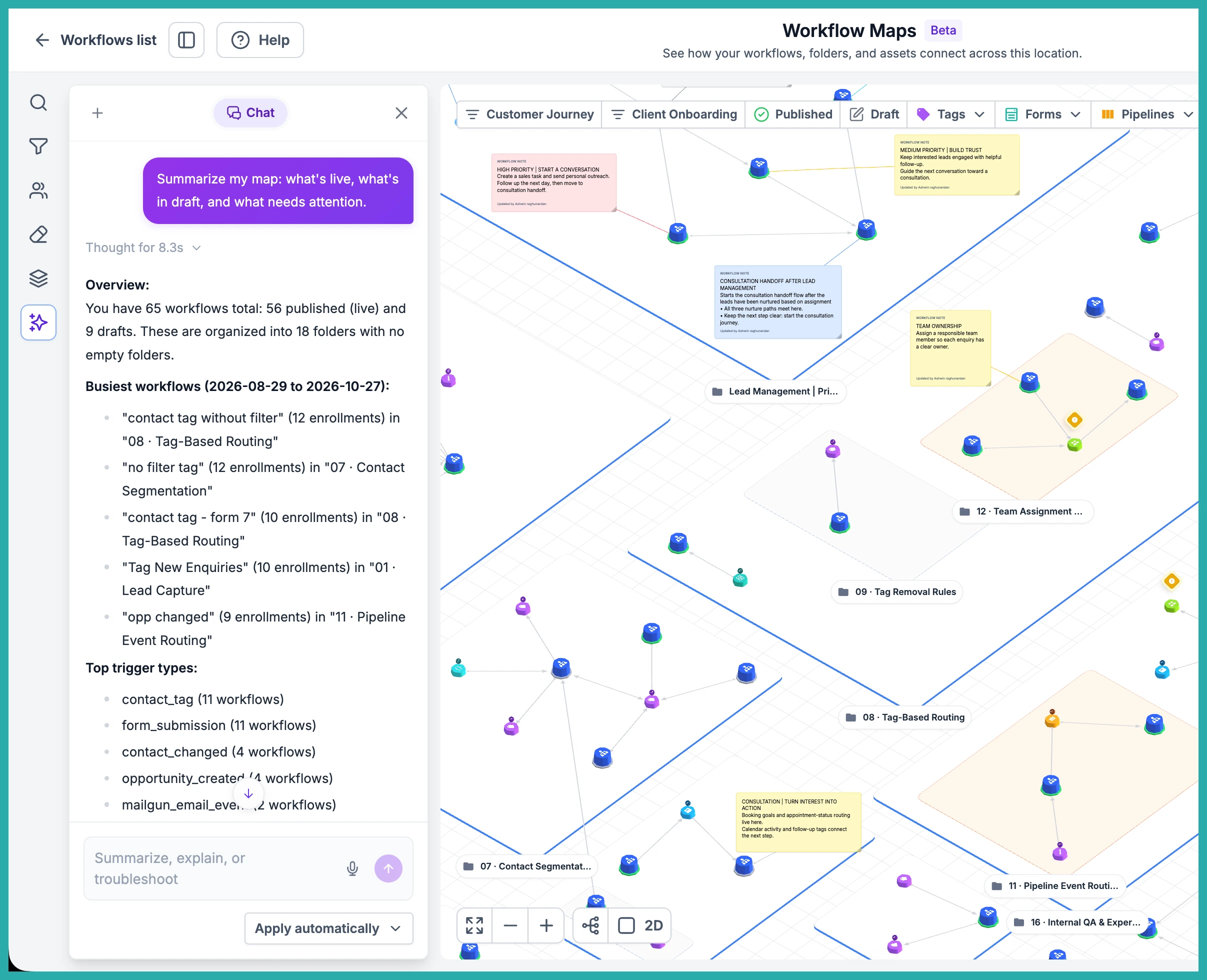
From there, just type what you need. A few examples to get you going:
- "Explain what this workflow does."
- "Show only drafts in the Sales folder."
- "Create a welcome email and SMS workflow."
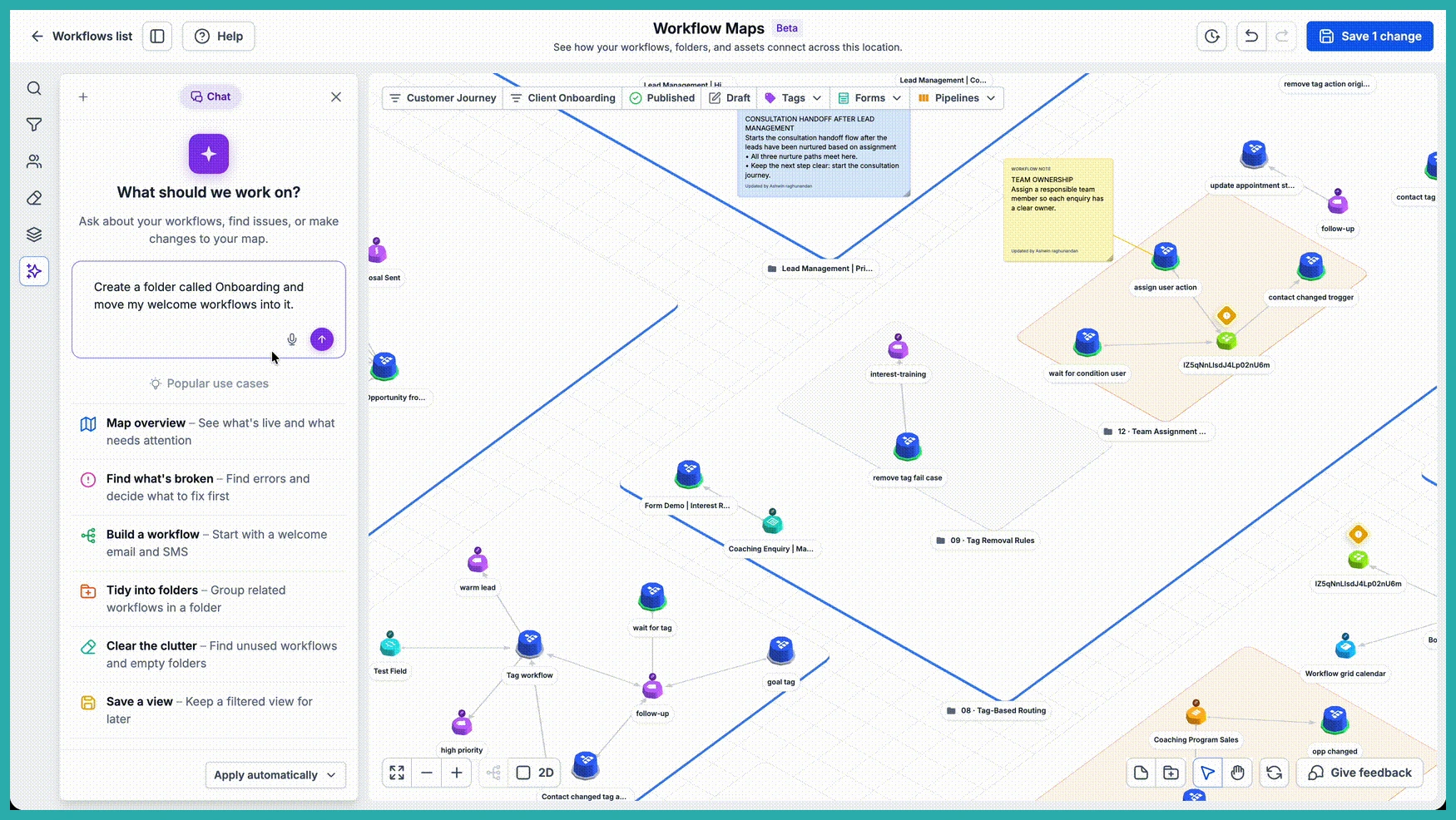
- "Move these workflows into an Onboarding folder."
When you ask it to build or change something, those jobs will run in the background so you can carry on. Anything it proposes will come with approval controls, so you review the plan and decide how it's applied before it happens.
A few things worth knowing
- The assistant will only work within your own access permissions.
- Bigger actions like deleting or rearranging the whole map will always need your confirmation, even if automatic approval is switched on.
- Saved views will remember your filters, but not the map's zoom, position, or layout.
Once it arrives, the next time an automation has you scratching your head, open the assistant and just ask. It'll be a much gentler way to stay on top of your account.
