
Custom Values in Workflows Now Show as Chips, With a Quick Slash Shortcut to Add Them
If you've ever built a workflow message with a first name or a booking date dropped into the text, you'll know the fiddly part. Those custom values blend right in with everything else, so it's hard to tell what's a real dynamic value and what's just plain typing.
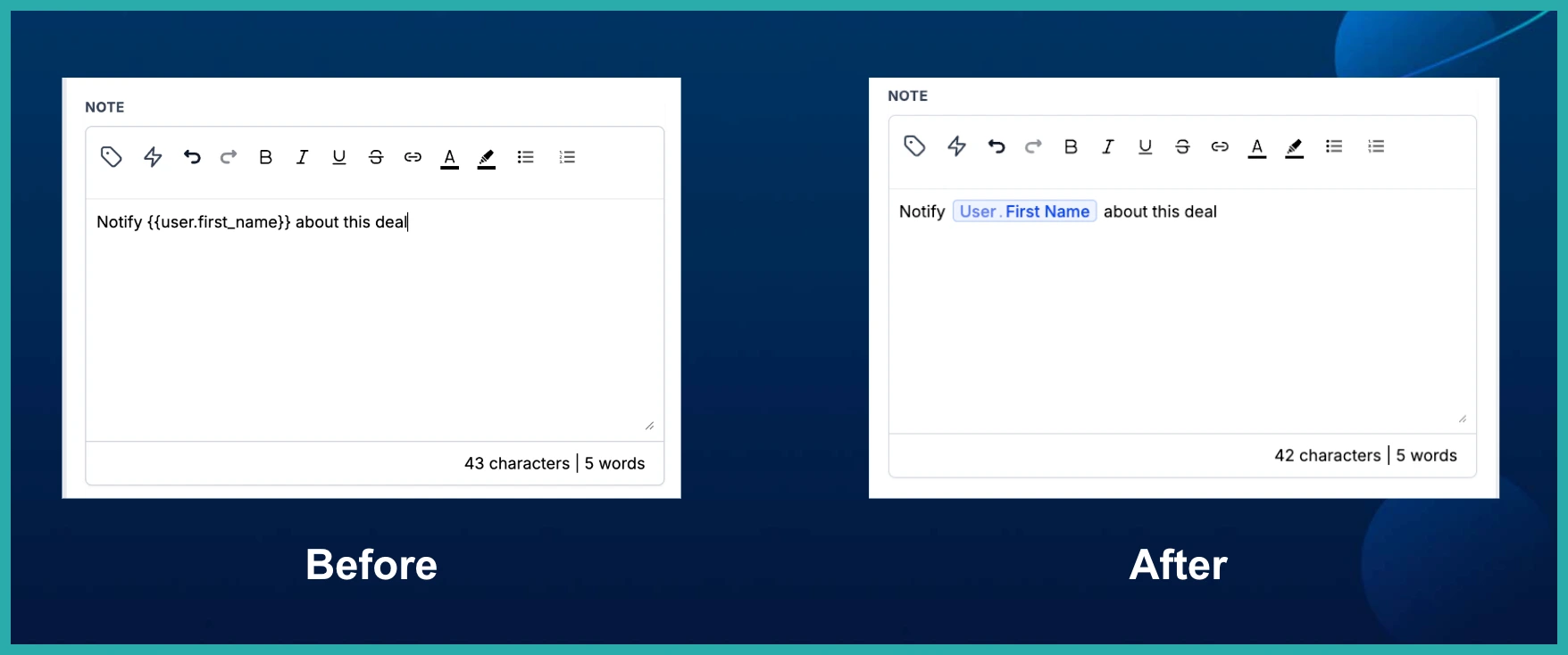
That's now sorted. Custom values inside your workflow text fields show up as chips, so they stand out clearly from the rest of your message.
What landed
This is a visual change only. Nothing about how your existing custom values work has changed, and they'll still fill in exactly as they always have when a workflow runs. What's different is how they look while you're editing.
In the screenshot below, you'll see a custom value sitting inside a message as a neat chip, separate from the static text around it. No more squinting to work out which bit is dynamic.
Adding a value with the slash shortcut
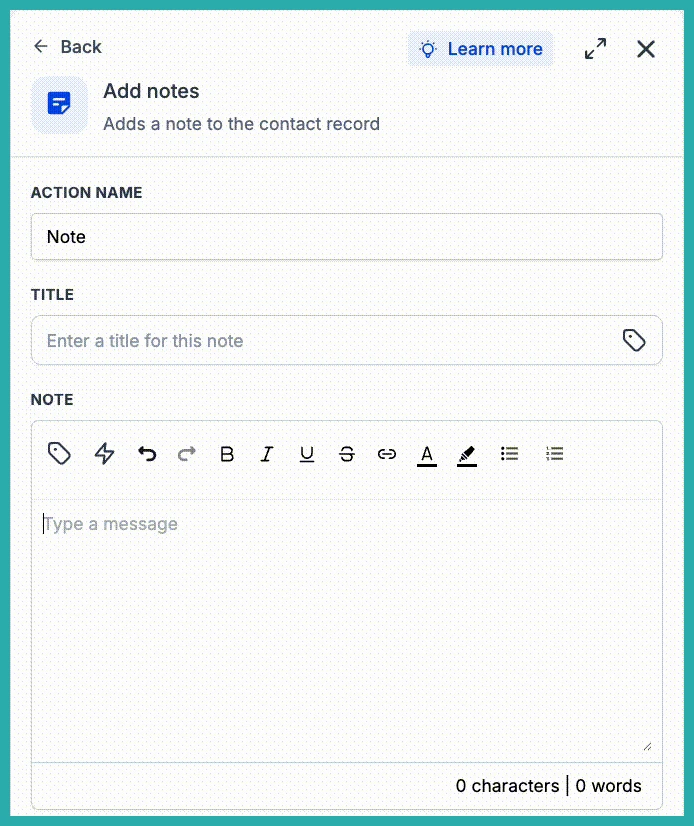
Here's the part that saves you time. Type a forward slash ( / ) anywhere inside a workflow text field and a search box pops up. Start typing the name of the value you want, pick it from the list, and it drops straight in as a chip.
No hunting through menus, no copying and pasting from somewhere else. Just slash, search, done.
Swapping a value in place
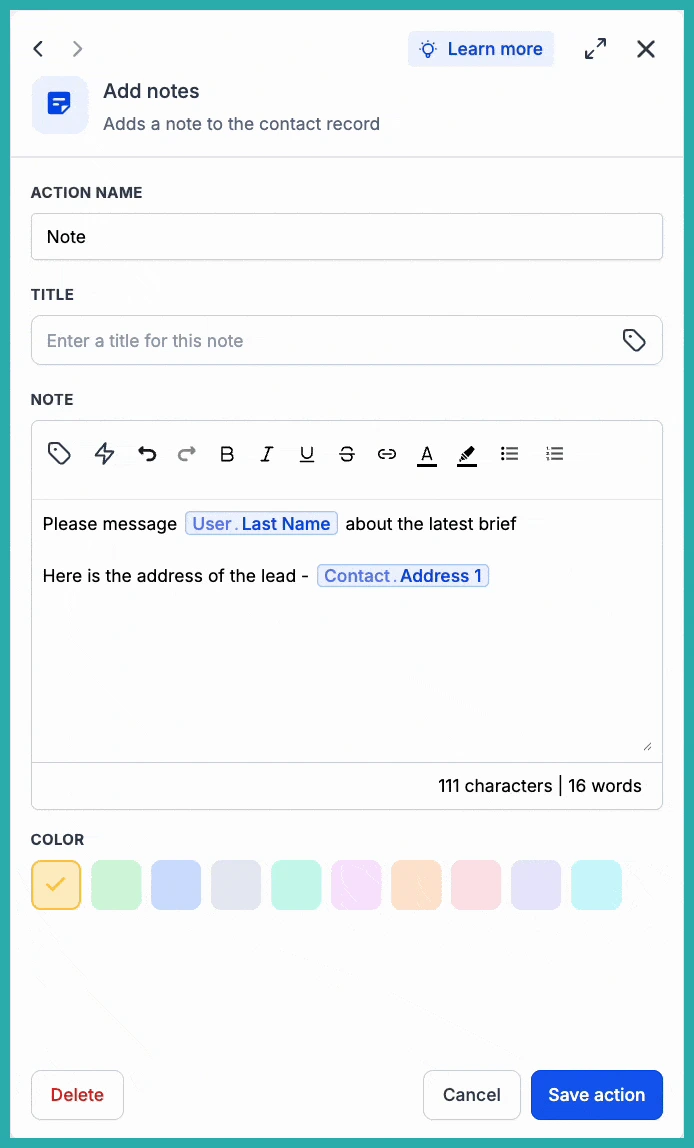
Changed your mind about which value belongs there? Click the chip and you can replace it with a different custom value in the exact same spot. The surrounding text stays put.
Spotting the ones that no longer work
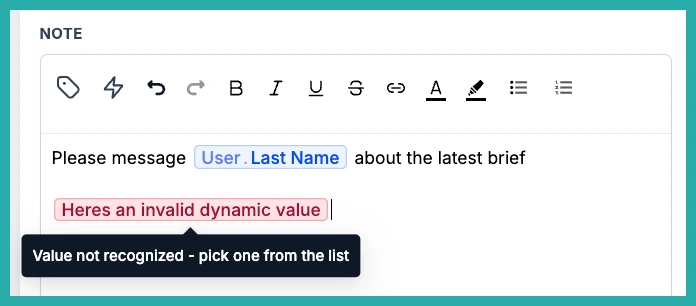
This is my favourite bit. If a value is stale or the system doesn't recognise it anymore, it shows up in red. So instead of a broken message going out with a blank where a name should be, you can see at a glance which value needs fixing.
When you spot a red one, just click it and choose a valid value from the list to replace it.
Nothing you've already built needs touching, and your workflows will keep running exactly as before. This just makes editing them clearer and quicker. Next time you're in a workflow message, try the slash shortcut - it's a small habit that'll save you a lot of scrolling.
