
Your WhatsApp Templates Just Got Easier to Find, Sort, and Organise
If you use WhatsApp templates a lot, you already know how fast that library turns into a mess. Dozens of templates, no easy way to find the one you want, and folders that were really just labels.
That's had a proper rebuild. Finding, sorting, and moving templates is now fast and predictable, and it all looks a lot cleaner too.
Refresh without losing your spot
There's a new refresh button that updates just your templates and folders in place. So when you're waiting on a fresh approval status from Meta, you can pull the latest without reloading the whole page and losing where you were.
Small thing, but it saves you scrolling back to find your place every time.
Folders that actually work like folders
Folders behave like real directories now. Open one and you work inside it, rather than treating it as a flat tag.
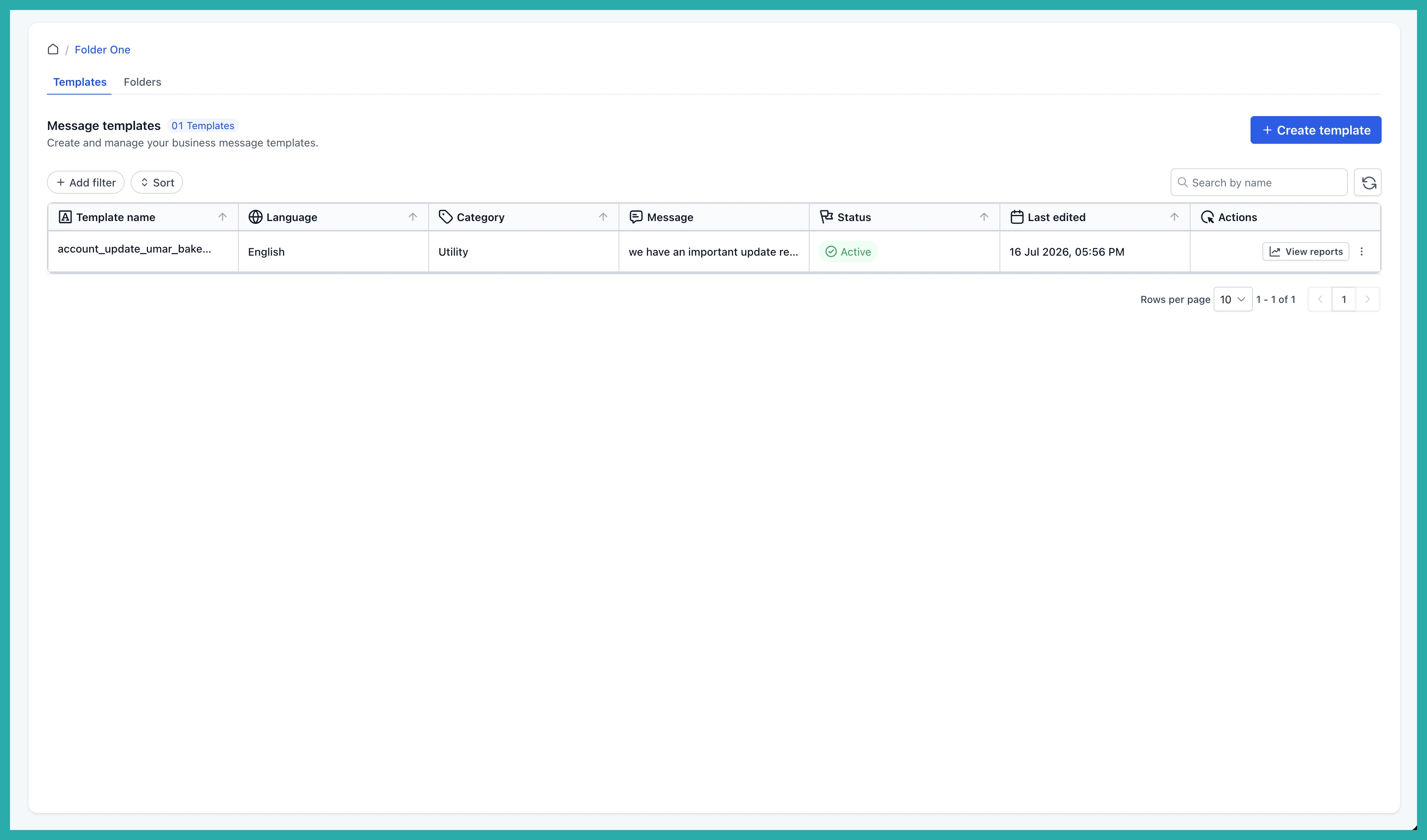
Inside a folder, the Templates tab shows only that folder's templates, and the Folders tab shows only its subfolders. Nesting your templates finally makes sense.
The templates list also shows you where each template lives, so you always know how things are organised at a glance.
Filter and sort to find things fast
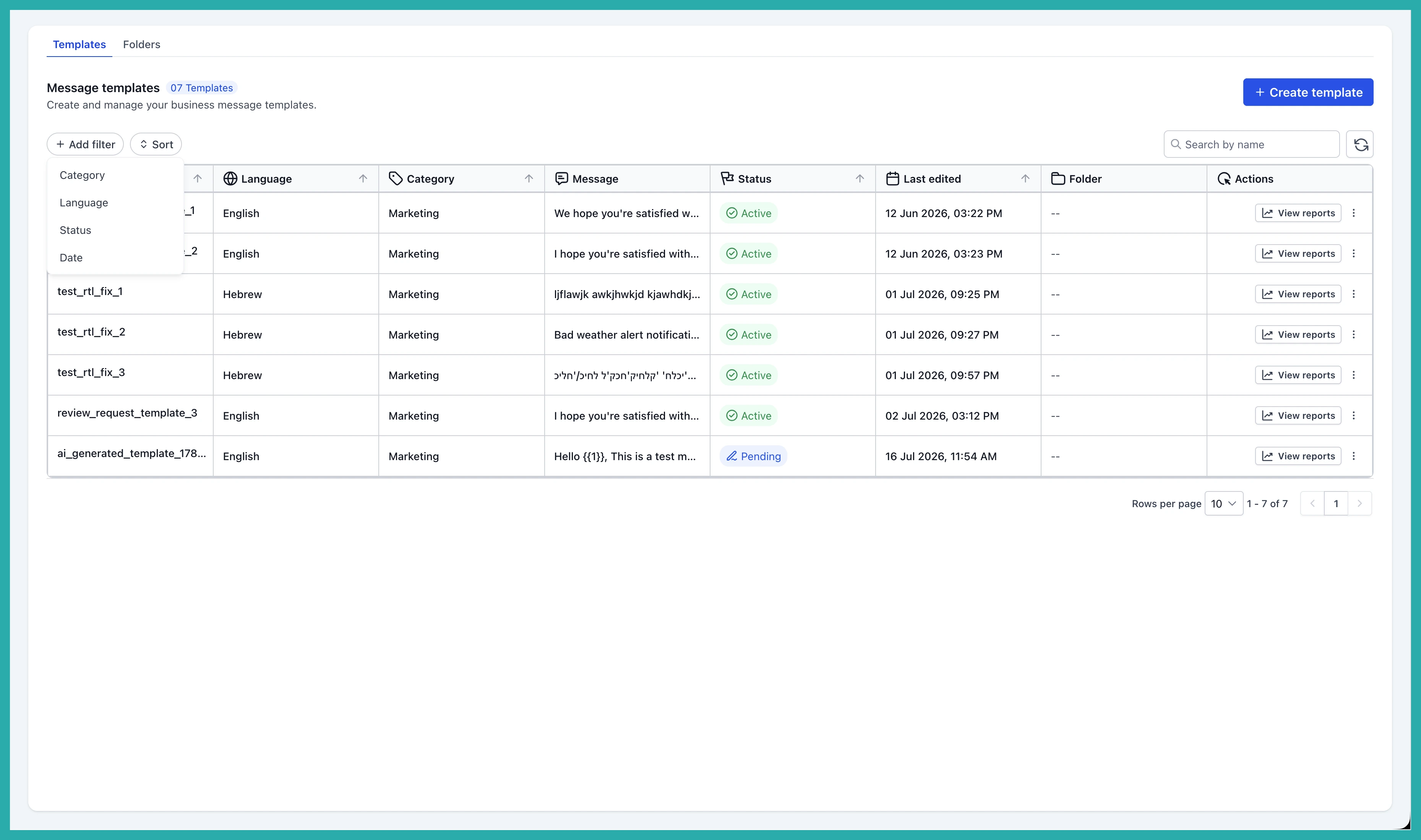
This is the big one for anyone with a large library. You can now narrow the list by Status, Language, Last edited, and Category.
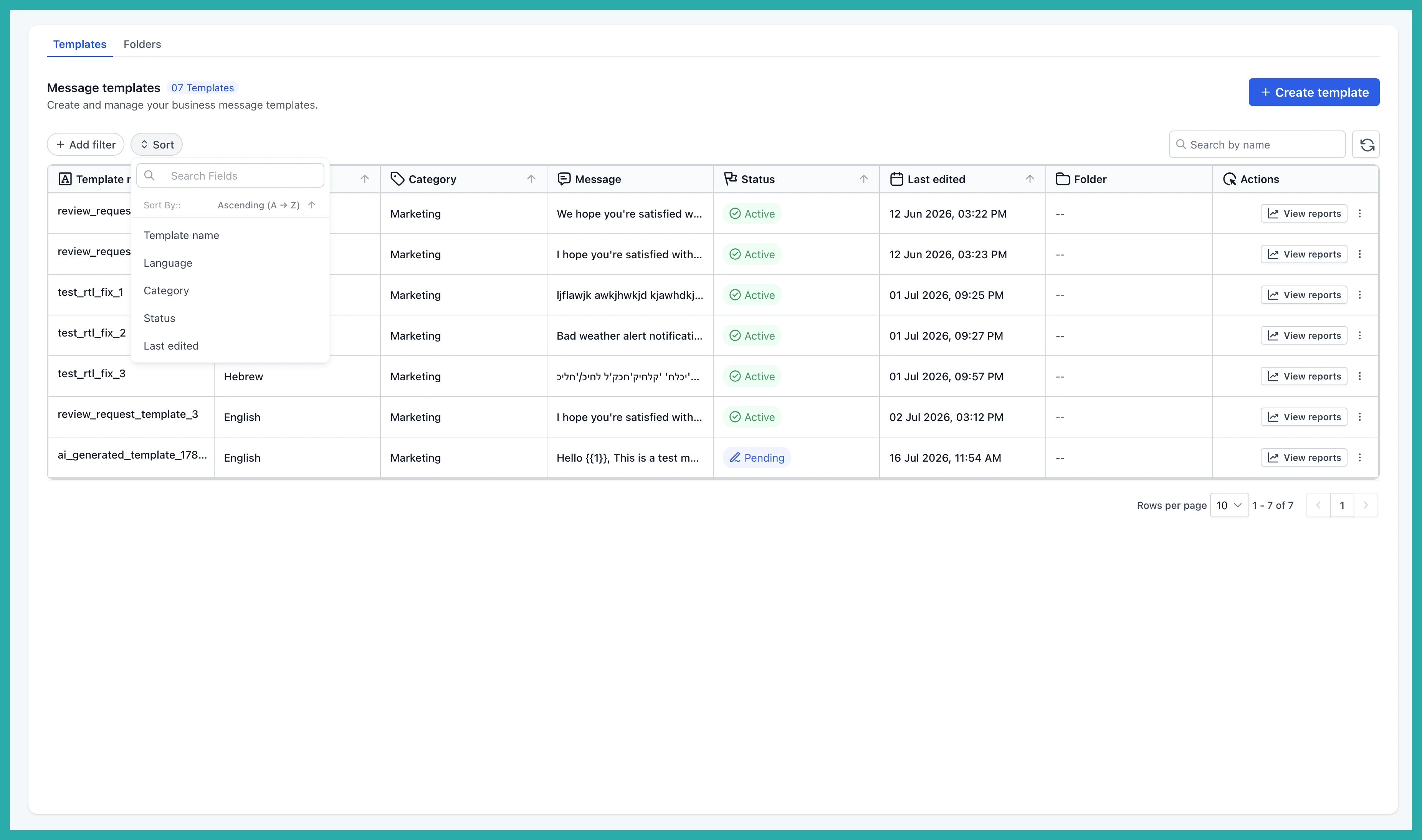
You can also sort by Template name, Language, Category, Last edited, or Status. So instead of scrolling forever, you point the list at exactly what you're looking for.
Reorganise however you need
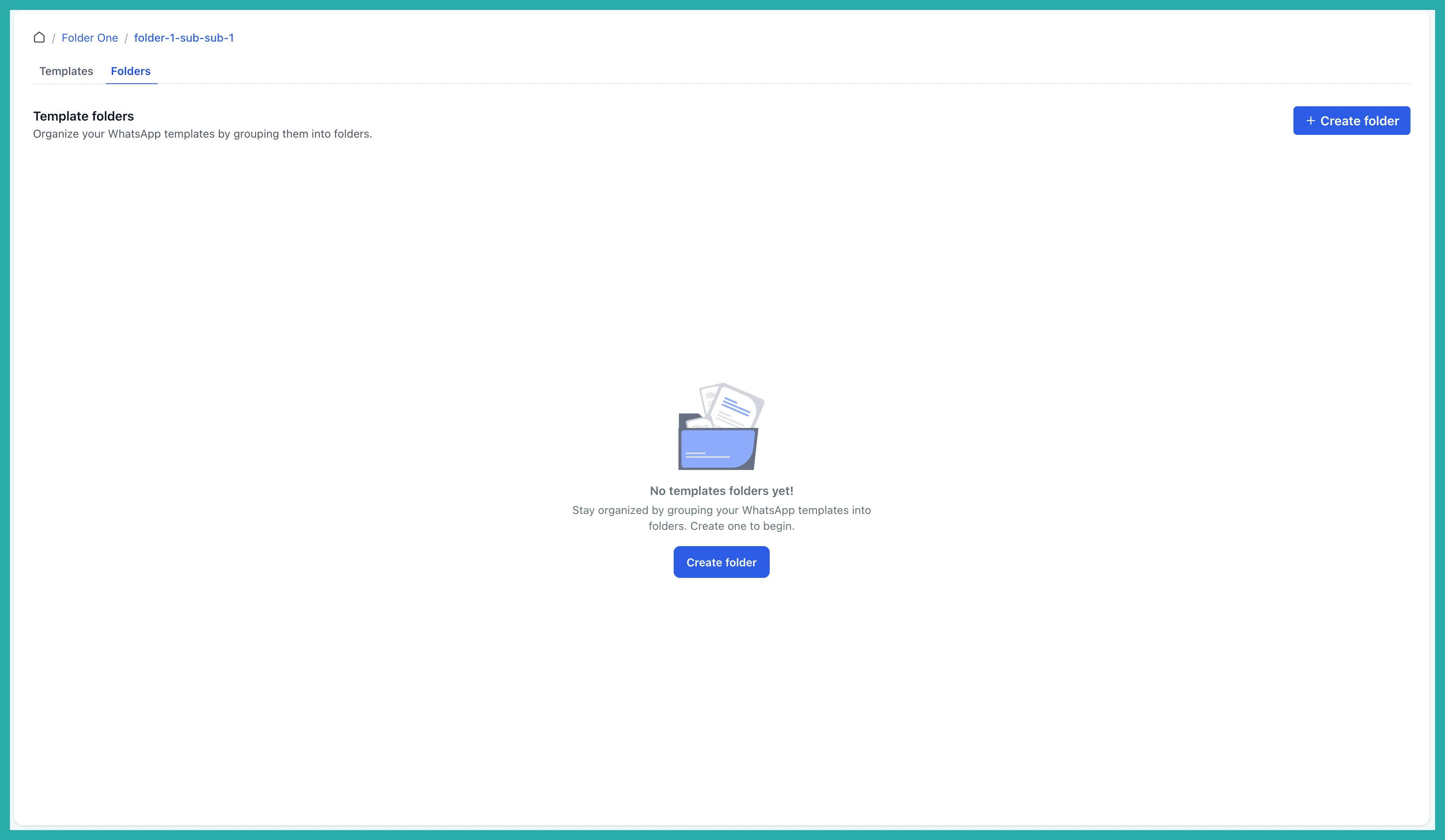
Your setup can grow with you. Nest a folder inside another, pull a folder back out to a parent level, or move templates between folders.
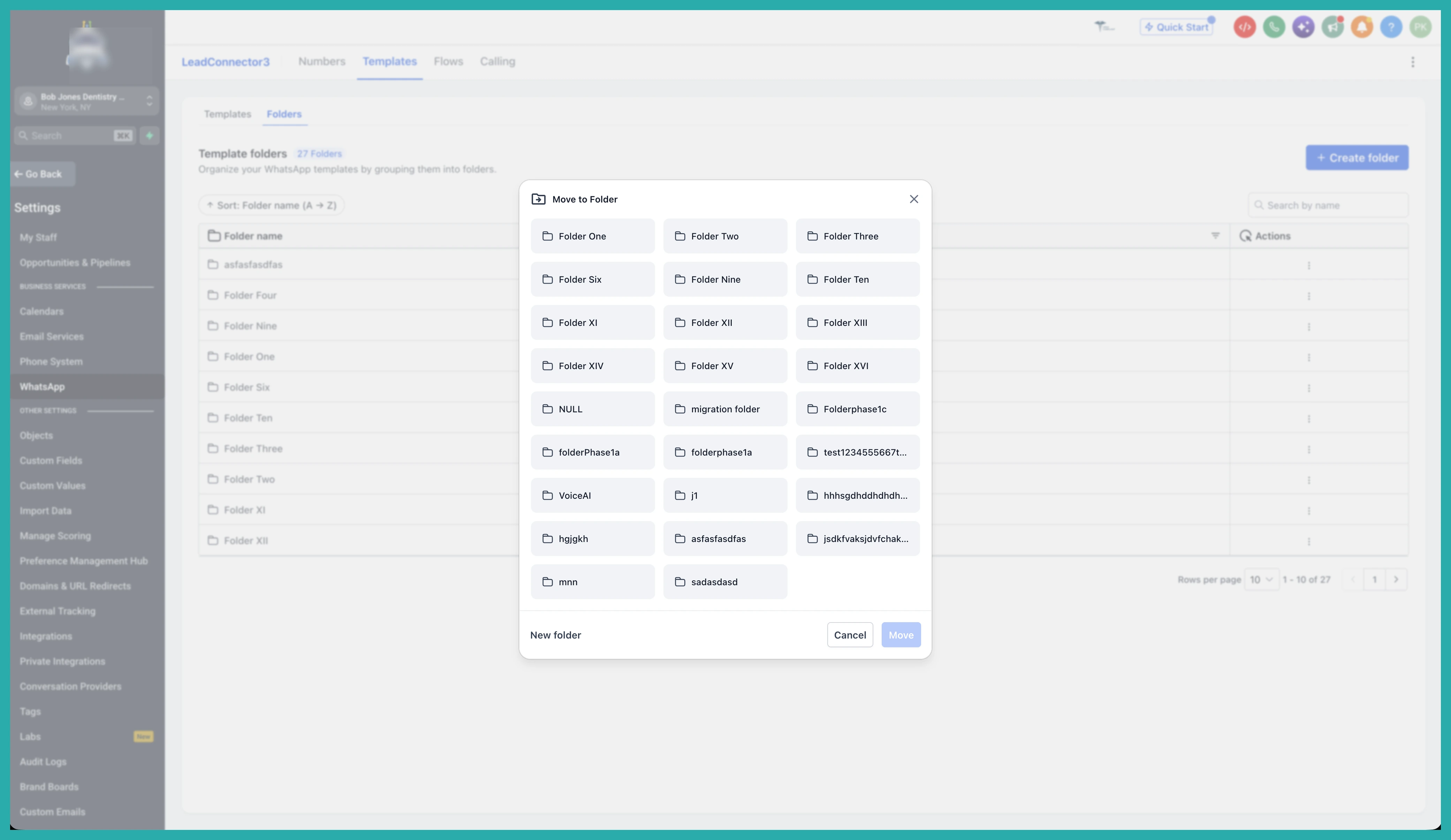
Restructure the whole library to match how you actually work, without redoing anything.
How to try it
- Go to your WhatsApp Templates.
- Use the new filters or sorting to find a template.
- Open a folder to work inside it, or move a folder or template to a new spot.
- Hit the refresh button any time to pull the latest state in place.
Have a go at filtering, sorting, or moving a folder. The new structure shows up straight away, and your template library will feel a lot calmer for it.
