
Test Your Workflows Step by Step Before You Go Live
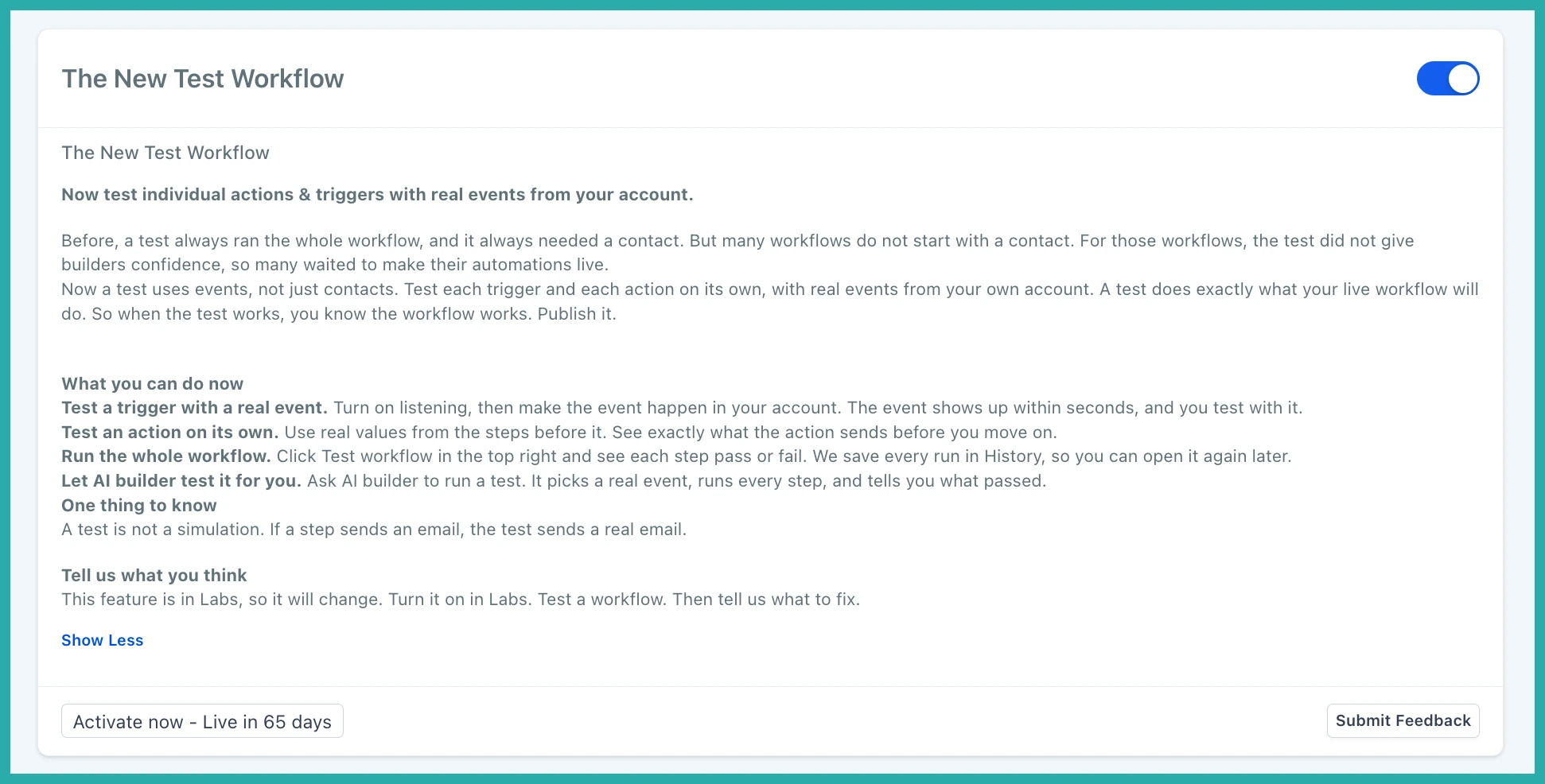
A quick heads-up: this one's in Labs
It's an early feature you turn on yourself in Settings > Labs inside your account. It works, but it's still in development - the documentation and support is limited and not everything will behave perfectly yet.
If you like getting your hands on new things early, switch it on and have a play. If you'd rather wait for the finished, fully-supported version, leave it off and we'll let you know when it lands.
You build a workflow, publish it, and cross your fingers. Then you dig through logs later to find out whether it actually worked.
That guessing game is over. You can now test a single trigger, test a single action, or run the whole workflow step by step with real events from your own account - and watch each step pass or fail as it happens.
One honest warning before you start
Every test runs the real steps. Messages get sent. Records get created or changed. So test with your own details, or a test form entry, when you don't want to reach a real customer.
Test a trigger with a real event
Open your workflow from Automation, then Workflows. Click the trigger and open its Test tab, then choose Test using events.
Turn on Listen for events, then go and fire the trigger once - for example, submit the form yourself. Within seconds, the real event shows up.
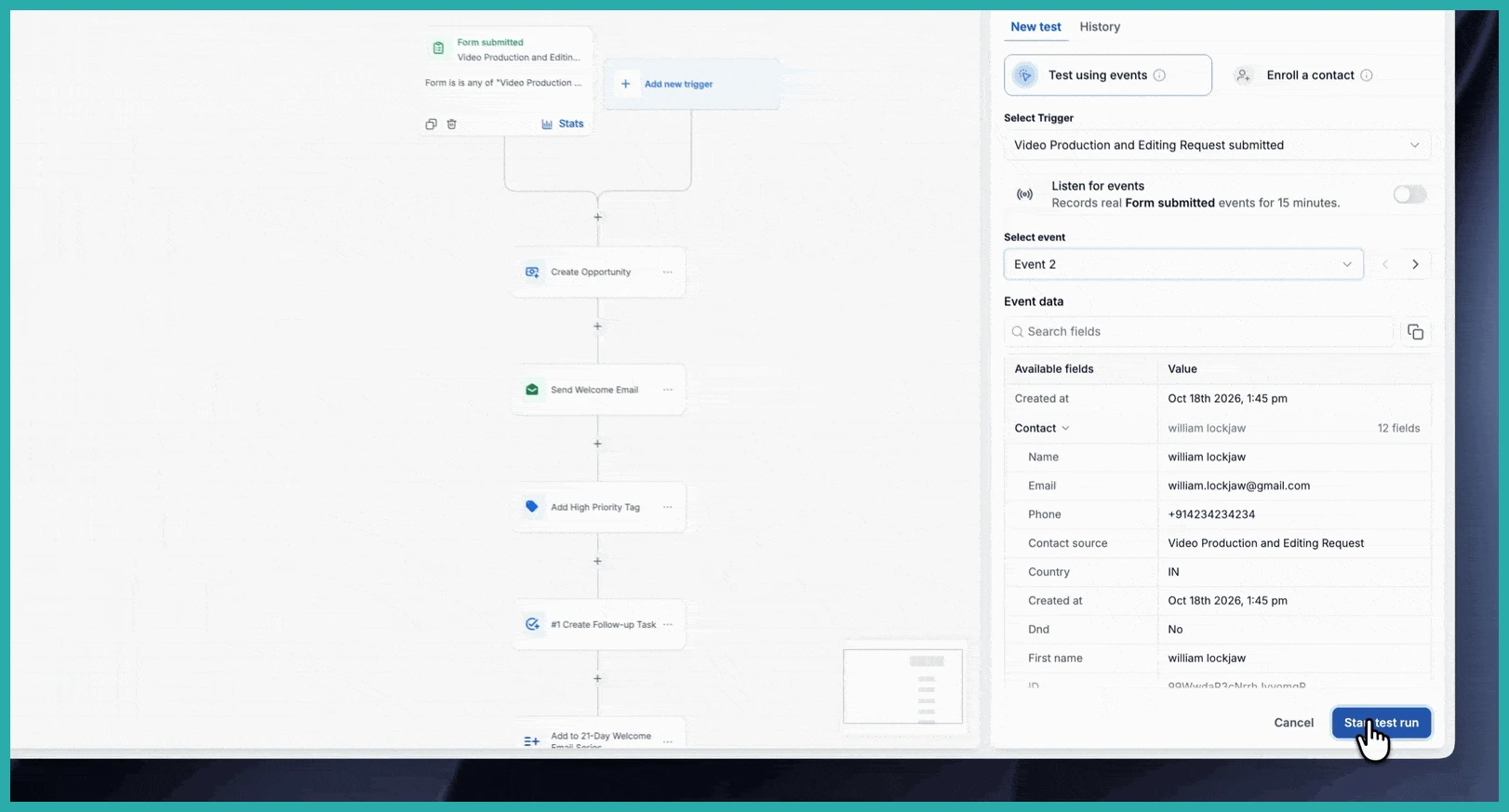
Select the event and click Test Trigger. That event gets pinned, so every action below the trigger is tested using that same real data.
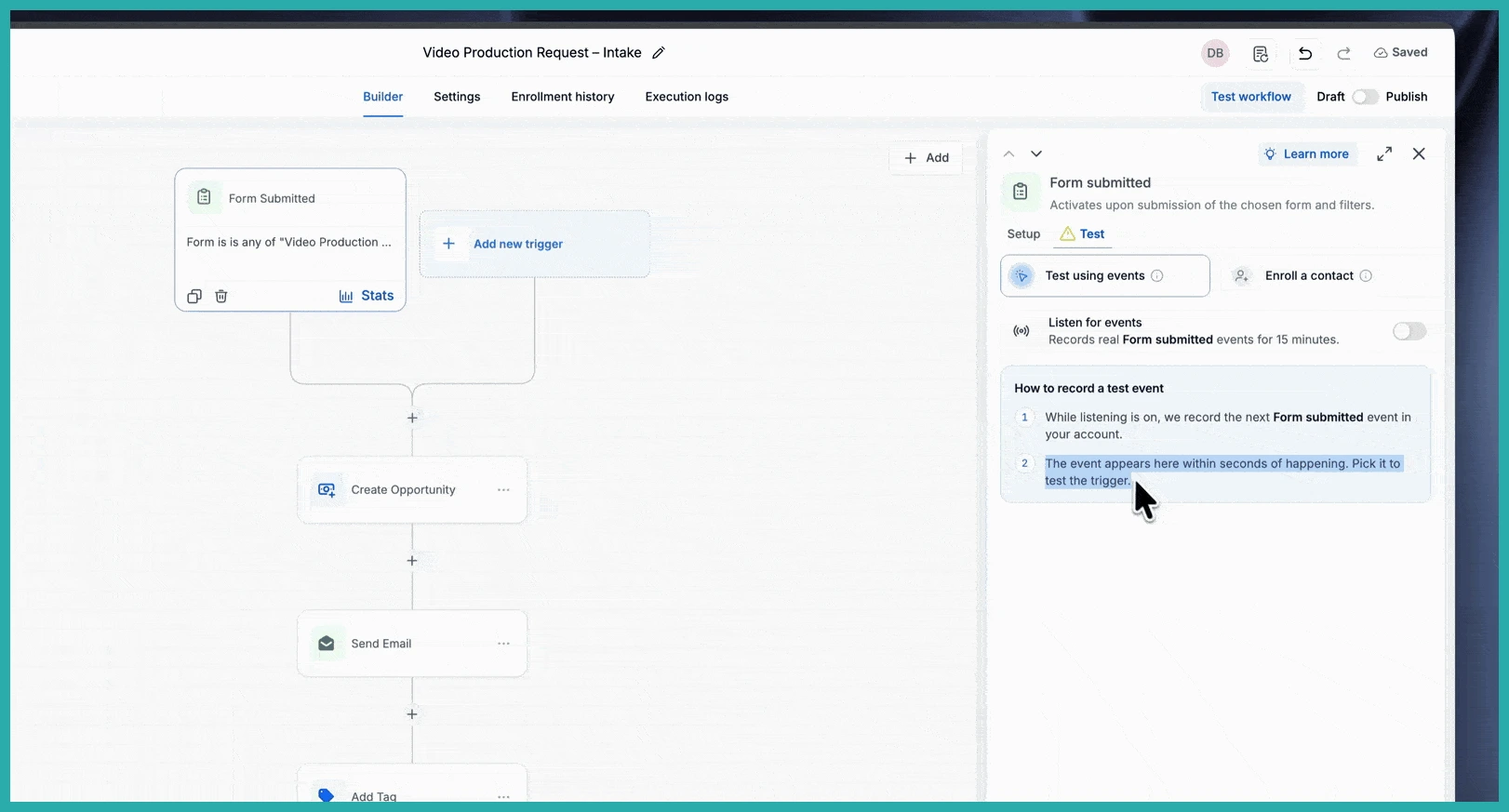
This is the big change. The old test ran the whole workflow on a contact, which was no help when your trigger or actions had nothing to do with a contact. Now testing is based on the actual event.
Test one action at a time
Click any action and open its Test tab. You'll see its Input, built from the event you just pinned. Click Test action.
The Output shows you exactly what came back - the message, a new record's ID, whatever that step produced. Those fields are then available to later steps. This part is optional, but it's handy for checking a tricky step on its own.
Run the whole workflow and watch it live
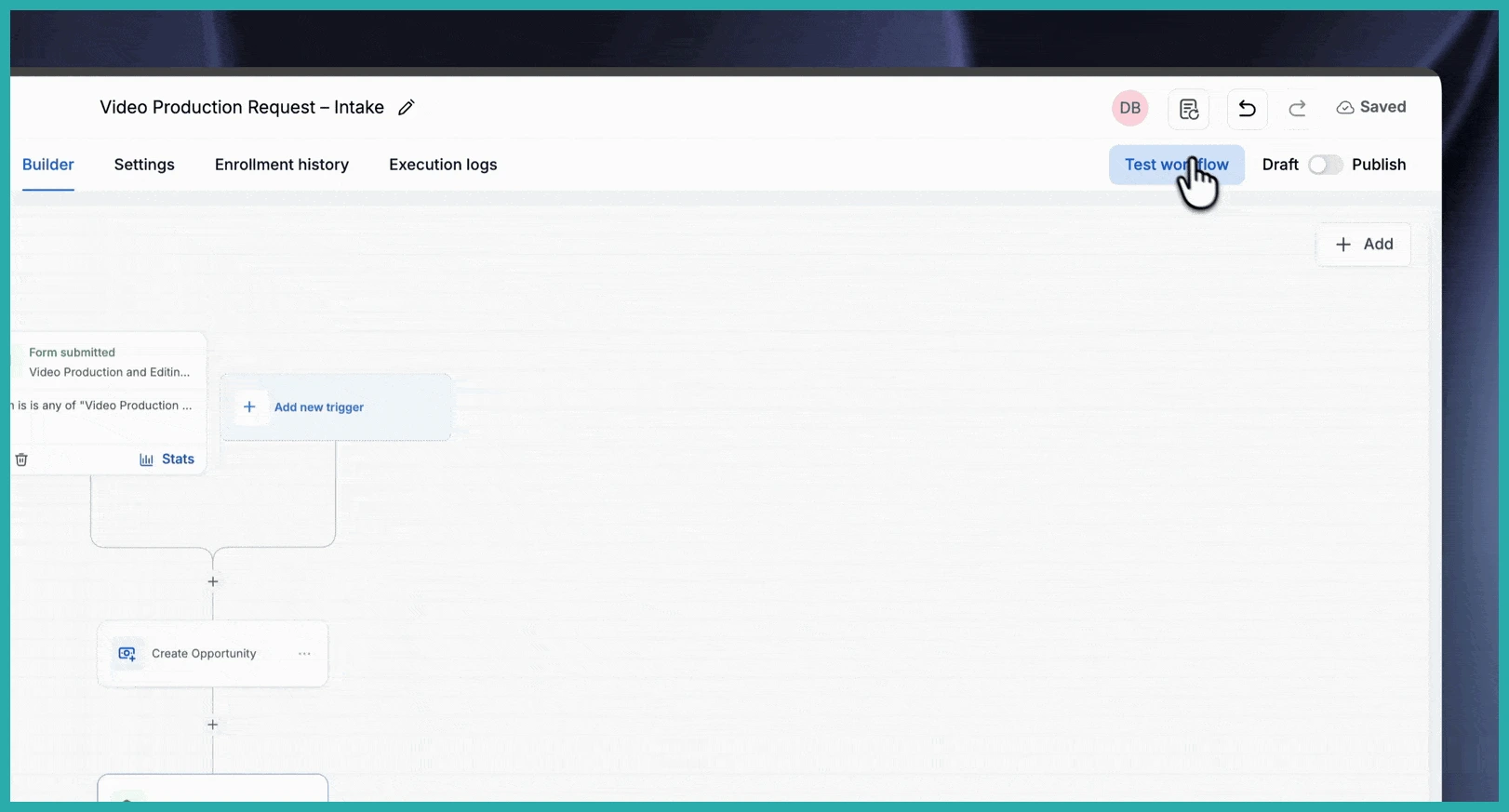
Click Test workflow, pick the trigger and the event, then click Start test run.
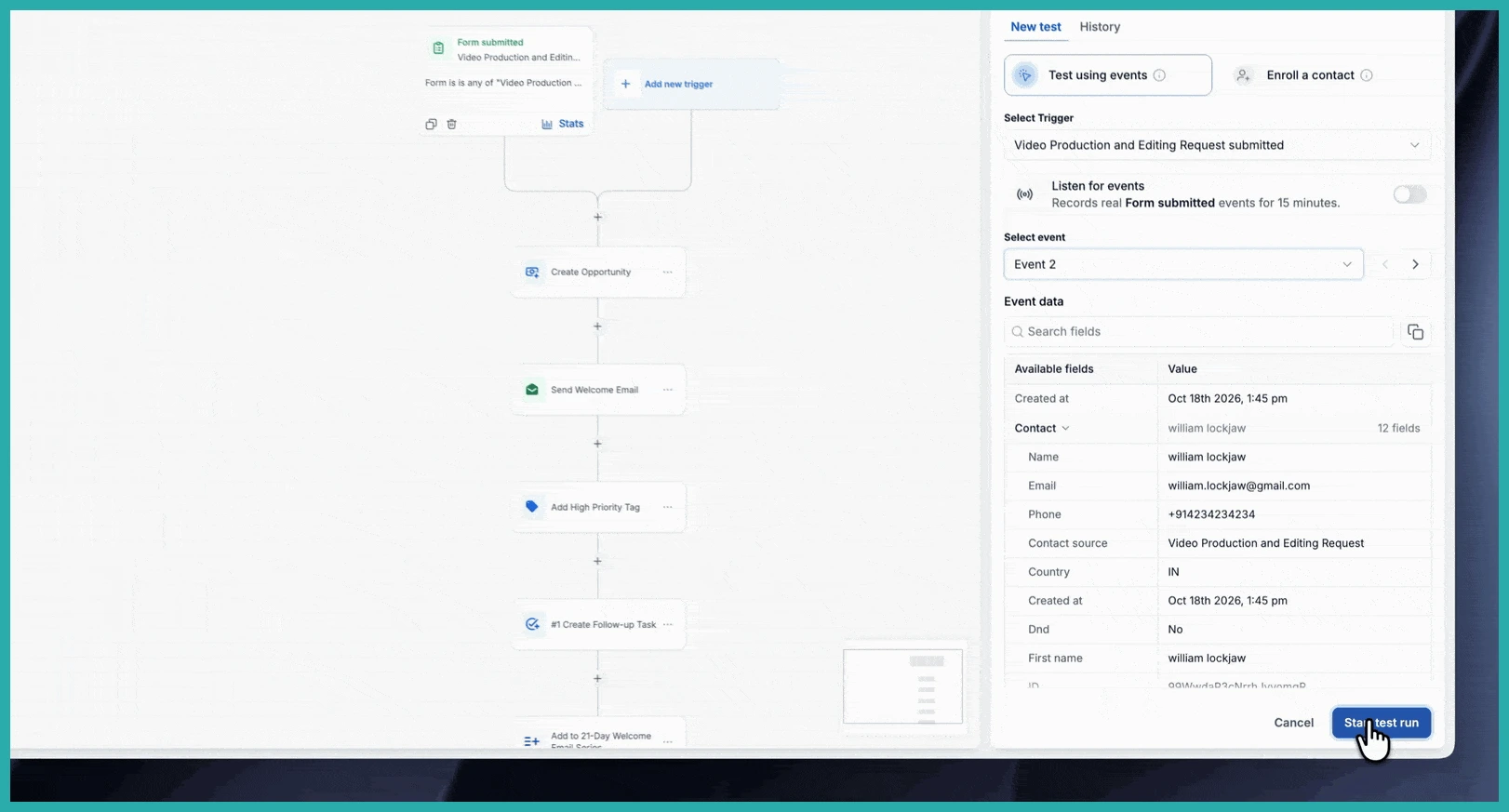
Each step on the canvas tells you Success, Failed or Skipped as it finishes. Click any step to open its Input and Output and see exactly what happened.
History and Retry run
The History tab keeps every test run, with filters for All, Success, Failed and Skipped. Spot a step that failed, fix it, then hit Retry run to repeat the test with the same trigger data and the same configuration.
Fix a step, retry, done. No rebuilding, no re-firing your form each time.
A few things worth knowing
- Listening lasts 15 minutes. If your event doesn't arrive in time, just turn it on again.
- Test the trigger before you test an action - an action test uses the event your trigger test pinned.
- Testing is optional. You can still save and publish without it.
- No real event to fire? Choose Enroll a contact to test using a contact you pick.
When a test works, you know the workflow works. Give it a go on a workflow you've been meaning to check, and publish it knowing every step already ran on real data.
