
Stronger Password Rules Are Now Live Across Your Account
Passwords are one of those things you don't think about until something goes wrong. So here's a heads up before it does.
Your account now enforces stronger password rules at every point where you set or change a password. It's a small change to follow, and it keeps your business and your customer data better protected.
What the new rules are
Any password you set now needs to meet all of these:
- At least 12 characters
- One uppercase letter (A to Z)
- One lowercase letter (a to z)
- One number (0 to 9)
- One special character, like ! @ # or $
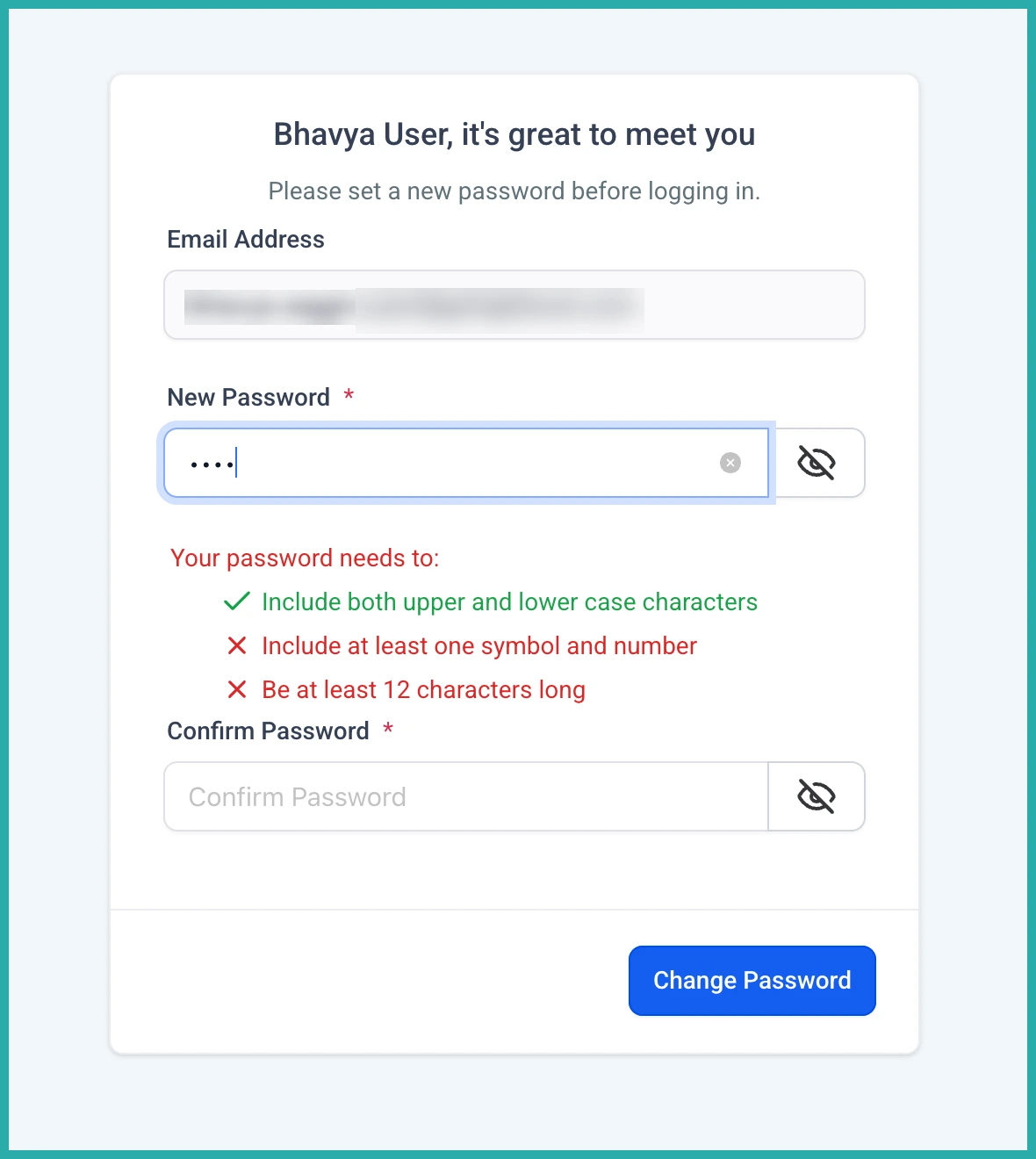
If a password is missing any of those, the system will let you know before it saves, so you're not left guessing what went wrong.
Where you'll see it
These rules now apply across every flow where a password gets set or updated. The first is signing up or activating an account. In the screenshot below, you'll see the requirements laid out as you create your password.
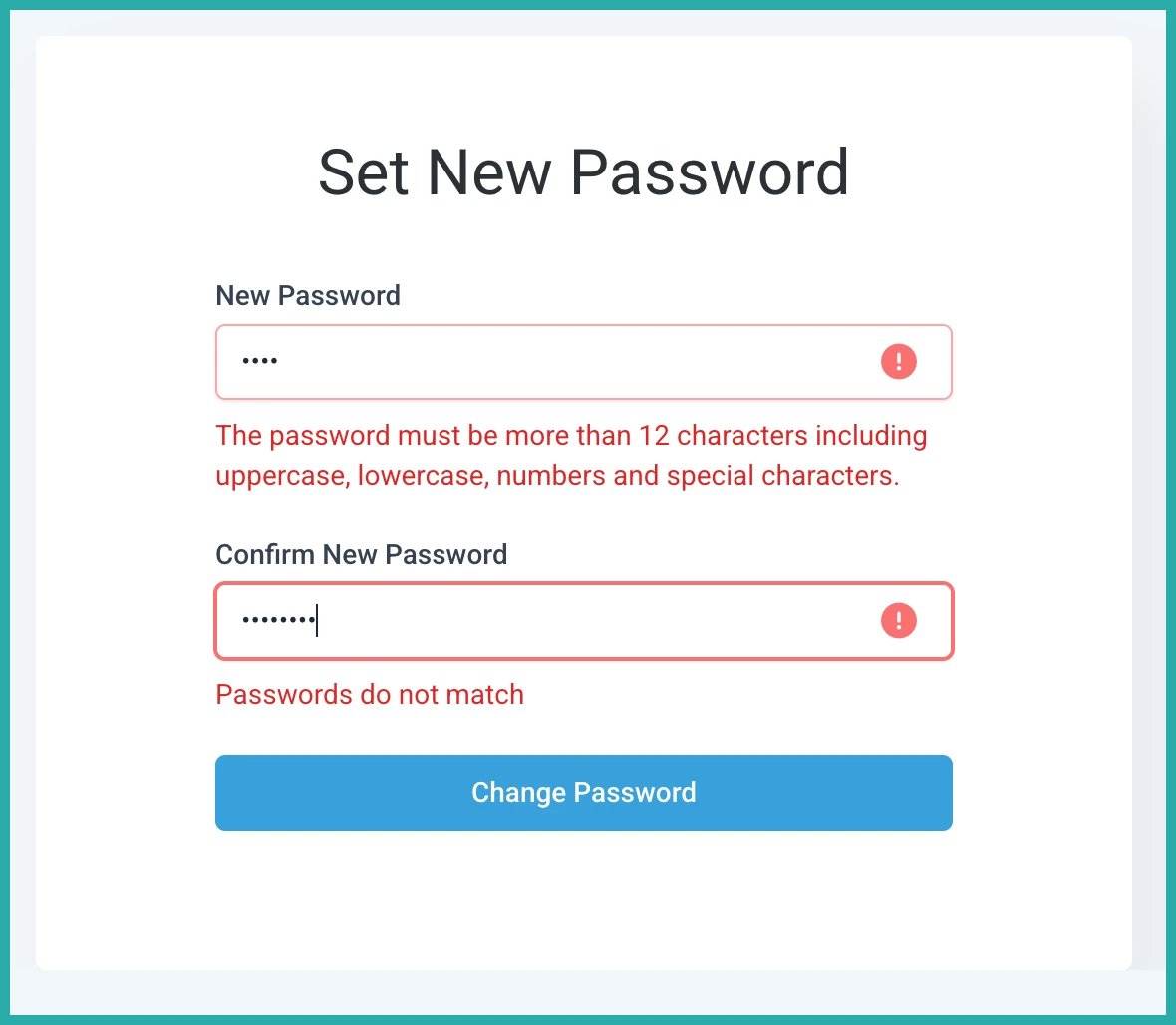
They also apply when you reset a forgotten password. The same checklist appears so you can set something that meets the standard first time.
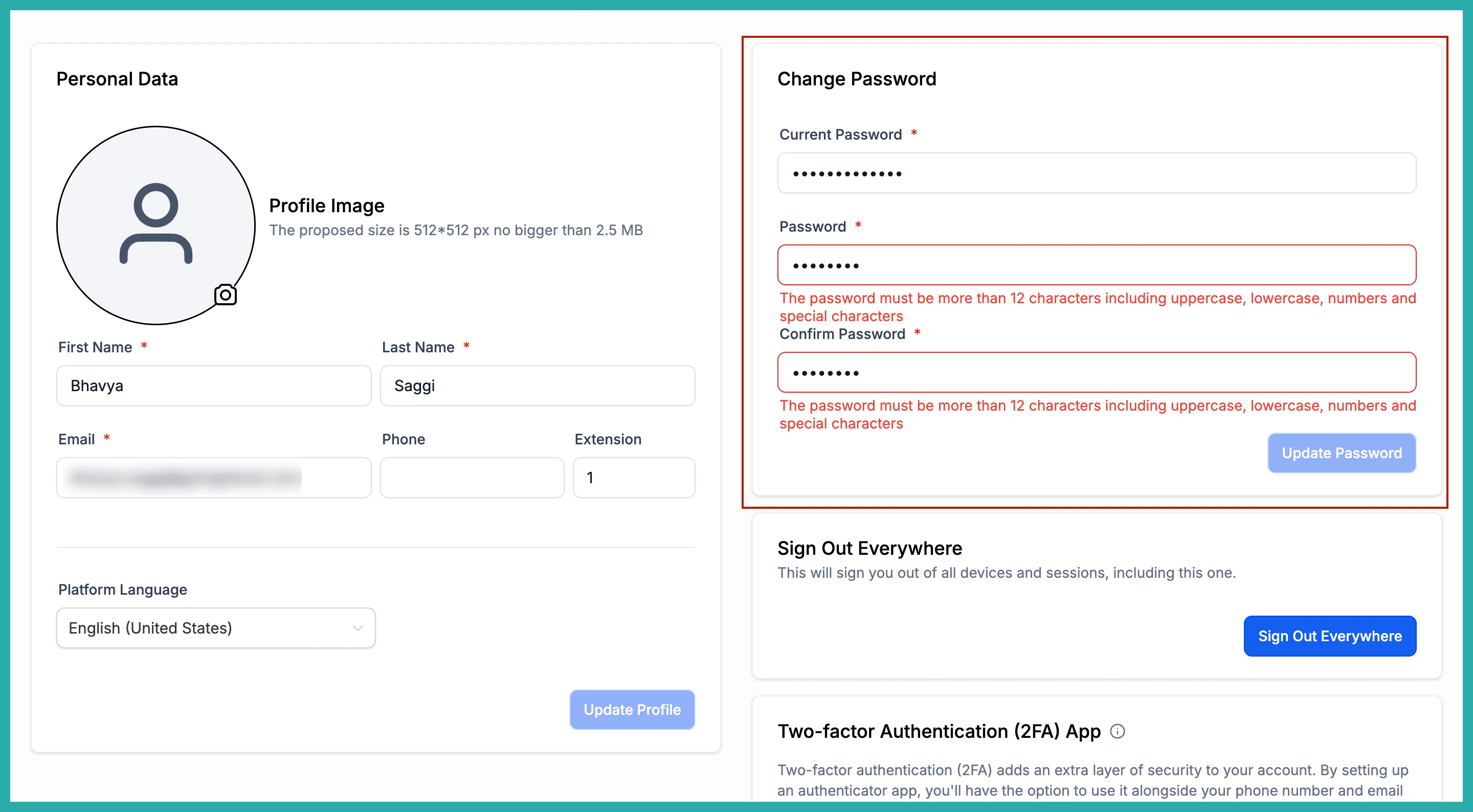
If you update your password from your profile, the rules are right there too.
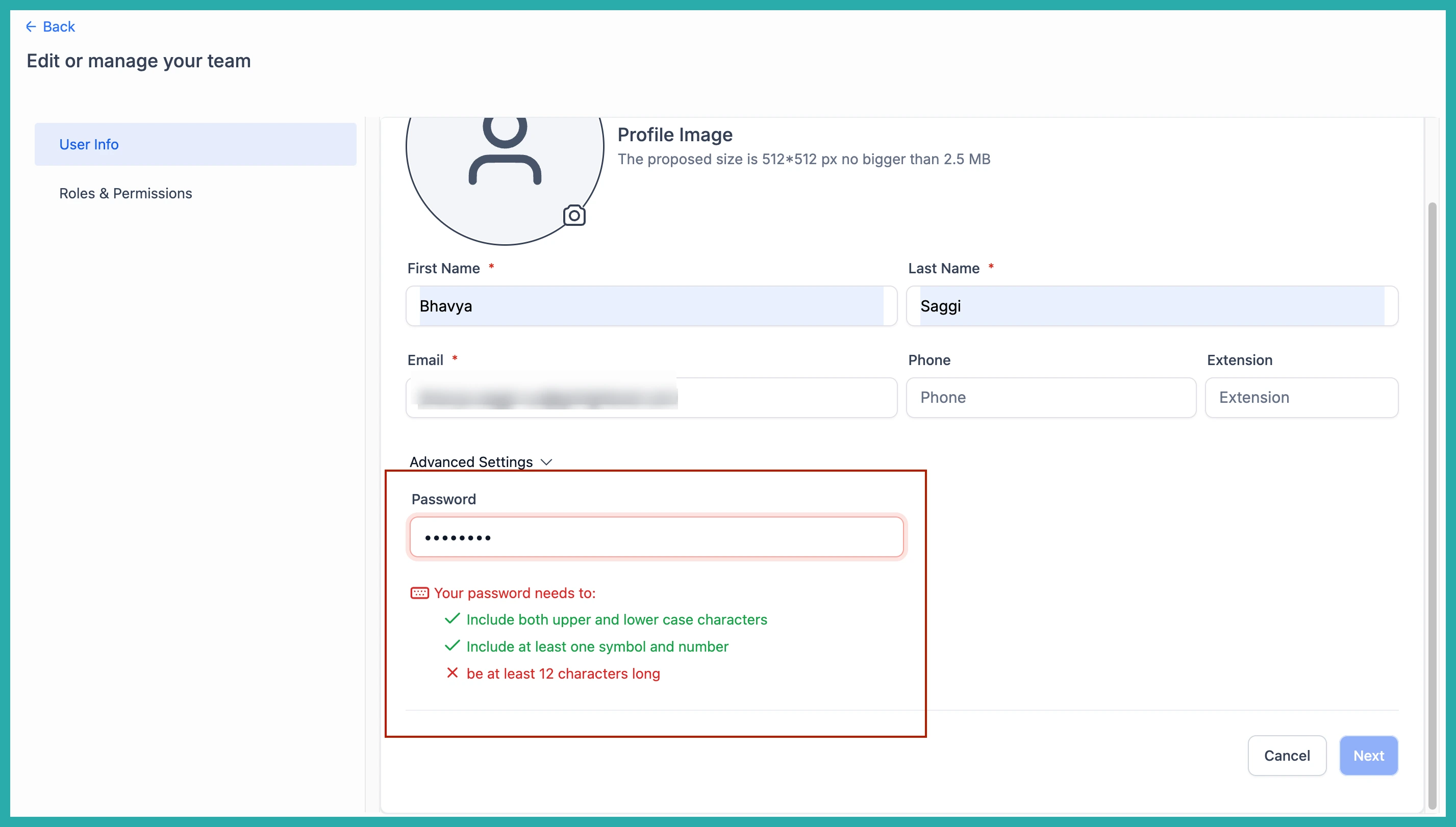
And the same goes when you or a team member edit user info and change a password from there.
When this takes effect
From 4th June 2026, this applies to all new users and to any existing user who changes their password. If you don't change yours, you won't be locked out, but the moment you do, the new rules apply.
If you've got a team, it's worth giving them a quick heads up so nobody's caught off guard mid-reset. A good password manager makes this painless, and it's thirty seconds of setup for peace of mind that lasts.
