
See Your Call Quality Live, and Rate It When You Hang Up
A call starts breaking up and you're left guessing. Is it your Wi-Fi? Your phone? The other person's line? You couldn't tell, and once the call ended there was no simple way to flag that it sounded rough.
Now you can see what's happening while you talk, and tell us how it went the moment you hang up.
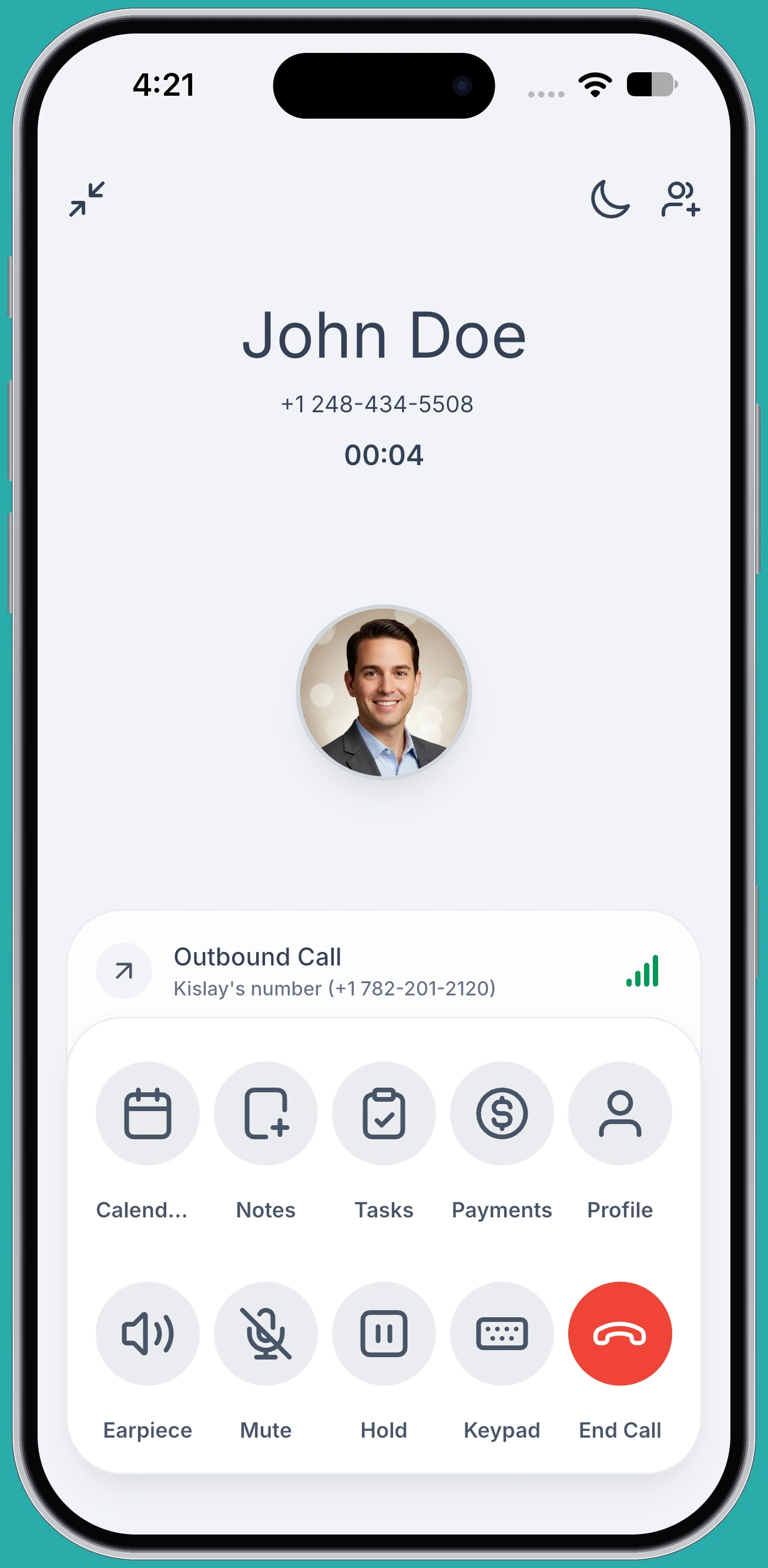
Signal bars on every call
Make or answer a phone call in the app. As soon as it connects, a four-bar indicator appears on the call screen. It turns green, orange, or red as your connection changes, so you can see trouble coming instead of wondering.
Tap the bars for the full picture
Tap the bars to open Connection quality. You'll get a plain-language summary at the top, like "Your connection is good," plus three areas each rated Good, Weak, or Poor.
- Network - your overall connection.
- Device - connection type, Wi-Fi strength, phone temperature, battery saver, and low data mode.
- Audio - your mic, incoming audio, and where the sound is playing.
A tip when the connection slips
If things drop off mid-call, you'll get one tip that fits the situation - move closer to your router, switch to Wi-Fi, check you're online, turn off battery saver, and so on. One clear suggestion, not a wall of settings.
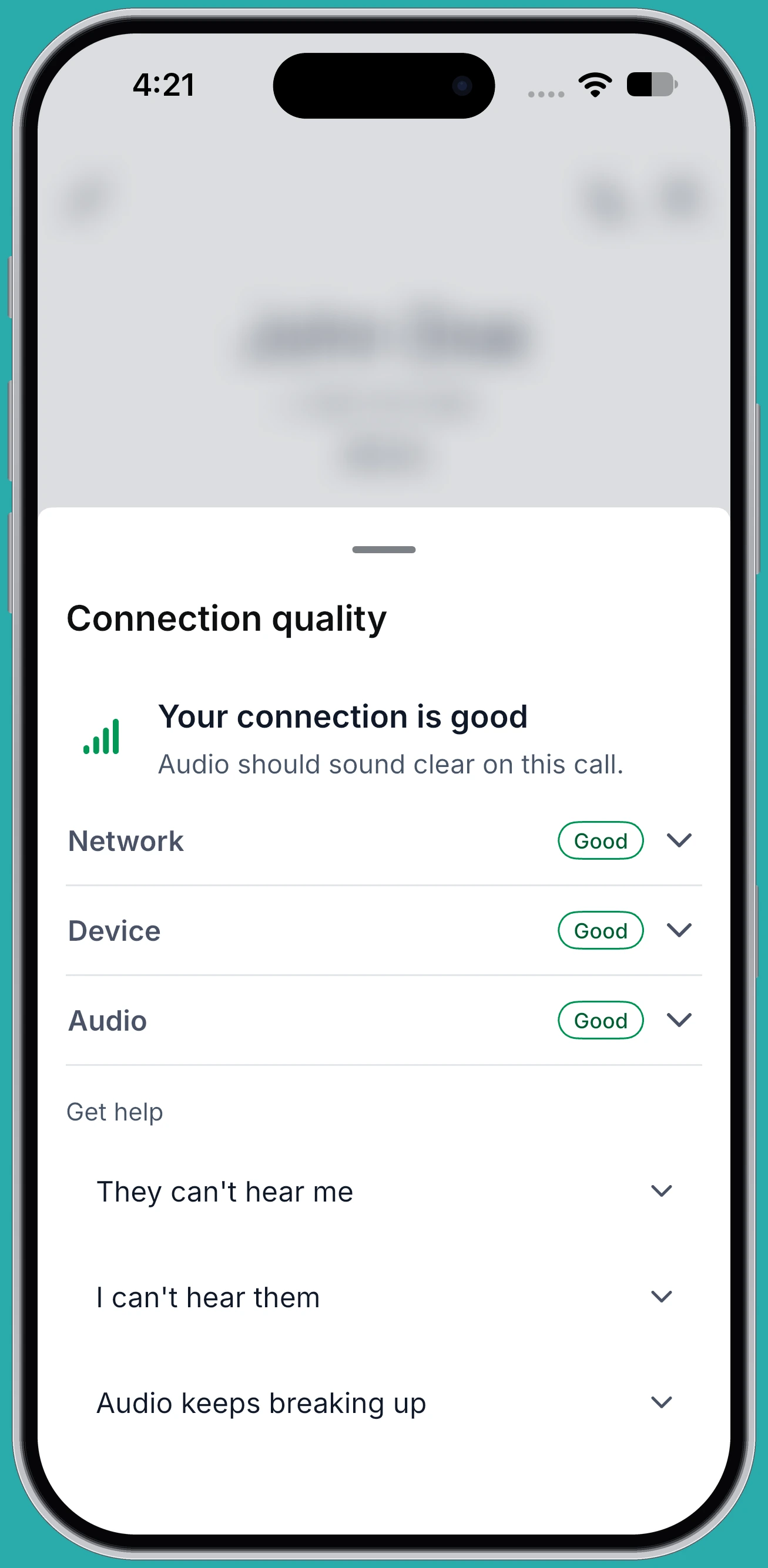
Under Get help you'll also find quick answers for the usual culprits: "They can't hear me," "I can't hear them," and "Audio keeps breaking up."
Rate the call when you're done
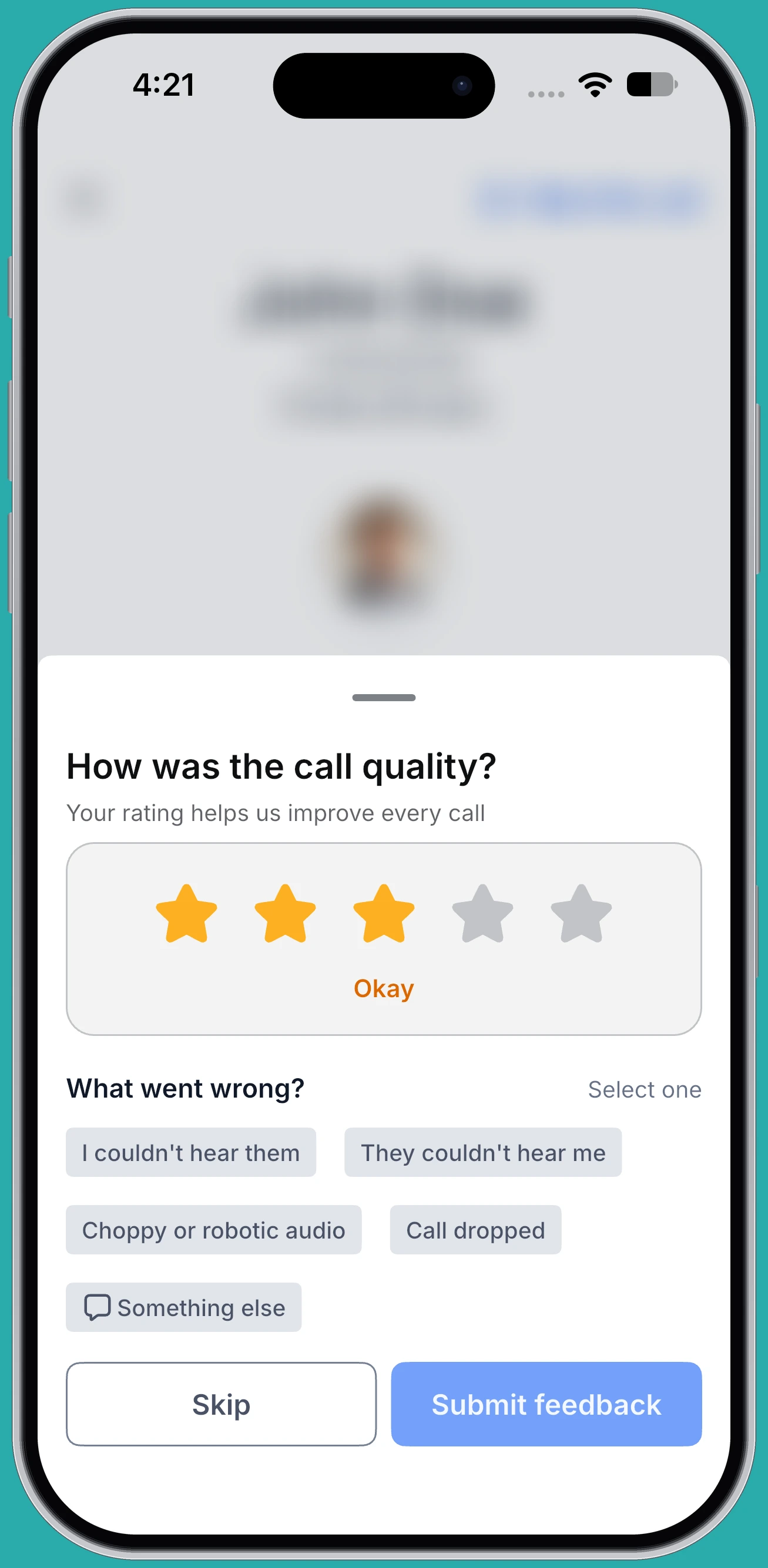
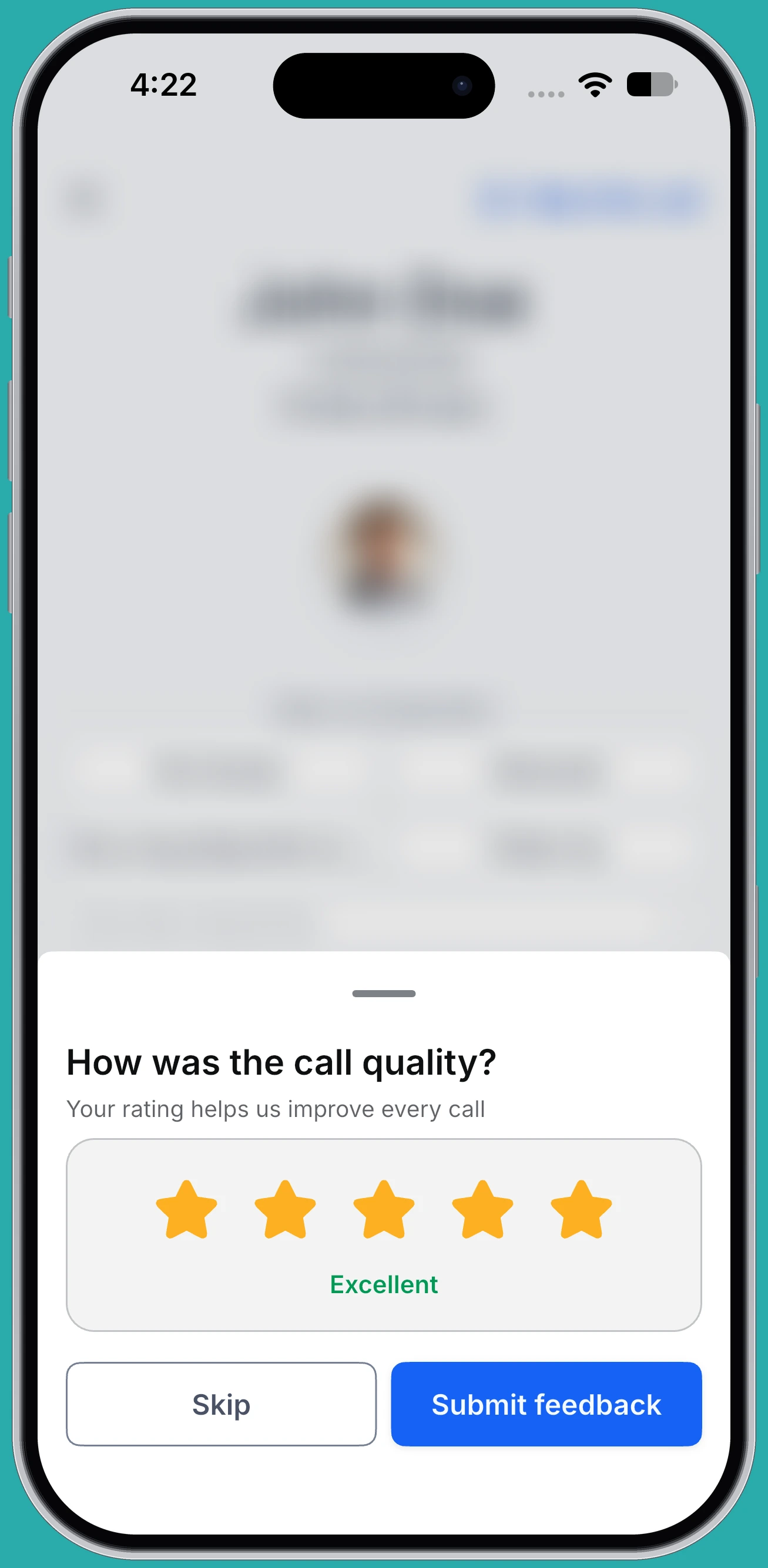
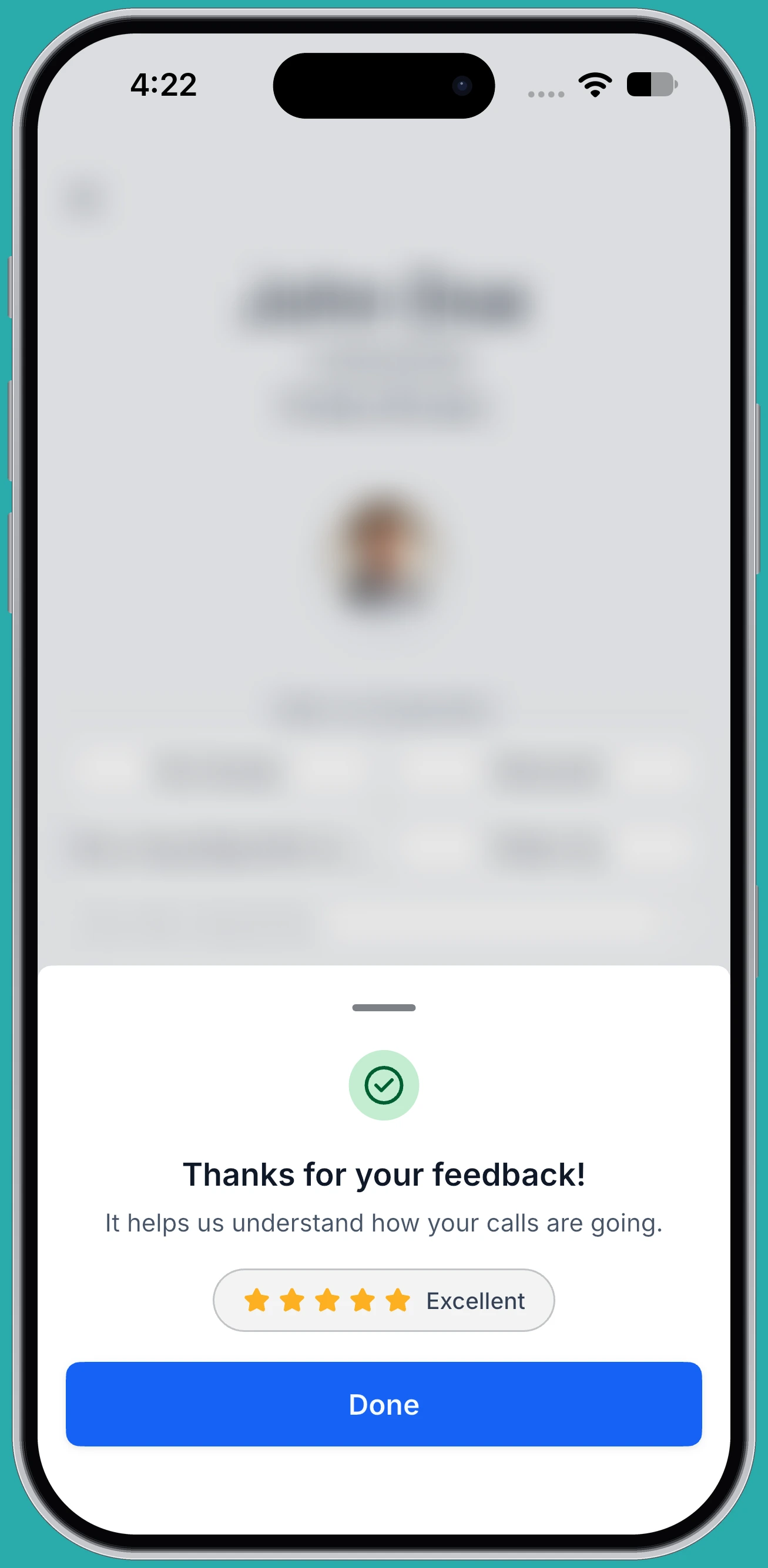
After you hang up, a quick star rating appears. Tap 4 or 5 stars and it sends straight away. Tap 3 or fewer and it asks what went wrong so we can look into it.
You can pick from:
- I couldn't hear them
- They couldn't hear me
- Choppy or robotic audio
- Call dropped
- Something else, with an optional note
The rating sheet only pops up on its own at most once a week, so it won't nag you. Want to rate another call? Tap Rate this call anytime on the call end screen.
Good to know
If a call cuts out for a moment, you'll now hear a soft reconnect tone until it's back. That replaces the old vibration and banner, on both phone and WhatsApp calls.
This is live now on iOS and Android, app version 4.27 and up. Call ratings for WhatsApp calls are coming next.
Next time a call sounds off, you won't have to guess. Glance at the bars, follow the tip, and let us know how it went.
