
Automate Your Community: 4 New Triggers That React to What Members Do
If you run a group inside ESC Hub, you already know how much happens in there. Members post, they comment, they sign up for your events, they ask to join. Keeping up with all of it by hand gets old fast, especially as the group grows.
Four new triggers just landed that let your workflows react to that activity for you. No more checking in constantly to see what needs a response.
What you can now trigger on
These four events can now kick off a workflow automatically:
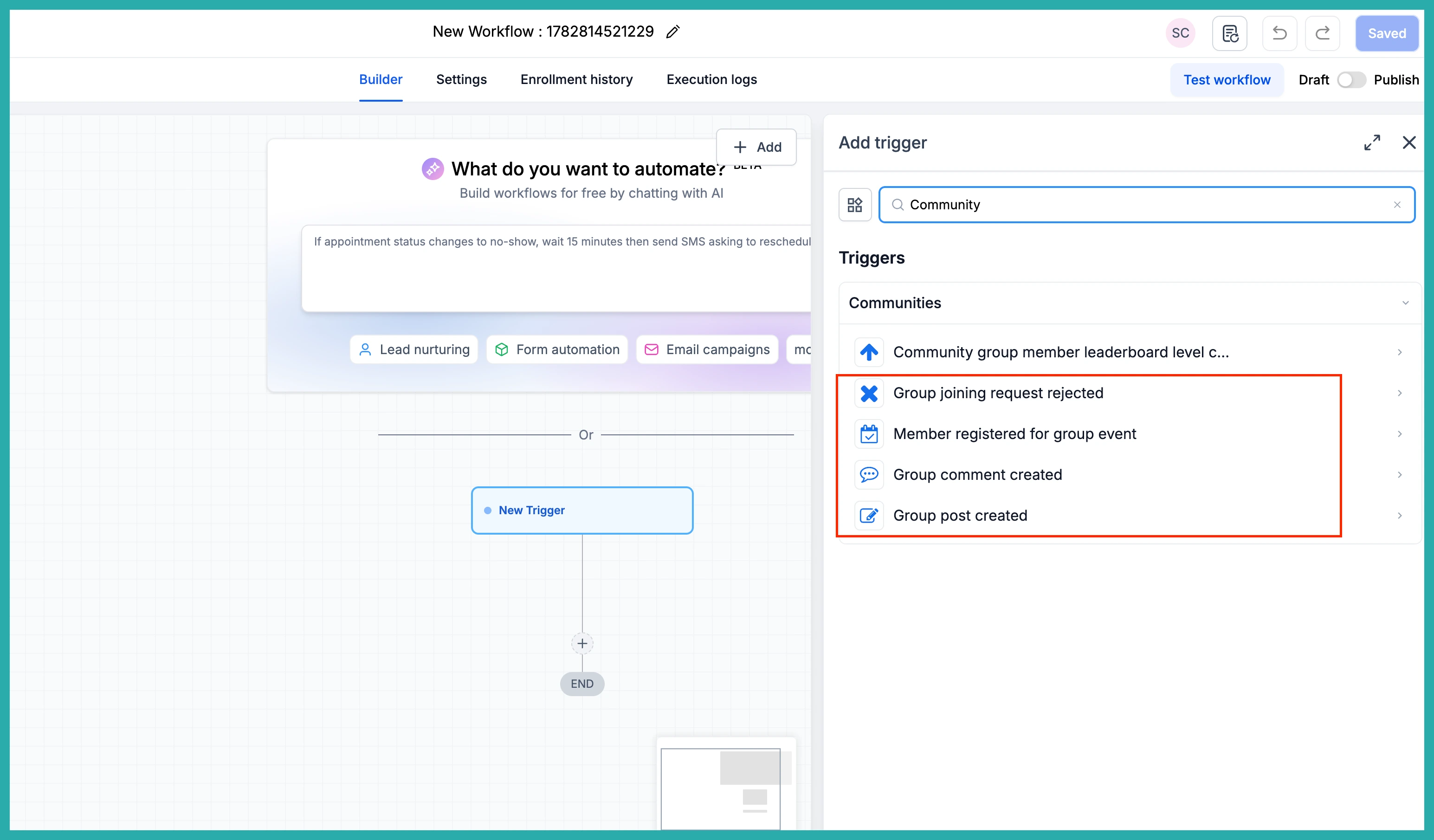
- Group Joining Request Rejected - fires when someone's request to join a group is turned down. Filter by Group.
- Group Post Created - fires when a new post goes up in a group. Filter by Group, Channel, Post Title, and Post Content.
- Group Comment Created - fires when someone comments on a post. Filter by Group, Channel, Post Title, Post Content, and Comment Content.
- Member Registered for Group Event - fires when a member signs up for one of your group events. Filter by Group and Event Title.
The filters are the useful bit here. You can set a workflow to run only when it actually matters - a comment containing a certain word, a post in one specific channel, a registration for one particular event.
How to set one up
Go to Automation, then Workflows in your account. Create a new workflow or open one you already have.
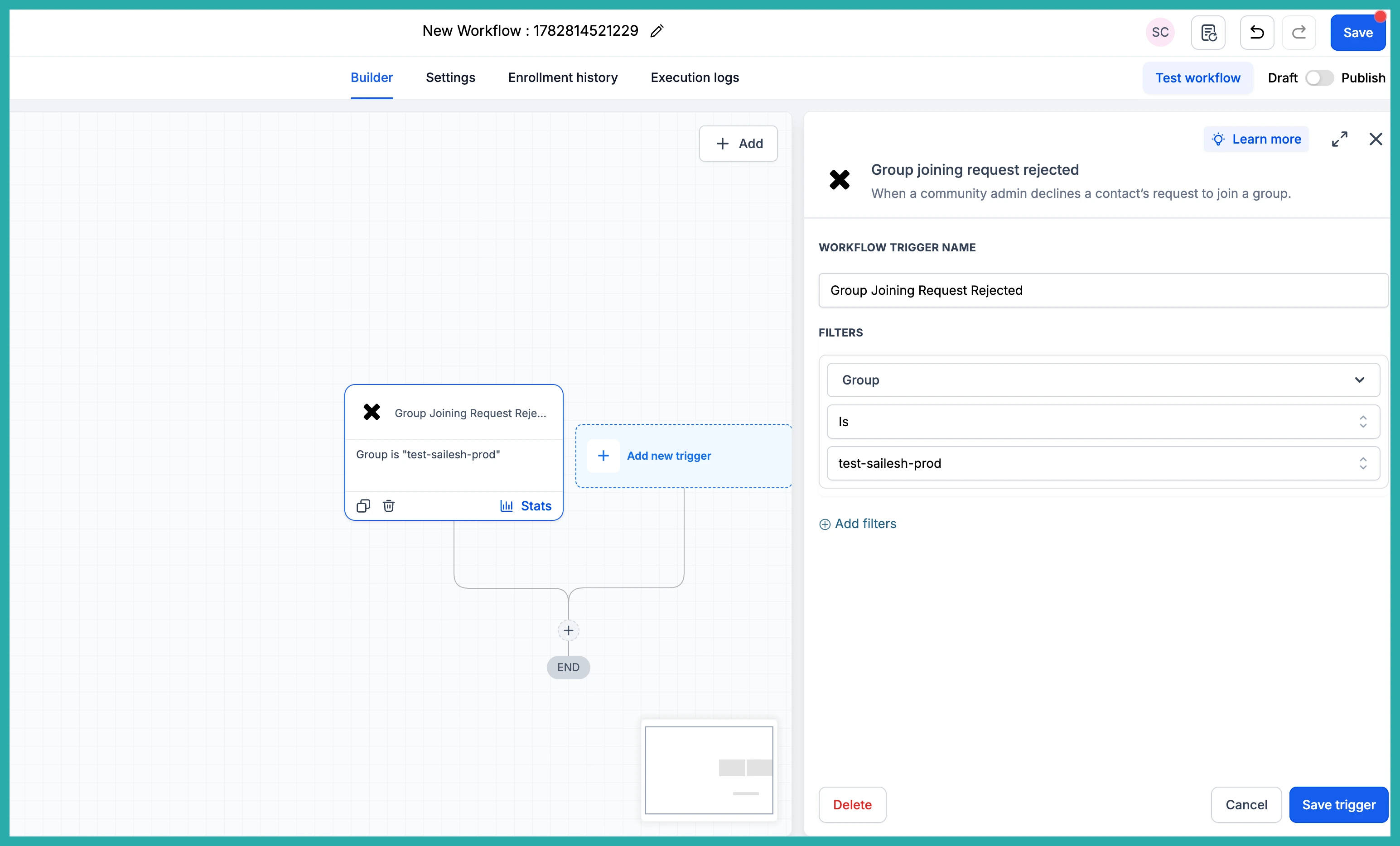
Click Add New Trigger and type "Community" into the search. The new triggers will show up in the list.
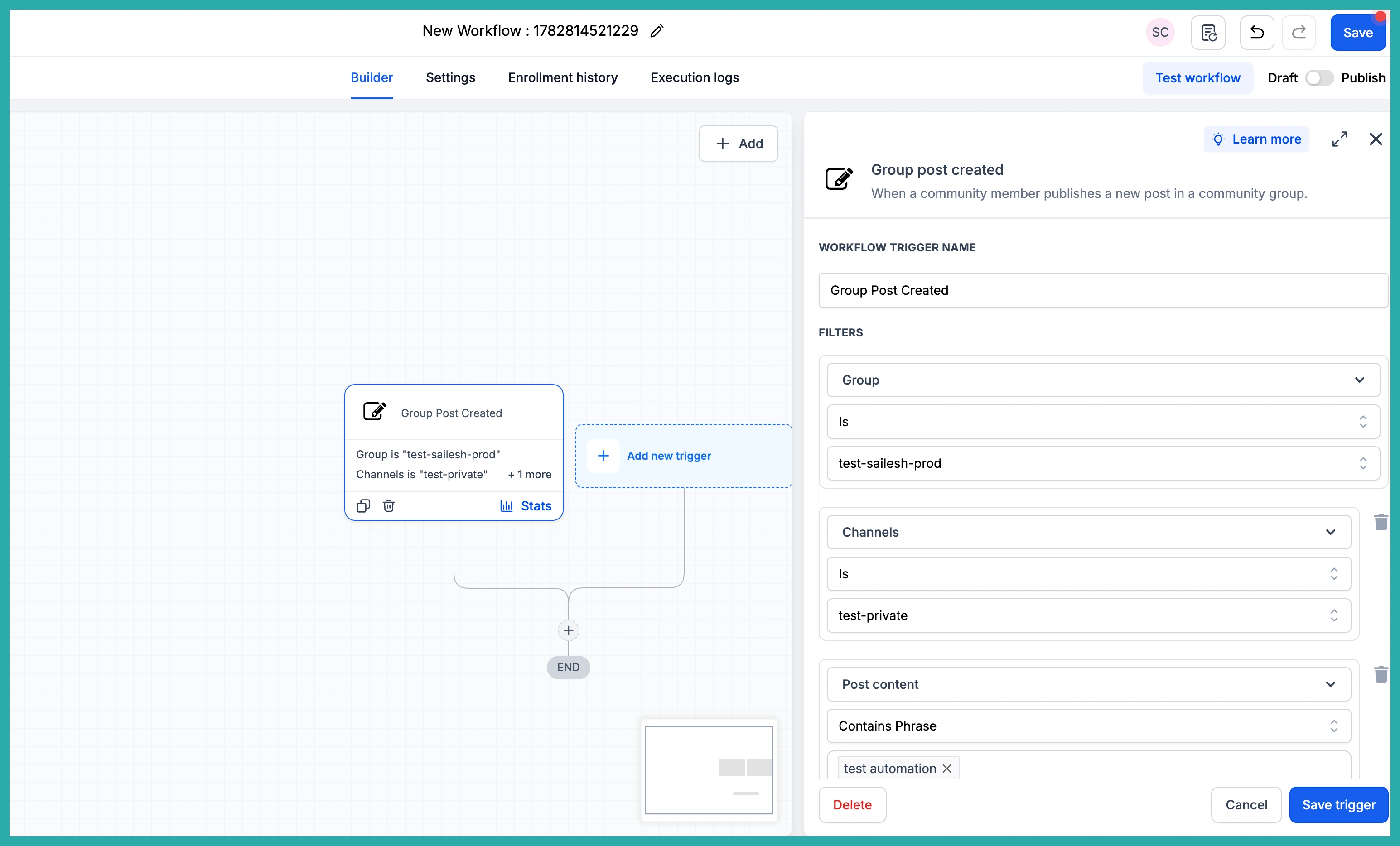
Pick the trigger you want. In the screenshot below, you'll see the Group field, which is required - choose which group this should watch.
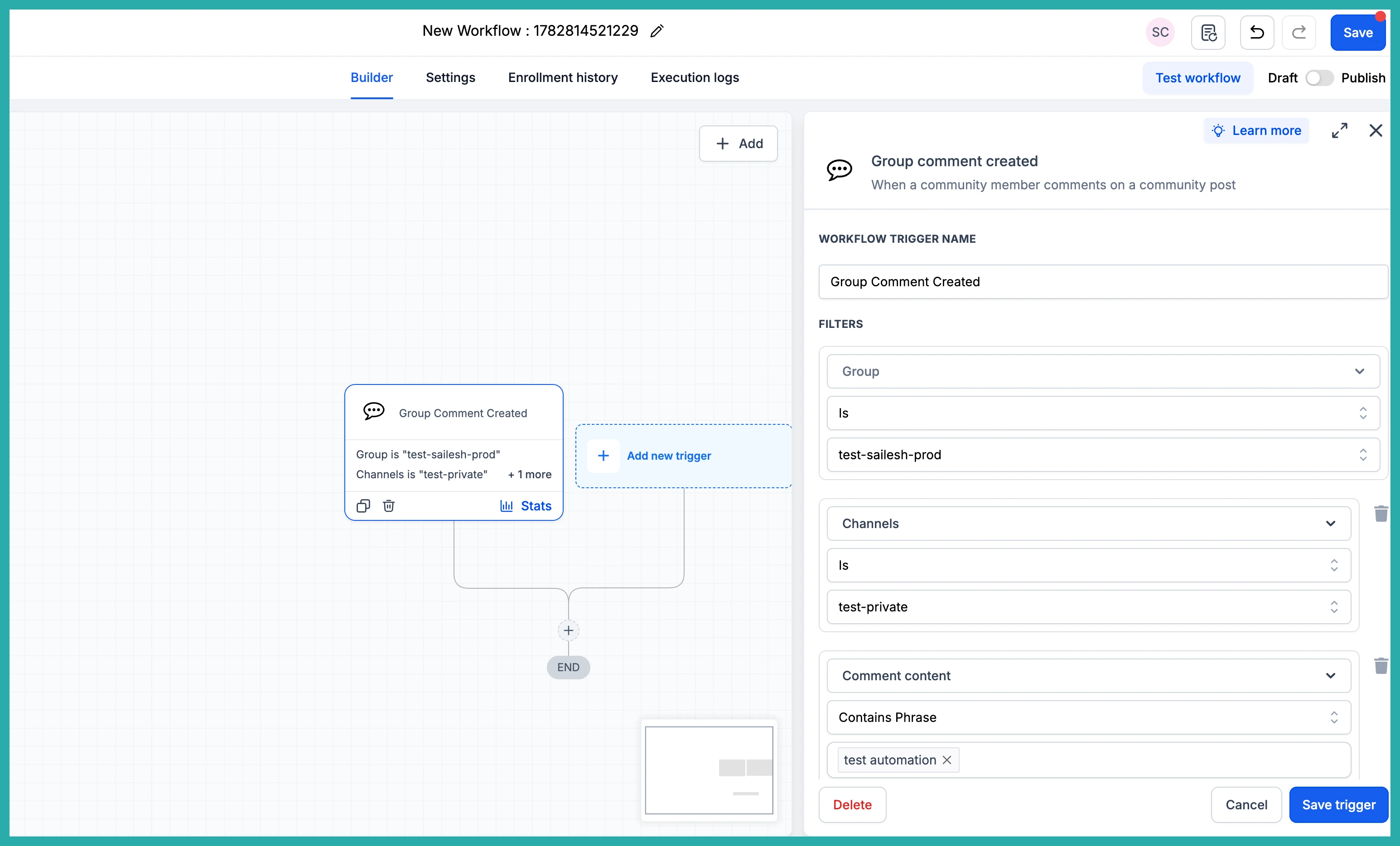
Now add any optional filters to narrow things down. Depending on the trigger, you can filter by Channel, Post Title, Post Content, Comment Content, or Event Title. This is how you make sure the workflow only runs on the activity you care about.
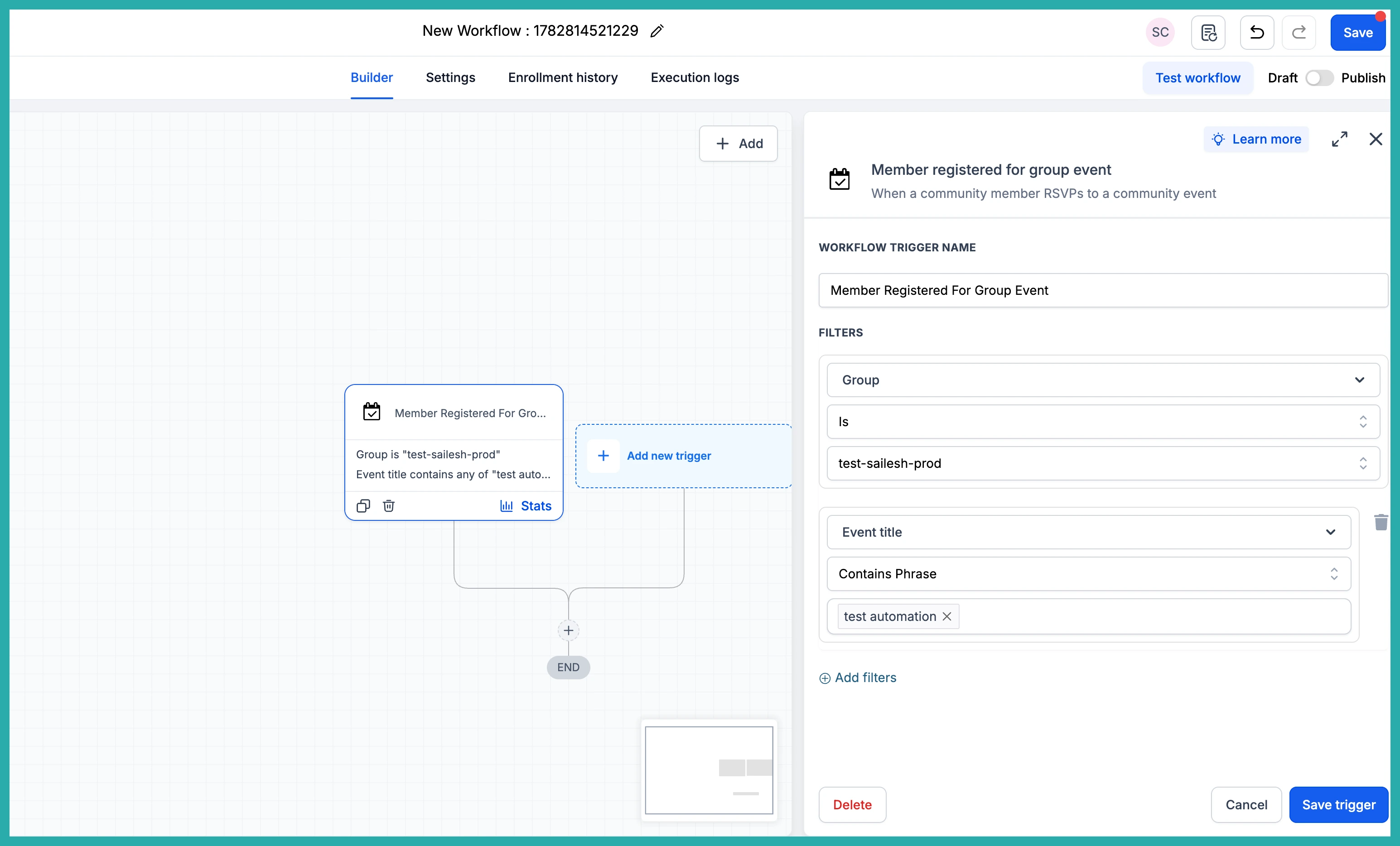
Build out your workflow actions - send an alert to your team, message the member, flag something for moderation, whatever the moment calls for. Then hit Save Trigger.
Publish the workflow and it's live. From here on, the activity inside your group does the work of starting the follow-up.
A few ideas to start with
- Alert yourself the moment a new post goes up in your VIP channel.
- Send a warm welcome and next steps when a member registers for an event.
- Route comments containing certain words to your team for a quick look.
- Follow up kindly when a join request gets rejected.
Start with one small automation you find yourself doing by hand every week. Set it once and let your group run a little more of itself.
