
Better AI Images Inside Your Workflows With GPT Image 2.5
If you already use the AI Image Generation action to create pictures inside your automations, you've got a nicer set of tools to work with today. A new model, GPT Image 2.5, is now live in that action, and it ships with two variants you can choose between.
In plain terms: better images, faster, and far more control when you want a series of visuals to look like they belong together.
What landed
There are two flavours of the new model, and you pick whichever suits the job.
- GPT Image 2.5 Flare - the everyday choice for most work. It produces higher quality than the older model at up to half the wait time, which makes it great for social and creator content, product shots, quick mock-ups, and generating a lot of images at once.
- GPT Image 2.5 Sunburst - the premium option for when you need tighter control across edits. Reach for this on campaign creative and polished product imagery.
If you're not sure, start with Flare. It's the sensible default.
How to use it
It slots straight into the workflow builder you already know. Here's the run-through.
- Add the AI Image Generation action to your workflow.
- Open the model dropdown.
- Choose GPT Image 2.5 Flare or GPT Image 2.5 Sunburst.
- Write your prompt and save.
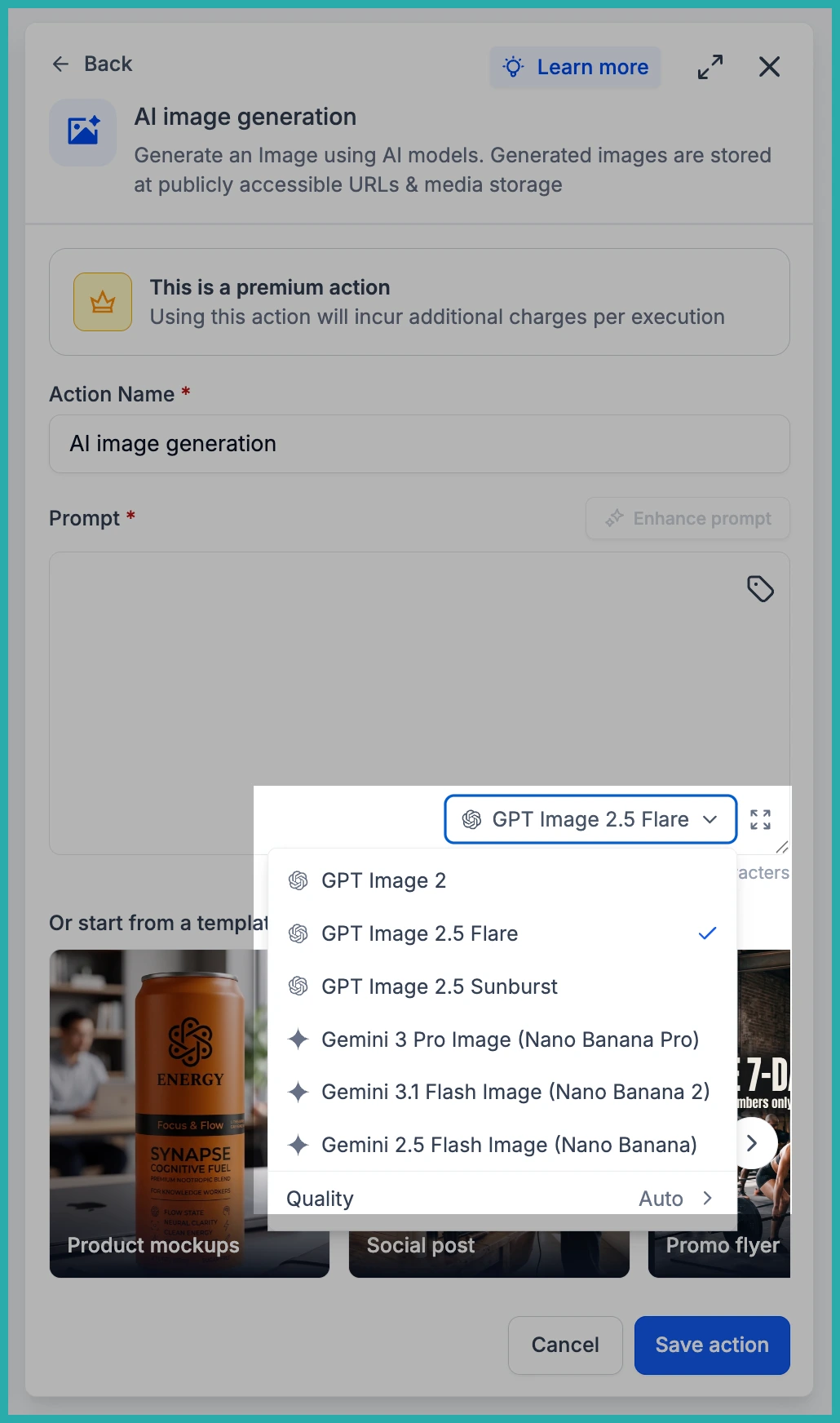
In the screenshot below, you'll see the model dropdown open inside the action, with the two new variants ready to pick.
Once you've selected a model, the prompt box works exactly as before. Describe what you want, save the action, and the rest of your workflow carries on as normal.
Where it really helps
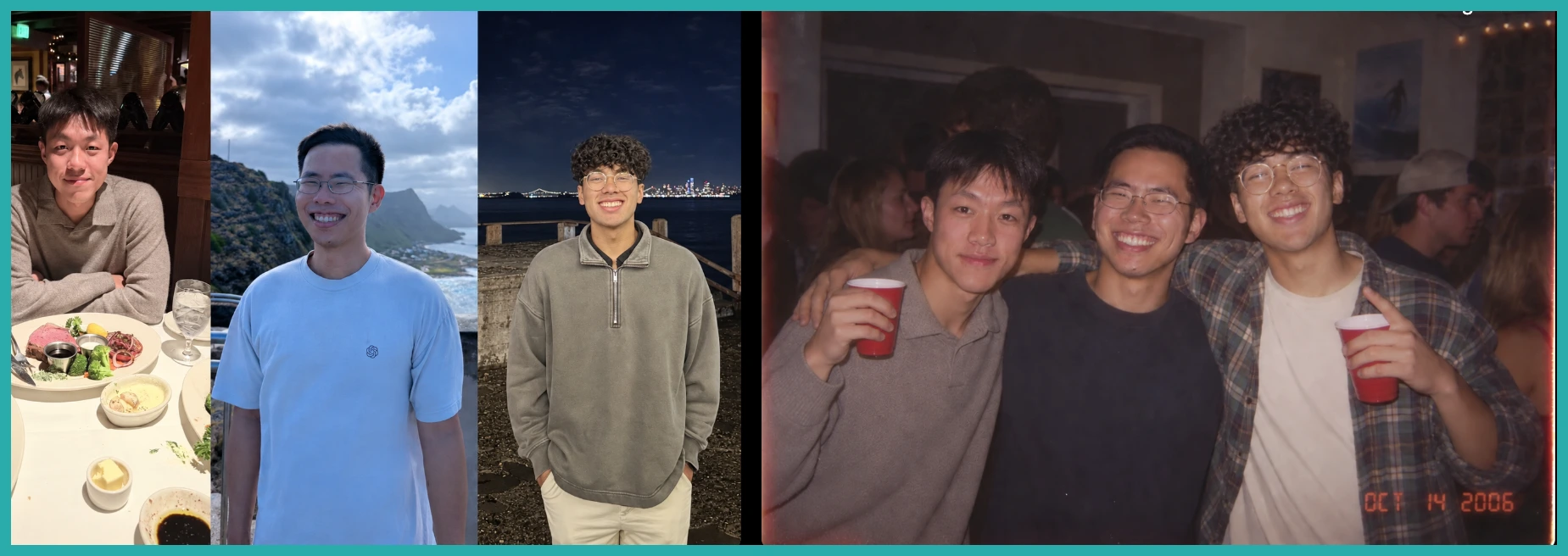
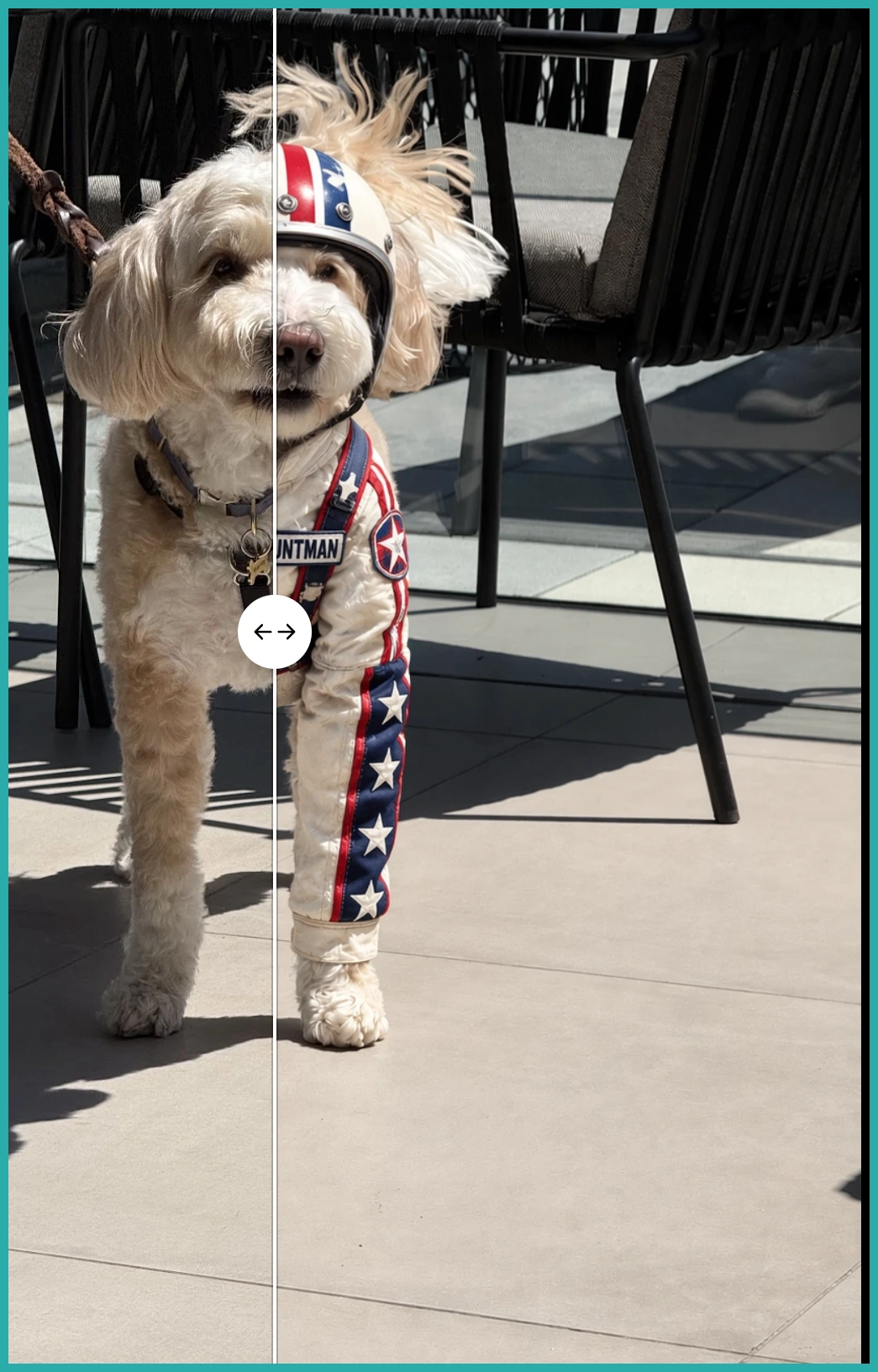
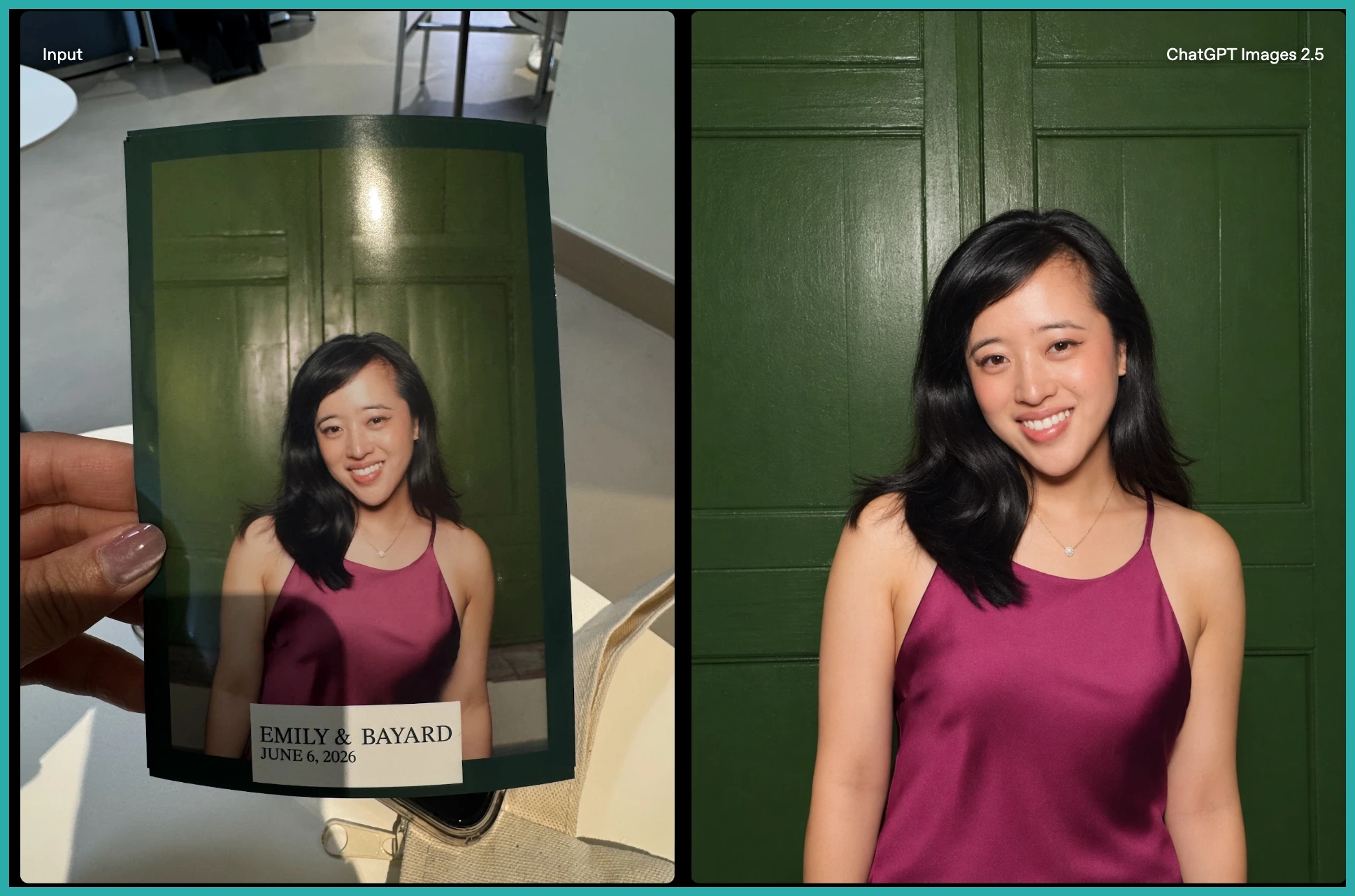
The big change is how well reference photos carry through now. Your subject stays recognisable across new settings, styles, and compositions. Lighting and textures look natural, and the little distinctive details hold instead of getting lost.
That means a series of images actually looks like a series. Each variation stays anchored to the original source rather than drifting off image to image.
You can also swap out a single element - a product, a background, a line of copy - while the subject, composition, and brand look stay put. So instead of rebuilding an asset every time you need a new version, you re-version it right inside the workflow.
Have a workflow that already generates images? Open the action, switch the model to GPT Image 2.5 Flare, and run it again. You'll see the difference in about a minute.
