
Connect Jotform to Your Workflows: Act on Every Form the Moment It Lands
If you use Jotform for your forms and contracts, this one saves you a real headache. You can now connect Jotform directly to your ESC Hub workflows - no third-party zaps, no webhooks, no manual importing.
That means a workflow can fire the moment someone submits a form or signs a contract, and your workflows can write new submissions straight back into Jotform. Everything happens on its own, while you get on with your day.
What you can now do
There are two things you're working with here: triggers (events in Jotform that start a workflow) and one action (a step your workflow runs inside Jotform).
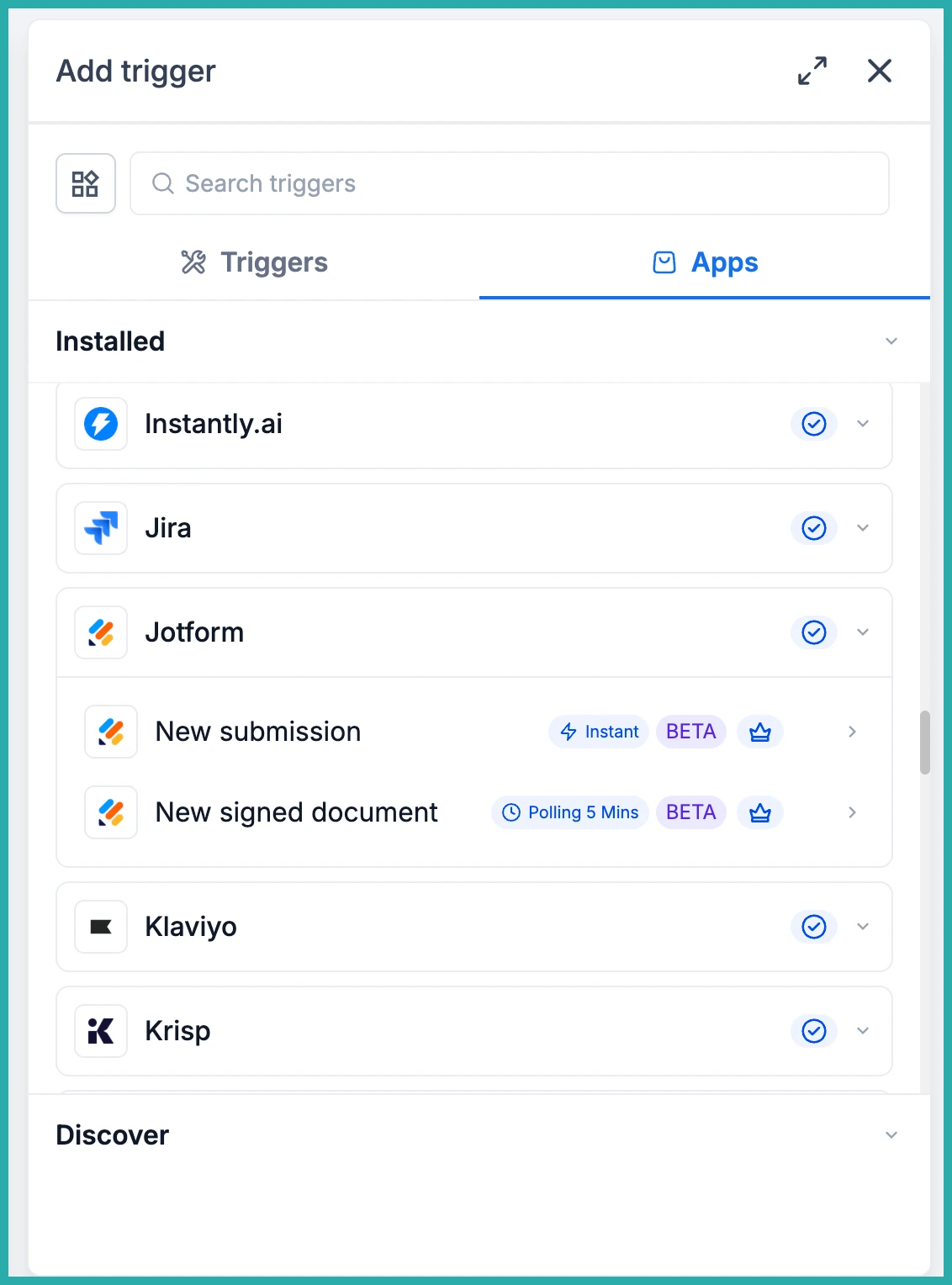
- New Submission - starts a workflow the instant someone submits one of your Jotform forms.
- New Signed Document - starts a workflow when a document with an e-signature field is completed and signed. This one checks every 5 minutes.
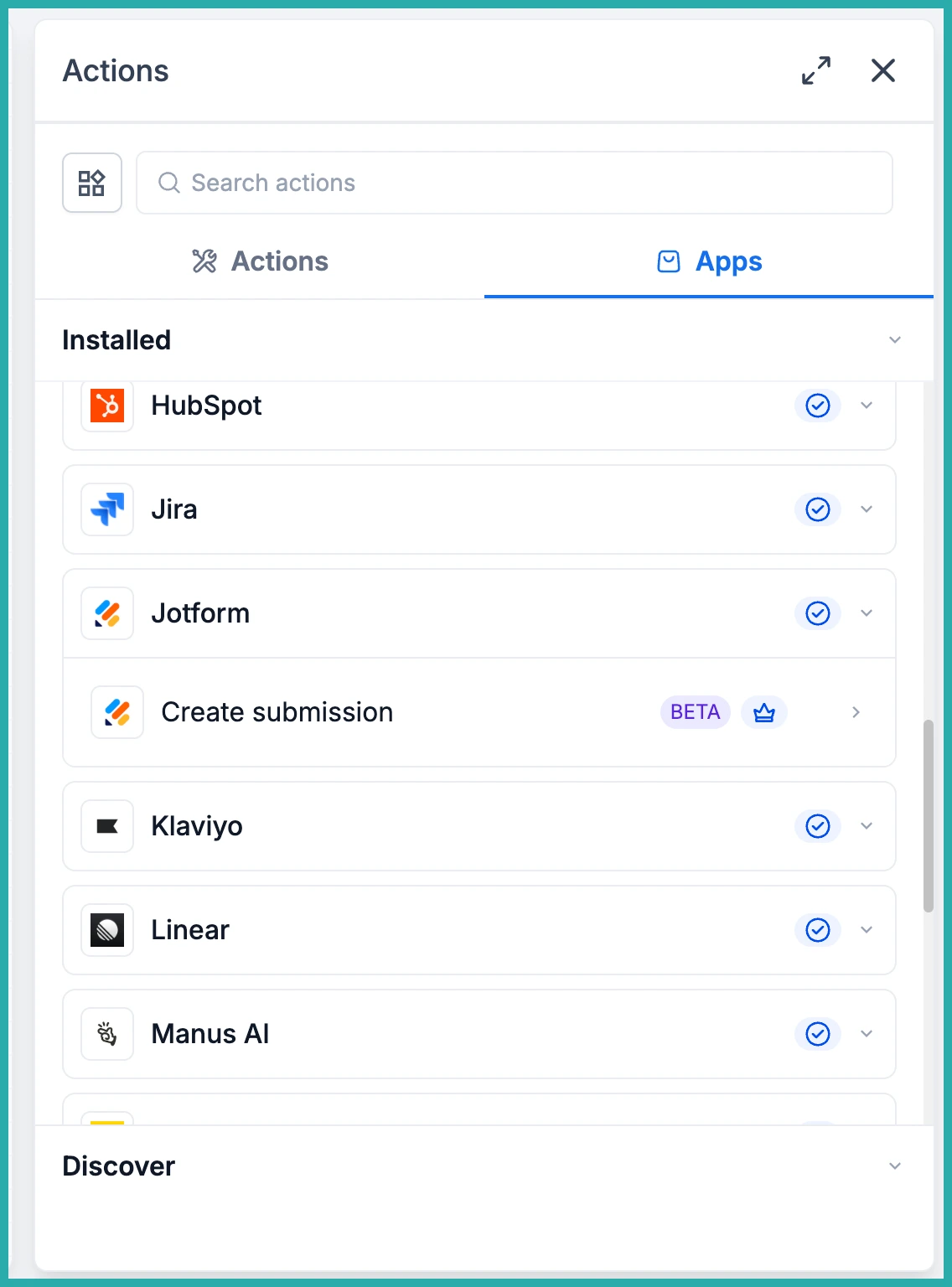
- Create Submission - adds a new submission to any form in your Jotform account, with the values mapped from your workflow.
So you can follow up on a lead the second the form lands, kick off onboarding the moment a contract is signed, and even write phone or walk-in sign-ups into Jotform so your form reports show every lead, not just the online ones.
Connecting your Jotform account
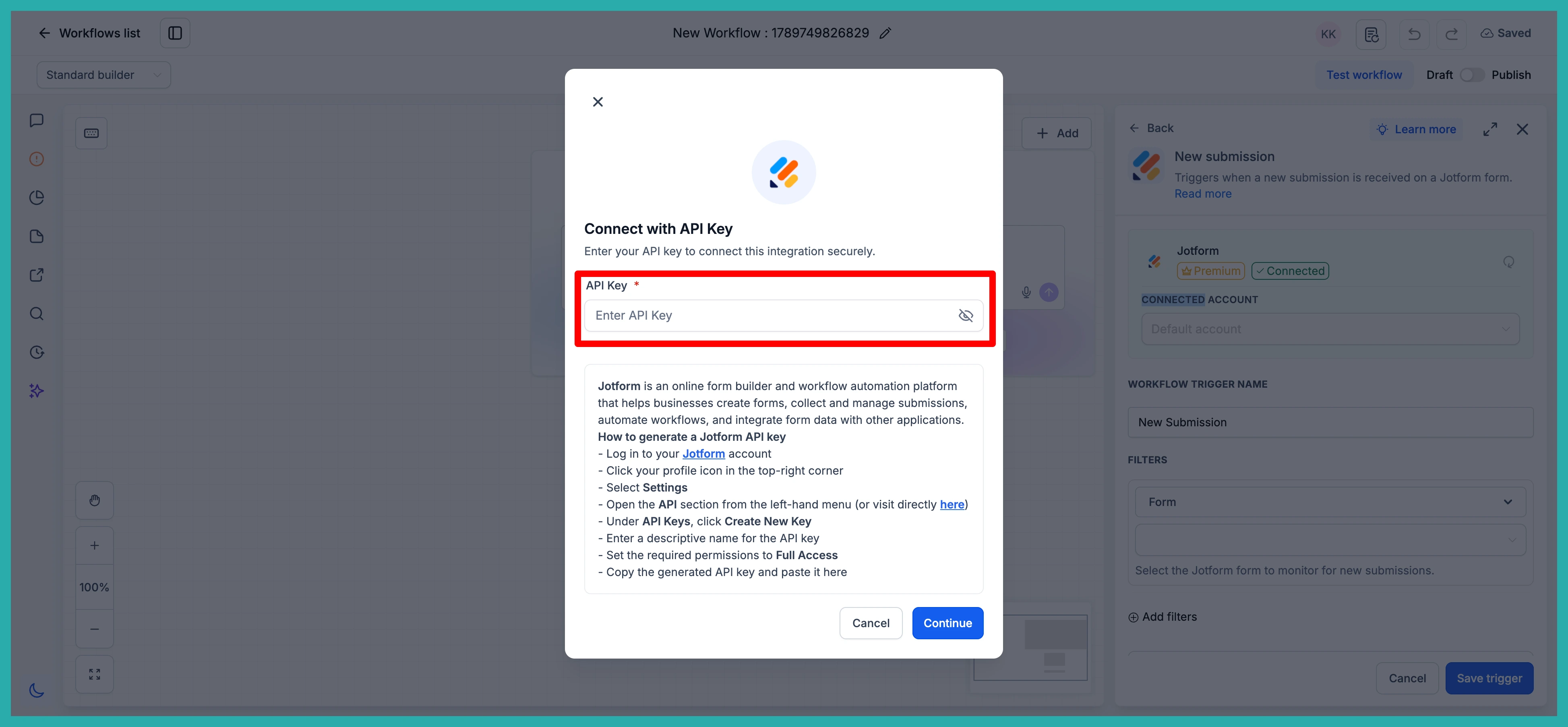
Open your Workflow Builder and add a trigger or action. In the search box, type "Jotform" and you'll see the new options appear.
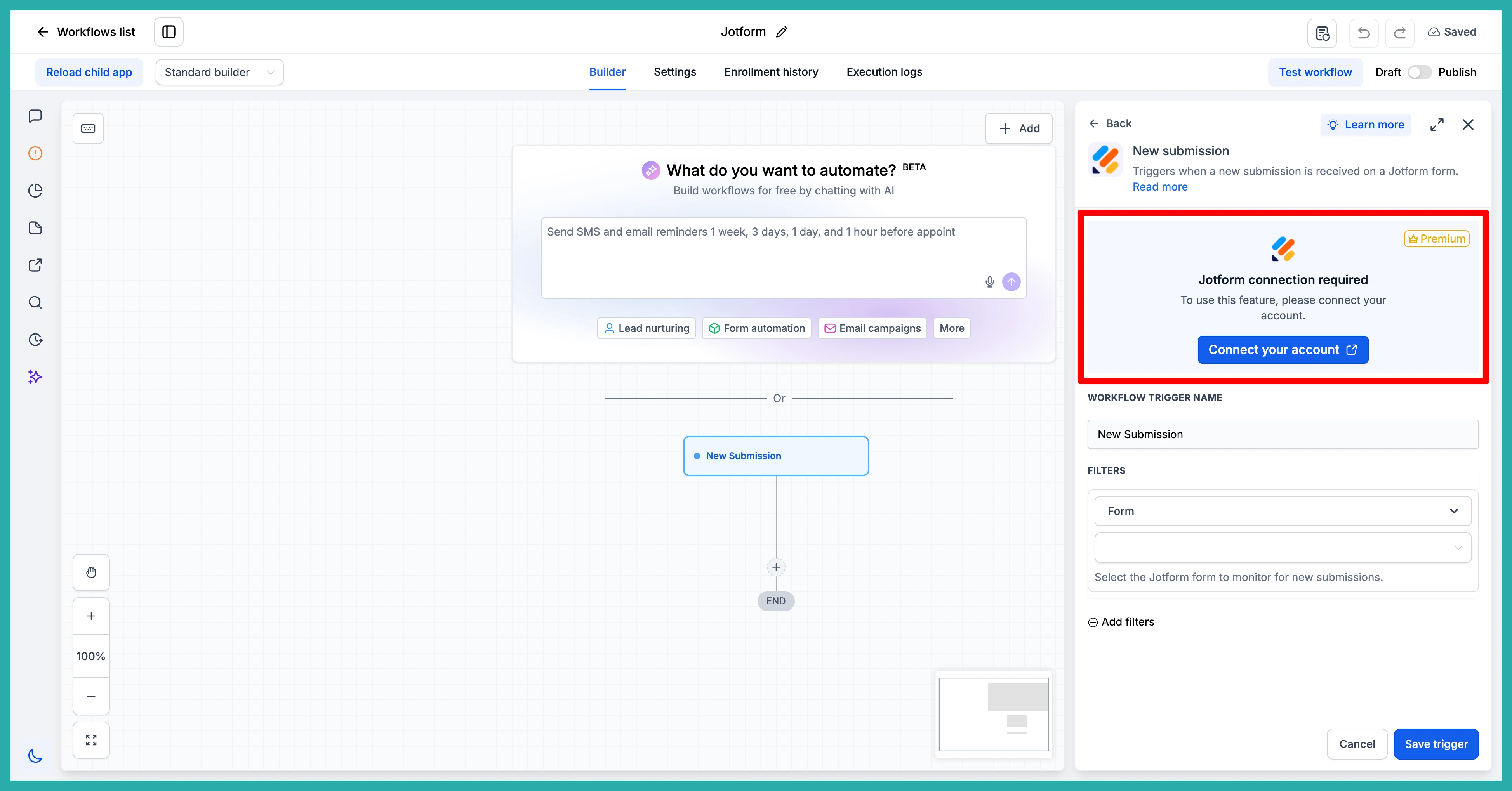
The first time you use one, you'll be prompted to connect. Click Connect Now and sign in with your Jotform account.
If you'd rather set this up before you build anything, go to Settings, then Integrations, find Jotform, and connect your account there first. Either way works.
Starting a workflow from a submission
Pick New Submission as your trigger, then choose the form you want to watch. In the screenshot below, you'll see how you select the form once your account is connected.
From there, build the rest of your workflow as normal. A classic setup: a website lead form comes in, the contact is created, an acknowledgment email goes out, they're tagged "New Lead", and your team gets a heads-up. No one has to sit watching an inbox.
Starting a workflow from a signed contract
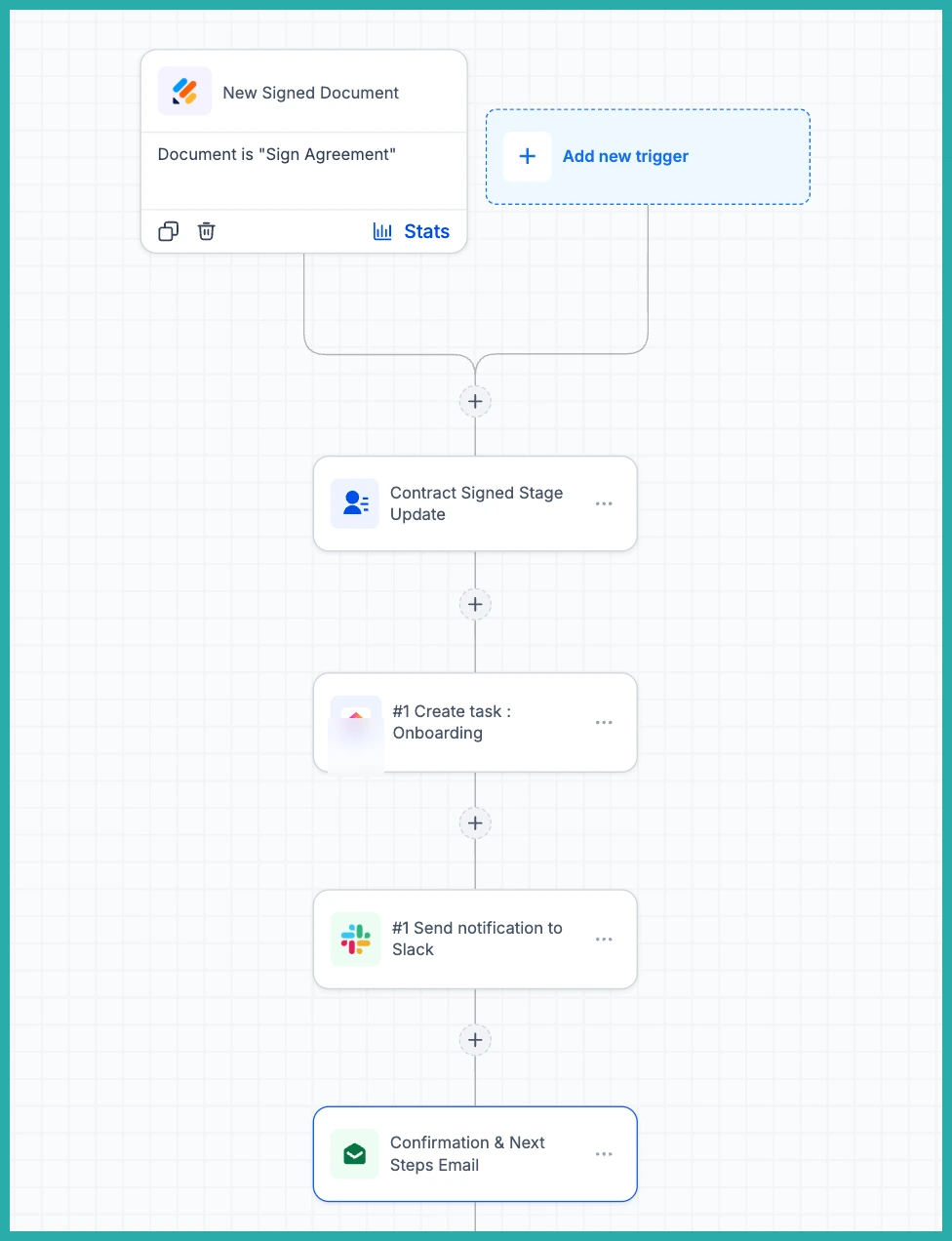
Choose New Signed Document and select the document you want to track. When a client signs, the workflow runs - you can update their stage to "Contract Signed", create an onboarding task, and send them their next steps automatically.
Writing a submission into Jotform
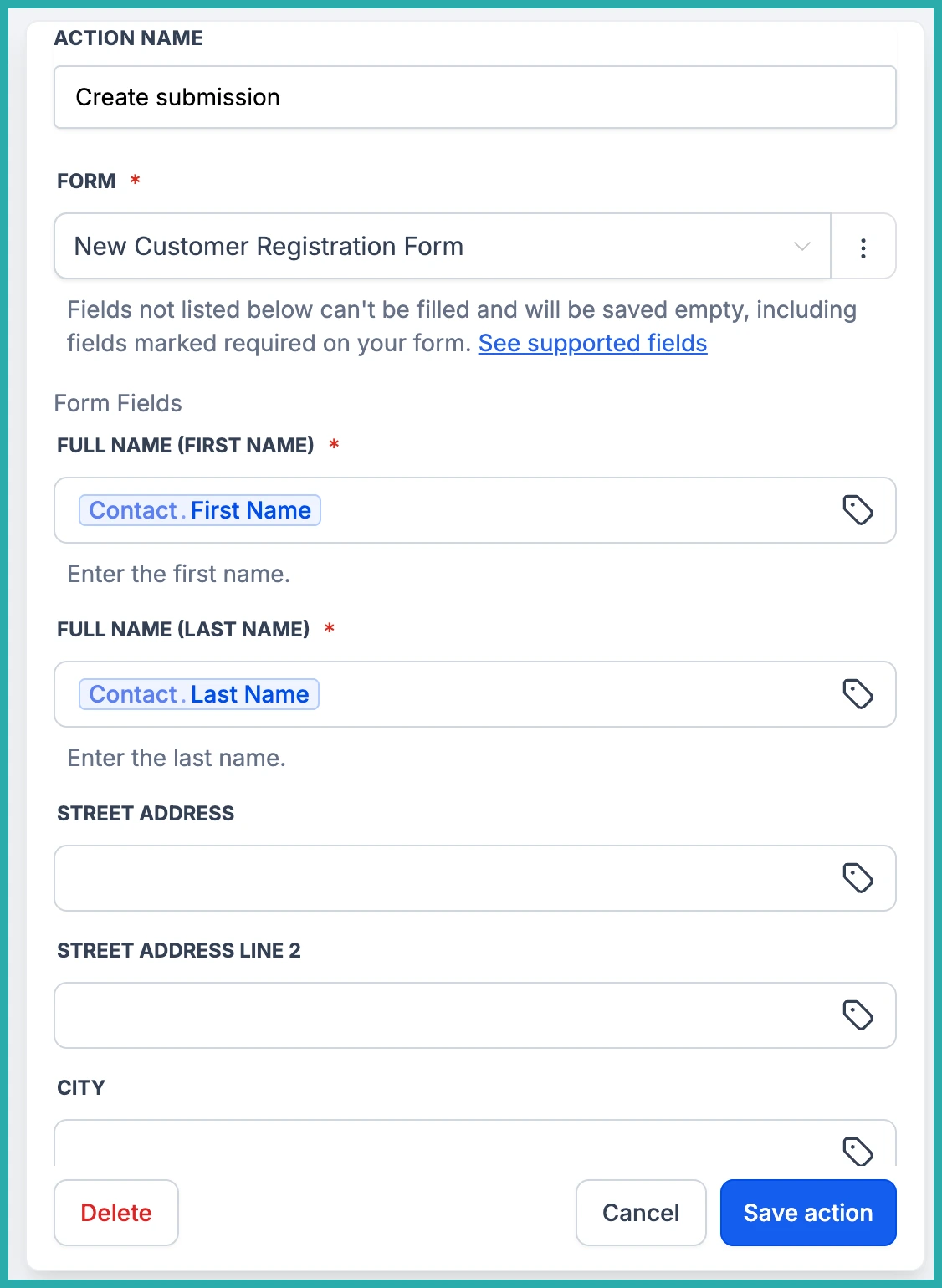
The Create Submission action is the clever one. Add it as a step, pick the form you want to write to, and its fields load automatically.
Now you map your workflow values into those fields. In the screenshot below, you'll see each Jotform field with a spot to drop in the matching data from your workflow.
This is how you get offline sign-ups into your form reports. Someone registers for your event over the phone, the workflow writes a matching submission into your Jotform event form, and every attendee appears in the one report. Or a consultation gets booked and an intake submission is created with the client's details already filled in.
A few honest notes
Not every field type can be written by Create Submission yet. Supported ones include Full Name, Email, Address, Phone, short and long text, Number, Dropdown, single and multiple choice, Yes/No, star and scale ratings, Date Picker and Time. Fields that aren't supported simply won't show in the mapping list, and they're saved empty - even if marked required, Jotform still accepts the submission so nothing breaks in your workflow.
Two things worth remembering. Submissions created this way carry no payment, so on a payment form they look identical to paid ones - treat them as unpaid unless money was collected another way. And Create Submission can't write a signature, since a signature has to come from a real person. Dates use YYYY-MM-DD and times use HH:MM.
More field types are on the way, and coming next are Assign Form and Assign Prefilled Form, so you'll be able to send a form out for someone to complete rather than writing it yourself.
If you've been holding your Jotform setup together with third-party tools, go and connect it properly - you'll cut the cost and the failure points in one go.
