
Connect Jira to Your Workflows and Keep Customers in the Loop Automatically
If any part of your business tracks work in Jira - bug reports, fix requests, engineering tasks - there's now a direct line between it and your workflows. No middleman tools, no copy-pasting between tabs.
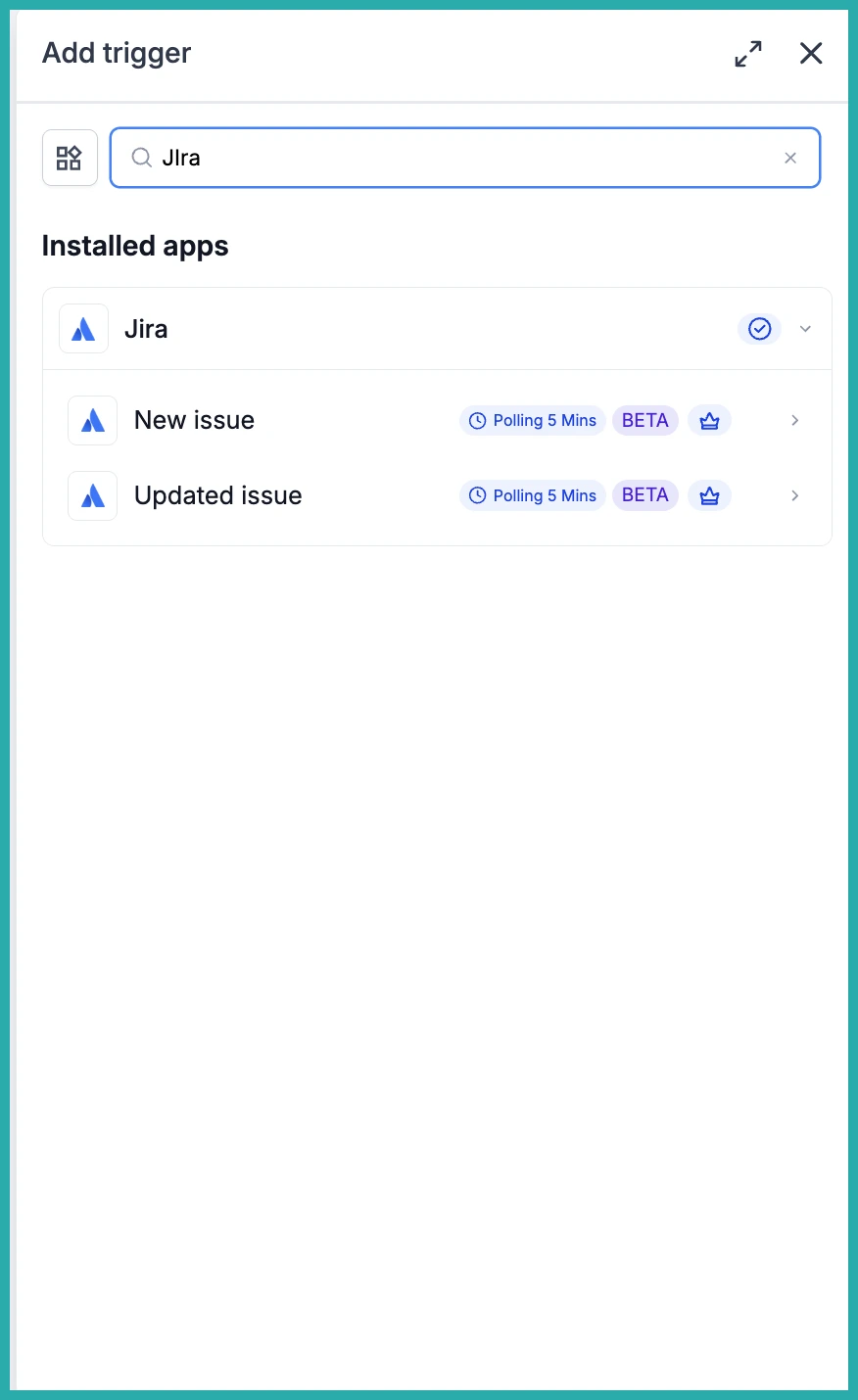
Jira is now a native integration inside the Workflow Builder. That means your automations can react when a Jira issue is created or updated, and they can push information back into Jira too.
What you can do
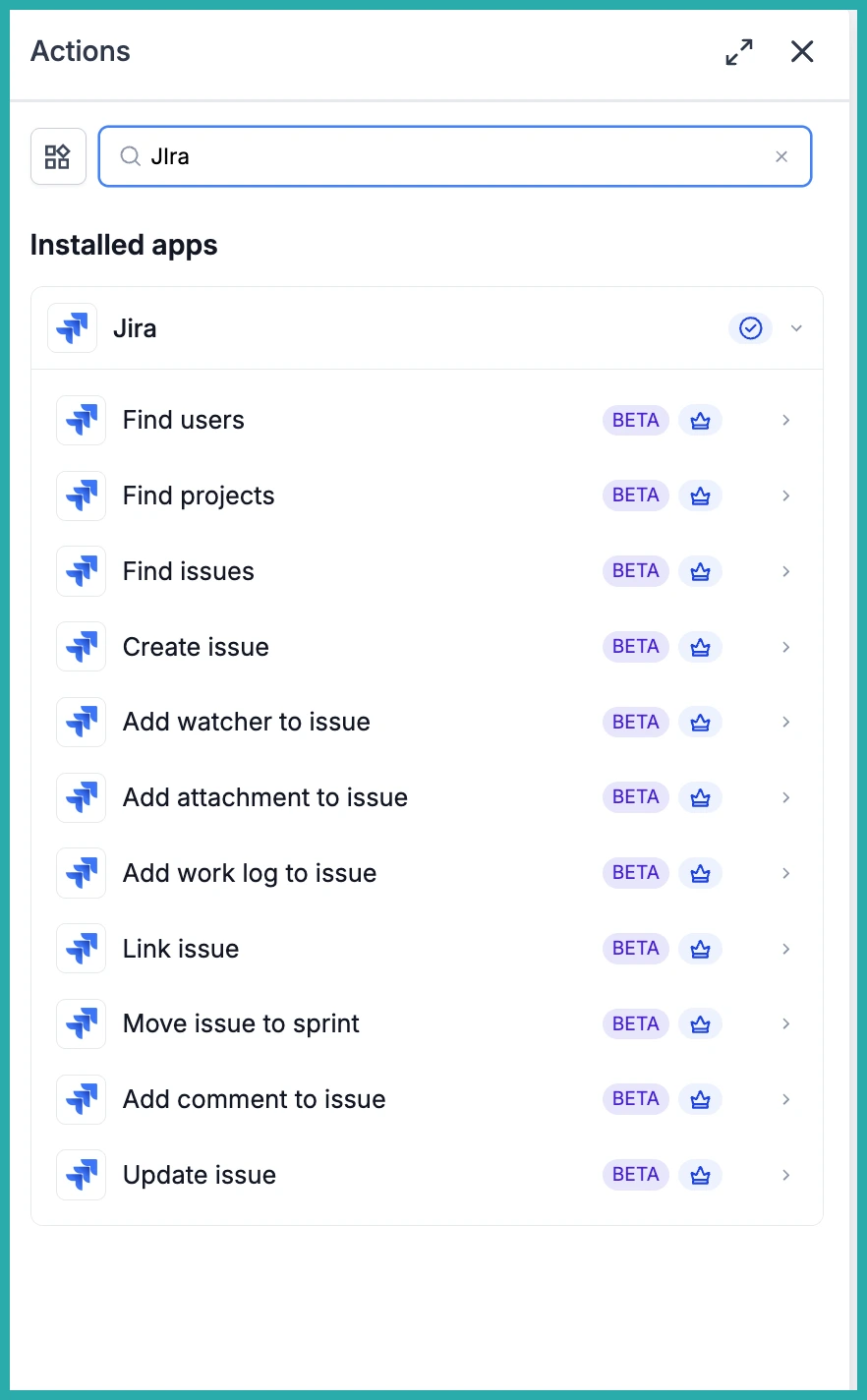
The integration ships with two triggers and eleven actions, so it works in both directions.
Triggers (Jira starts the workflow):
- New issue created
- Existing issue updated
Actions (your workflow acts on Jira):
- Find users, find projects, find issues
- Create an issue or update one
- Add a comment, a watcher, an attachment, or a work log
- Link one issue to another, or move an issue to a sprint
You connect Jira once, and everything above becomes available across all your workflows.
How to connect Jira
You only do this part once. Here's the walkthrough.
- Open the Workflow Builder and add any Jira trigger or action.
- On the panel that opens, click Connect your account.
- The External Authentication Configuration window appears. Give it a friendly Name so you'll recognise it later - something like "Engineering Jira" or "Support Jira" - and enter the Email tied to this Jira account. Then click Continue.
You'll be taken to Atlassian's authorisation screen. Approve the Jira permissions it asks for, and you'll land back in the Workflow Builder. The panel will now show Connected.
Choosing the right Jira site
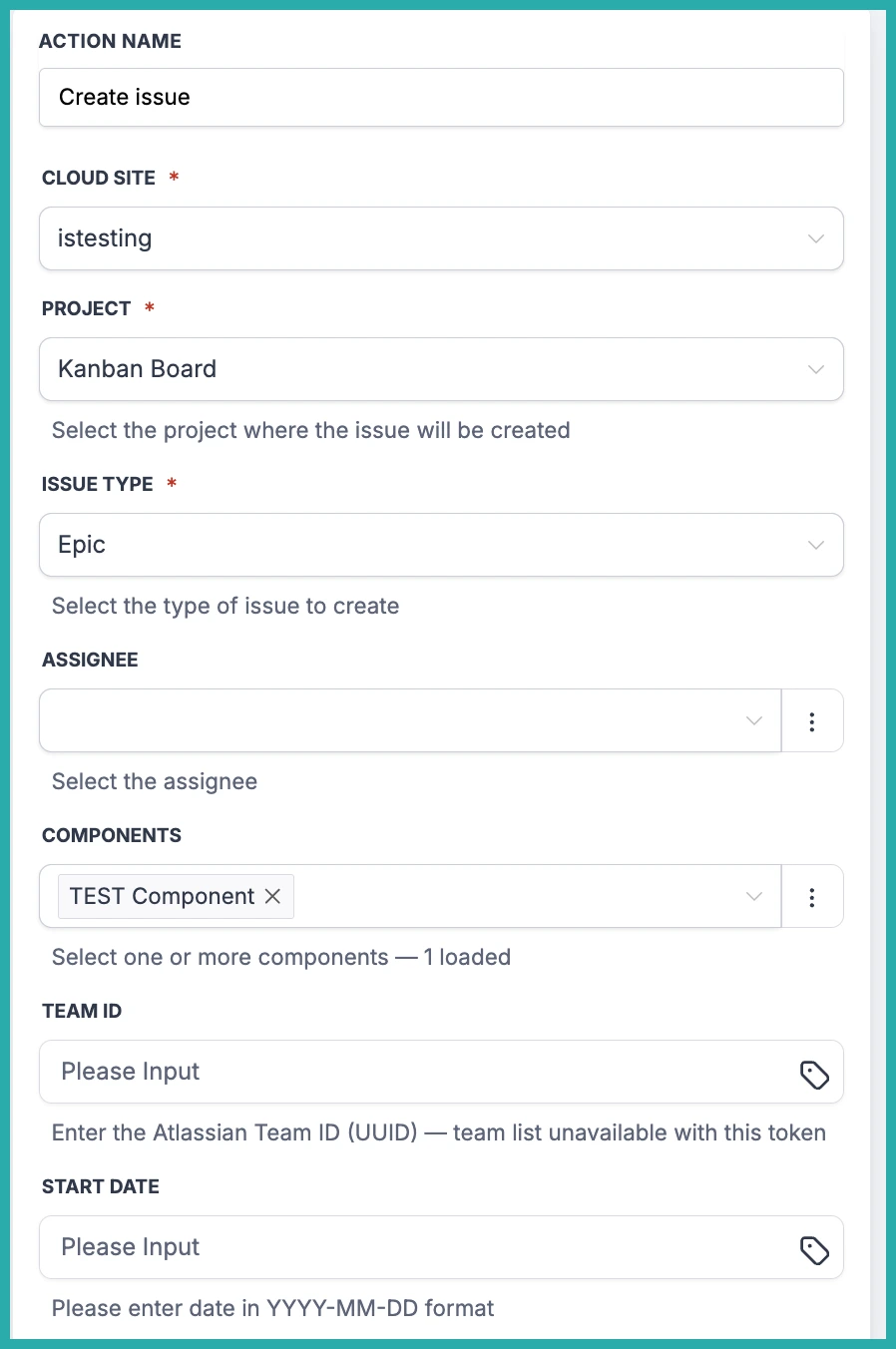
If your Atlassian login has access to more than one Jira Cloud site, you don't have to worry about a step firing on the wrong one. Every Jira trigger and action has a Cloud Site selector.
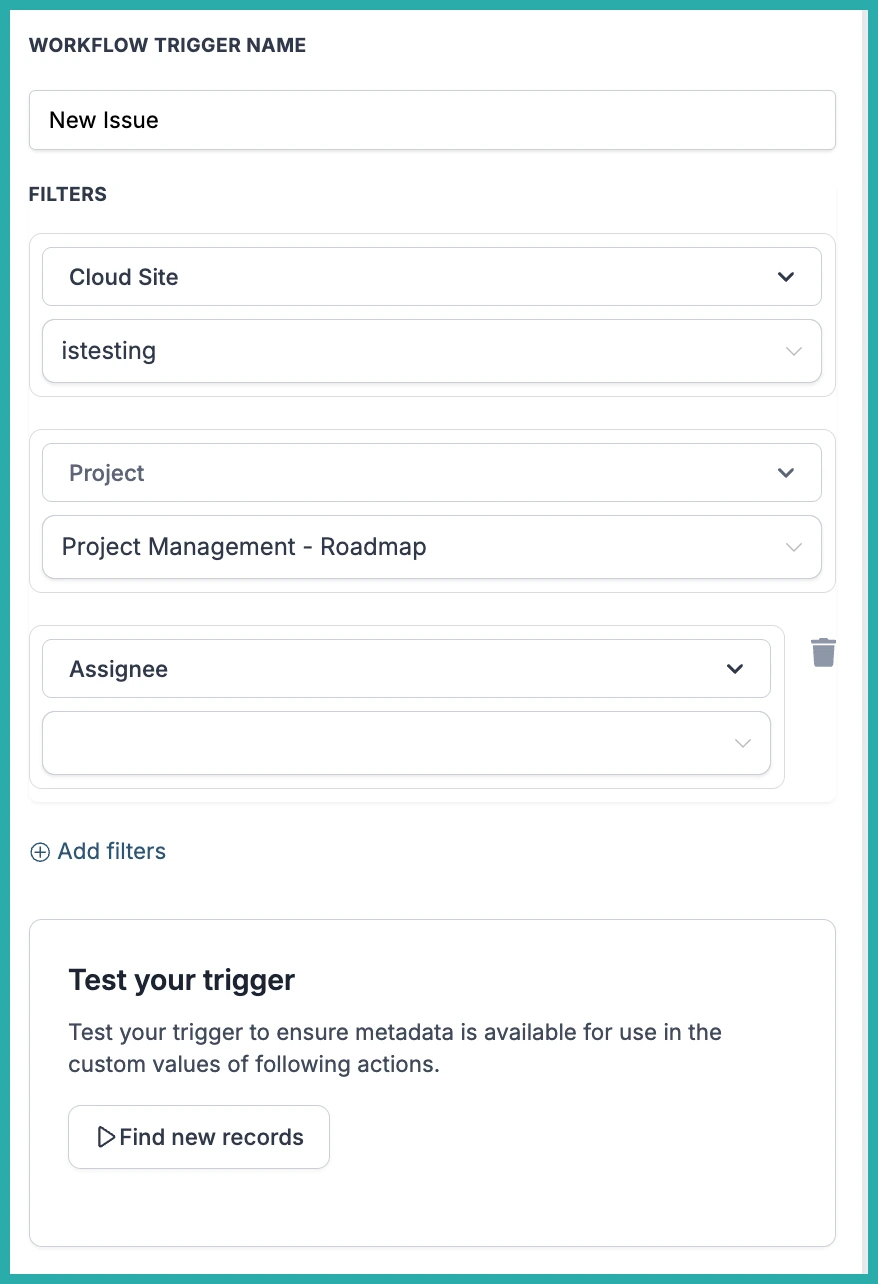
Pick the site each step should read from or write to. It's required when you create an issue, and it acts as a filter on the triggers.
A couple of ways to use it
Here's how this plays out in real life.
Tell the customer when their issue is resolved. Use the Updated issue trigger, filtered to status Done. When an engineer flips an issue to Done, your workflow finds the contact who reported it and sends them a resolution message with the fix summary - usually within a few minutes.
Keep related issues tied together. When a new issue comes in with a shared reference like a support ticket ID, your workflow can search Jira for existing issues with the same reference and link them as "relates to" or "duplicates". Less duplicate work, and everything stays findable.
Connect your Jira account once and you can start wiring these up straight away. Pick one issue-to-customer flow to begin with, and build from there.
