
Workflow Maps Now Helps You Clear Out Old Workflows and Empty Folders
If you've been building automations for a while, your account has probably collected a few leftovers. Test workflows you never renamed, experiments you never finished, empty folders you forgot about.
None of it breaks anything. But it does make your account harder to read when you're trying to find the thing you actually need.
There's now a tidy way to deal with it.
What you get
Workflow Maps has a new Cleanup tool that points out the clutter worth a second look. It flags three things for you:
- Workflows still carrying their default name, so their purpose isn't obvious
- Workflows with no enrollments in the last 60 days
- Folders sitting empty
It doesn't delete anything on its own. It just gives you a starting list, so you're not scrolling through everything trying to remember what each one does.
How to use it
Go to Automation, then Workflows, then open Workflow Maps. In the left rail, click Cleanup.
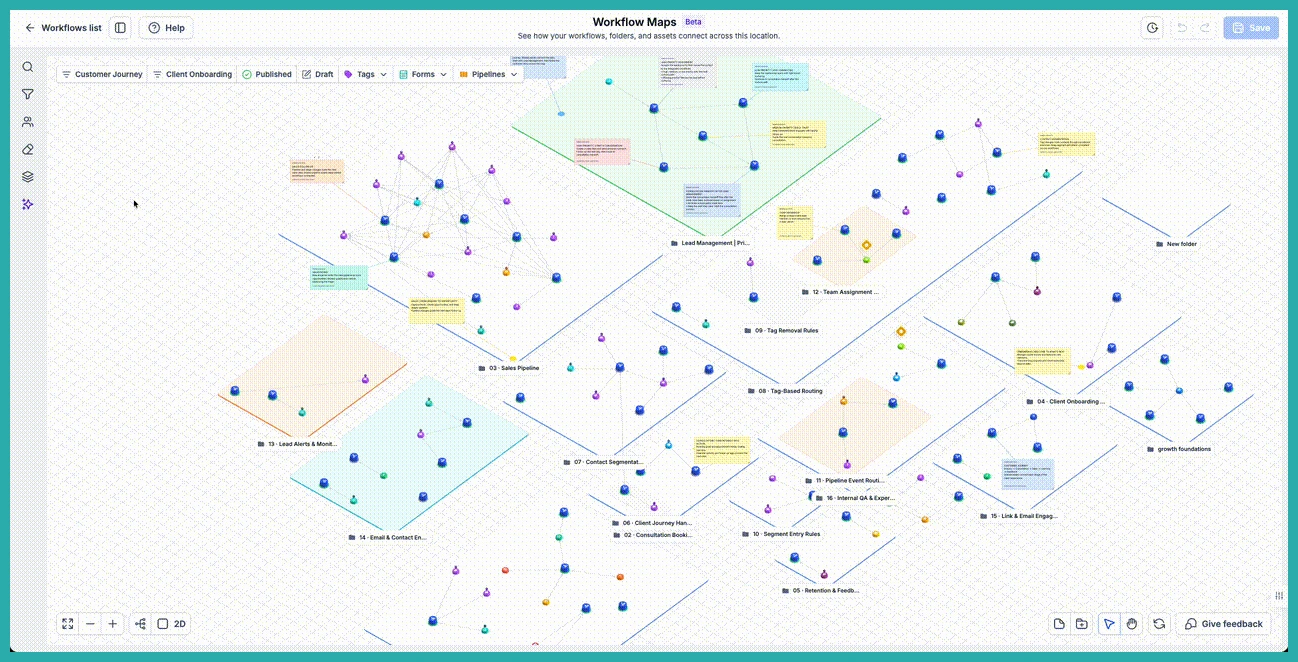
In the screenshot below, you'll see the candidates grouped for you - default names, inactive workflows, and empty folders.
From there, work through it in a sensible order:
- Review default names. Rename anything that's doing a real job so you'll recognise it next time.
- Check inactive workflows. No enrollments in 60 days usually means it's safe to remove - but have a look first.
- Clear empty folders. If a folder has nothing in it and no purpose, let it go.
- Inspect before you delete. Open each item to confirm what it was for and whether anything else depends on it.
- Confirm removals. Tick the ones you want gone and confirm. Deletion always asks you first and follows your access permissions.
One thing to watch
A workflow with no recent activity isn't always dead weight. Seasonal campaigns, annual reminders, the odd occasional process - these can sit idle for months and still matter. So check an item's purpose and dependencies before removing it.
This is handy for a few moments in particular: tidying up after a campaign or experiment, getting an account ready to hand over to a client or team member, or just doing a regular housekeeping pass as your automations grow.
If your Workflows list has been feeling cluttered, open Cleanup and have a look. A few minutes now makes the whole thing much easier to work with later.
