
Coming soon: Calculated Fields: Custom Fields That Fill Themselves In
Coming soon
This one isn't available in your account just yet. We're sharing it now so you know what's on the way, and we'll let you know as soon as you can use it.
You know the fields you keep updating by hand? A lead score you nudge up and down. Days since someone last bought. The countdown to a renewal. All of it done manually, all of it out of date the moment you look away.
Calculated Fields fix that. You set up a formula once, and the field works out its own value from the other data on your contact. No more manual edits, no more workarounds.
What a calculated field does
A calculated field is a custom field with a brain. Instead of you typing a value in, it reads your other fields and does the maths for you. When the source data changes, the field updates itself.
You can use it to score leads, track how long since someone engaged, count down to a key date, or just keep your data formatted the same way every time.
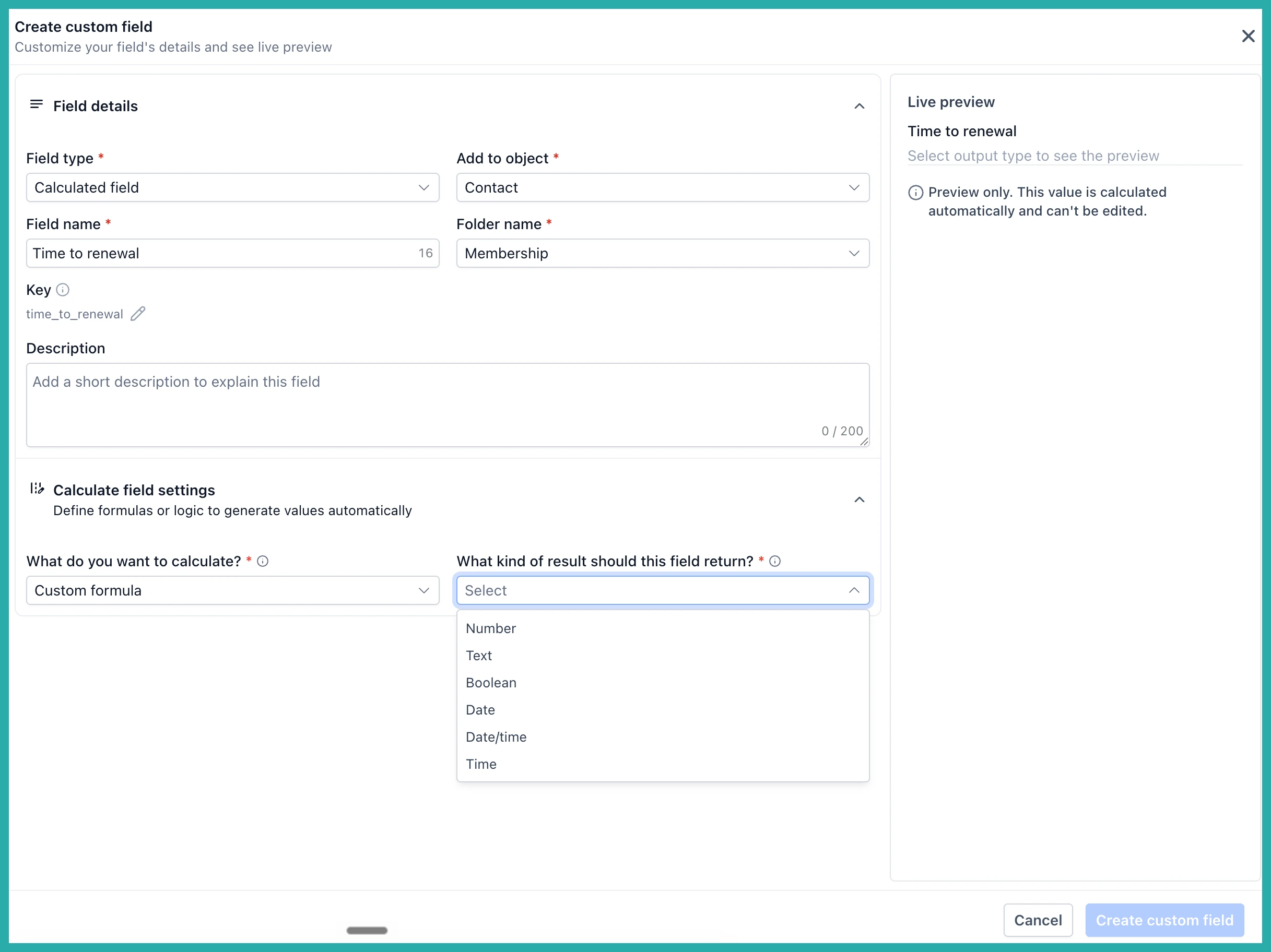
Creating one
You create a calculated field the same way you'd create any custom field, but you'll now see a new field type: Calculated. Pick that, and the formula options open up.
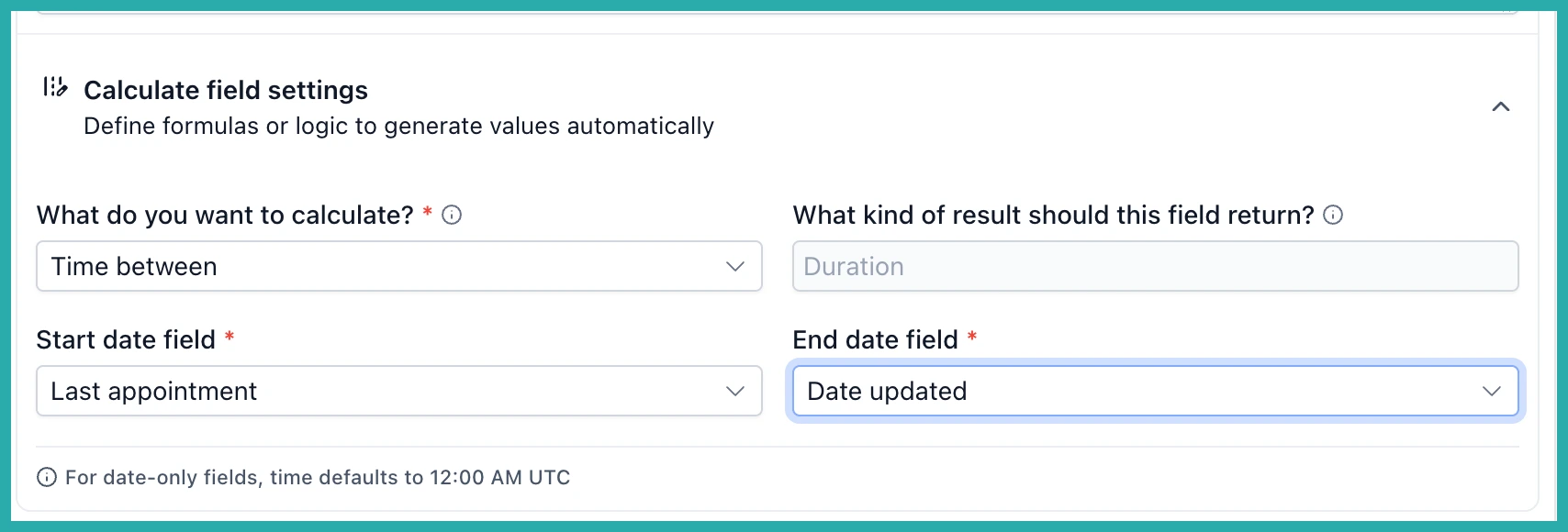
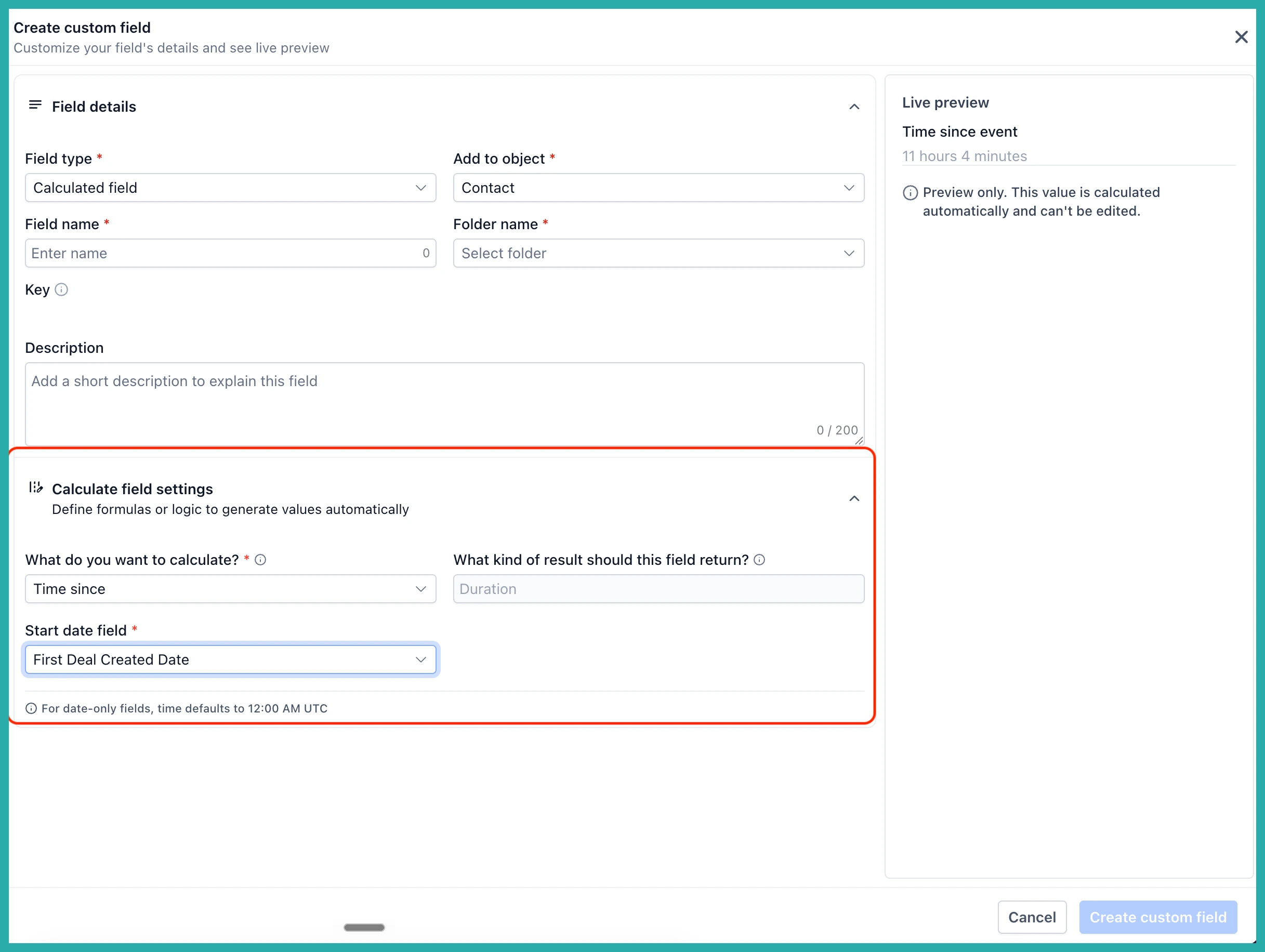
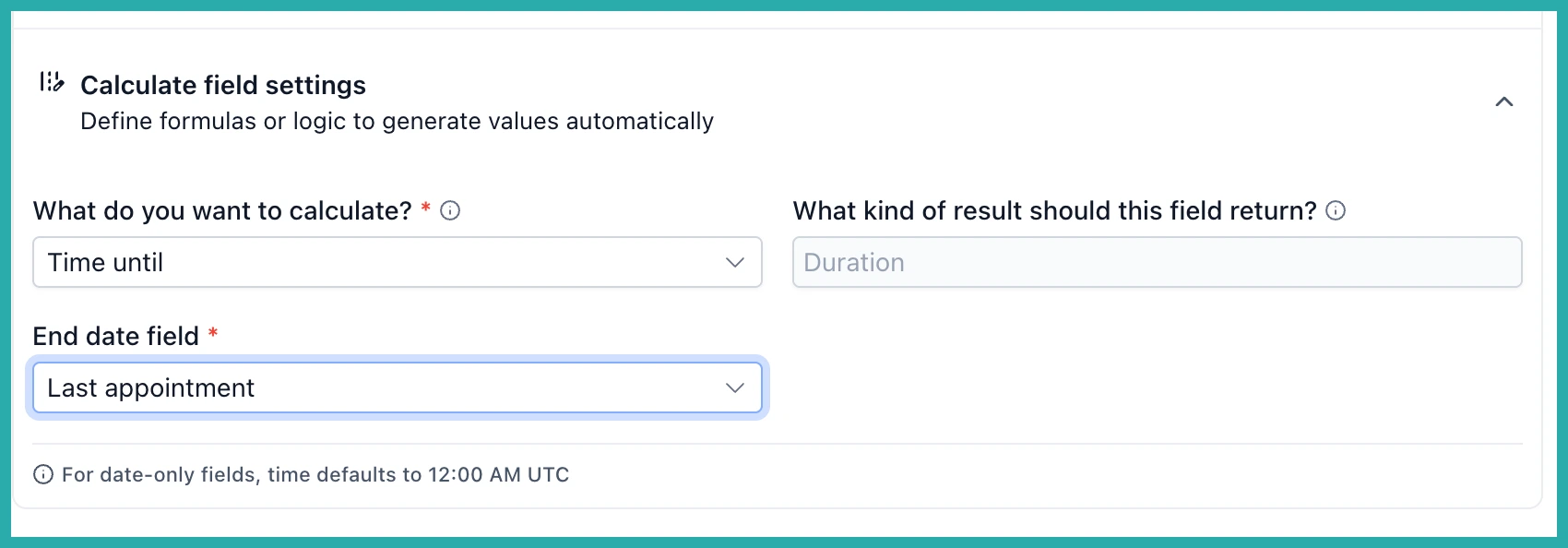
There are four ways to calculate a value:
- Custom formula - build your own equation using operators and functions.
- Time between - the gap between two date fields.
- Time since - how long it's been since a date, like days since last purchase.
- Time until - how long is left until a date, like days until renewal.
Pick whichever matches what you're trying to track, and you're on your way.
Choosing how the result looks
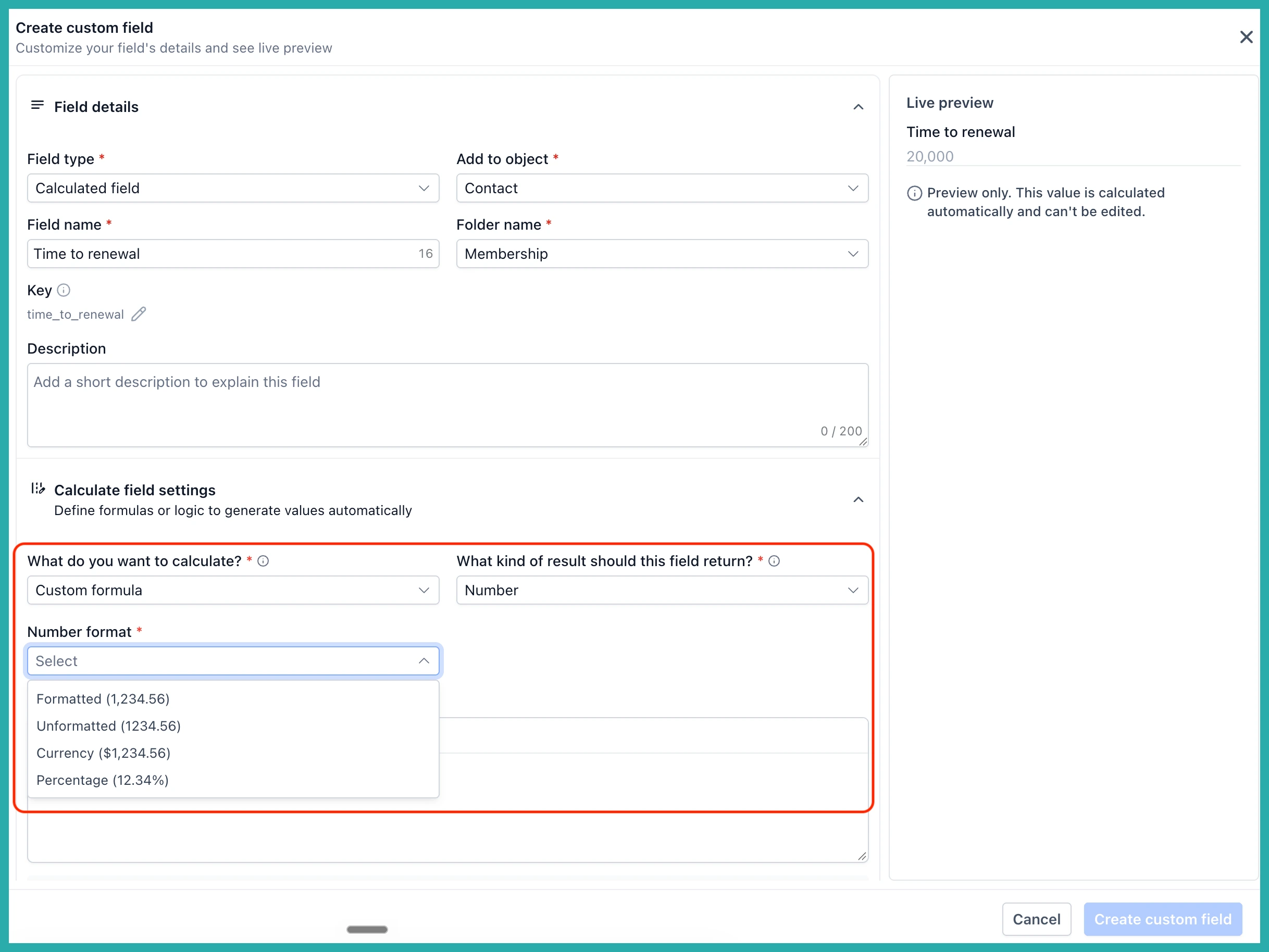
Your result can come out as a Number, a true/false value, Text, a Date or a Date-Time. And if it's a number, you've got proper control over the formatting.
Show it as a plain number, a formatted number, currency, a percentage, or a duration like "3 hrs 9 mins". So the value doesn't just calculate correctly, it reads the way you actually want it to.
The function library does the heavy lifting
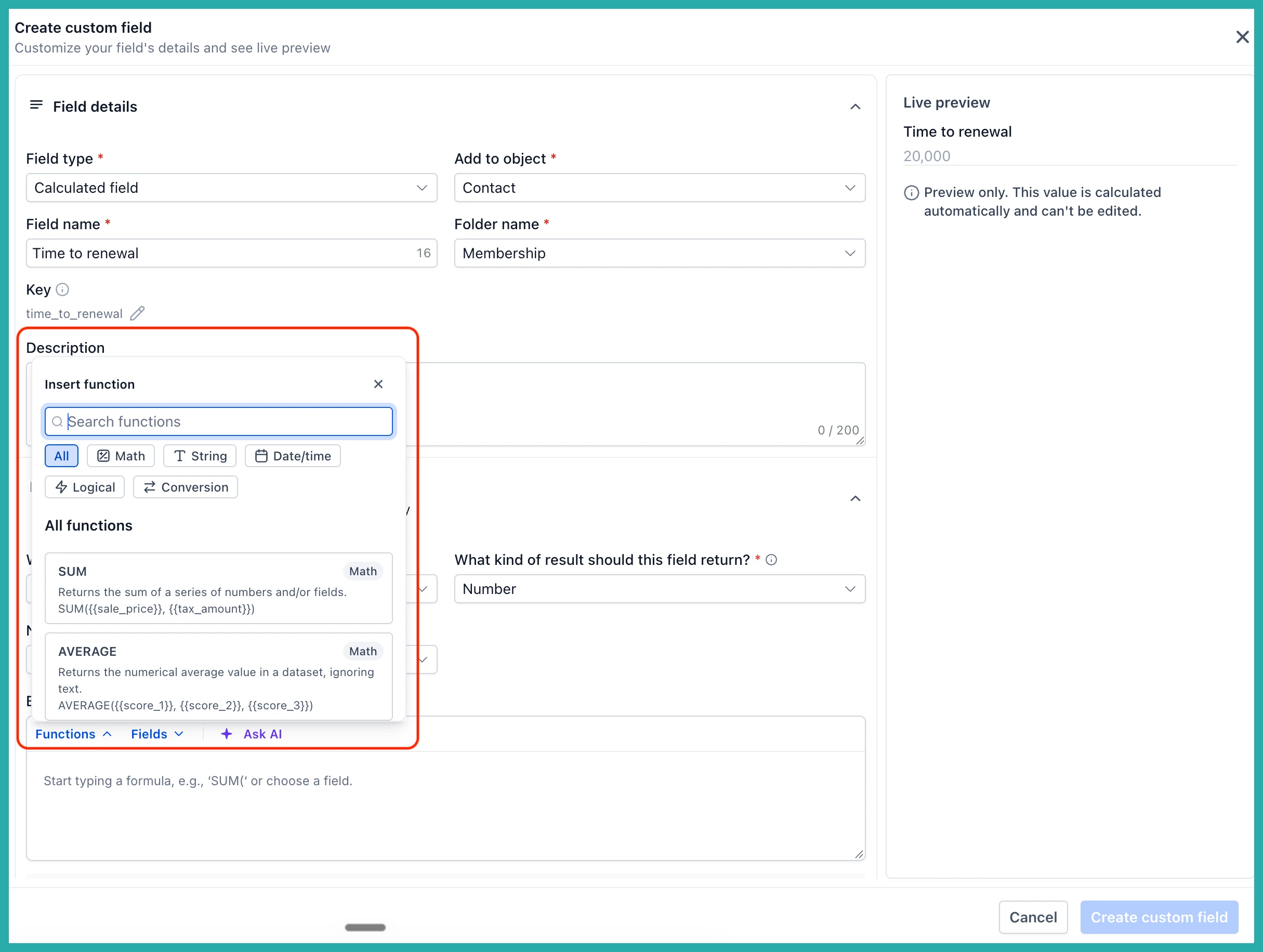
You don't need to be a spreadsheet wizard. There's a built-in library of functions ready to drop in:
- Math - SUM, AVERAGE, ROUND, MIN, MAX, ABS and more.
- Text - CONCAT, UPPER, LOWER, TRIM, LEFT, RIGHT, REPLACE and more.
- Date and time - ADD_TIME, YEAR, MONTH, DAY, WEEKDAY and more.
- Logic - IF, AND, OR, IS_KNOWN.
Test it before you commit
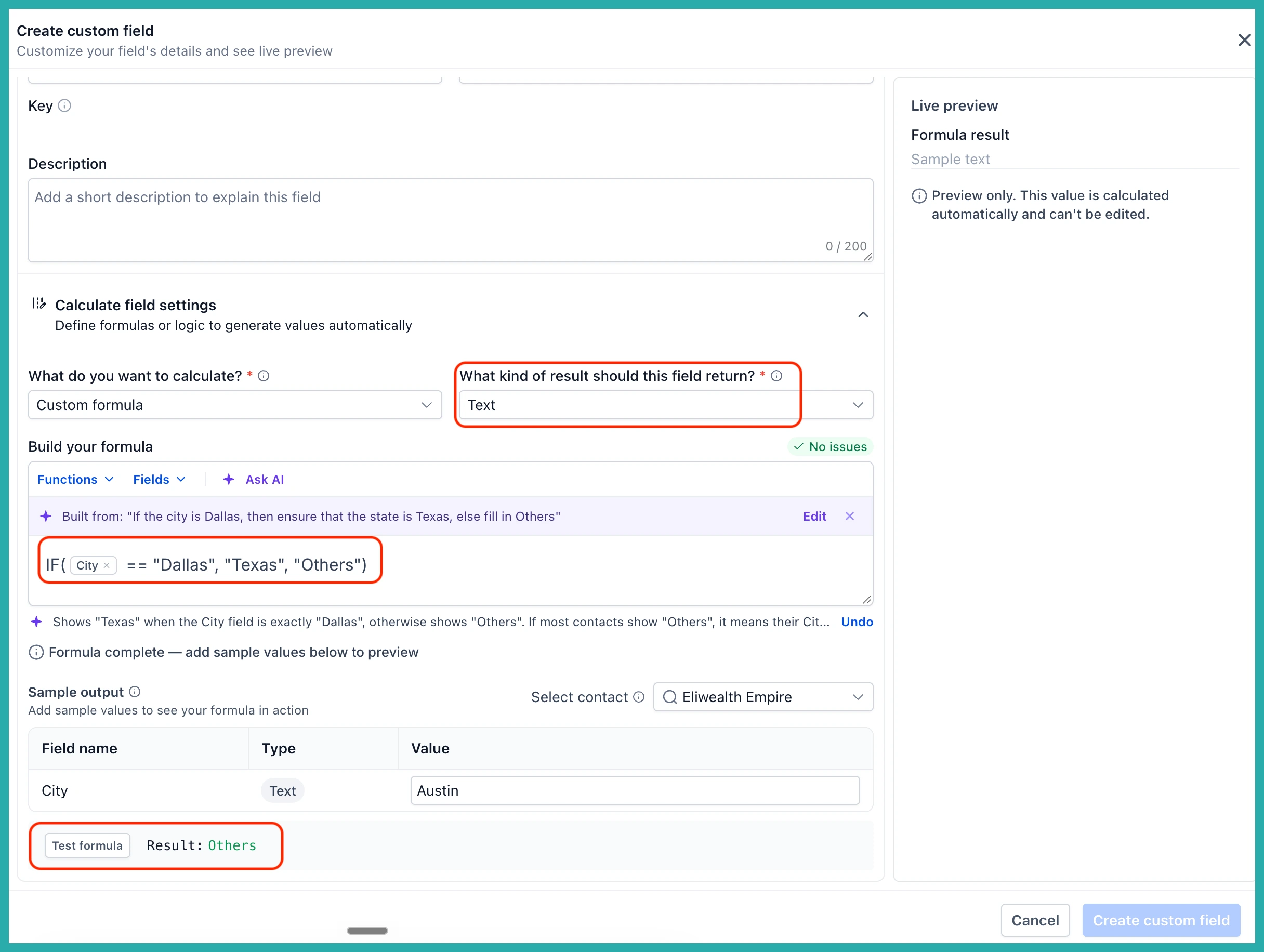
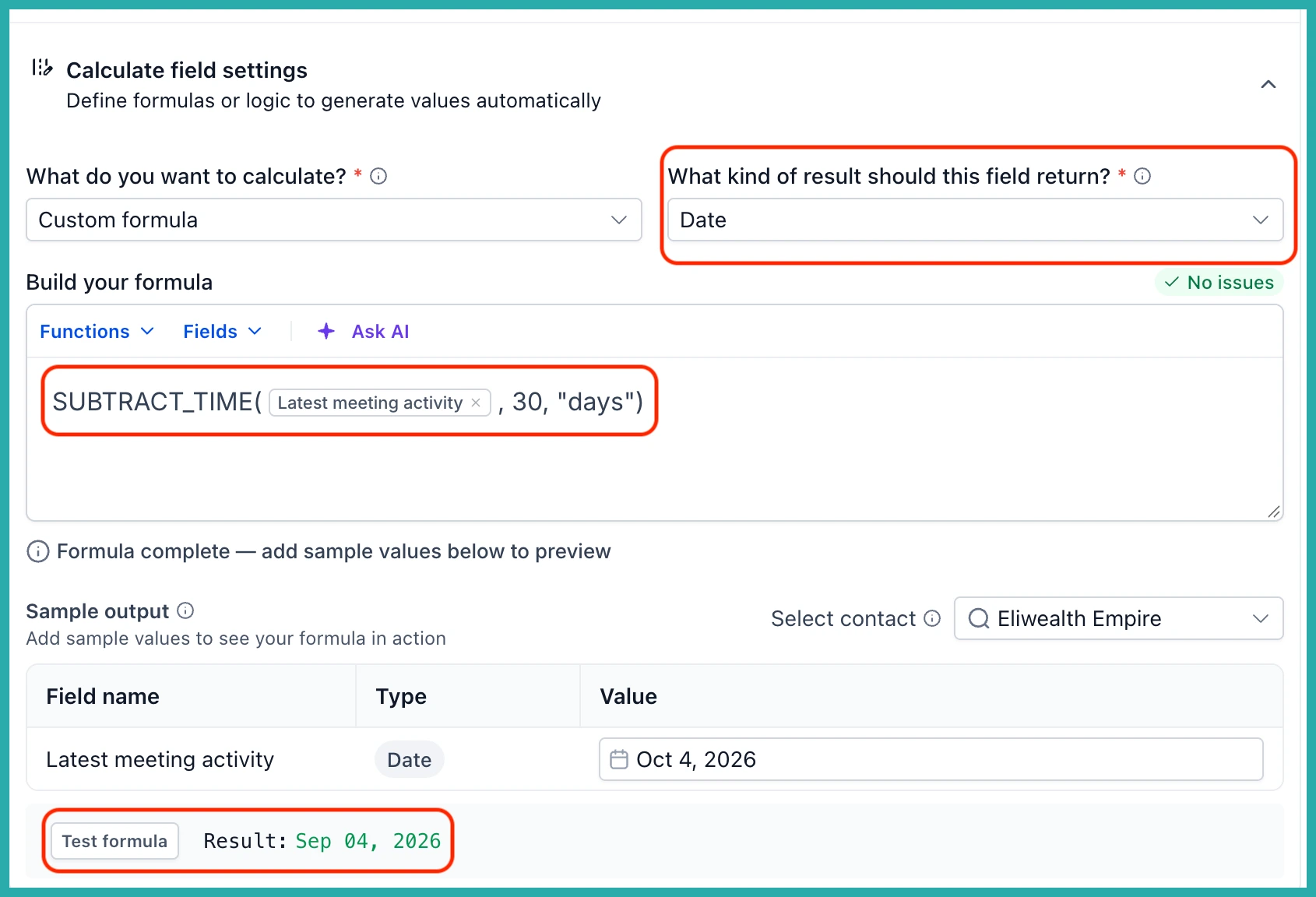
Before you save, try the formula with sample values and see exactly what it returns. If something's off, you get a clear error message pointing you at the fix rather than leaving you guessing.
It stays accurate on its own
Once it's saved, the field recalculates whenever its source data changes. And because calculated fields are read-only, a manual edit, an import or a workflow can't accidentally overwrite the value. It's always worked out from the real data.
Use them across your account
Calculated fields aren't just for contacts. You can create them on contacts, opportunities and custom objects.
You can also add them as smart list columns and use them to filter your smart lists, then put them to work inside your workflows. One note: "Time since" and "Time until" fields can be shown as smart list columns but can't be used as filters just yet.
Pick one field you're forever updating by hand and let it run itself. Once you've set your first formula, you'll want to do the rest.
