
Build a Whole Workflow Just by Describing It in Ask AI
Building an automation used to mean opening the workflow builder and piecing it together step by step. Handy, but not always where you are when the idea strikes.
Now you can just describe what you want, and Ask AI builds the whole thing for you.
What landed
Ask AI can now call the same workflow-building agent that lives inside Workflow AI. So instead of starting in the builder, you type out what you want in plain words and the agent drafts a full workflow - triggers, actions, the lot - right there in the chat.
Because Ask AI also runs on WhatsApp, that means you can now spin up a workflow straight from your phone, without even opening the platform.
How to use it
Open Ask AI and start a new chat. Describe the workflow you want in your own words - who it's for, what should happen, and when.
The agent builds it and shows you a live preview in the panel, so you can see the full structure without switching screens.
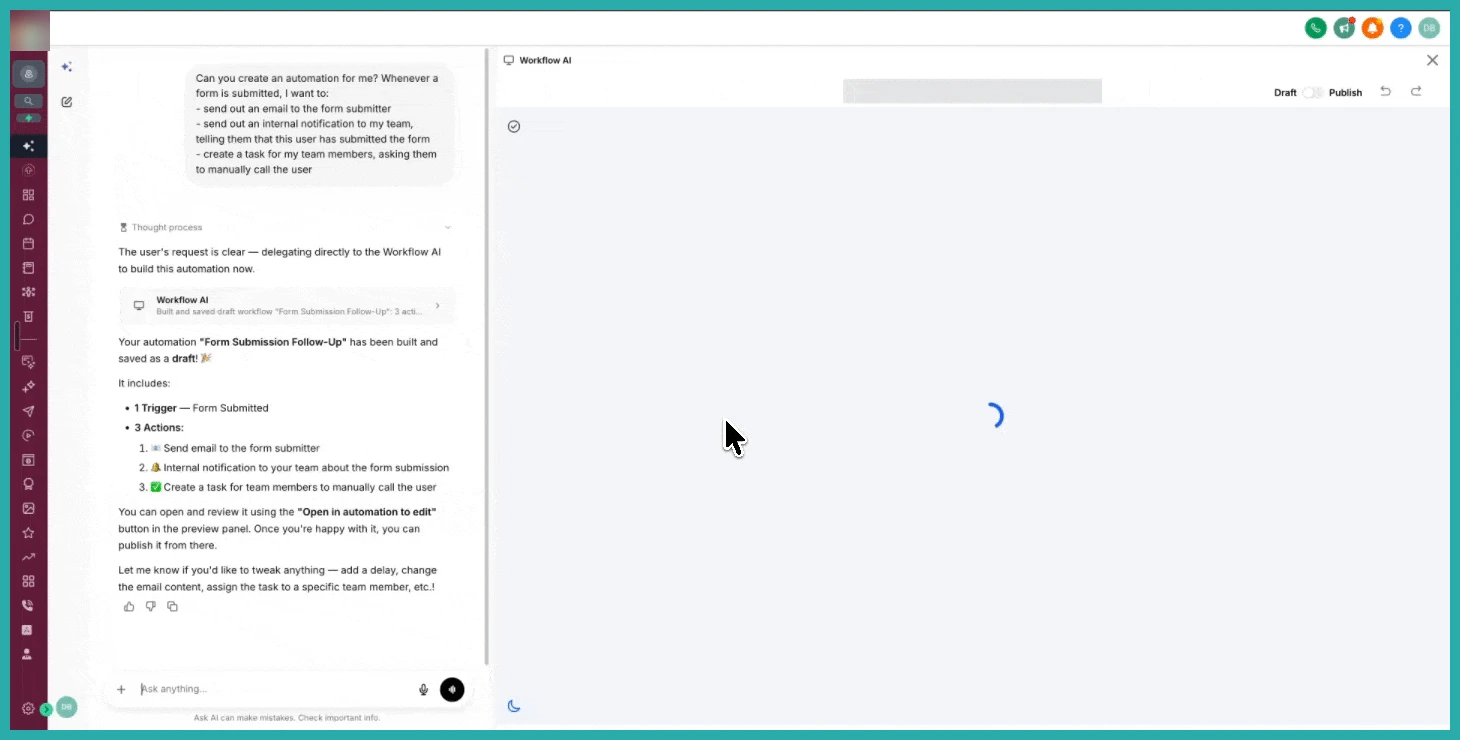
Want to check a specific piece? Click any trigger or action in the preview and you'll see its full configuration. If something isn't quite right, just tell the agent what to change and it updates the workflow in place. Keep going until it matches what you had in mind.
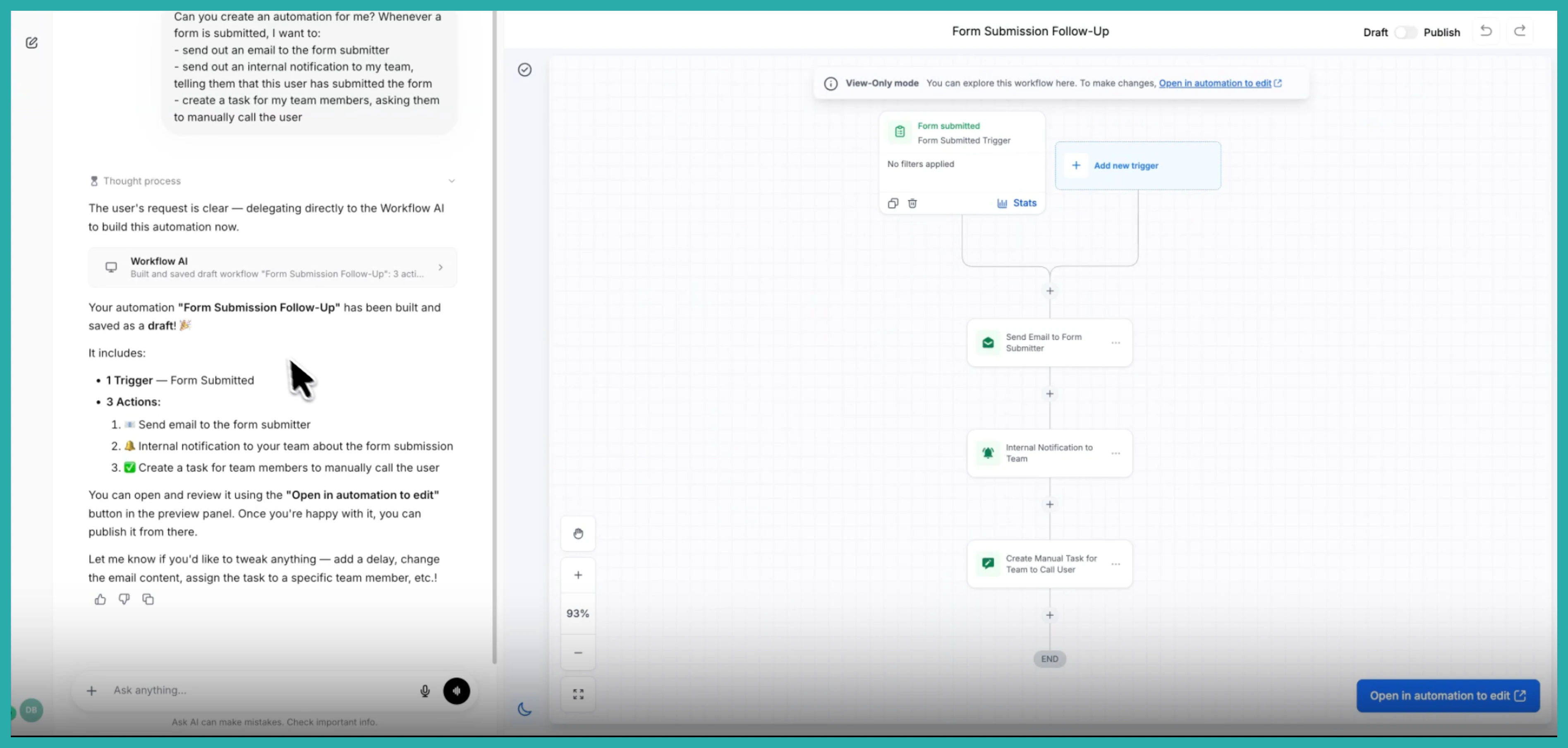
When you're happy, click the button to open it in the workflow builder. That's where you run a final test and publish, same as always.
Good to know
- You can't manually edit steps inside Ask AI. Use the link in the panel to open the workflow builder for hands-on changes.
- Publishing always happens in the builder, after a final test. The review-and-ship path stays exactly the same no matter where the workflow started.
So the drafting and back-and-forth can now happen wherever you're already working, and the builder stays your safe spot to check and go live. Next time an automation idea hits, just describe it and let the agent do the heavy lifting.
