
Your Contacts Can Now Sort Themselves Into the Right Company Automatically
A quick heads-up: this one's in Labs
It's an early feature you turn on yourself in Settings > Labs inside your account. It works, but it's still in development - the documentation and support is limited and not everything will behave perfectly yet.
If you like getting your hands on new things early, switch it on and have a play. If you'd rather wait for the finished, fully-supported version, leave it off and we'll let you know when it lands.
If you run a business that sells to other businesses, you'll know the drill. A new contact comes in, and to keep things tidy you're meant to find their Company, or create it, then link the two together by hand. Every single time.
This update does that job for you. When a contact is created or their email changes, the system reads the email domain and finds the right Company to attach them to. If there isn't one yet, it can create it, save the domain, and fill in the Company name and logo automatically.
What it actually does
Say a contact comes in as [email protected]. The system looks for a Company using acme.com as its domain. If it finds one, Sarah is linked to it. If there's already an Acme Company sitting there with no domain saved, it recognises that record, adds the domain, and reuses it instead of creating a duplicate. And if nothing suitable exists, it builds a new Company and enriches it for you.
Your existing links are safe. If a contact is already tied to a Company, that stays put. Nothing gets overwritten behind your back.
Turning it on in your settings
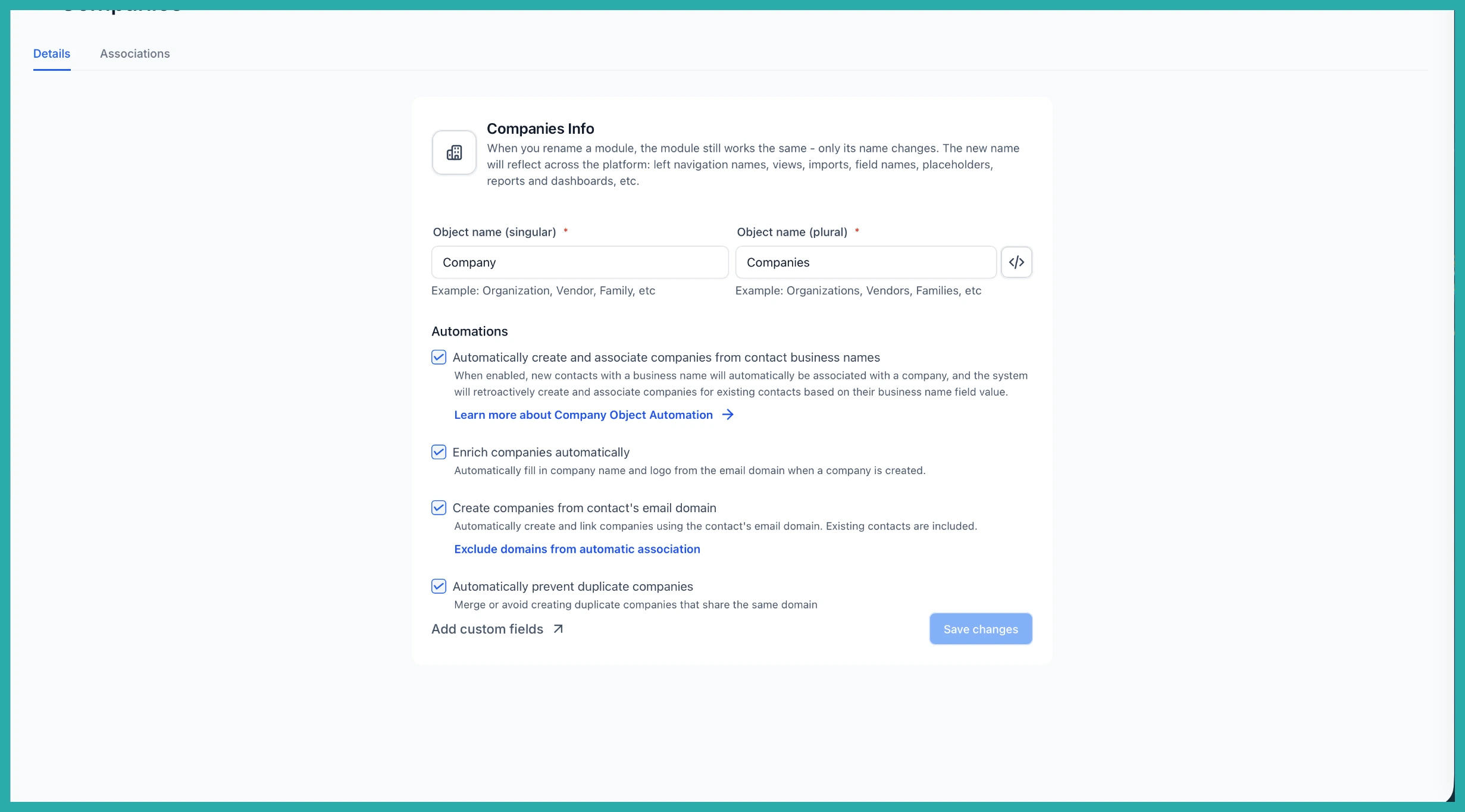
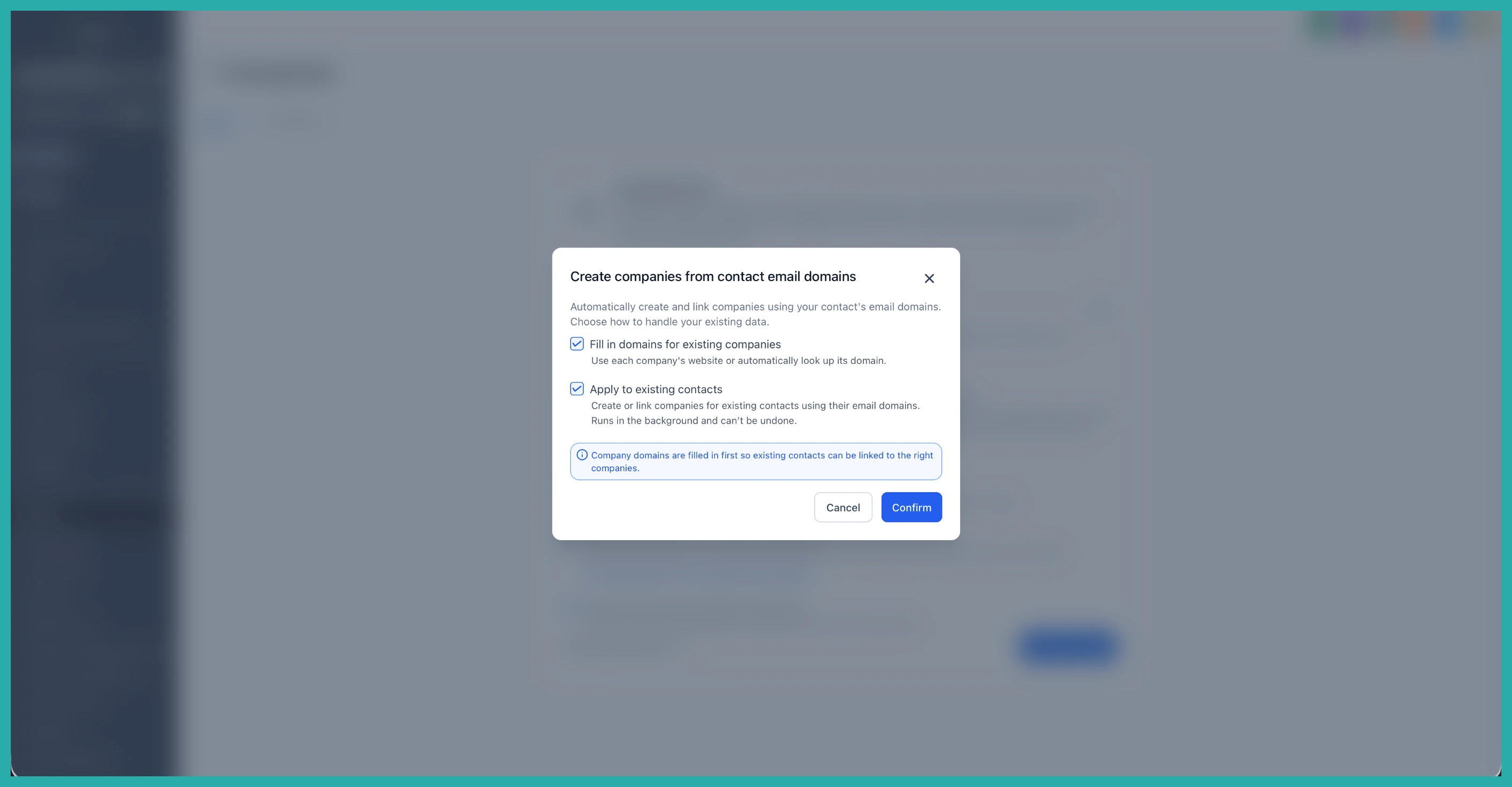
Once the feature is active, head to Settings, then Objects, then Companies. This is where you'll set the rules for how it all behaves.
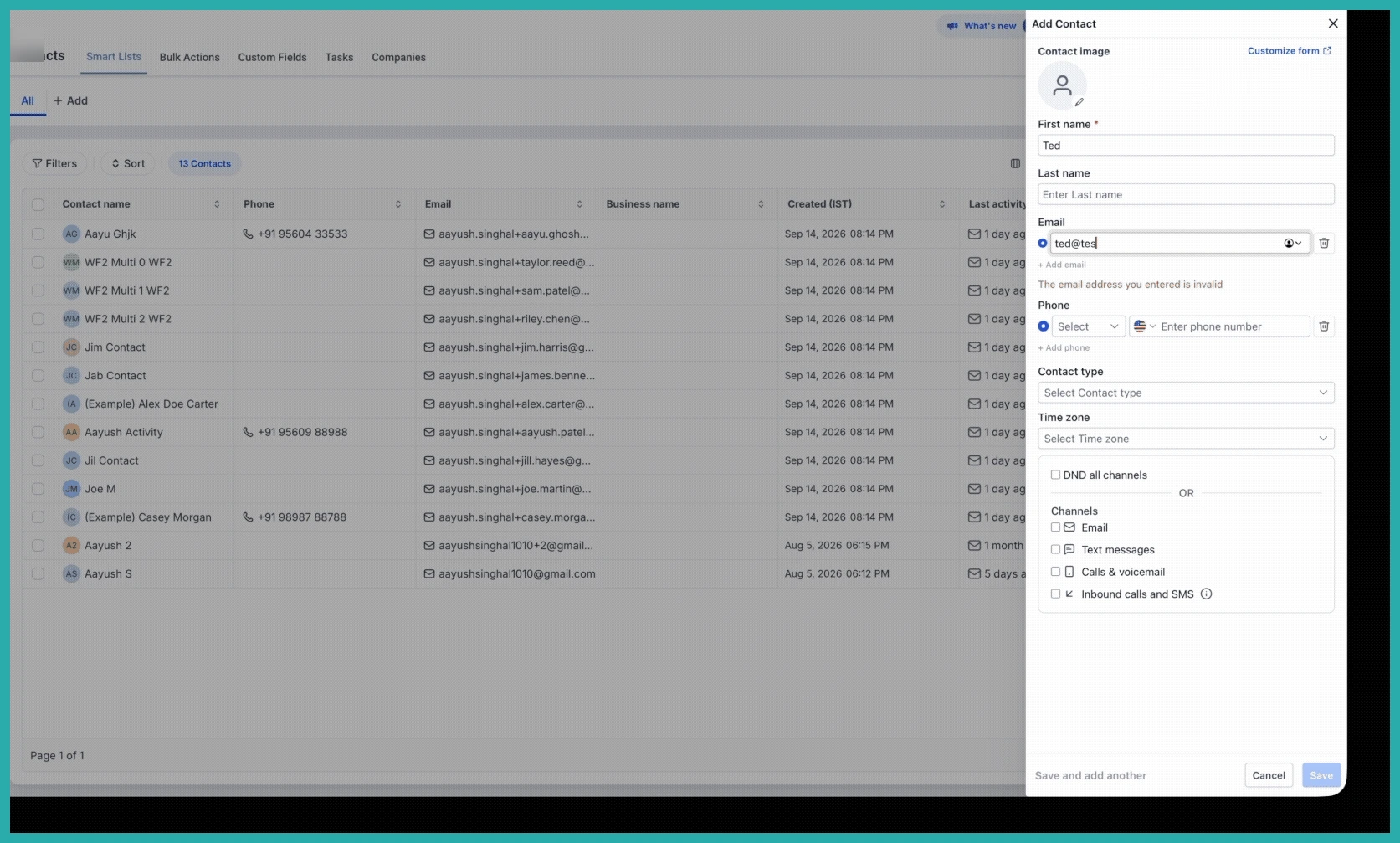
Under Automations, you'll see the switches that do the work. Turn on Enrich companies automatically to pull in the Company name and logo, Create companies from contact's email domain to build new records when there's no match, and Automatically prevent duplicate companies so two Companies never end up sharing the same domain.
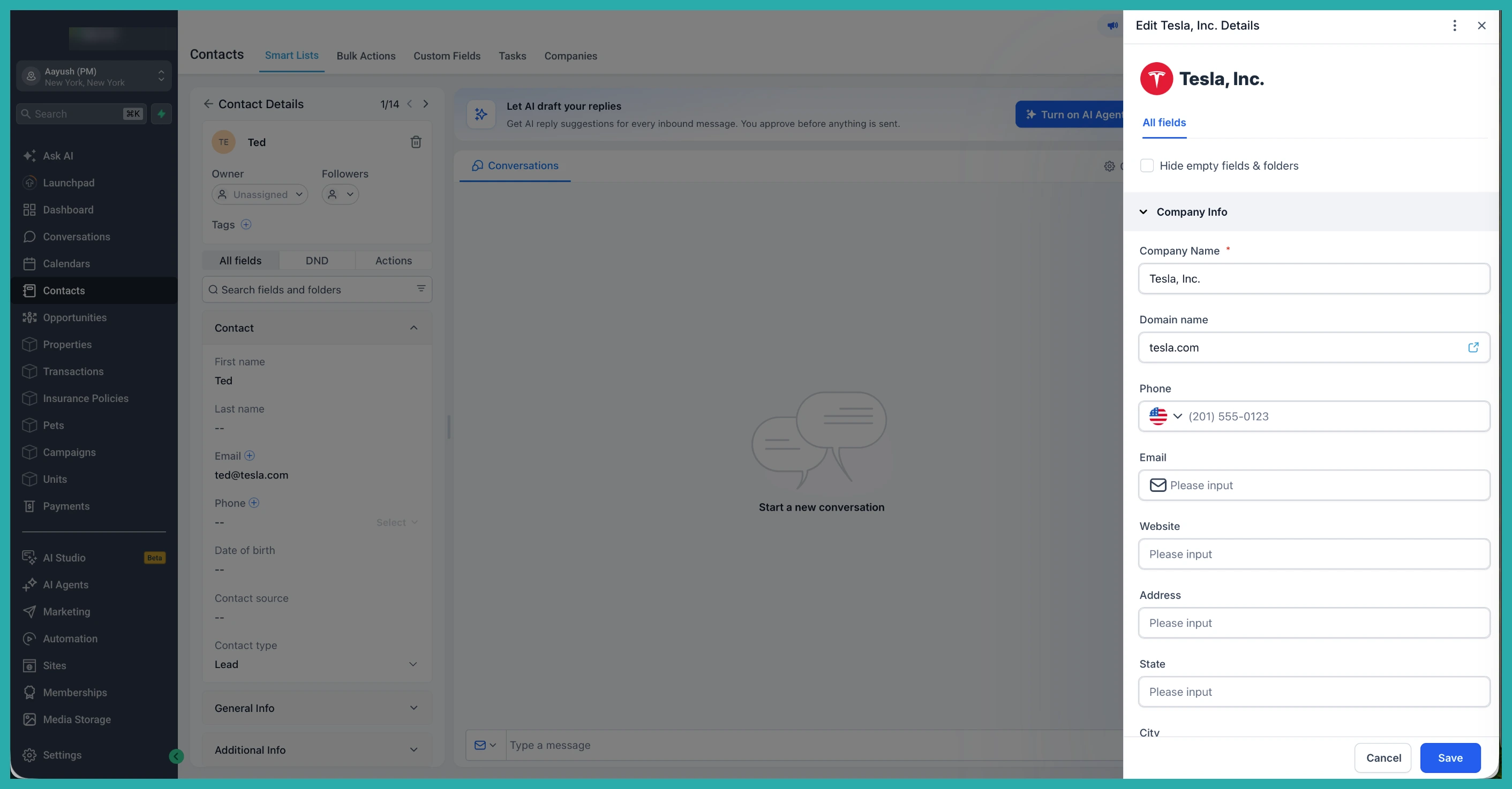
Keeping the free email providers out
You don't want a Gmail or Yahoo address spinning up a Company. Those common free providers are already excluded, so personal email addresses won't clutter your Companies list.
You can add your own domains to that exclusion list too. If there's a domain you never want matched or turned into a Company, drop it under Exclude domains from automatic association.
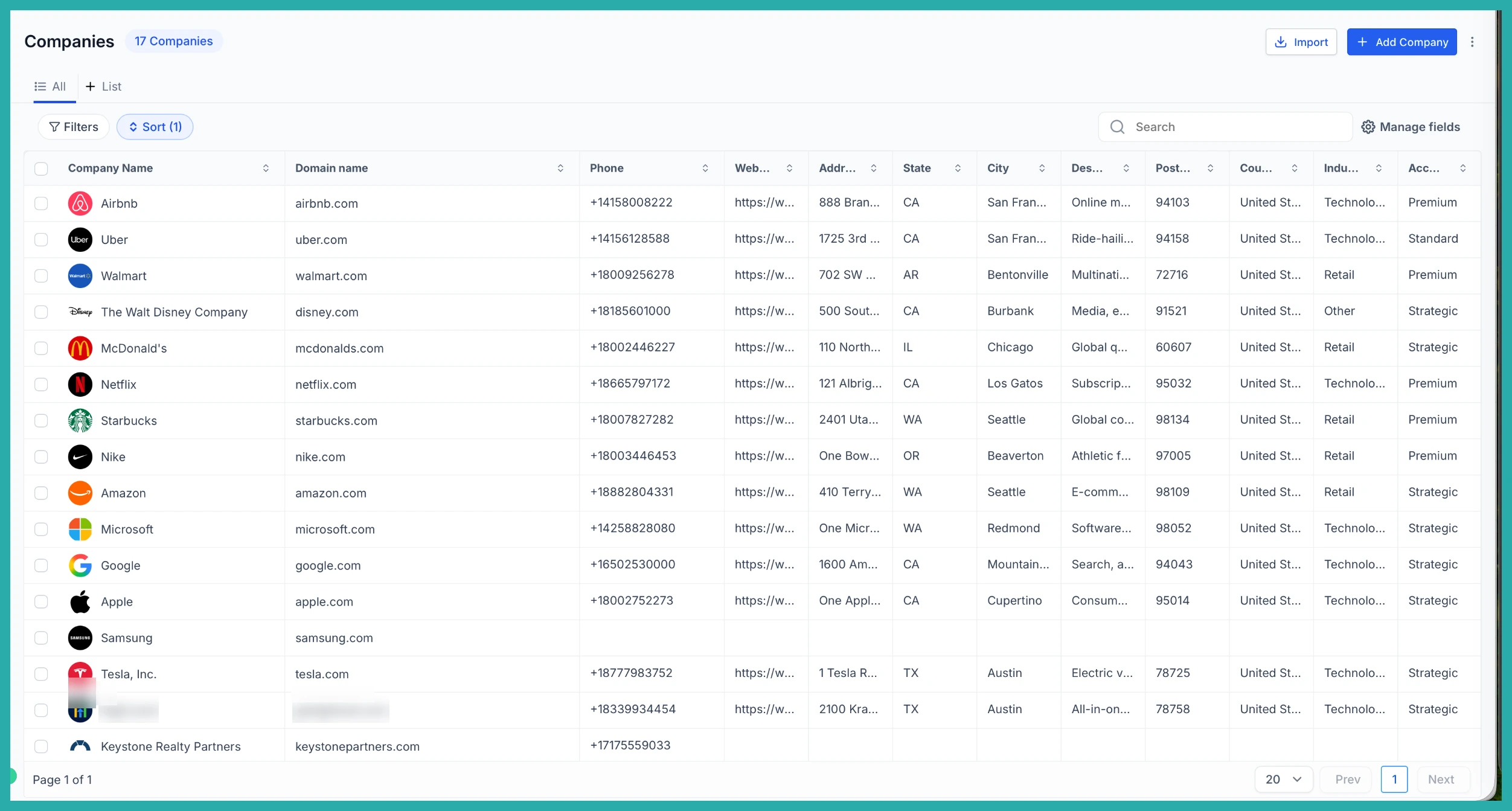
When you're happy with the setup, click Save changes.
The new Company Domain field
There's now a dedicated Company Domain Name field on your Company records, and it's set to be unique by default. That's what stops duplicates and keeps your matching reliable.
One thing worth knowing: domain matching is exact. So company.com and mail.company.com are treated as two different domains. And any domain you've typed in by hand won't be overwritten when the system backfills existing records.
A couple of honest notes
- Enrichment is best effort. If it can't find a logo or name, the Company still gets created - it just won't block anything.
- The older option to create and associate Companies from contact business names still works, and runs happily alongside this new domain-based matching.
Once this is set up, your Company data starts organising itself in the background as contacts come in. That means cleaner records, fewer duplicates, and more dependable Smart Lists, workflows, and reporting - without you doing the linking by hand. Have a play with the settings and see how it fits the way you work.
