
Let ESC Hub Build and Link Your Company Records Automatically by Email Domain
A quick heads-up: this one's in Labs
It's an early feature you turn on yourself in Settings > Labs inside your account. It works, but it's still in development - the documentation and support is limited and not everything will behave perfectly yet.
If you like getting your hands on new things early, switch it on and have a play. If you'd rather wait for the finished, fully-supported version, leave it off and we'll let you know when it lands.
If you work with other businesses, you already know the drill. A new contact comes in, and you're the one deciding which company they belong to, typing it in, and hoping you haven't created the same business twice.
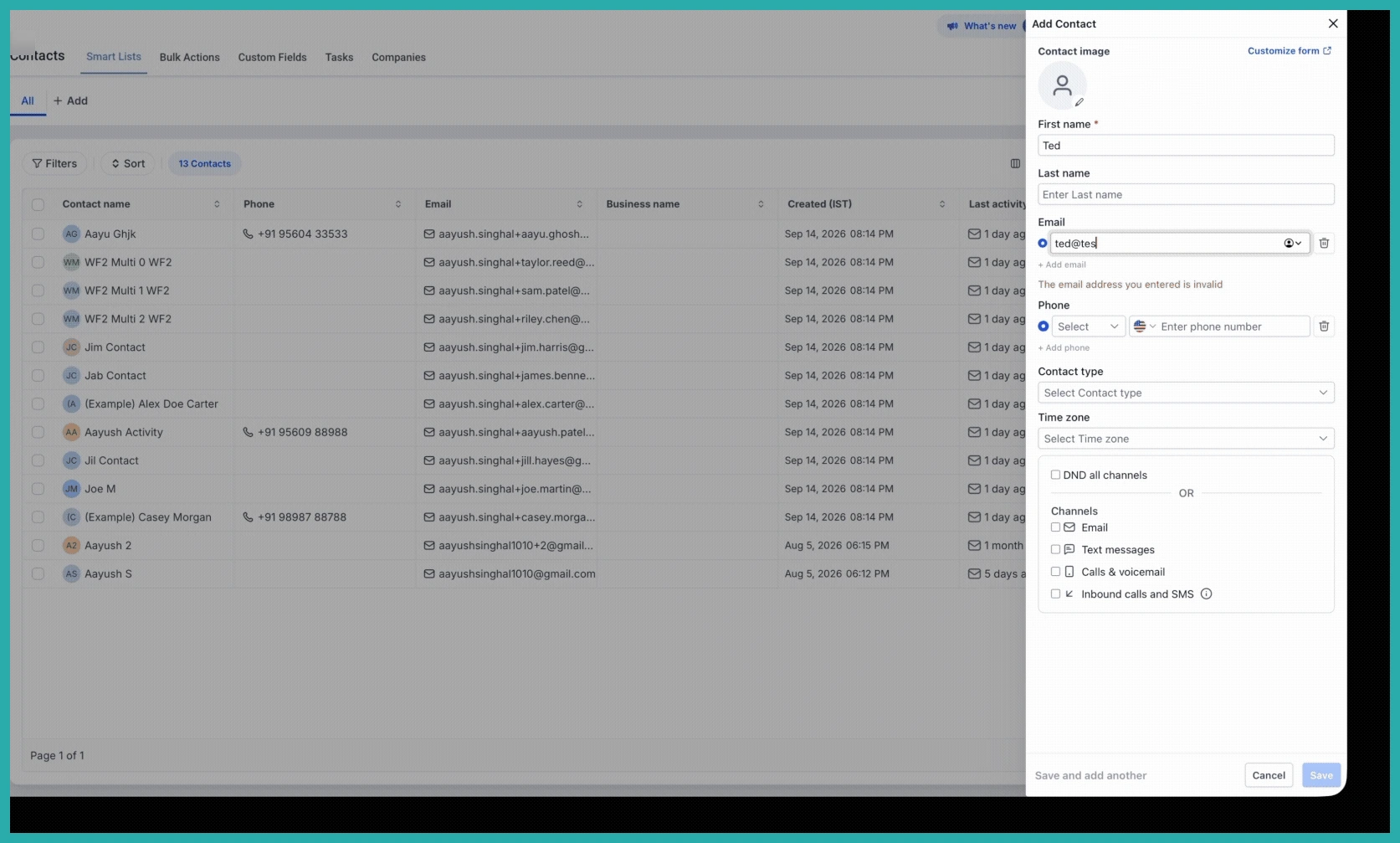
This update hands that job to your account. When a contact is created, or their email address changes, the system reads the domain after the @ sign, finds the matching company, and links the contact to it. If no company exists yet, it creates one for you and fills in the name and logo.
What it actually does
A few things working together behind the scenes:
- Finds the right company by domain. If a contact's email is [email protected], they get attached to the Acme company record.
- Reuses what you already have. Existing companies without a domain are matched and reused first, so your deals and notes stay where they are instead of being recreated.
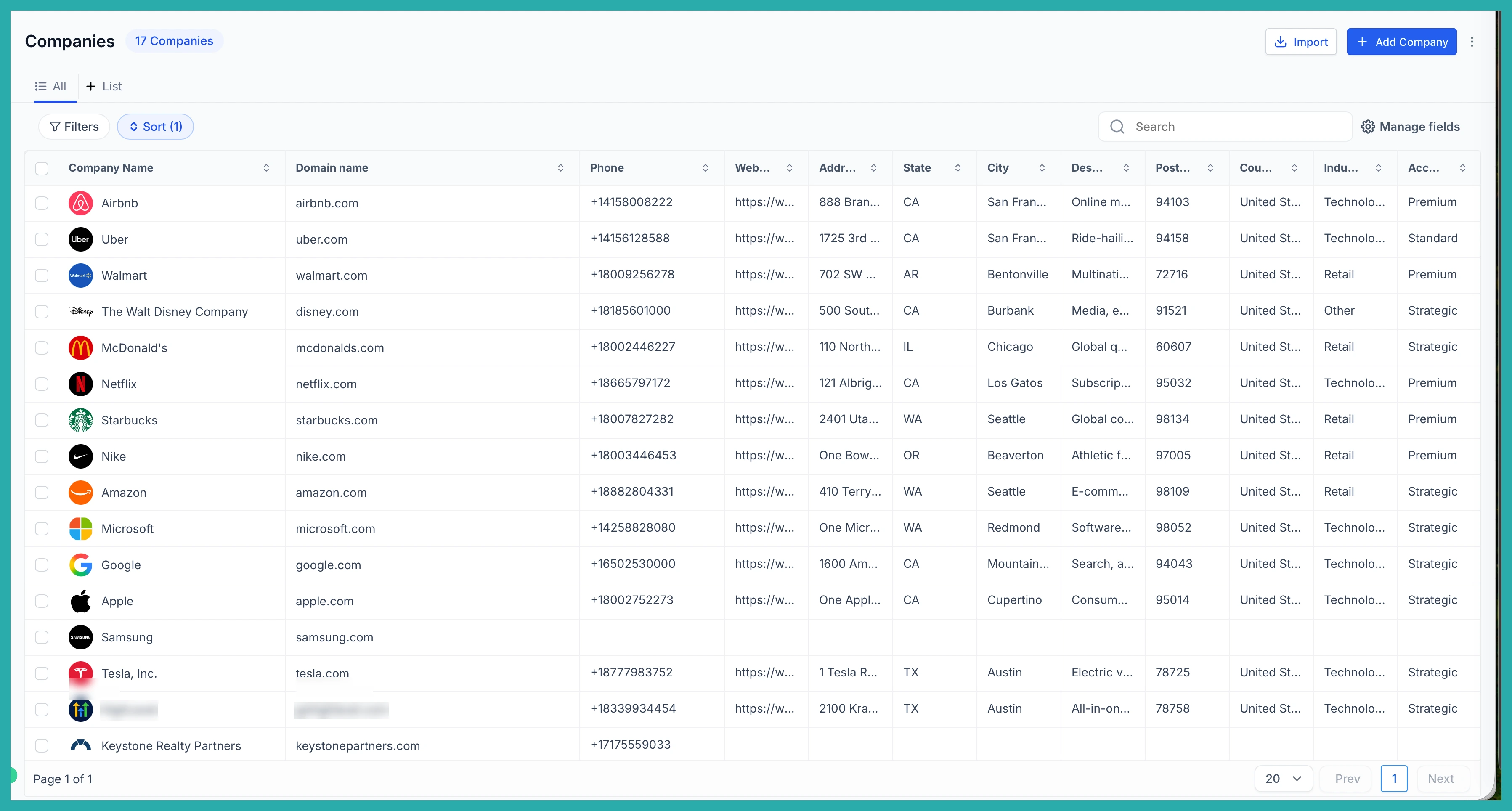
- Creates and enriches when needed. No match? A new company is built with its domain, name, and logo.
- Skips the obvious ones. Free providers like Gmail and Yahoo are ignored, and you can add your own domains to leave out.
- Stops duplicates. One domain per company, unique by default, so the same business doesn't land in your list twice.
How to set it up
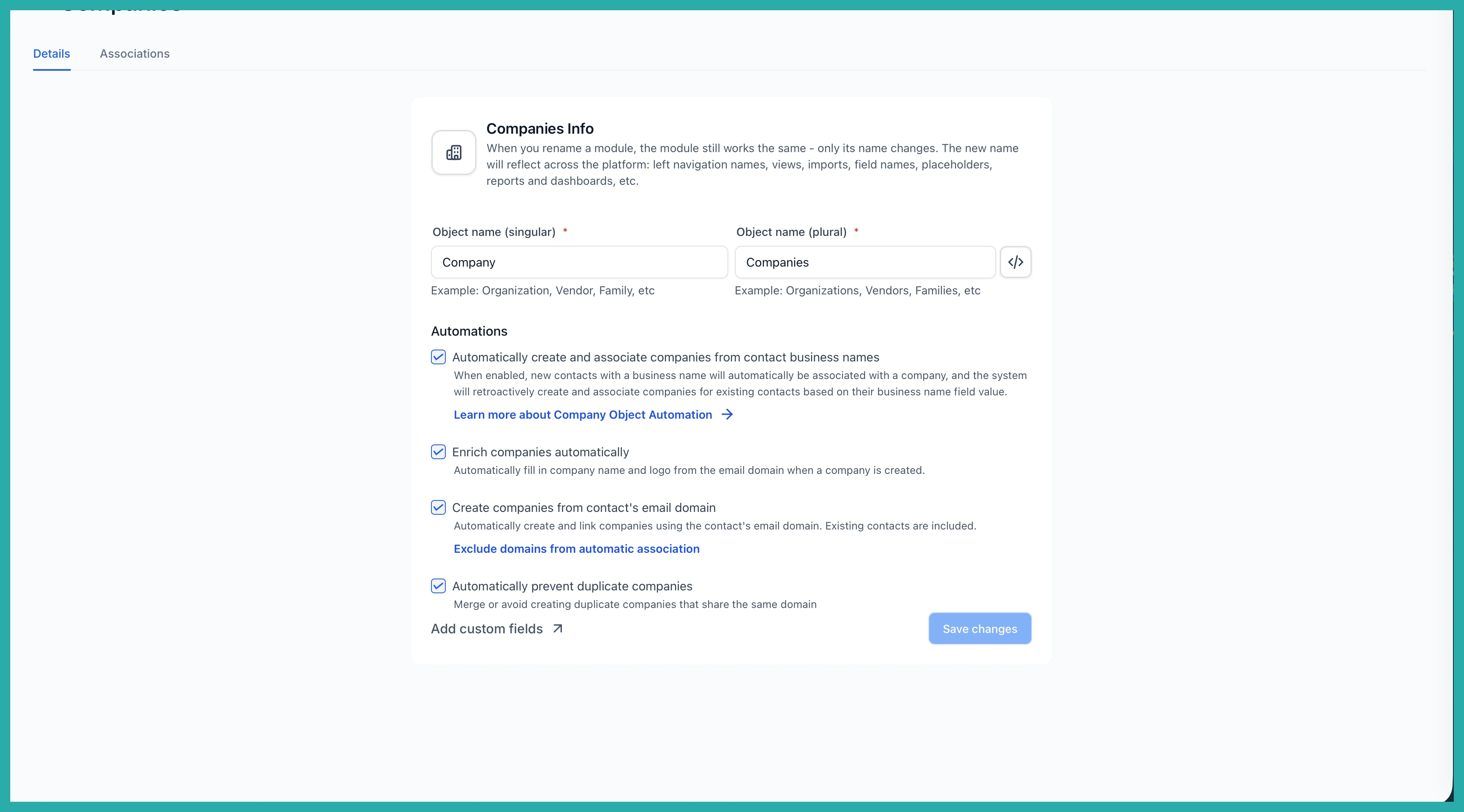
Go to Settings, then Objects, then Companies. You'll find everything under the Automations section.
Turn on the three settings that do the work:
- Create companies from contact's email domain - this is the main switch.
- Enrich companies automatically - fills in the name and logo for you.
- Automatically prevent duplicate companies - keep this one on. It's the safety net for every way a company can be created.
If there are domains you'd rather the system never match on, add them under Exclude domains from automatic association. Handy for shared inboxes or partner addresses you don't want turning into companies.
Bringing your existing records along
When you switch this on, you can choose to fill in domains for the companies you already have, and apply the automation to your existing contacts too.
Do these in the right order. Run the domain fill-in first, so your current companies get their domains, then apply the automation to existing contacts. That way contacts attach to companies you already built, rather than new ones being created.
Once you're happy with the settings, click Save changes.
A few things worth knowing
- Contacts already linked to a company are left alone - existing associations are respected.
- A domain you typed in yourself is never overwritten.
- Matching is exact, so company.com and mail.company.com are treated as two different domains.
Have a play with it and watch your company list start to organise itself as new contacts come in. It's one of those jobs you'll be glad to stop doing by hand.
