
Your Workflows Can Now Make Short Videos From a Prompt
Up to now, a workflow could send a video you uploaded ahead of time. It could never make one. That just changed.
There's a new action called AI Video Generation. You give it a prompt, it creates a short video, saves it to your Media Library, and hands back the link - ready for the next step to send in an email, a text, or anywhere else you like.
A quick honest note first
This is a premium action, so each video you generate carries an extra charge. The cost depends on how you set it up - the model, the quality, the length, and whether you add audio. Treat any figure you see as a planning estimate, not a fixed price.
One more thing worth knowing up front: the finished video sits at a public link. Anyone with that link can open it, no login needed. So keep that in mind if your prompt pulls in customer details.
What it can do
Here's what you've got to play with:
- Two models. Veo 3.1 Quality for the most polished result, or Veo 3.1 Fast when you want it quicker.
- HD output. Standard at 720p, or High at 1080p.
- Flexible prompts. Type one yourself, or pull it from a contact field, a webhook, or an earlier action so each contact gets a different video.
- Enhance Prompt. One click turns a short line into a fuller, more detailed prompt.
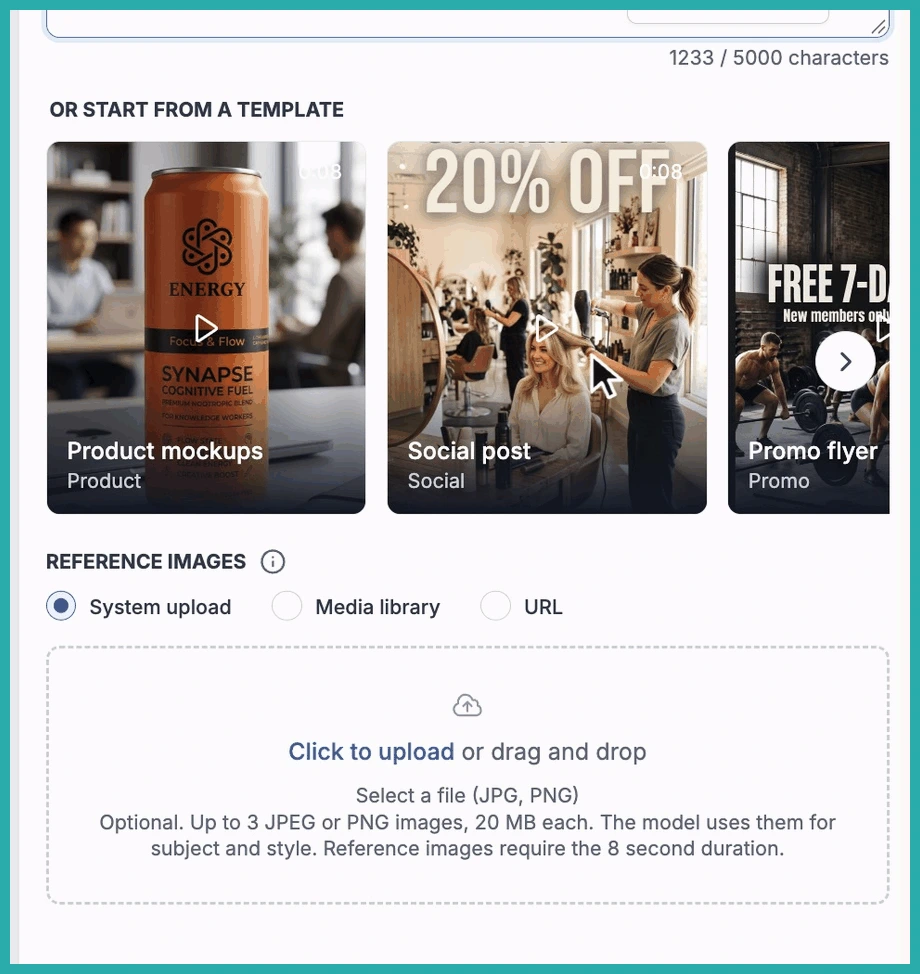
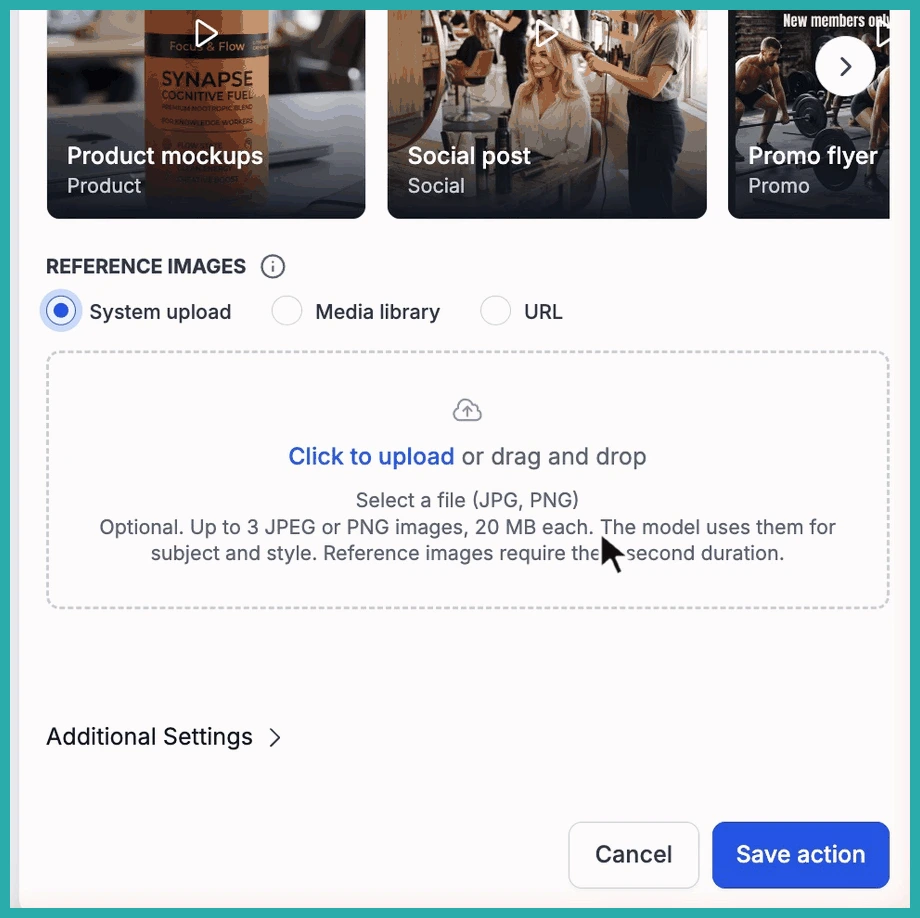
- Templates. Start from Product Mockups, Social Post, Promo Flyer, or Lifestyle. Each one plays a sample video first so you can see what you're getting.
- Reference images. Add up to 3 images to guide the subject and style.
- Size and length. Landscape or Portrait, and 4, 6, or 8 seconds.
- Generate Audio. One toggle adds AI sound, from ambience to background music.
How to set it up
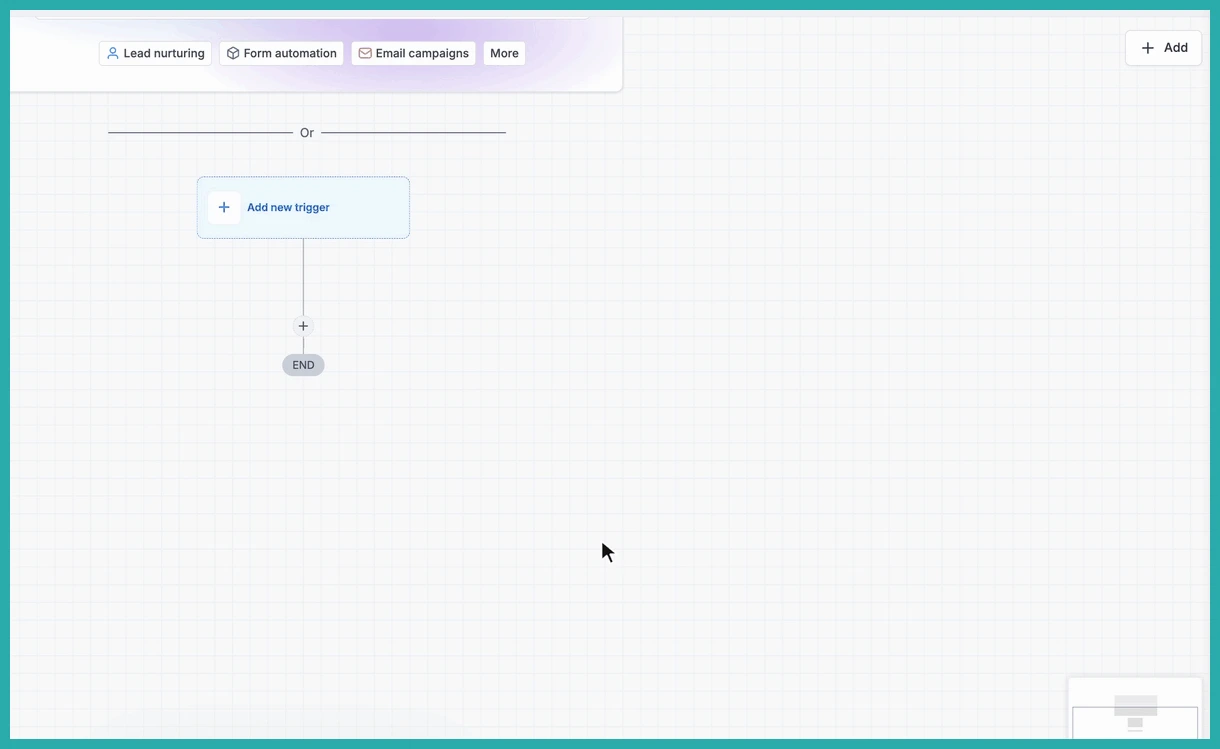
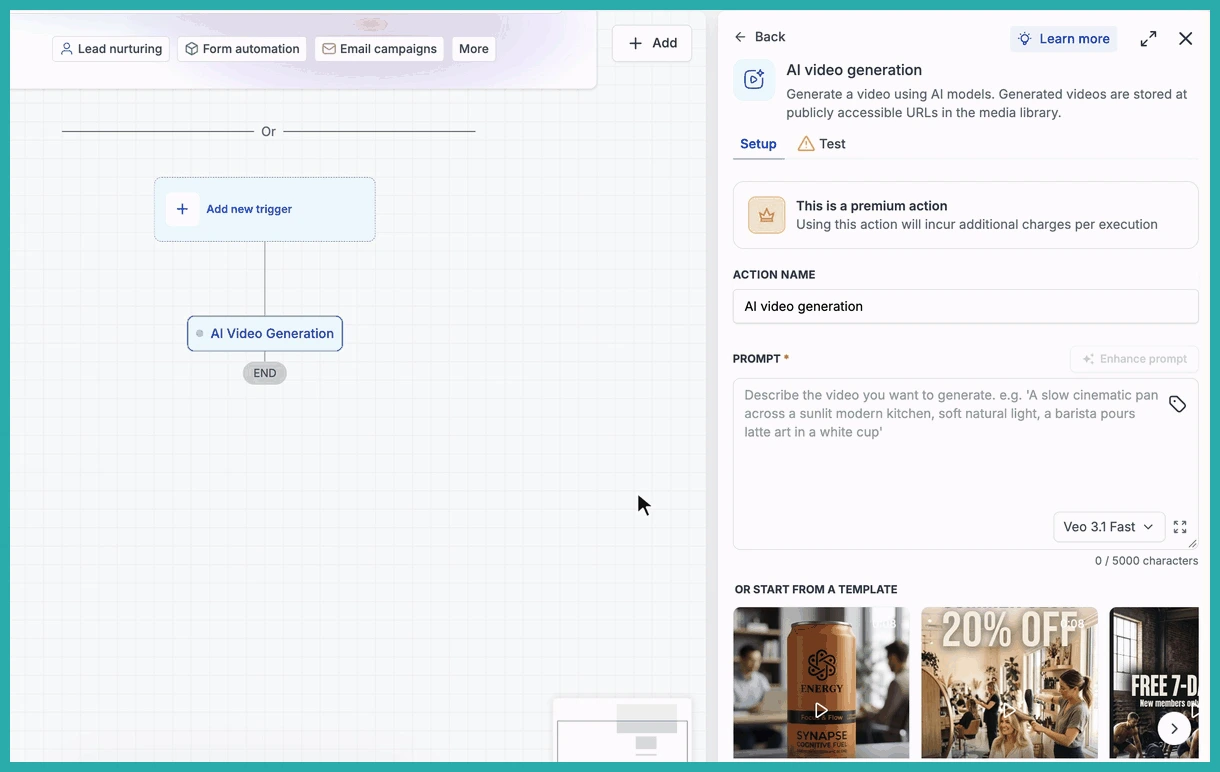
Go to Automation, then Workflows. Open the workflow you want, add a new action, and choose AI Video Generation from the AI Actions group.
First, pick your model and quality. The defaults are Veo 3.1 Quality and Standard 720p, which is a sensible place to start.
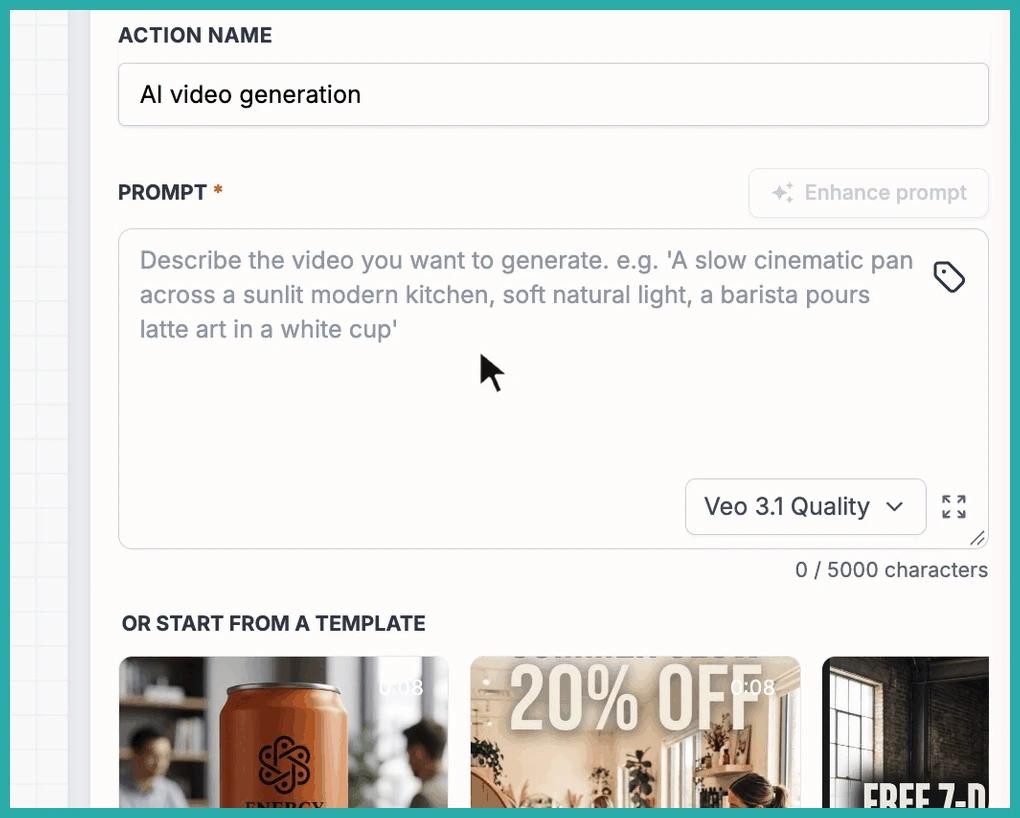
Now write your prompt. Type it straight in, or insert a custom value so the prompt comes from your data when the workflow runs. If you want a hand, click Enhance Prompt to expand a short line into something more detailed, or start from one of the templates.
Want to steer the look? Add up to 3 reference images - from your computer, the Media Library, or a URL. The model uses them for subject and style. Just note that reference images need the 8 second length, so the duration switches to 8 seconds on its own when you add one.
Open Additional Settings for the size, the duration, and the Generate Audio toggle. Audio is off by default, so flick it on if you want sound. When you're happy, save the action.
What to do with the video
Once it's generated, the video lands in your Media Library and its link is handed to the steps that follow. Send it in an email or SMS, save it to a custom field, or pass it to a webhook.
And because the prompt can come from your data, a single workflow can produce a different video for every contact who passes through it. No camera, no editor, no studio.
Pick a workflow that's not too busy, add the action, and run one video through to see how it looks. Once you've watched it work once, the ideas tend to come on their own.
