
Add a Real Live Chat to Your AI Studio Apps Just by Asking
You build a page, it looks great, and then you bolt on a chat bubble that looks nothing like the rest of your site. That gap between "my design" and "the generic widget" is annoying.
Now AI Studio handles it for you. Ask it to add a live chat, and it builds a real chat widget straight into your app - styled to match your colours, fonts and layout.
What landed
You can add native chat widgets to your AI Studio apps, built and styled by AI Studio so they look like part of your site rather than a bolt-on. And underneath, it runs on the same chat your account already uses, so the conversations, contacts and settings are the ones you know.
There's nothing extra to set up. You ask, it builds.
Asking AI Studio to add the chat
Open your project and just type something like "add a live chat". AI Studio shows you a card to create the widget.
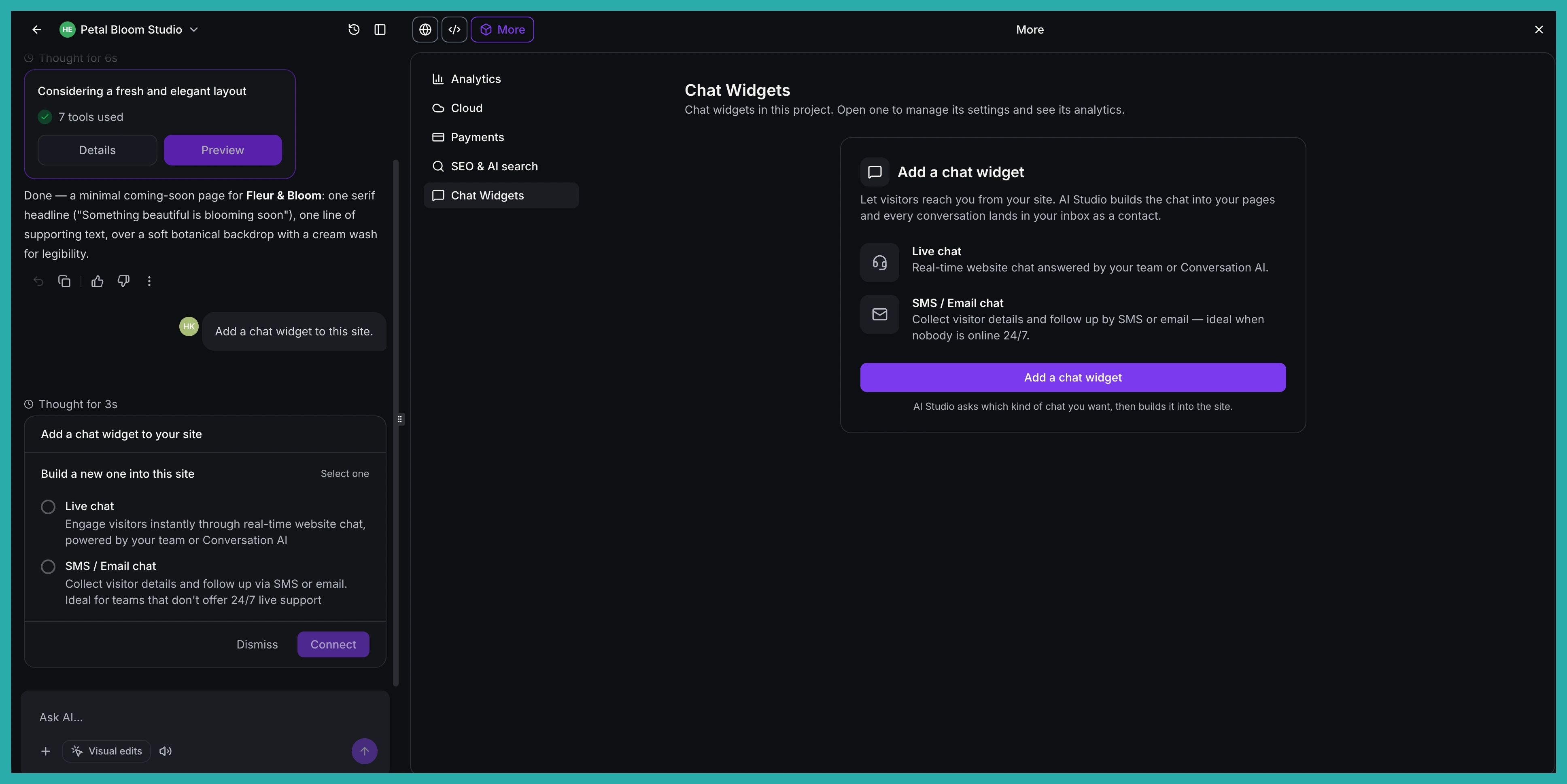
You get two options: Live Chat, or Email Chat for visitors who leave a message and get a reply by email. Pick one, and the widget is created in your account, named after your project, and wired into your app automatically.
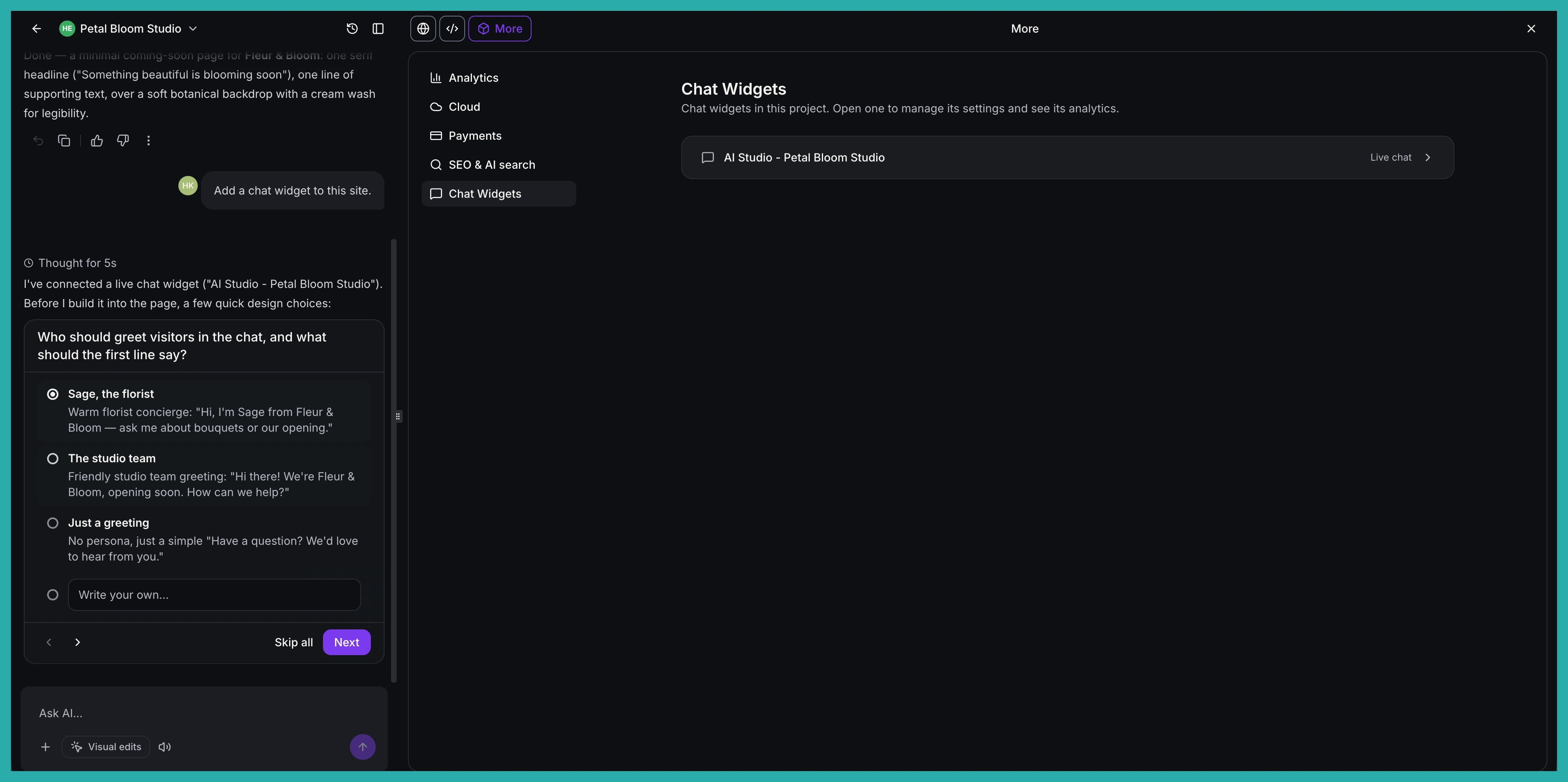
For a new chat, AI Studio asks a few quick design questions first - greeting, placement, tone - then builds it.
It matches your site
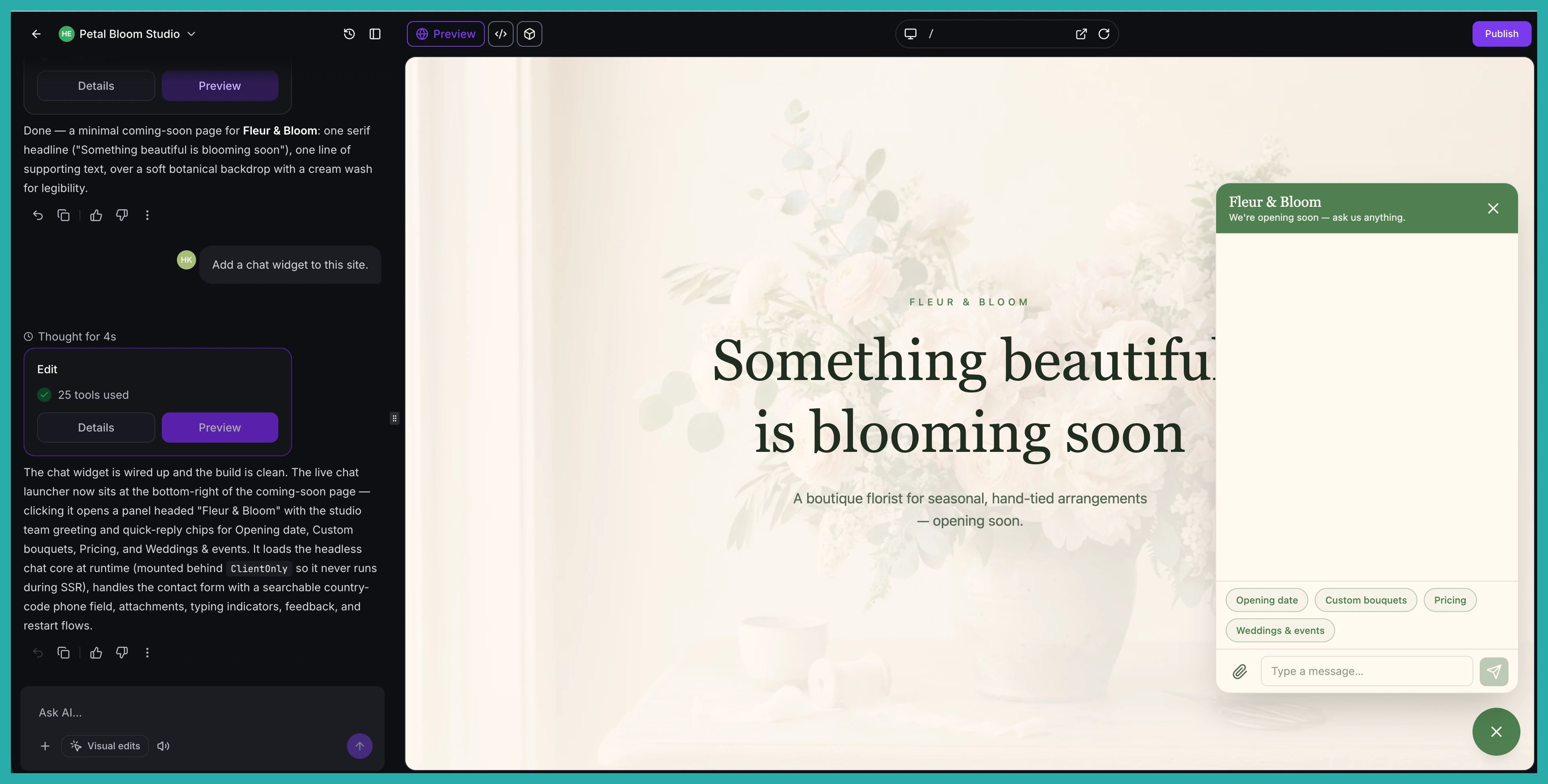
Because the chat is built into your app's own code, it uses your site's colours, fonts and layout from the start. No fiddling to make it blend in.
Want to change how it looks later? Ask AI Studio, or edit it in code, the same way you change anything else. You can also run more than one widget in a project - say, live chat on every page plus a separate after-hours chat.
A real chat, not a toy
This isn't a stripped-back version. It's the full chat you already rely on, with all the protections built in:
- Security: visitor sessions use secure tokens that never touch your app's code, and a captcha appears automatically if the chat suspects a bot.
- Spam protection: rate limits and your widget's spam settings apply to every message.
- Attachments: visitors can share files in live chat, within the supported types and size limits.
- History: returning visitors pick up where they left off, with older messages loading as they scroll.
- Delivery status: messages show as sending, sent or failed, and failed ones can be retried.
- Business rules: business hours, out-of-hours messages, inactivity timeouts, chat ratings and chat-ended messages all follow your widget settings.
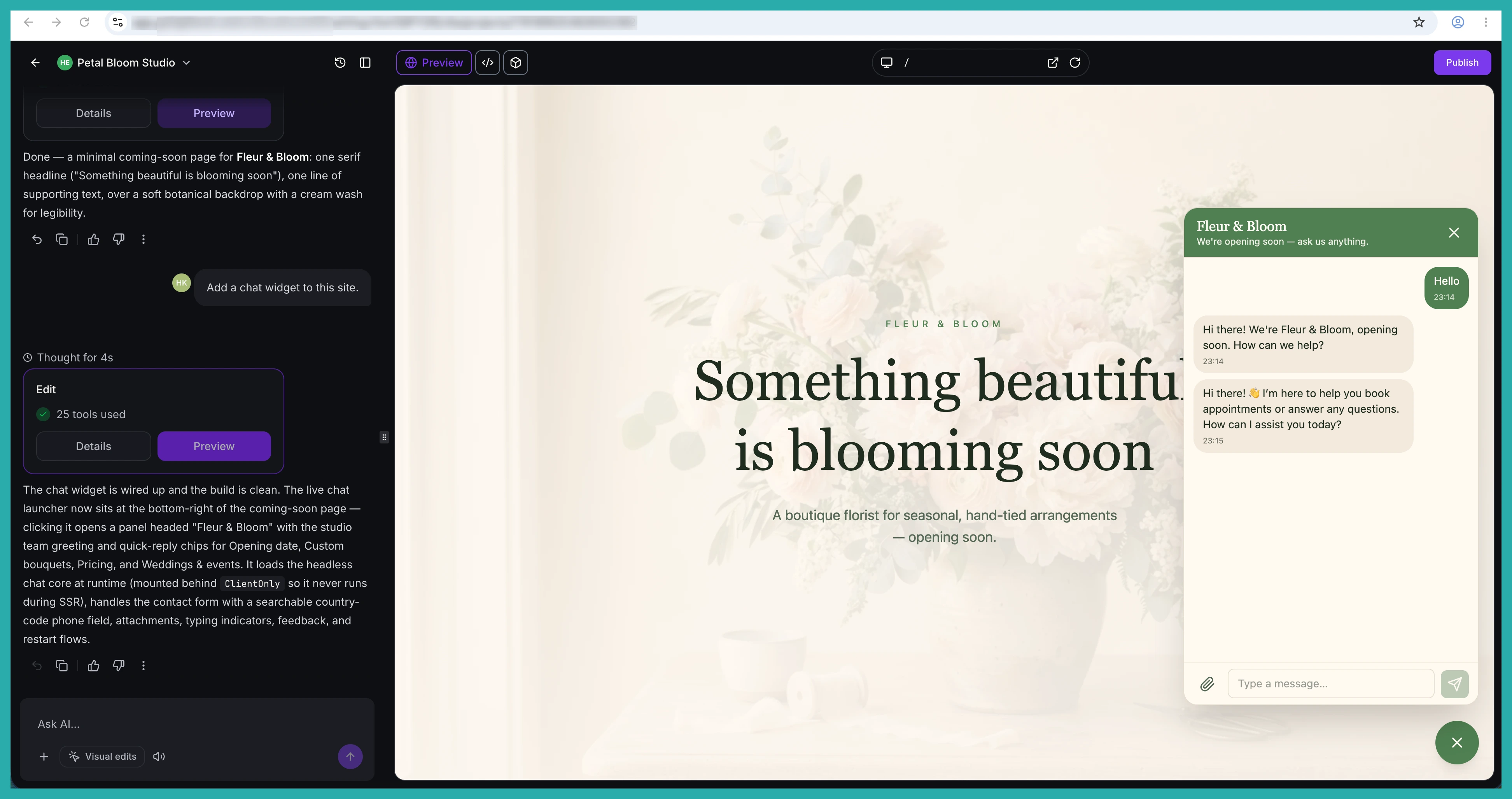
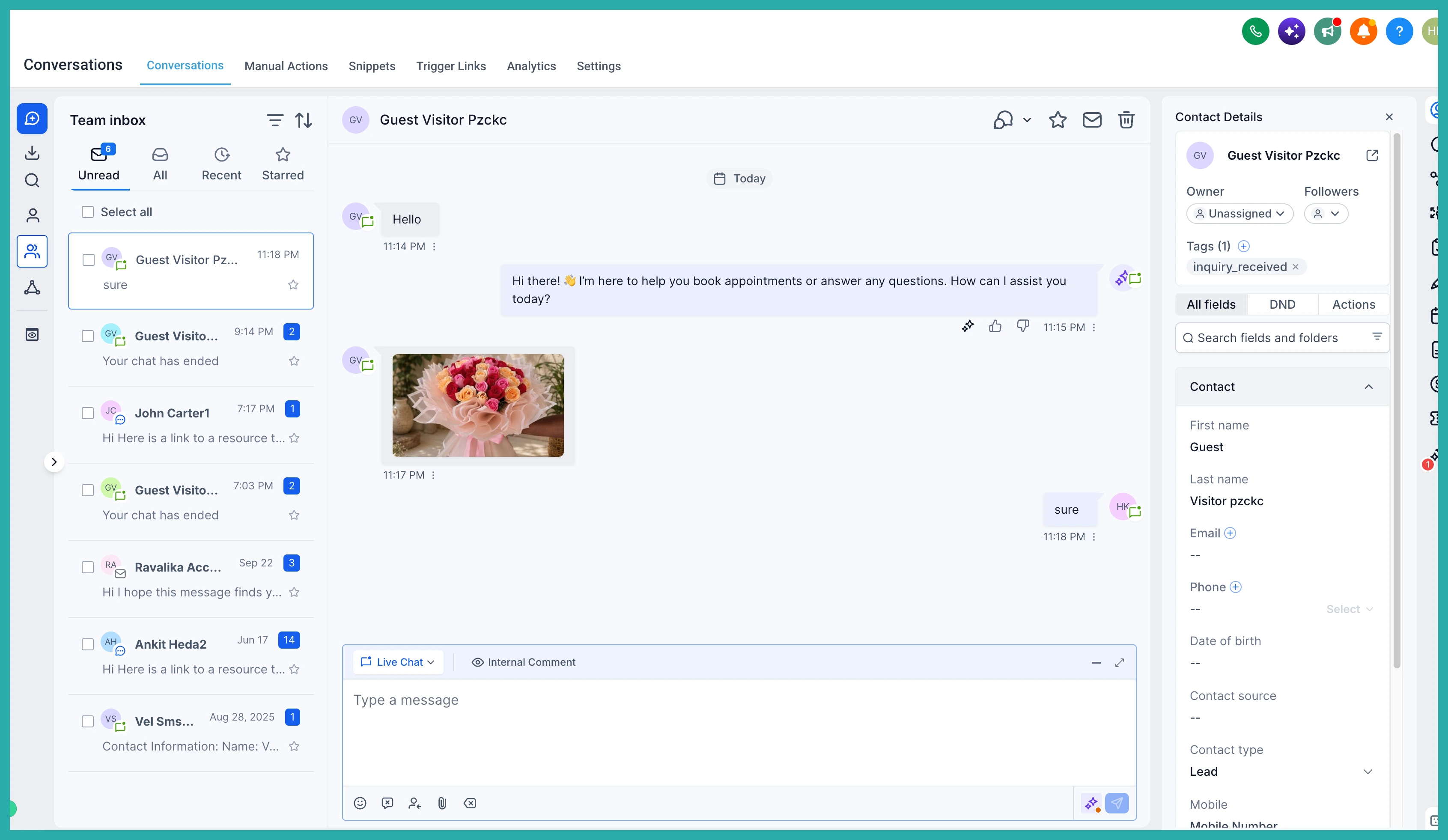
Every message lands in your Conversations, just like the standard widget. You can even set your own wording by asking - for example, "greet visitors with: Hello, how can we help?"
Seeing who it brings in
Go to More, then Analytics, then Chat Widgets to see the leads your project's chat widgets are generating.
At a glance you get chat loads, opens, open rate, and visitor feedback and satisfaction from chat ratings. Below that, every lead sits in one table - contact, email, phone, chat type, the page the chat started on, and which widget it came from.
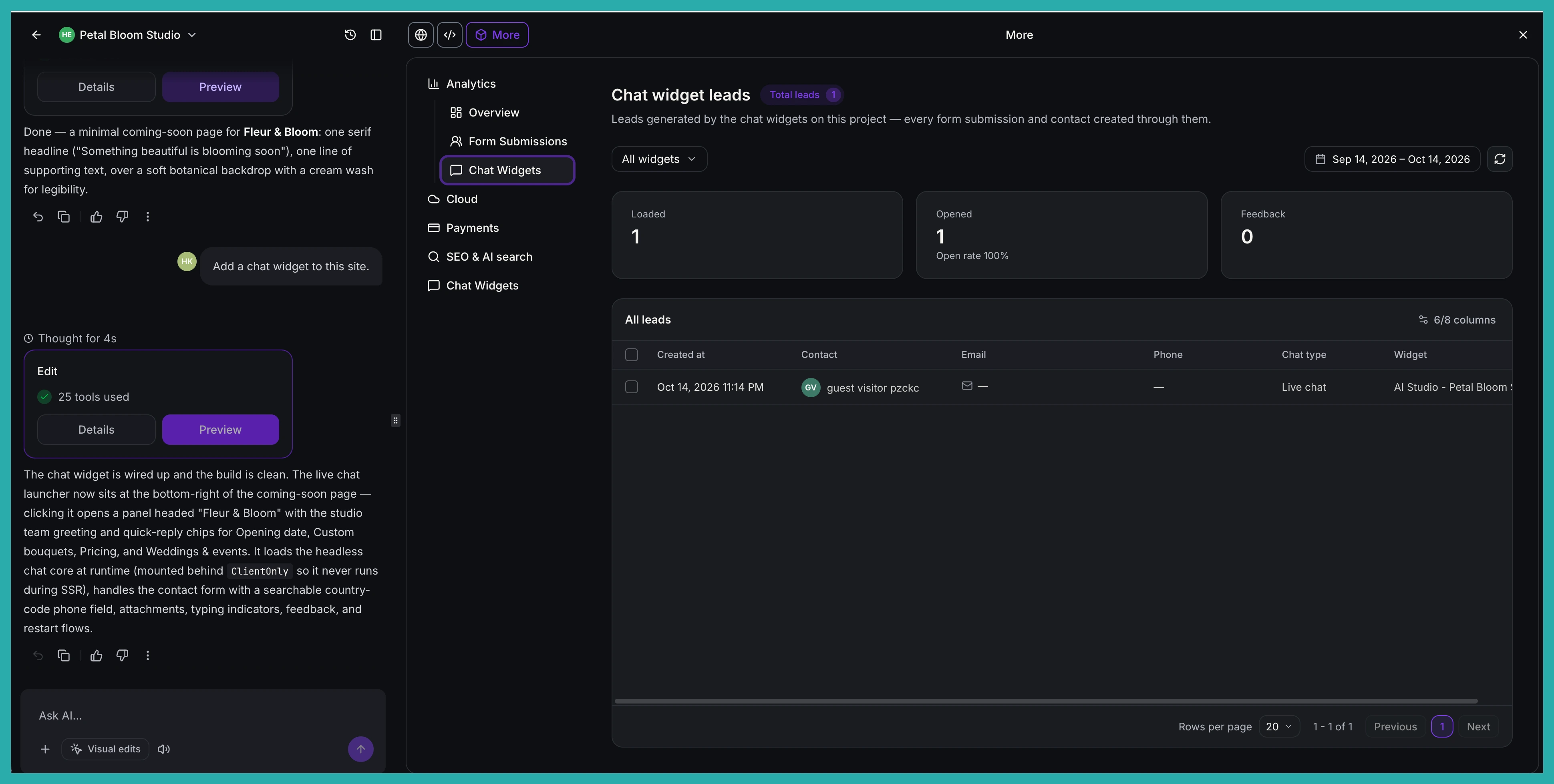
You can filter by widget and date range, choose which columns to show, and select leads to download.
Managing the widget without leaving AI Studio
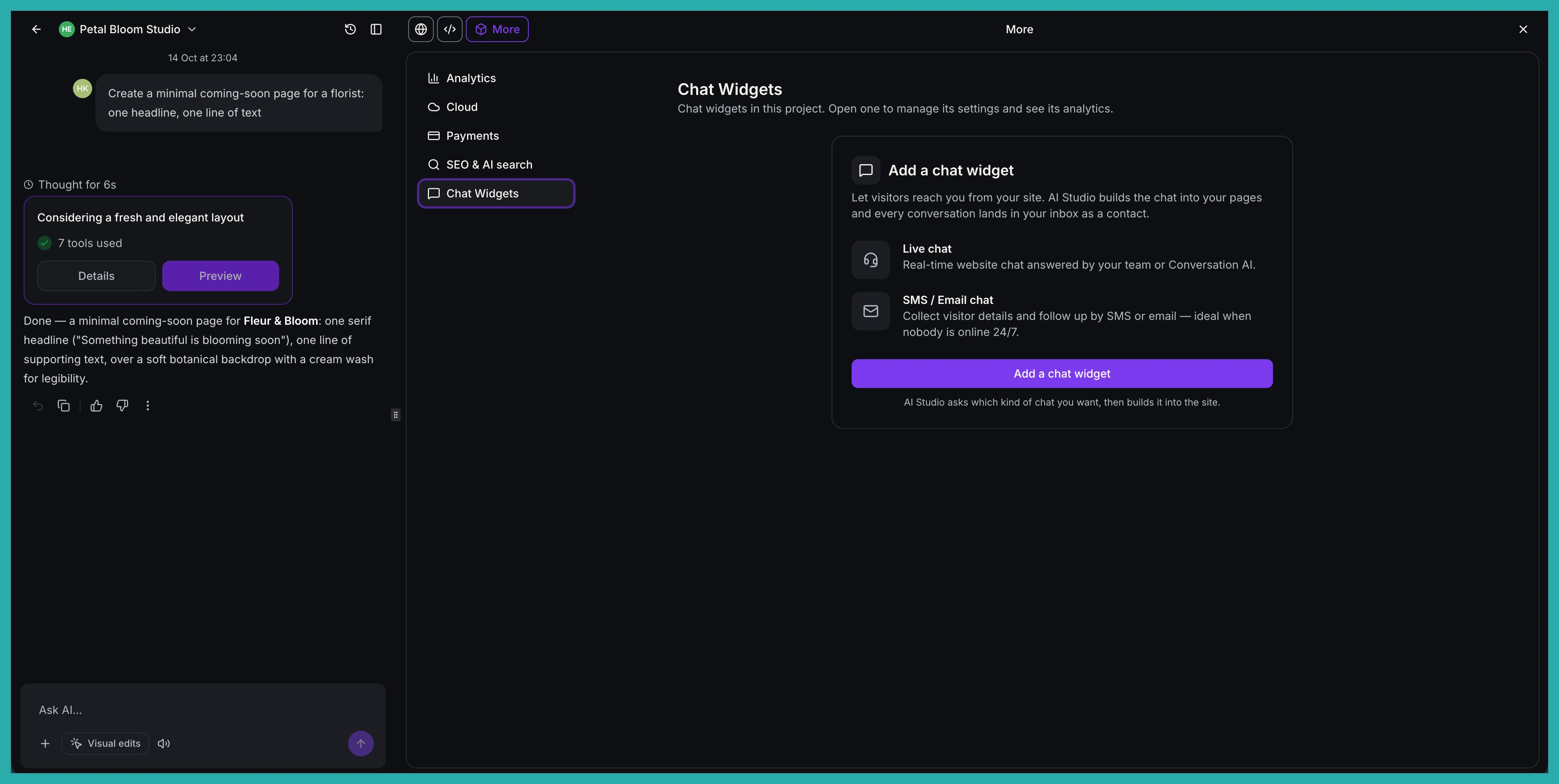
Go to More, then Chat Widgets, to see your project's widgets. Open one to manage it right there:
- Widget name: rename it on the spot.
- Messaging: the welcome and acknowledgement lines visitors see.
- Contact form: the details visitors give before their first message.
- Compliance notice and consent: legal notices and opt-in consent for privacy, marketing, SMS and HIPAA needs.
- Spam protection: suspicious leads kept for review and tagged, with optional DND on SMS, email or both.
- Business hours: when live chat is open, with your offline message shown outside those times.
No widget yet? The Add a chat widget button simply asks AI Studio to create one for you.
A quick note on what's supported
Live Chat and Email Chat work in both TanStack Start and React projects. Voice chat, WhatsApp, Facebook Messenger and Instagram widgets aren't supported in AI Studio yet.
If you've been putting off adding chat because the generic bubble spoiled the look, this is the easy fix. Open your project, ask for a live chat, and let AI Studio build it in for you.
