
Set Scan Limits and Expiry Dates on Your QR Codes - No Reprinting Needed
You print a batch of QR codes for an event, a class, or a one-time offer, and then you need them to behave: work only during the event, stop after one scan, expire when the day ends. Until now that meant reprinting or hoping people did the right thing.
Not anymore. Your QR codes can now carry usage limits - and because the rules are checked when someone scans, the printed code never has to change.
What landed
Two things, really. First, you can set scan limits and expiry rules on any QR code. Second, the whole builder has been redesigned so it's quicker to set up, and the QR list now badges every code that carries rules so you can see its status at a glance.
Let's walk through it.
The redesigned builder
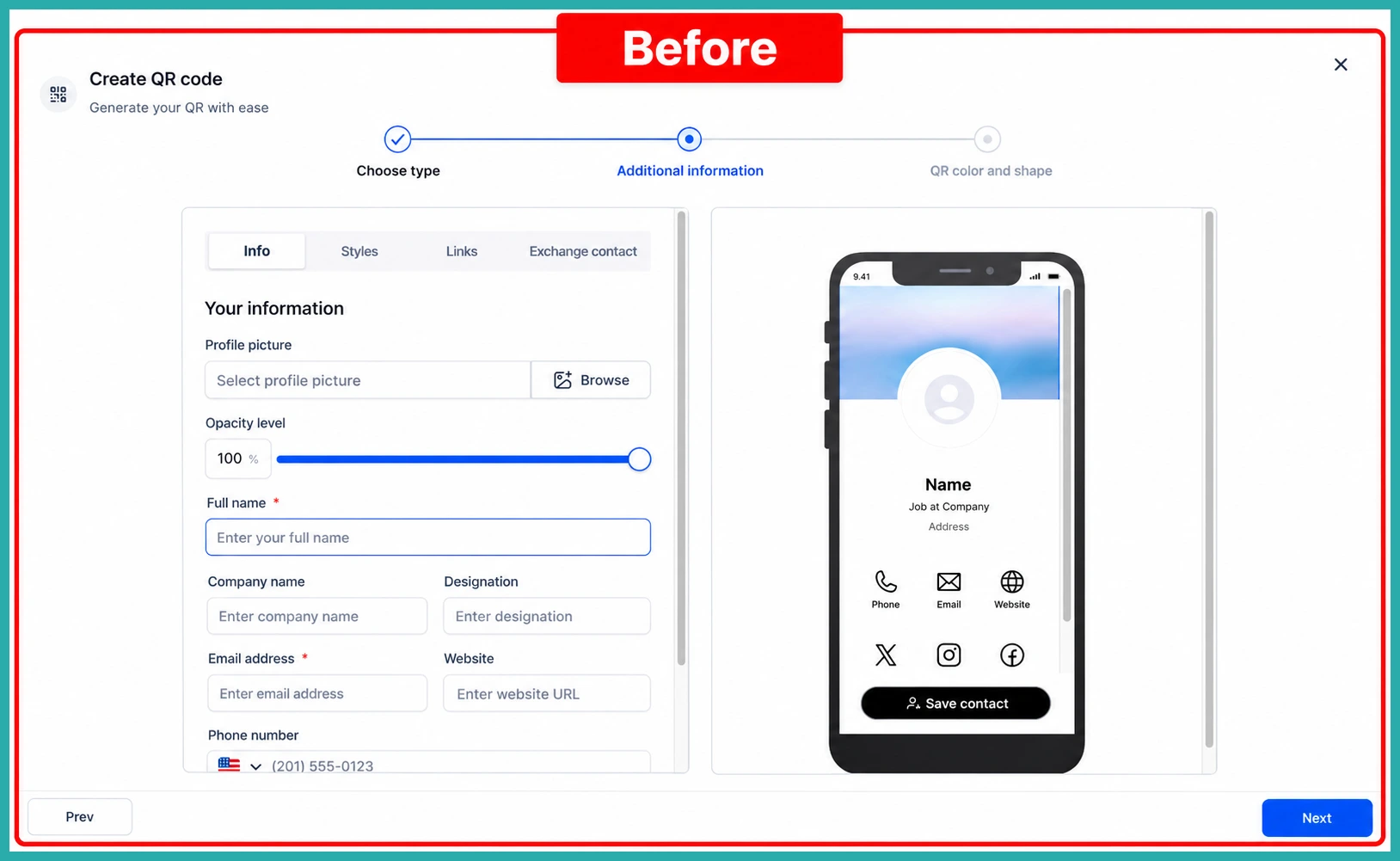
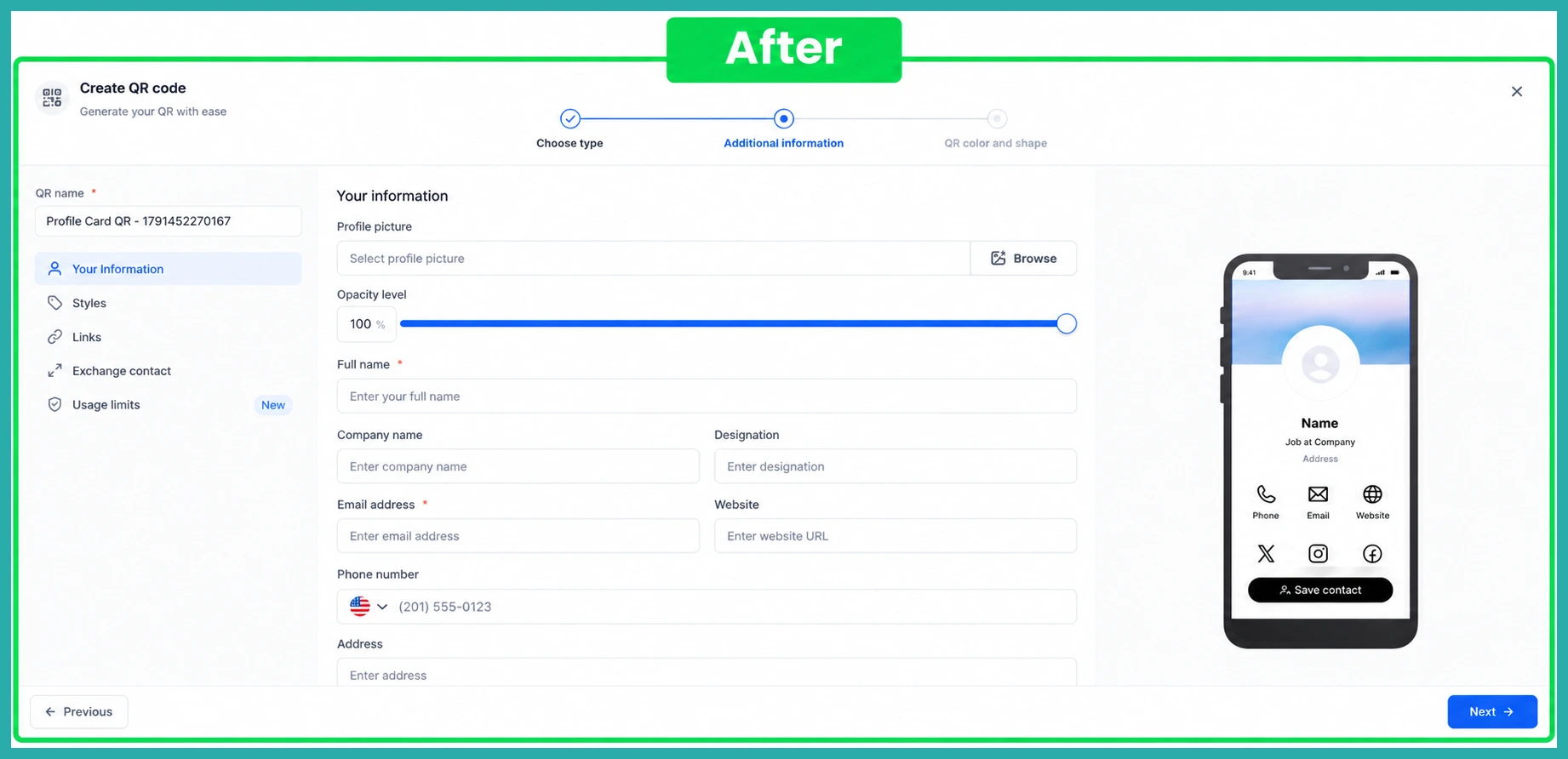
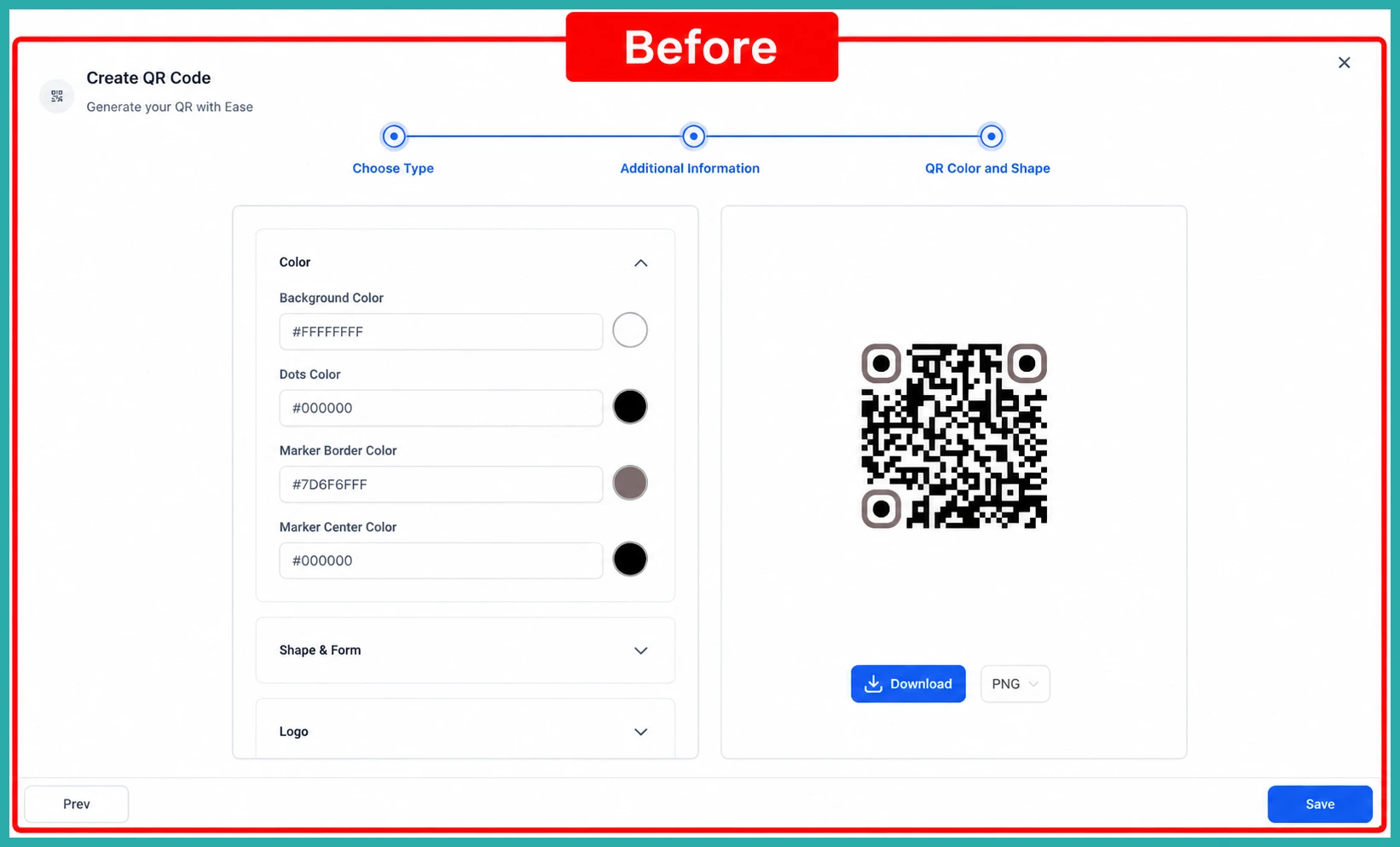
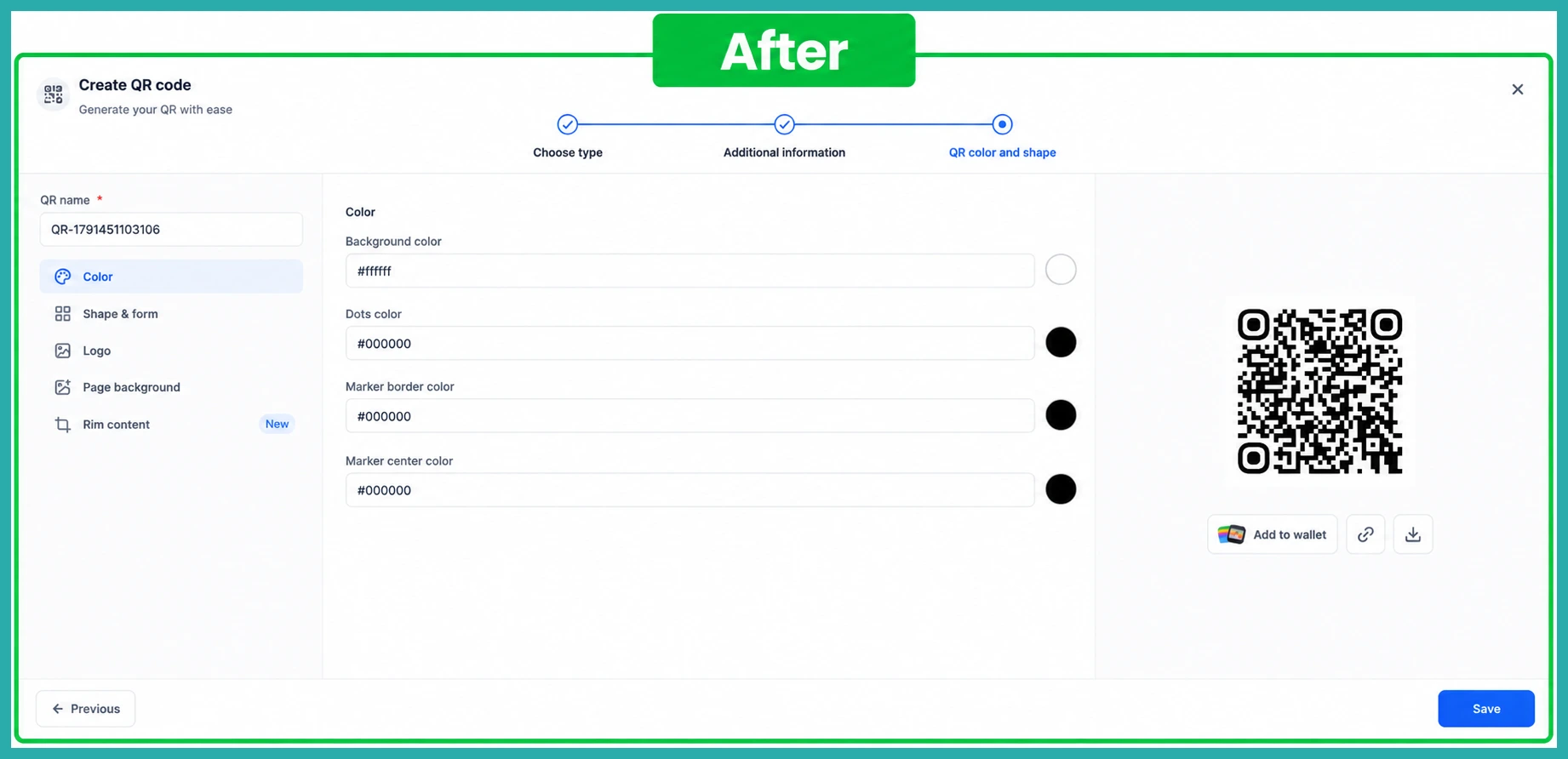
Open your QR Codes section and create or edit a code. Instead of one long form, you'll see a side navigation rail that groups the settings into clear sections. You can jump straight to any section, or use Next to move through anything that still needs your attention.
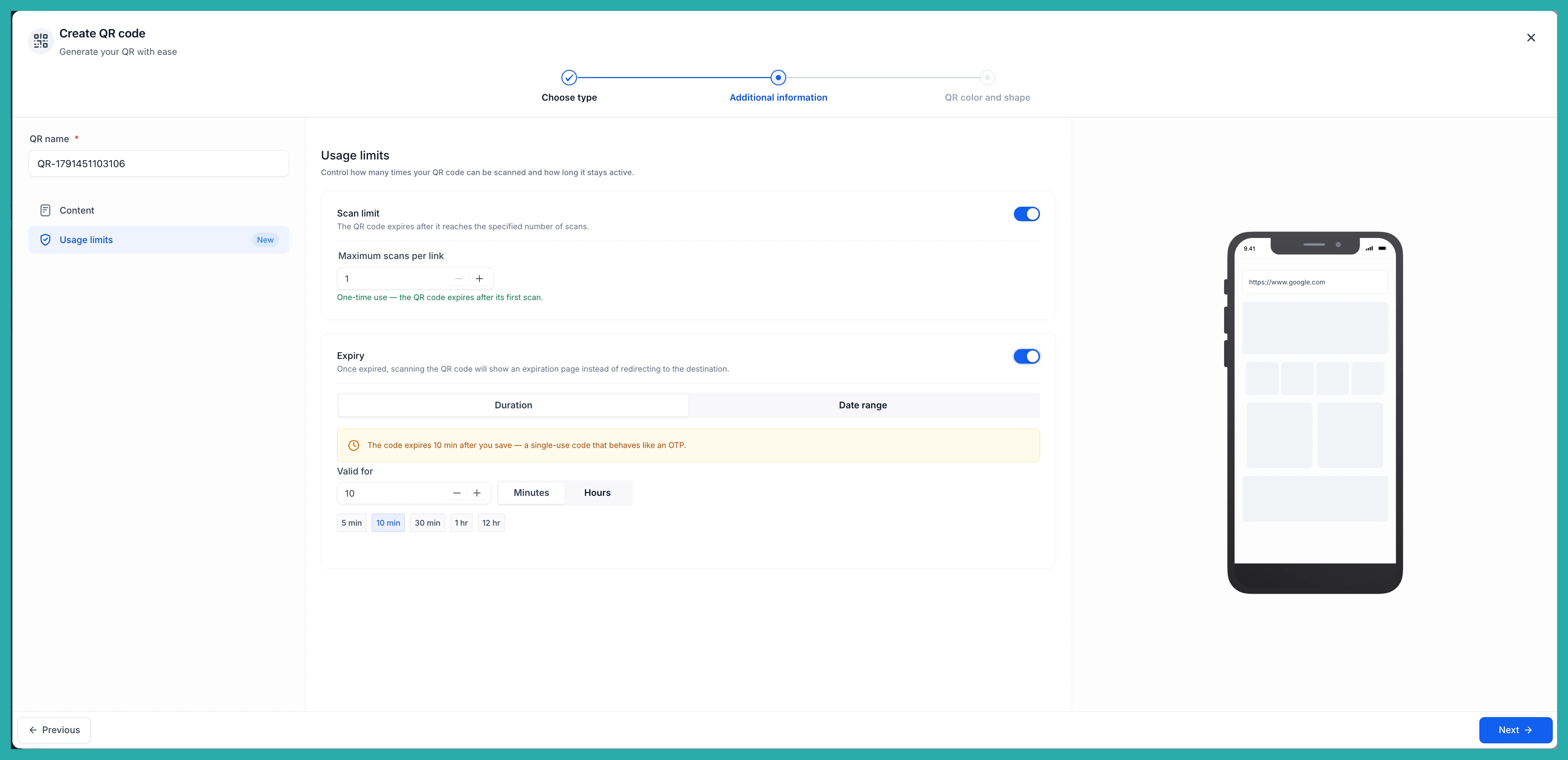
The labels and helper text have been rewritten too, so each setting tells you what it does before you save. Much less guessing.
Setting a scan limit
In the usage section you can decide how many times the link can be scanned. Set it to 1 for a true one-time-use code - handy for single-redemption offers - or choose a higher number to allow a fixed batch of scans.
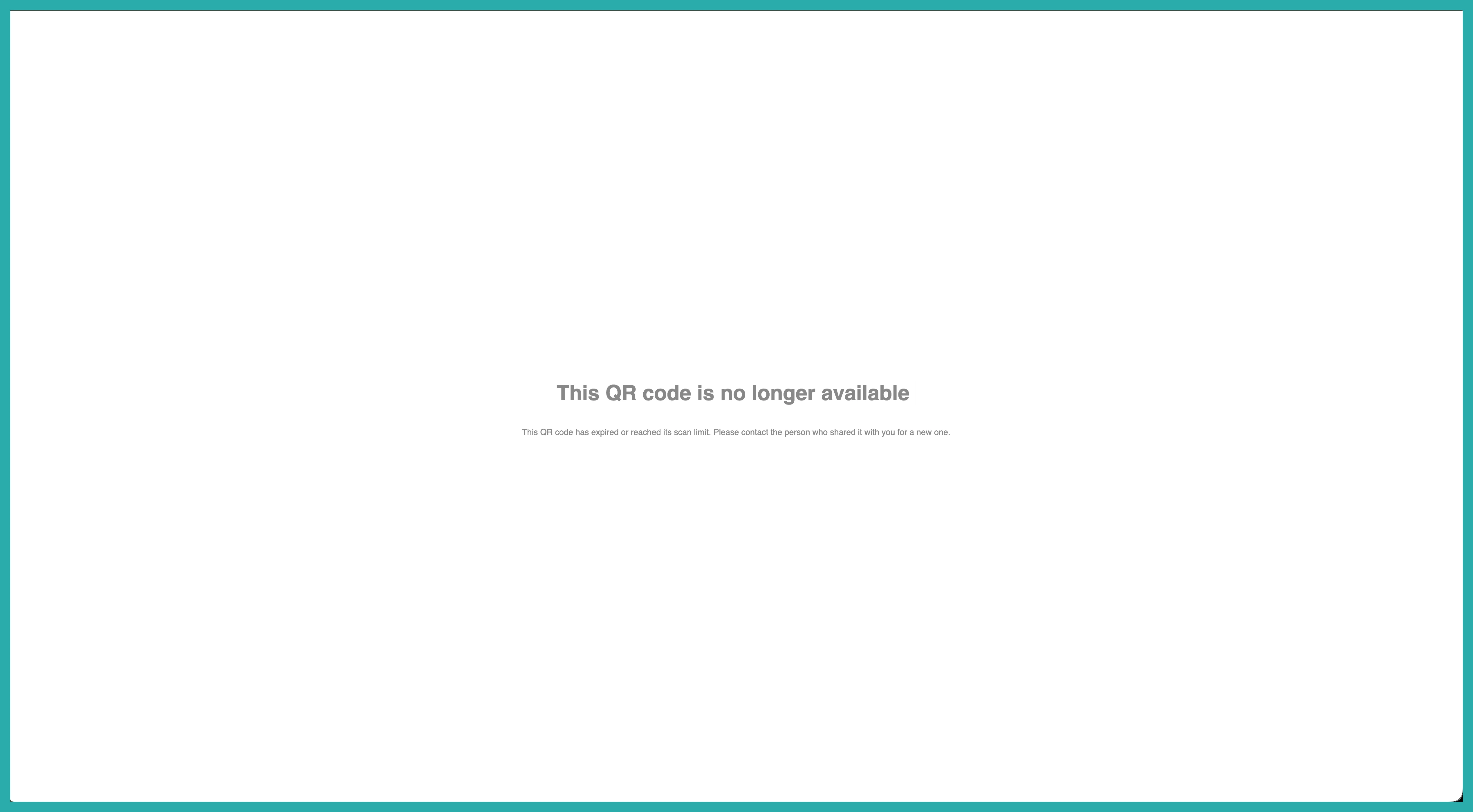
Once the code reaches that limit, it simply stops accepting scans.
Choosing how it expires
You've got two ways to set a time window.
- Duration counts down from the moment you create the code - for example, valid for 30 minutes.
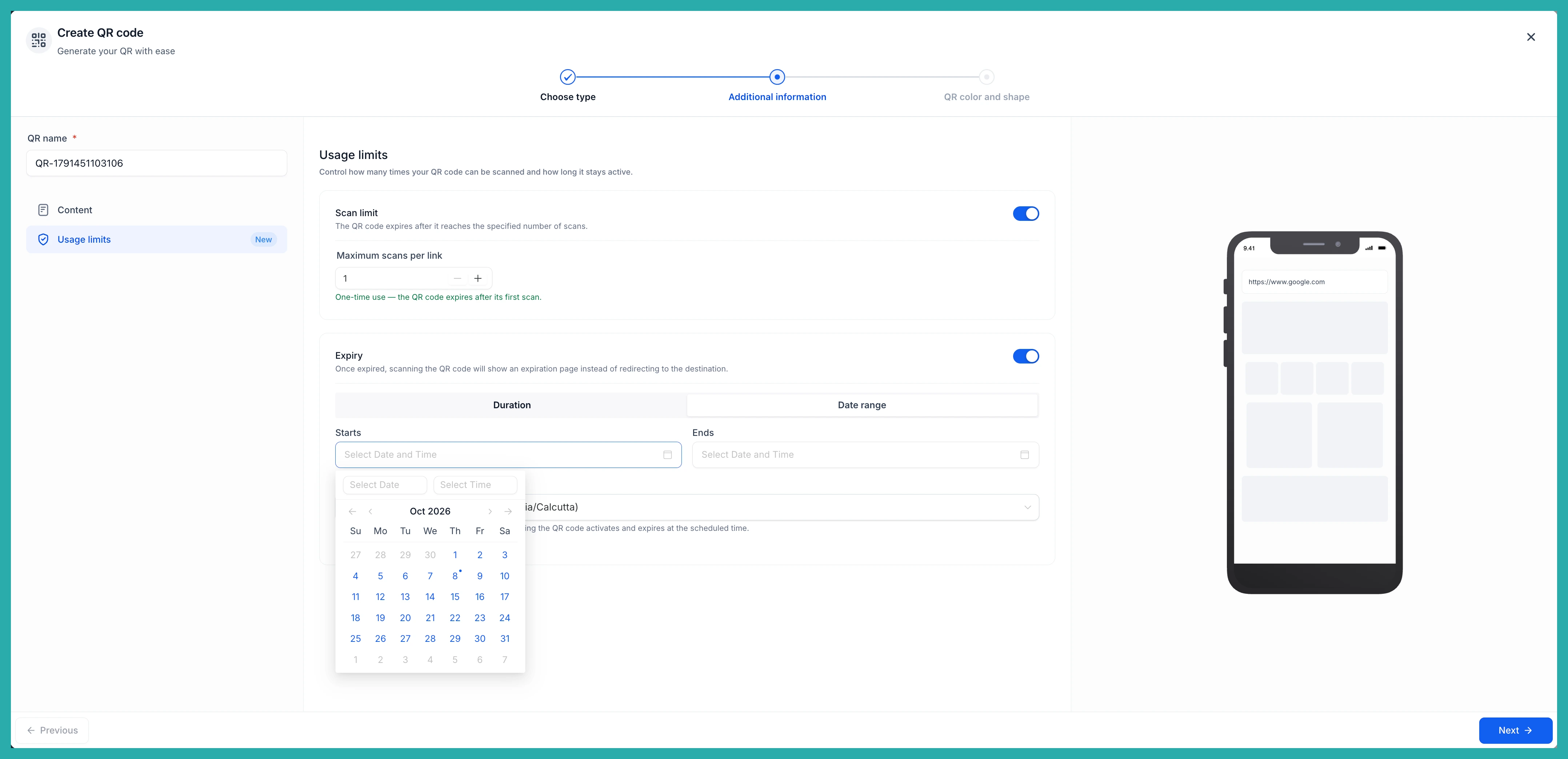
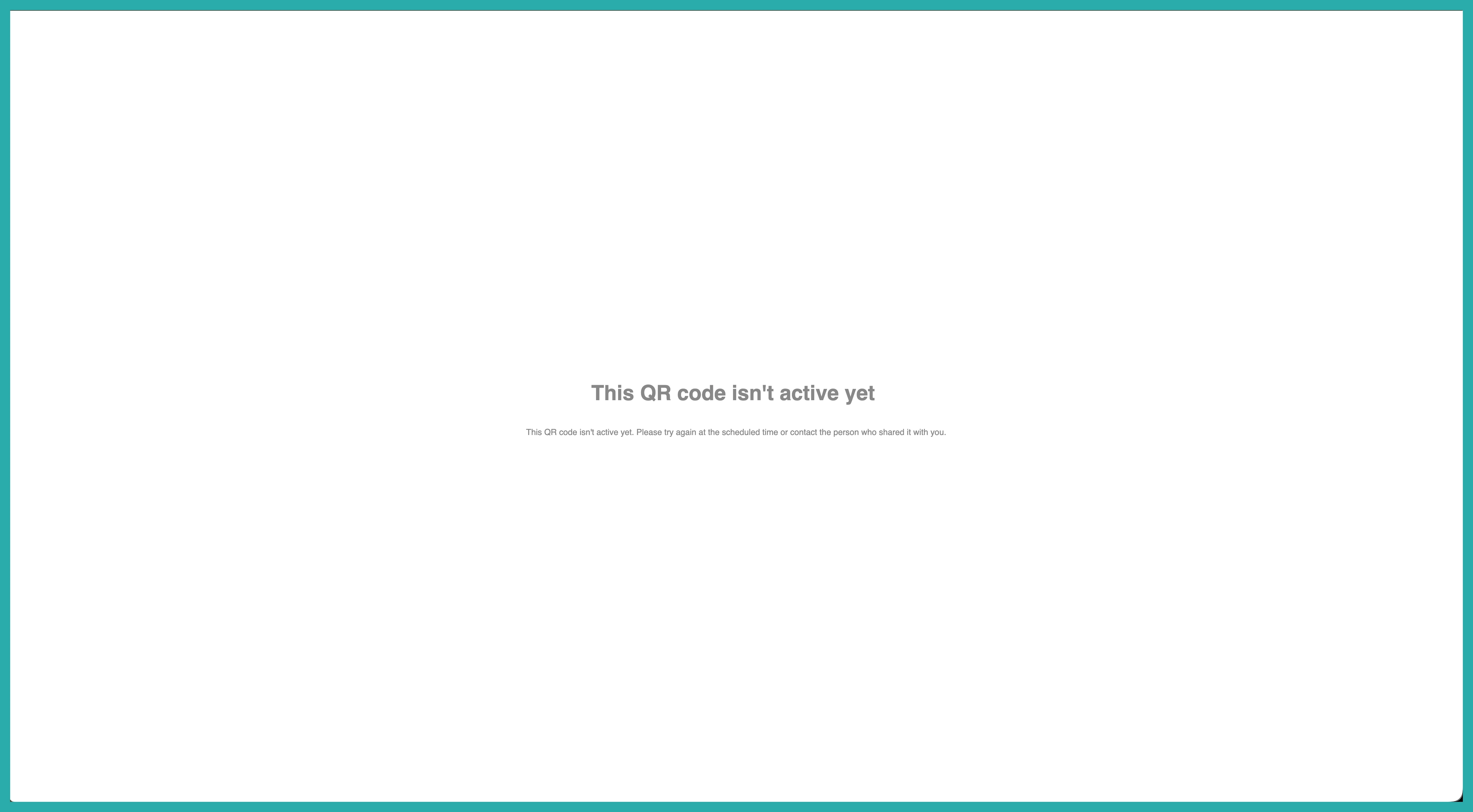
- Date Range lets you pick a specific start and end time. A code with a future start stays inactive until its window opens, then works until it closes.
Date ranges follow the timezone you select, no matter where the code is actually scanned, and daylight-saving changes are handled for you. One less thing to think about.
What scanners see
If someone scans a code that's expired, hit its scan limit, or isn't active yet, they get a clear message explaining why - not a broken link or a confusing error.
And here's the part that saves real work: the rules live in the system, not in the QR image. So the same printed code keeps working, and you can adjust its window or limits without reprinting a thing.
Spotting your codes at a glance
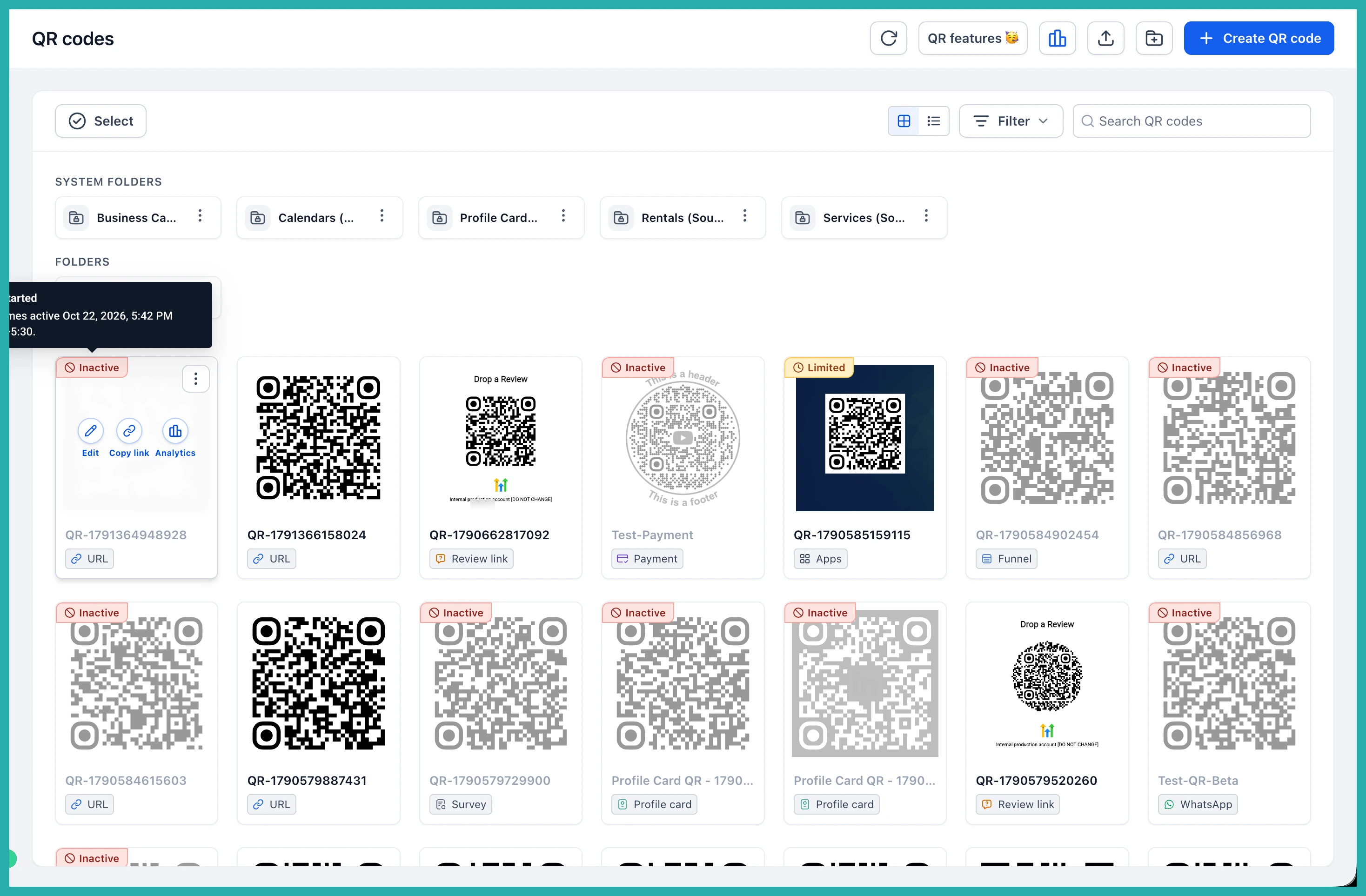
Back in your QR Codes list, any code with rules is now tagged. Limited means restrictions are active. Inactive means the code isn't accepting scans right now, and those are greyed out so they're easy to pick out.
Hover over a status tag and you'll see exactly which rule is in effect - a scan limit, an expiry date, or a window that's already ended - without opening the code.
All the new labels, status tags, and tooltips are fully translated across all 13 supported languages too.
Where this comes in handy
Think event tickets that only work during the event, class check-in codes that expire when class ends, or a discount code that can be claimed once and not again. You set the rules once, hand out the code, and the system does the rest.
If you've got an event or offer coming up, this is worth a look now. Set up one code with a limit, scan it yourself to see the message, and you'll have the hang of it in a couple of minutes.
