
Preview Any Template in Your Own Brand Colors Before You Pick It
You find a template you like, pick it, then spend the next twenty minutes recoloring every button and heading to match your brand. We've all done it.
Now you can skip that. You can see a template in your own brand colors before you choose it, and it loads already recolored.
What you get
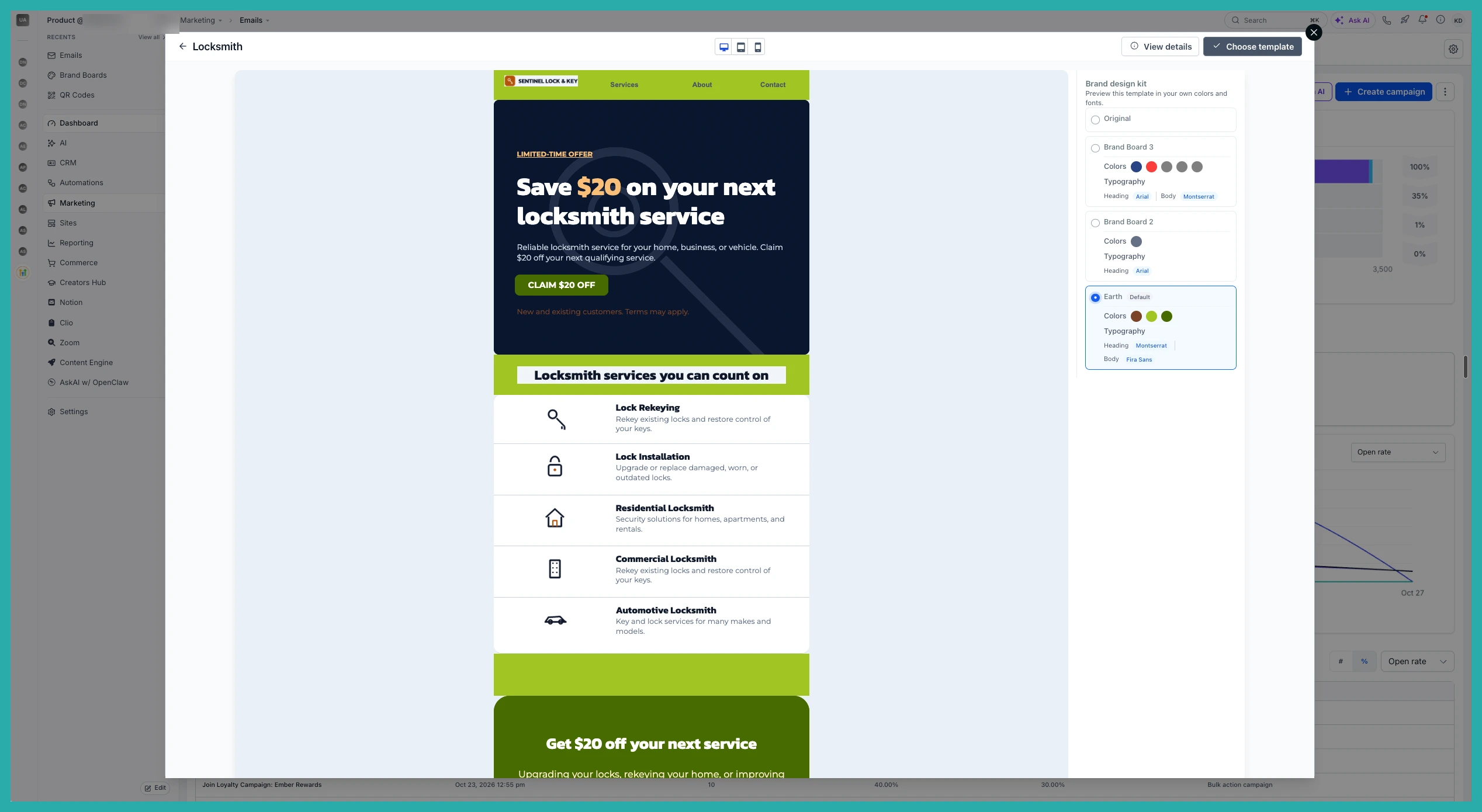
When you open a template to preview it, you'll now see a list of your Brand Boards down the right side. Pick one, and the preview instantly restyles the template in those colors. What you see is what you'll get once you select it.
No more choosing a generic design and fixing it afterwards. The colors are in place from the moment you apply the template.
How to use it
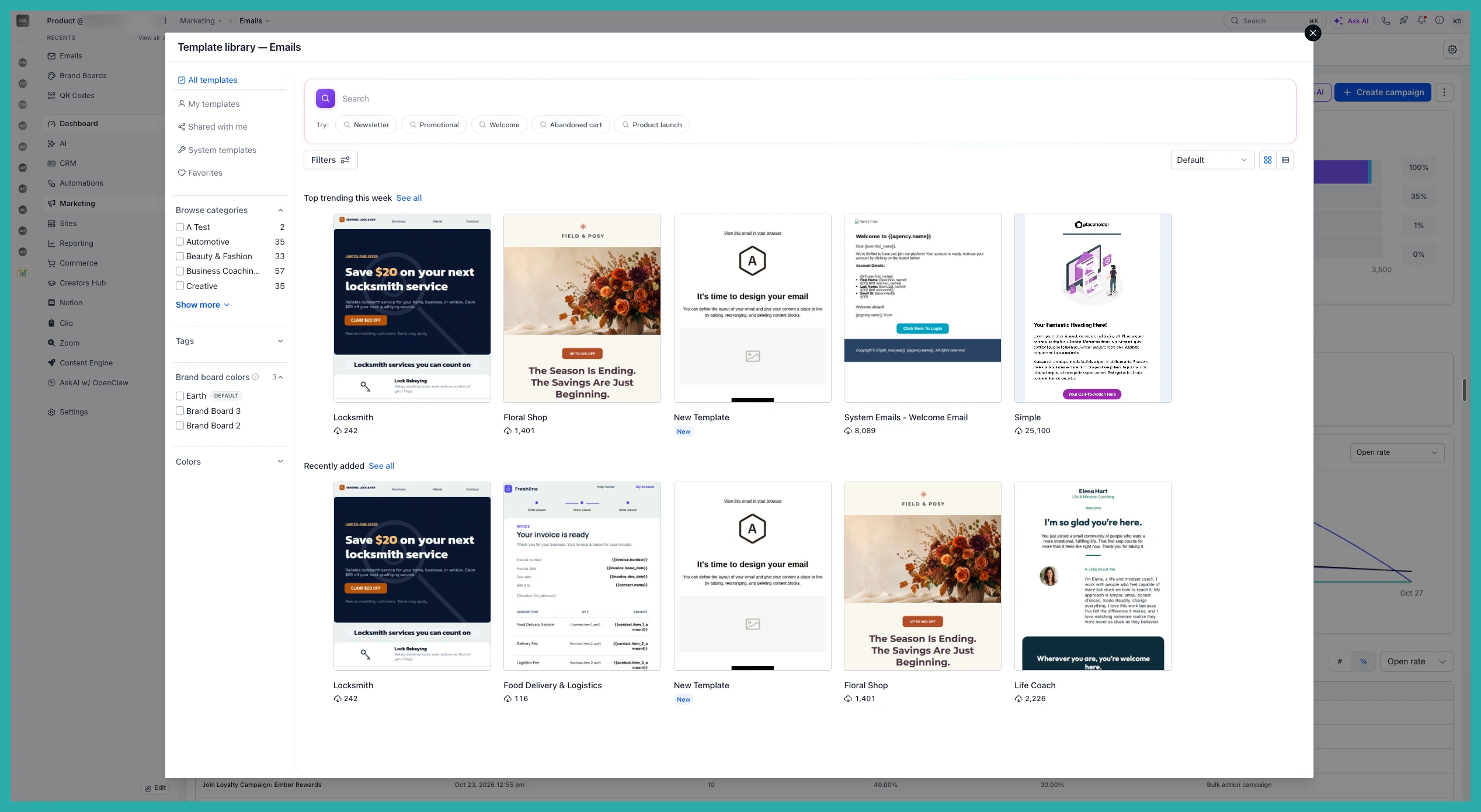
Open the template modal from any supported builder and choose a template to preview.
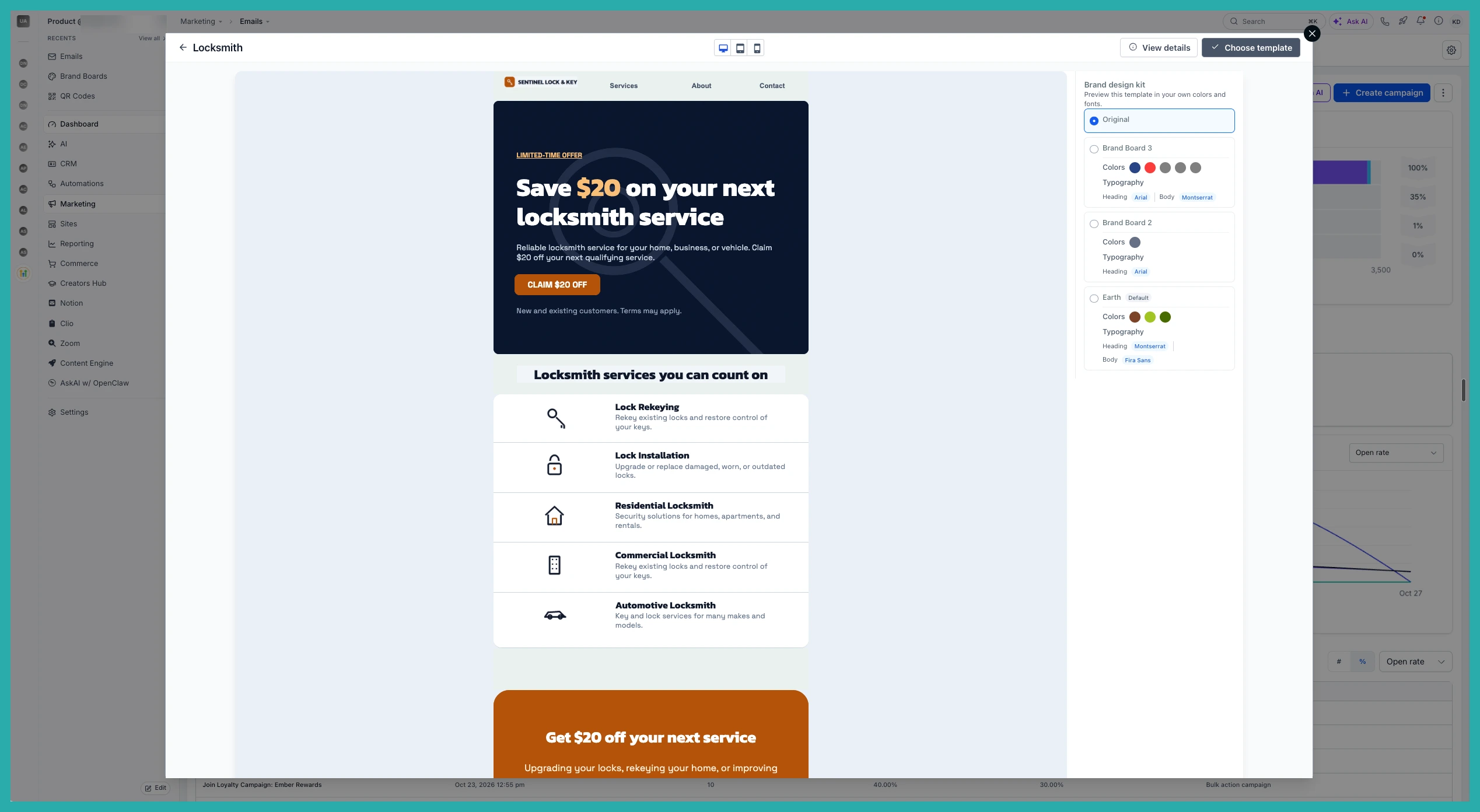
In the preview, look to the right. You'll see your saved Brand Boards listed there. Click the one you want to use.
The preview updates straight away, showing the template styled in those brand colors.
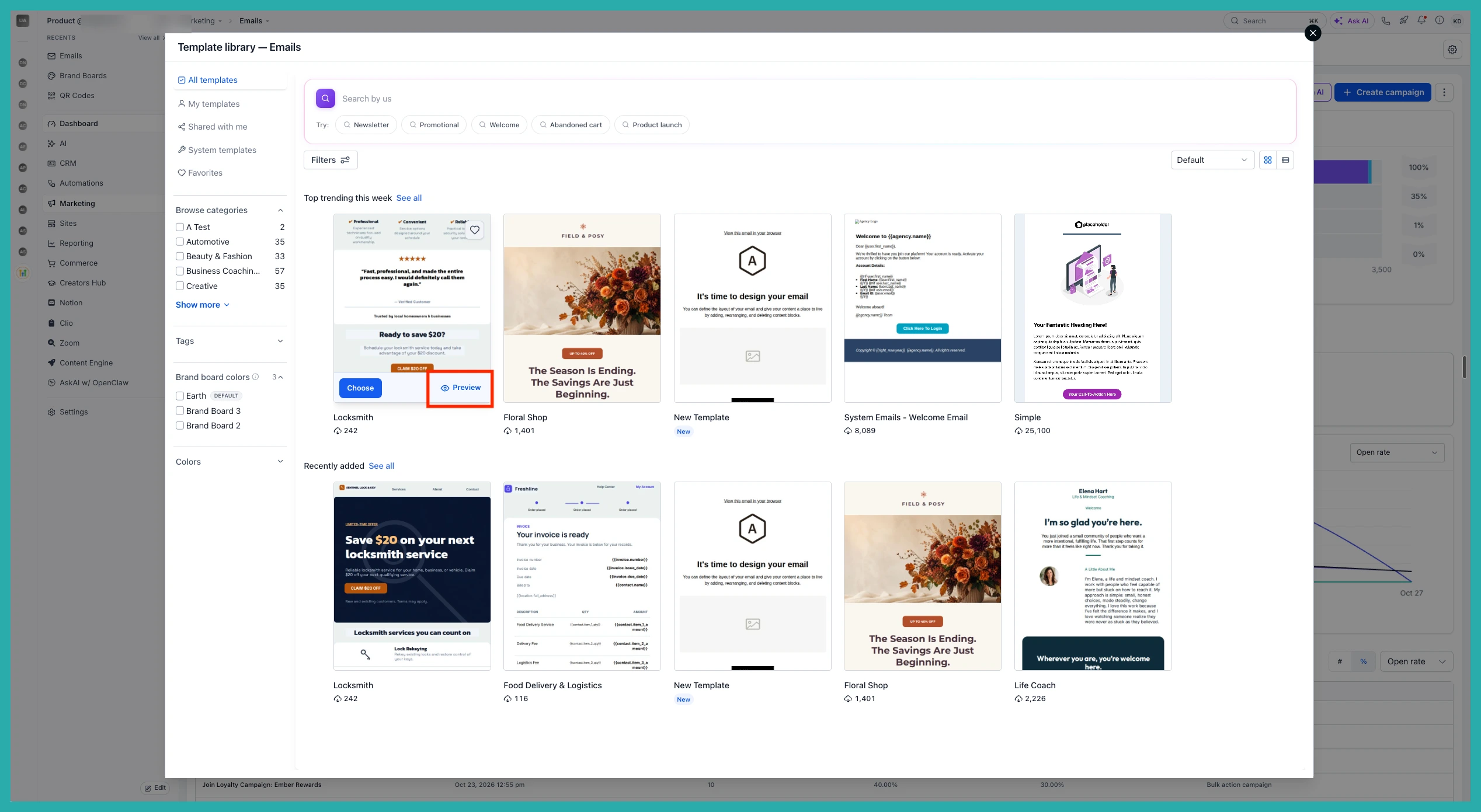
Happy with it? Click Choose template and it's applied with your brand colors already in place.
No brand board yet?
If you haven't set one up, you'll see a Setup Brand Board button on the right side of the preview. Click it and you can create one from scratch, then come back and preview your templates with it.
One thing to know
The recoloring uses your saved Brand Board colors. If you edit those colors later, it won't go back and update templates you've already applied, so set your brand colors how you want them first.
Next time you're choosing a template, try picking a brand board in the preview. It's a small step that saves you a whole round of fiddling later.
