
Add a Quiz to Any Funnel or Website Page Without Touching Embed Codes
Quizzes are one of the easiest ways to pull a visitor in, learn something about them, and point them to the right next step. The catch was always getting one onto your page.
The old way meant building your quiz, copying an embed code, going back to your funnel, pasting it in, and hoping it looked right. Fiddly, and easy to get wrong.
That whole dance is gone. There's now a native Quiz element right inside the Funnel and Website builder.
What landed
You can now drag a quiz straight onto any funnel step or website page, pick a new or existing quiz, and edit it without ever leaving the builder. No embed codes, no copy-paste, no jumping between sections.
Drop the Quiz element onto your page
Open any funnel step or website page in the builder, then find the new Quiz element in your elements list. Drag it onto the page where you want the quiz to sit.
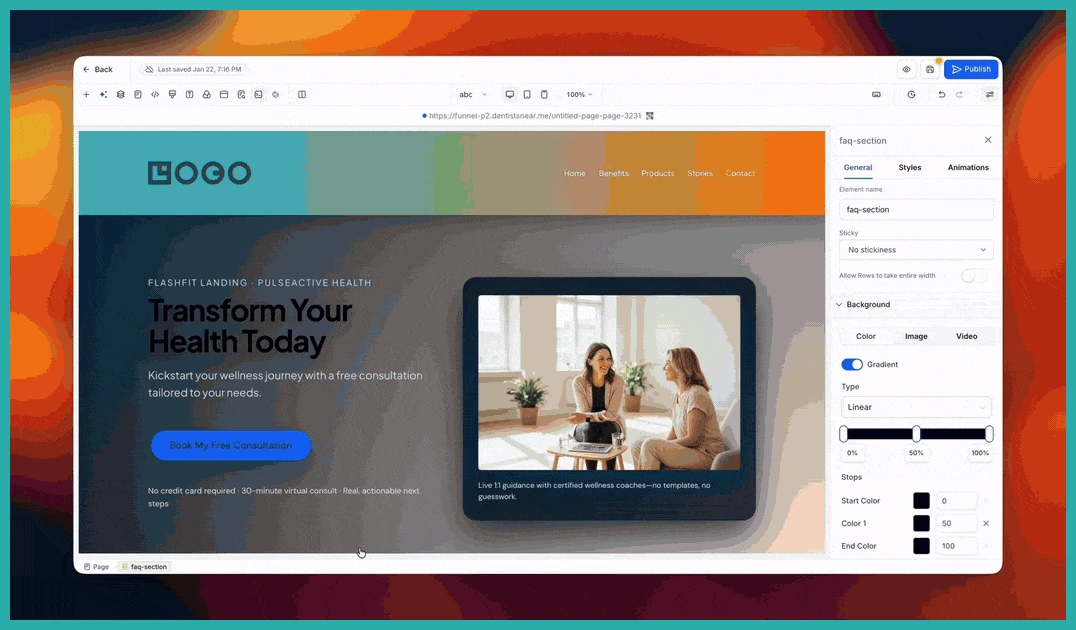
That's the whole embedding part done. No code to find, nothing to paste.
Create a new quiz or use one you already have
Once the element is on the page, you choose what goes in it. You can start a brand-new quiz right there, or pick one you've already built.
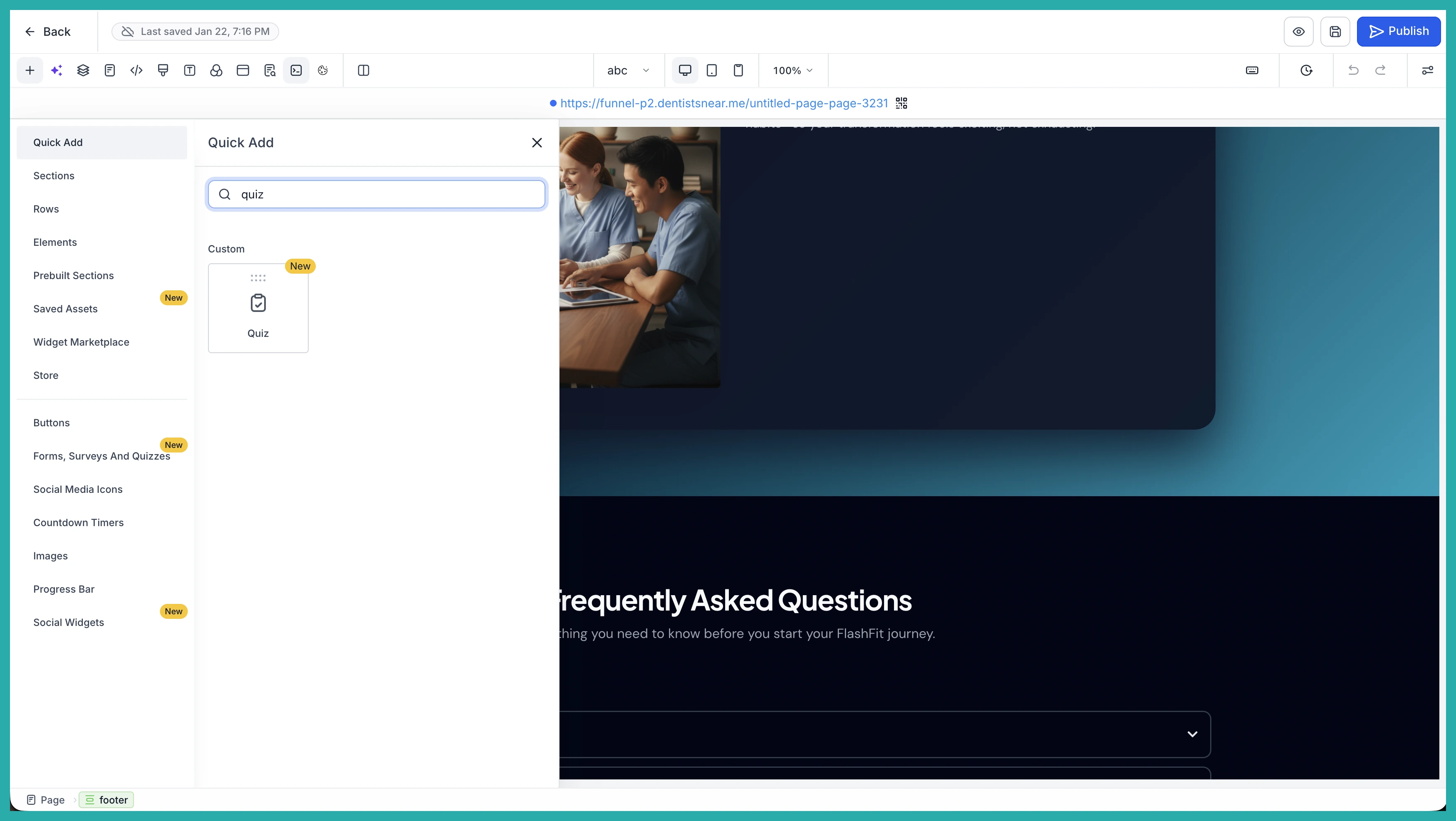
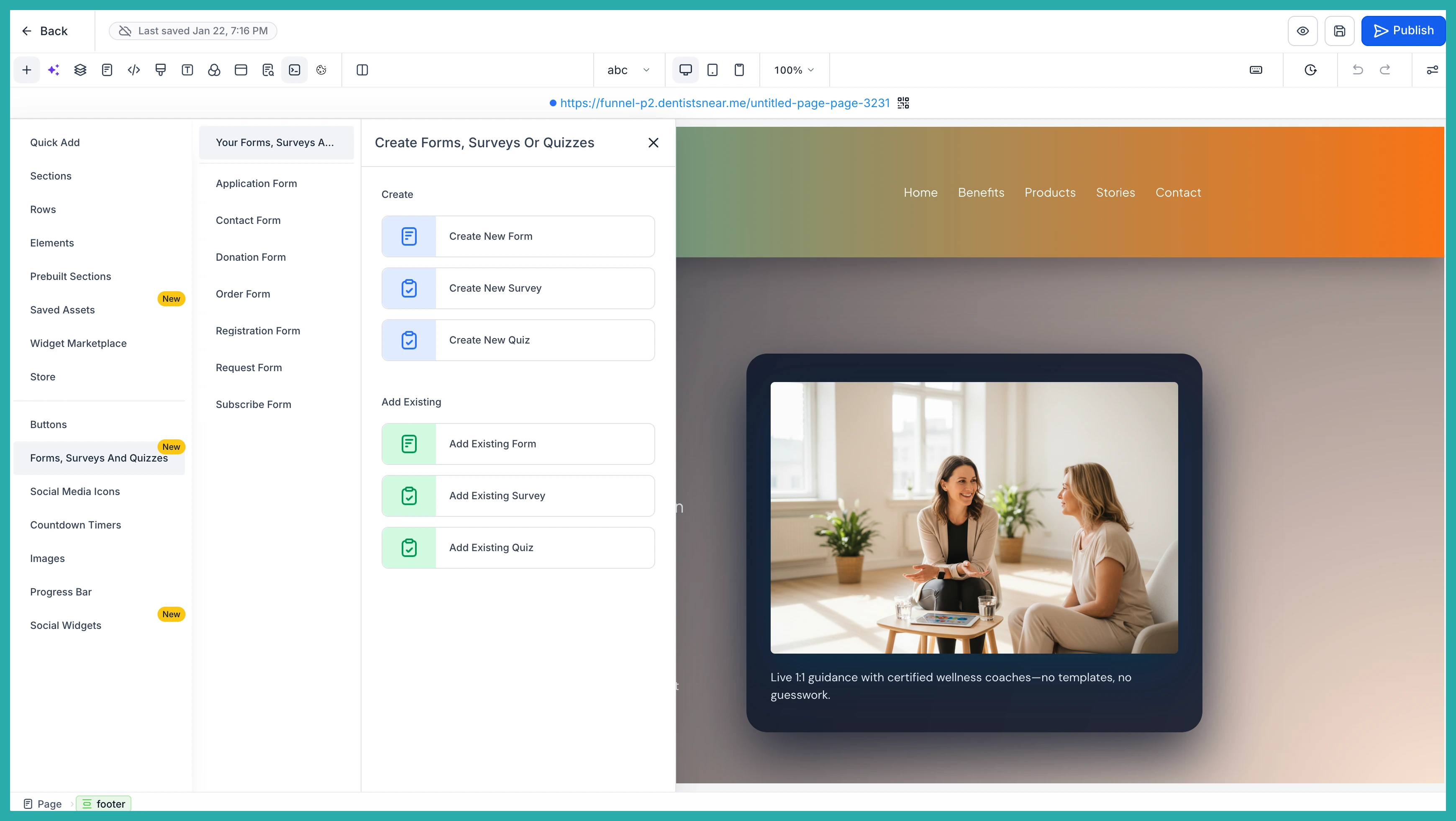
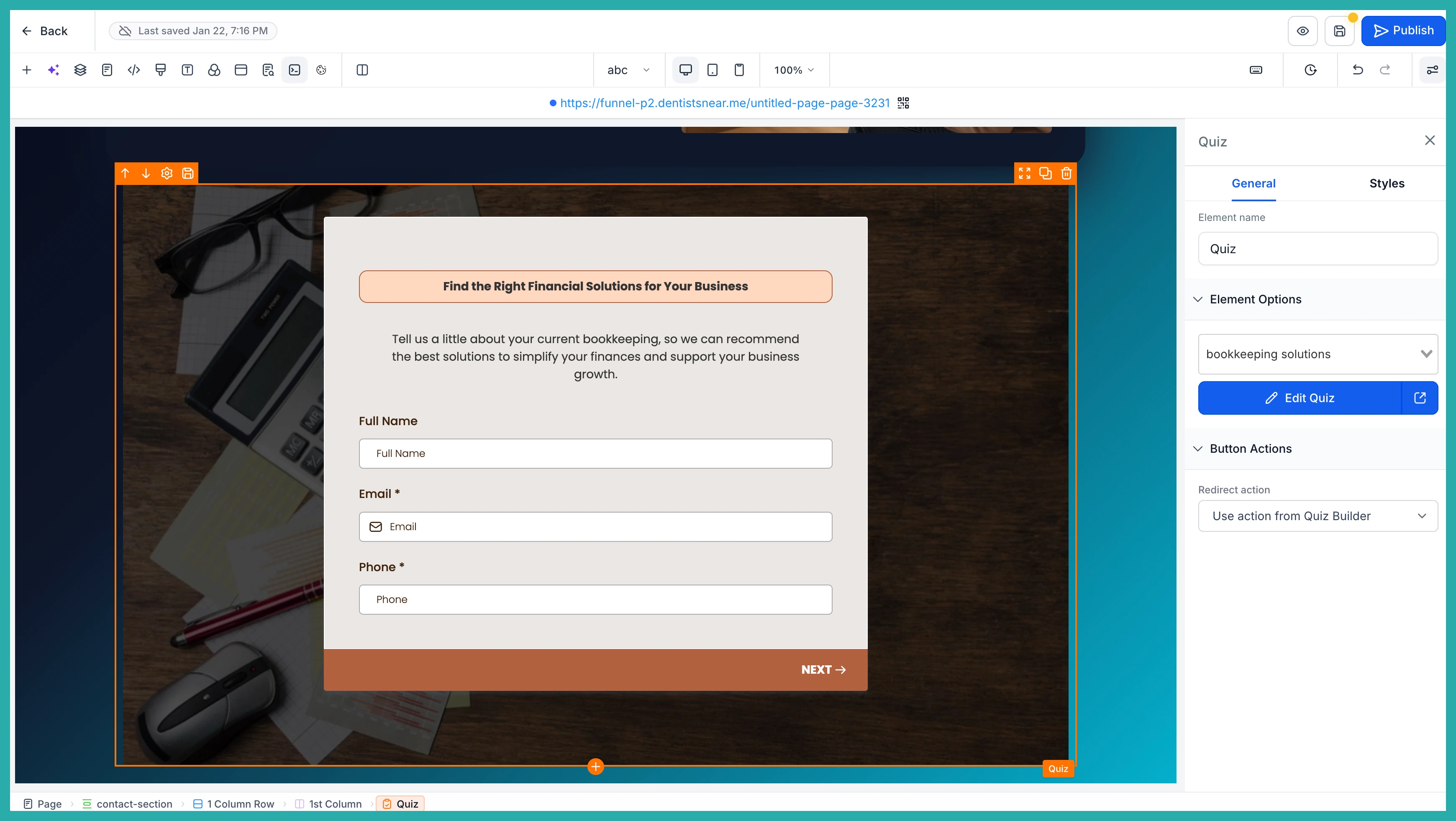
If you've got a quiz ready to go, just select it and it drops straight into place. In the screenshot below, you'll see an existing quiz chosen and showing on the page.
Edit the quiz without leaving the builder
Need to change a question or tidy up an answer after you've added it? You don't have to go hunting for the Quiz builder. Open it straight from the element on your page.
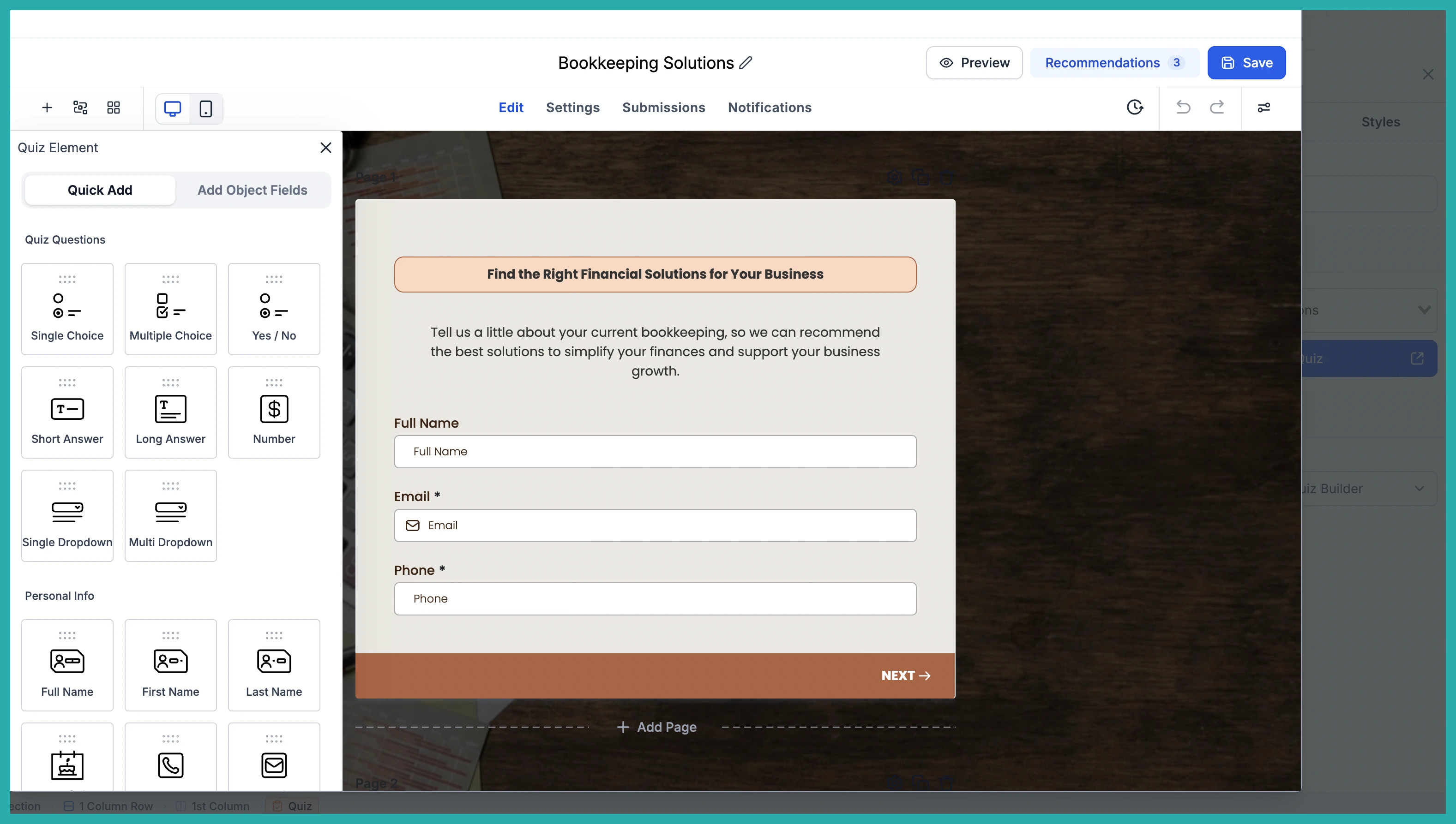
The Quiz builder opens in a large popup that covers most of your screen, so you've got plenty of room to make your changes. When you're done, close it and you're right back where you left off in your funnel or website.
Putting it together
- Open any funnel step or website page in the builder.
- Drag the Quiz element onto your page.
- Create a new quiz or pick an existing one.
- Edit it in the popup whenever you need to.
- Carry on building, all in one place.
If you've been putting off adding a quiz because the setup felt like too much, this is your moment. Open a page, drag the element on, and see how quick it is now.
