
Split Your Store Checkout Into Two Steps and Capture Contact Details Earlier
If you sell anything through your store - gift vouchers, merch, add-on experiences - your checkout page has just gained a useful choice.
You can now run checkout as a single page, or split it into two steps so customers enter their contact and shipping details first, then handle payment and review their order after. It is a small switch with a real upside: you capture who the customer is and where they are earlier in the process.
What landed
The Checkout element now has a Checkout Type setting with two options:
- One-Step Checkout - everything on a single page, the way it works today.
- Two-Step Checkout - contact and shipping details first, then billing, payment, and order review.
One-Step stays the default, so nothing changes on your existing pages unless you choose to change it. And because the setting lives on the Checkout element itself, different pages can use different checkout styles if you want.
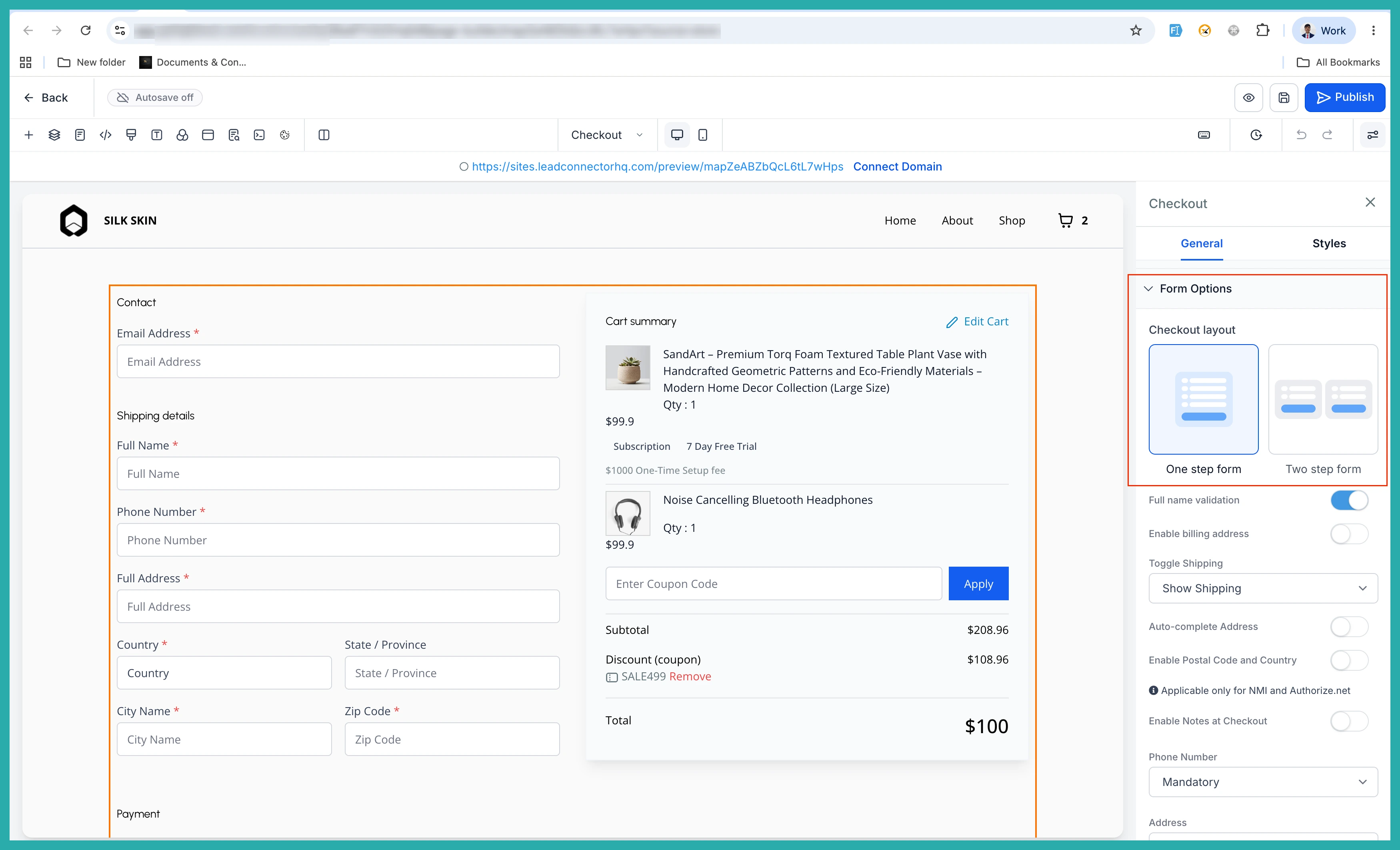
How the two-step flow works
In Two-Step Checkout, here is what your customer sees.
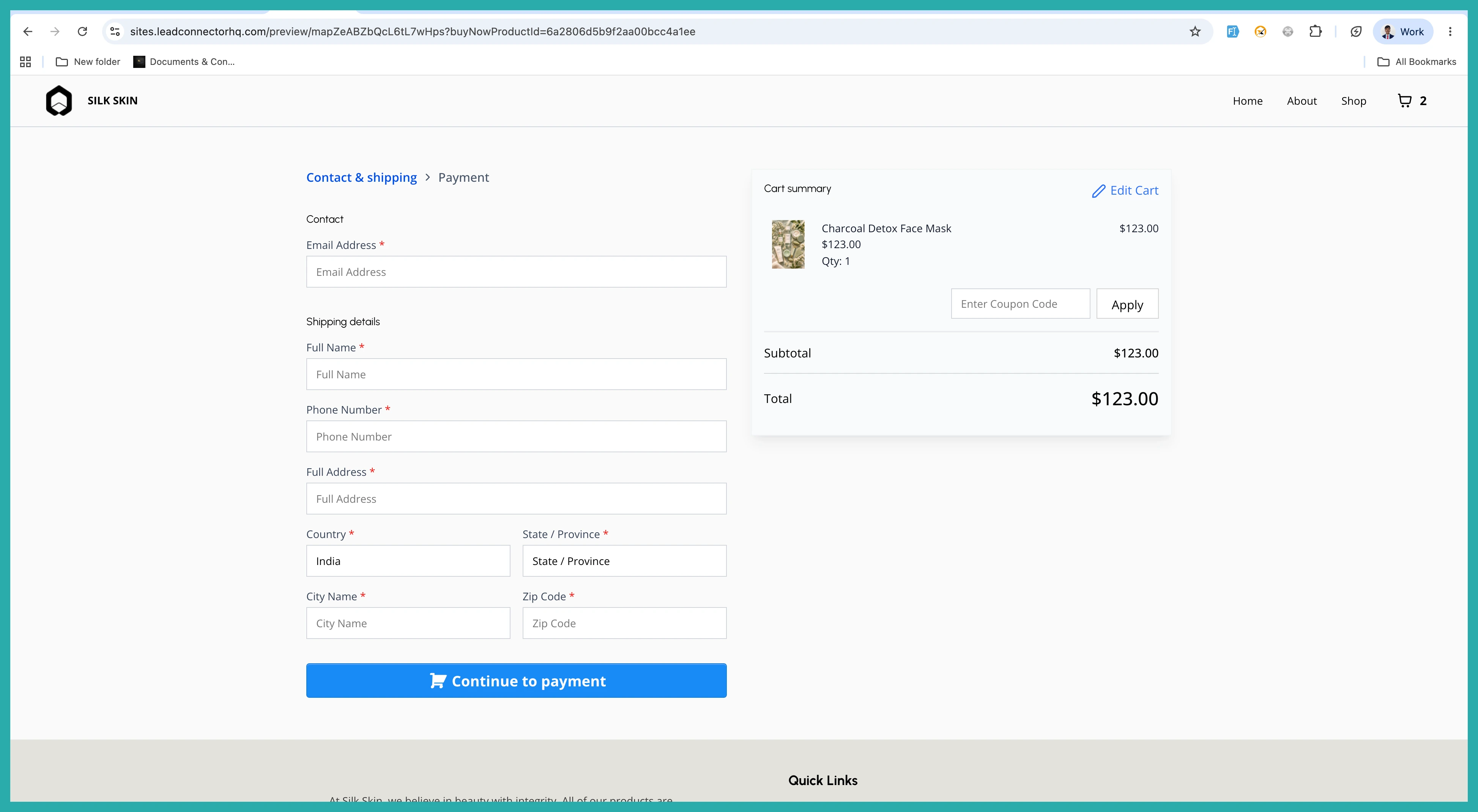
Step 1 asks for their First Name, Last Name, Email, Phone Number, and shipping details.
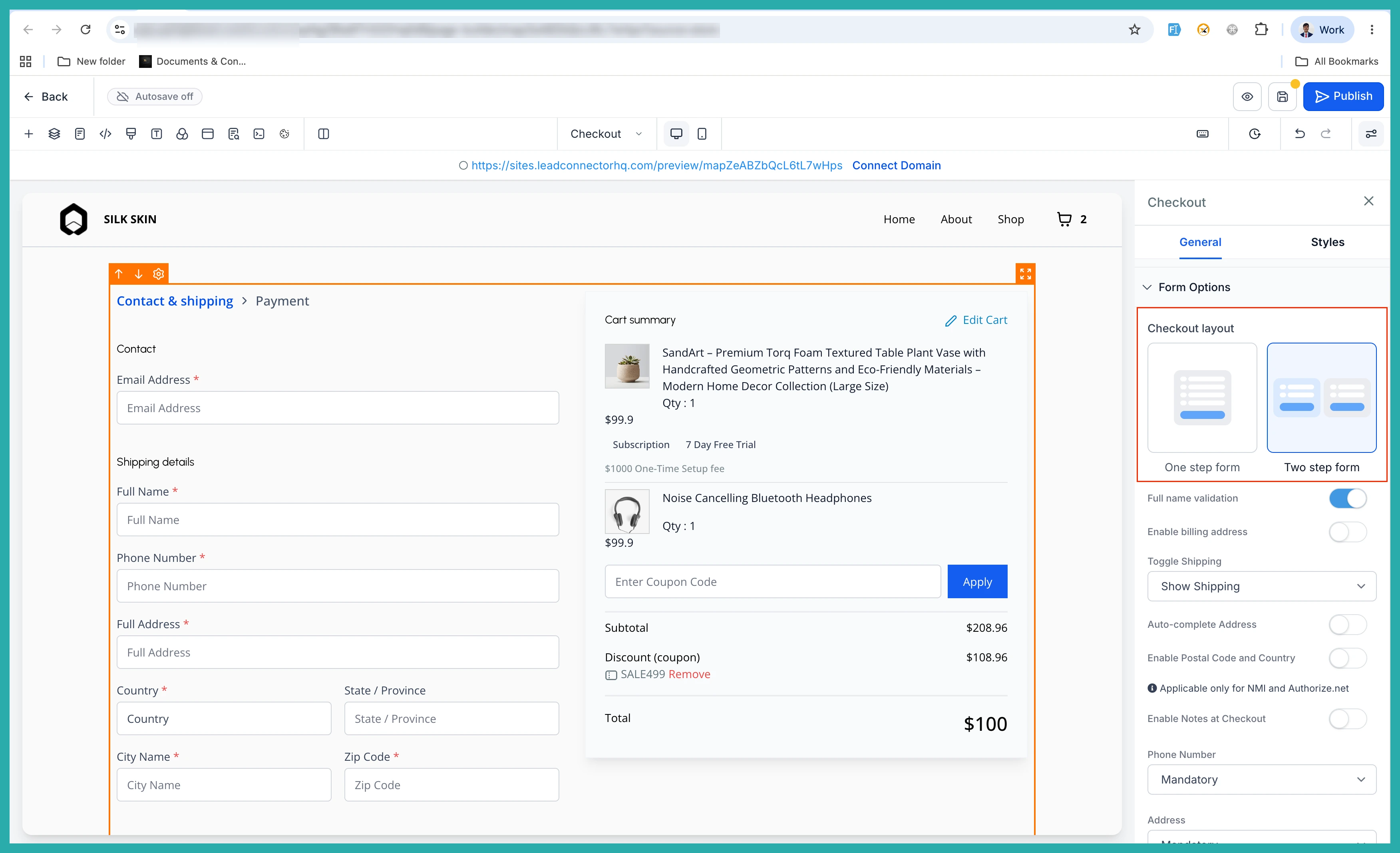
They can only move on once Step 1 is filled in correctly. That is the part that works in your favour - their contact and shipping information is captured before they reach payment.
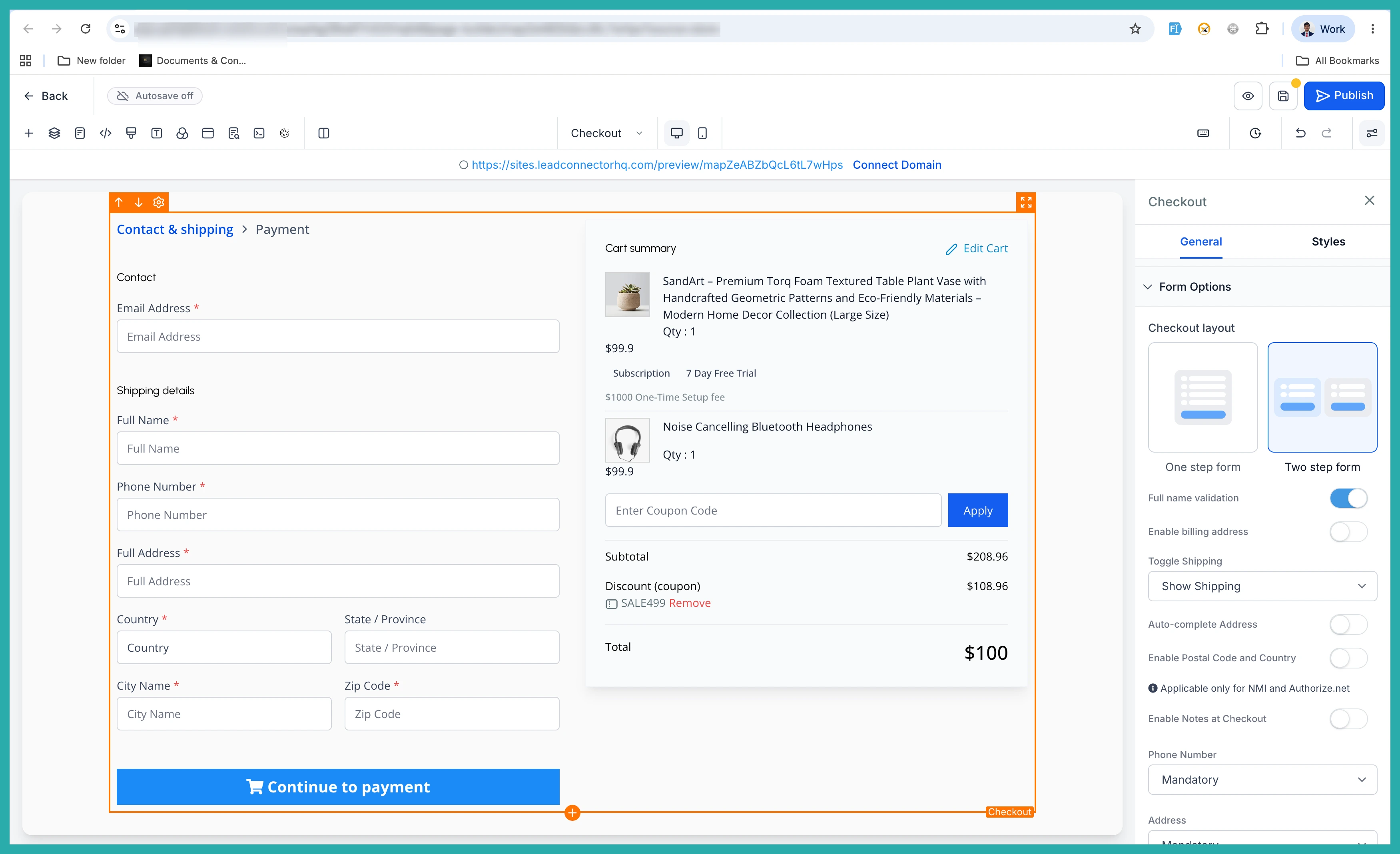
Step 2 is where billing, payment, order review, and placing the order all happen.
How to switch it on
It takes about a minute. Open your Store Builder and edit the Checkout Page.
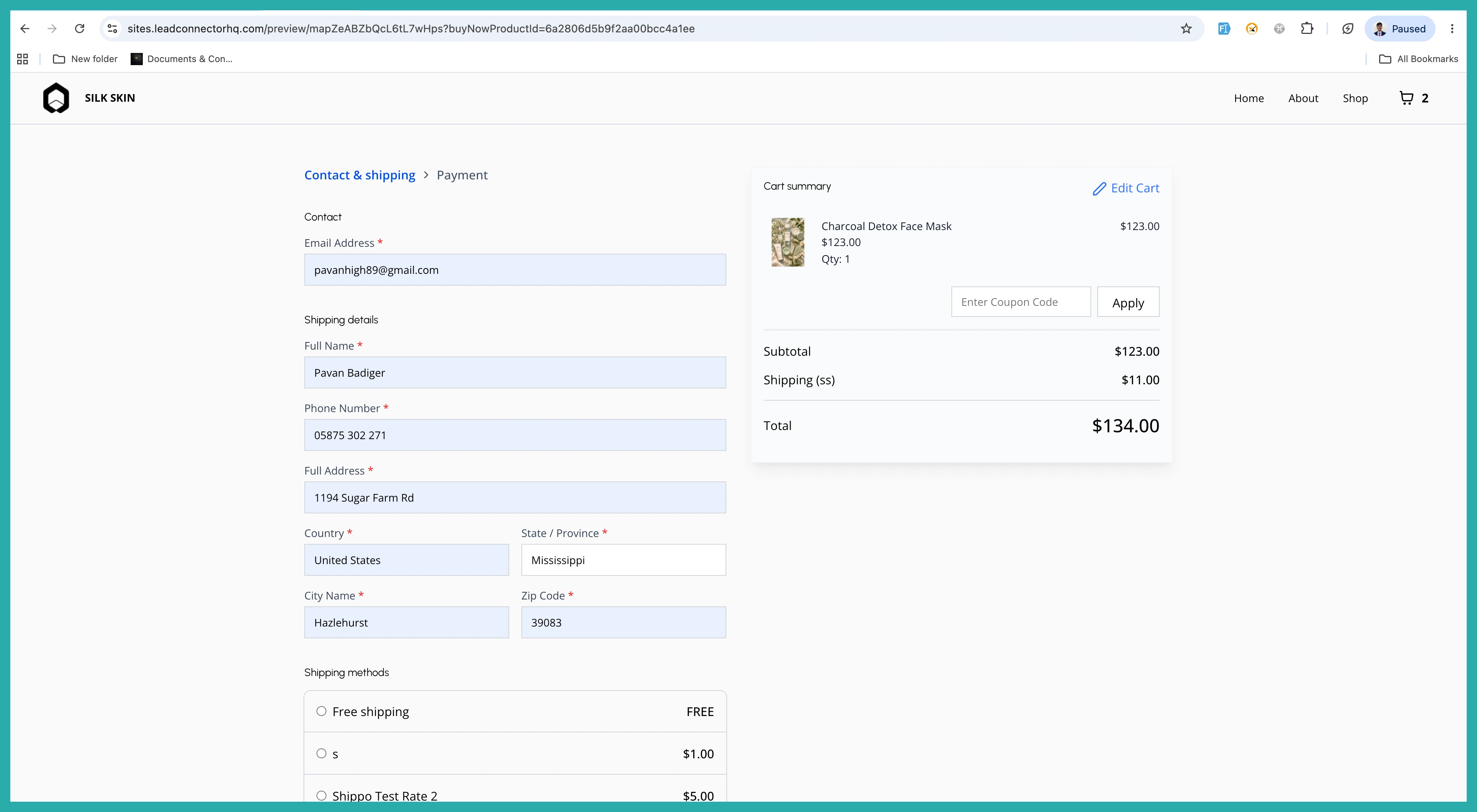
Select the Checkout element on the page, then open Form Options in the settings panel on the side.
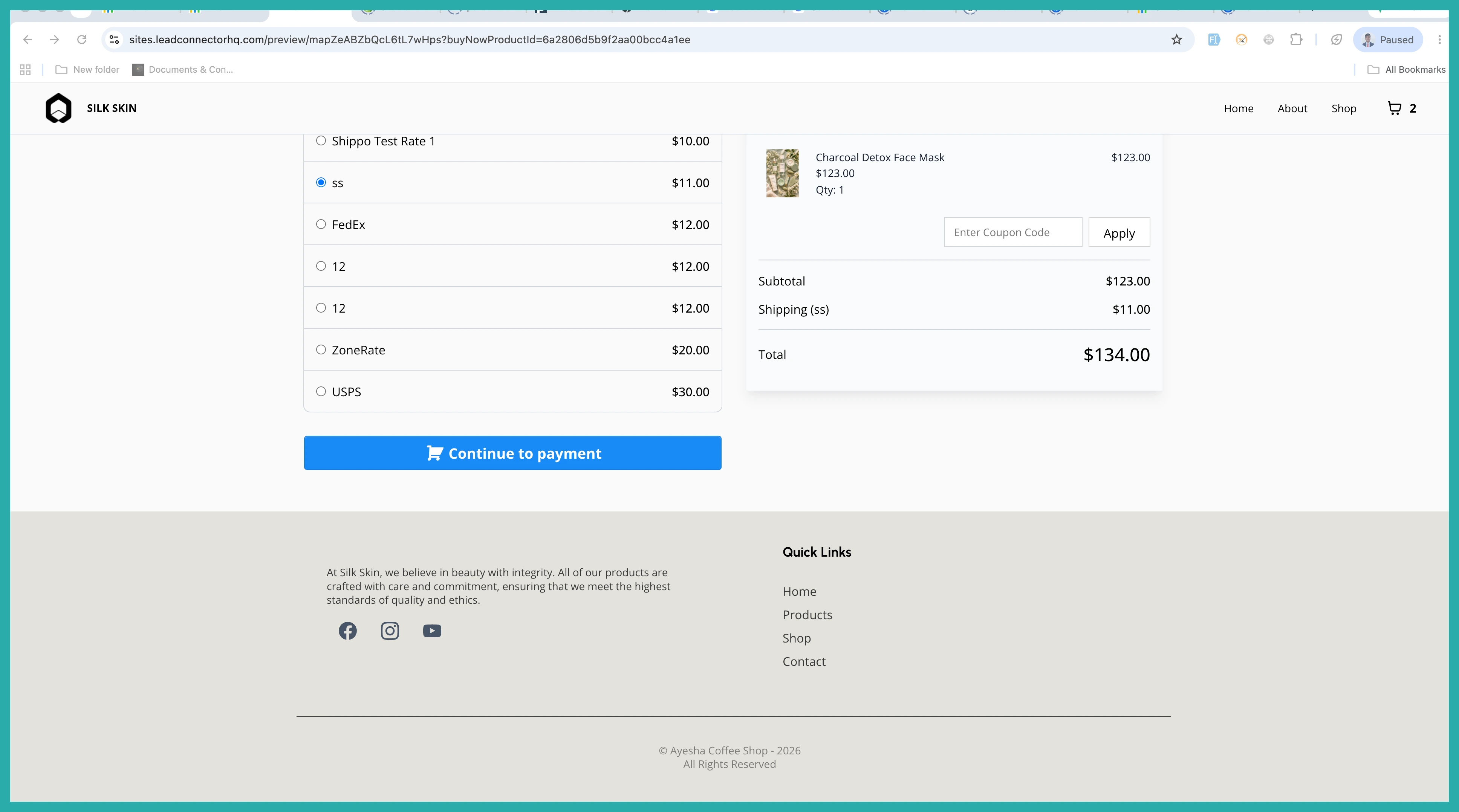
Find the Checkout Type setting and choose One-Step Checkout or Two-Step Checkout.
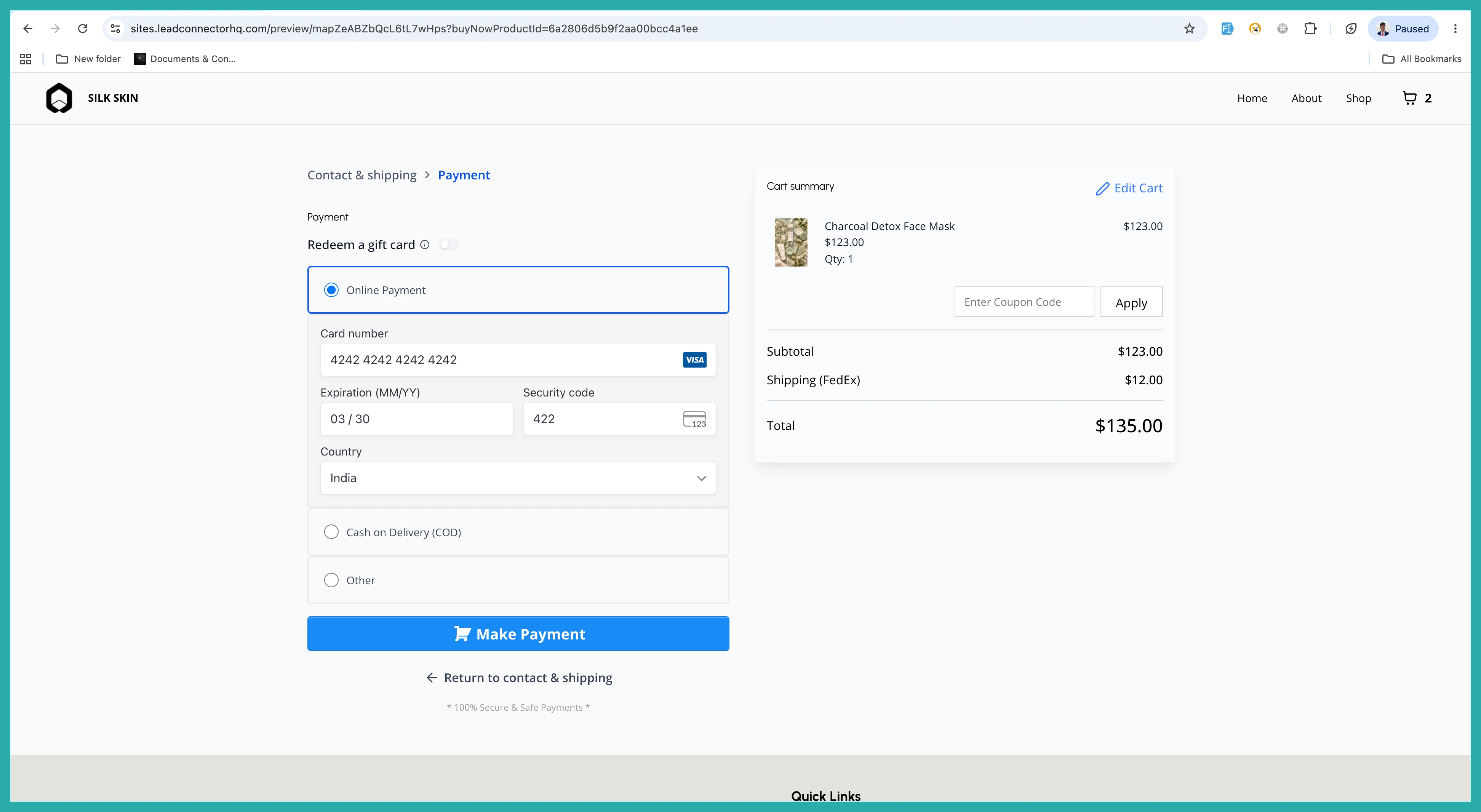
Save and publish the page, and your new checkout flow is live.
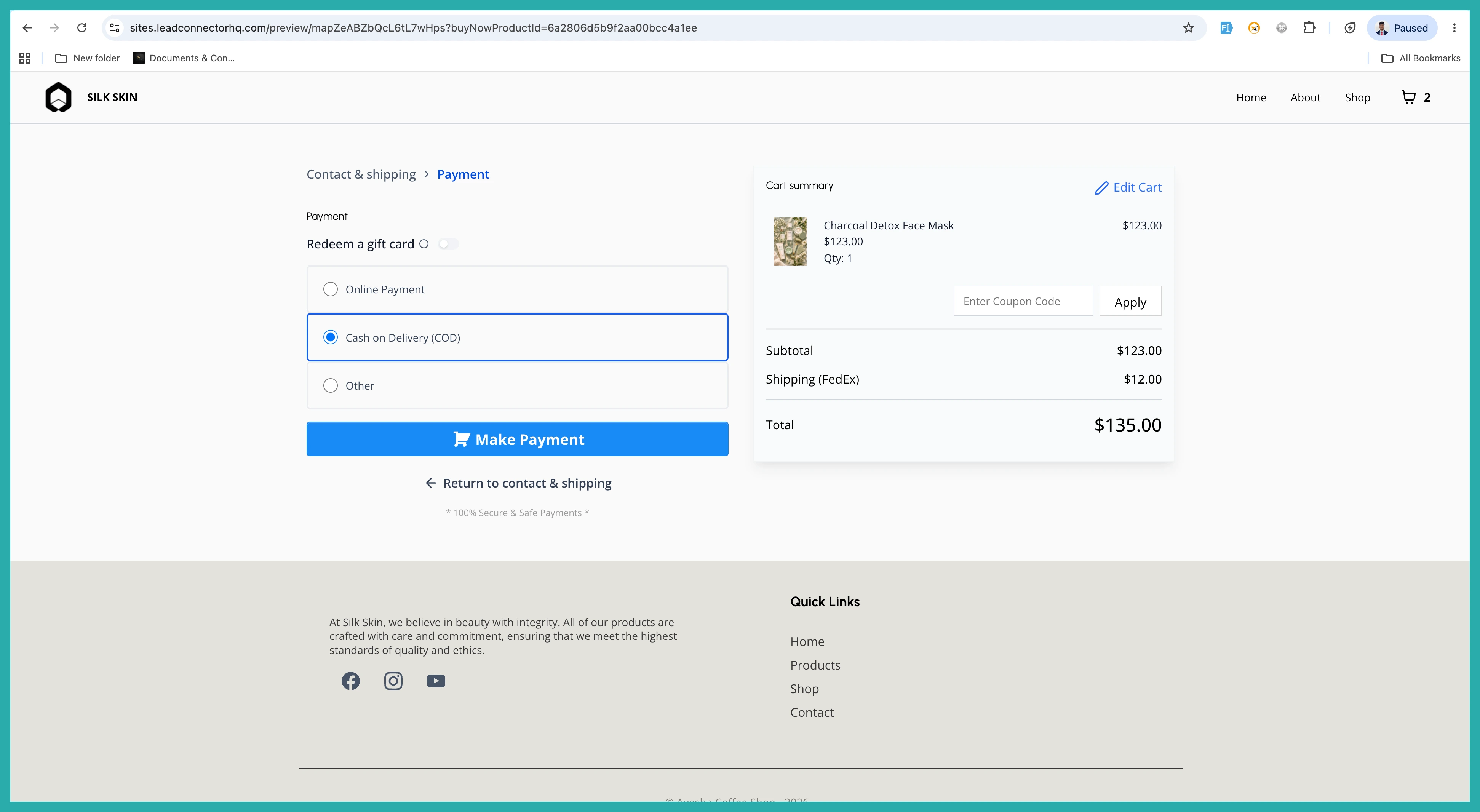
A few things worth knowing
- Two-Step Checkout captures contact and shipping details earlier in the process.
- Customers can only reach Step 2 after Step 1 is valid.
- The setting is per Checkout element, so you can mix and match across pages.
If you have ever wished you knew who started a checkout before they reached payment, give Two-Step a try on one of your pages and see how it feels.
