
Share Your Meeting Room Recordings With a Single Link
Someone missed your call or your training session, and now they want to see it. Until now that meant exporting a file, attaching it to an email, and hoping it wasn't too big to send.
No more. You can now share any Meeting Room recording with a simple link, straight from the system. You decide who can watch, how long the link works, and what they're allowed to see.
One more thing worth knowing: Meeting Rooms are now HIPAA compliant, so if you handle sensitive client information, you're covered.
Where to find it
Go to Meeting Room, then open your Recordings. You can share from the Recordings list or from any single recording's detail page. Just click Share on a recording you manage.
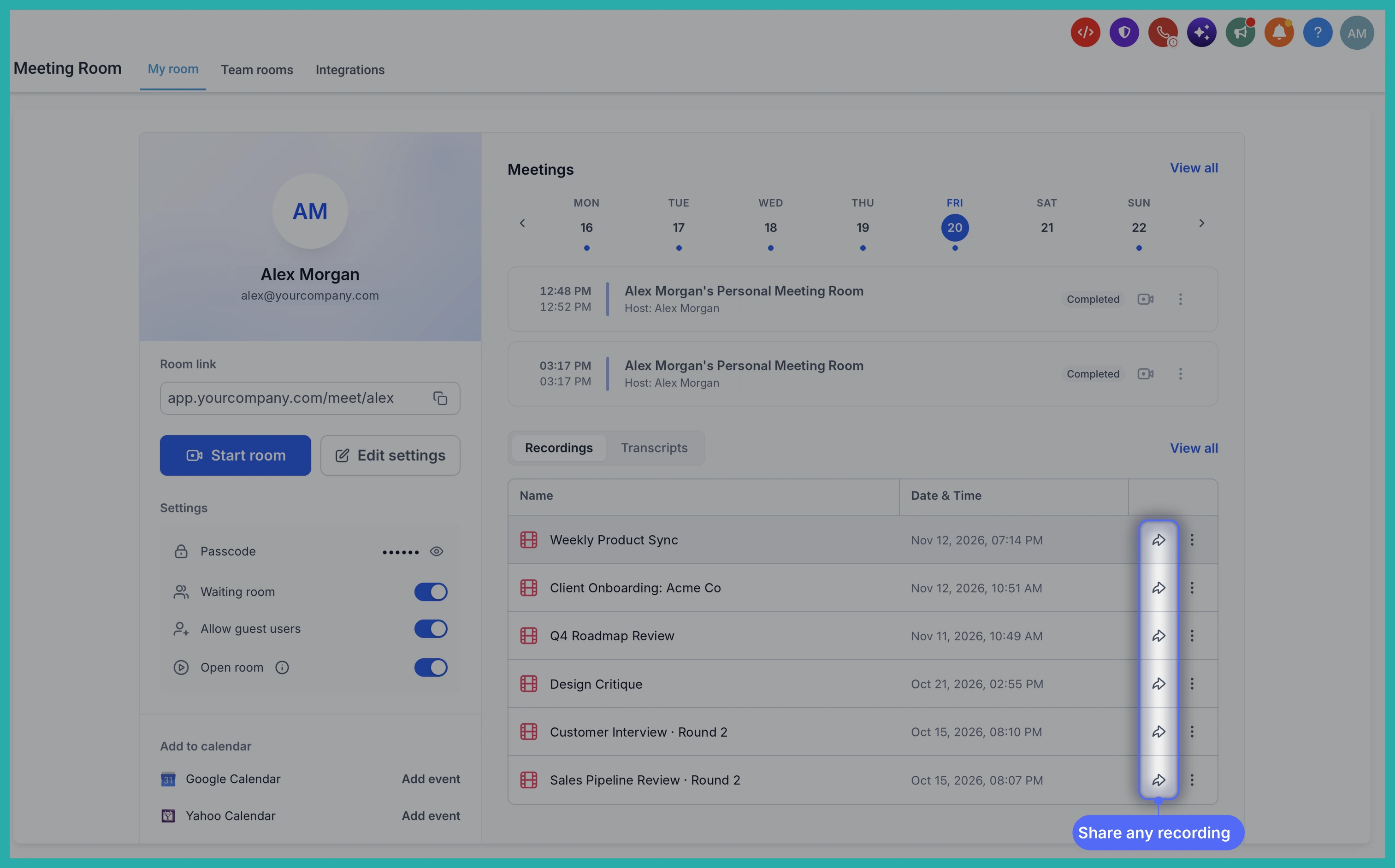
Choose who gets to watch
This is where you set the rules. Add the people you want to share with, notify them by email, and pick the access level that fits your audience:
- Restricted: Only you and the people you've added can watch.
- Signed-in users: Anyone signed in to your account can watch with the link.
- Anyone with the link: No sign-in needed, and you can protect it with a passcode if you want an extra layer.
In the screenshot below, you'll see the access settings laid out so you can match the right one to who's watching.
Set the finer details
Once you've picked your access level, you can shape the viewing experience:
- Expiration: Make the link last 7, 30, or 90 days, or set a custom date.
- Passcode: Add a 6-digit passcode and copy it right alongside the link.
- Downloads and content: Decide whether viewers can download the recording, or see its transcript and chat.
Then copy the link and send it however you like.
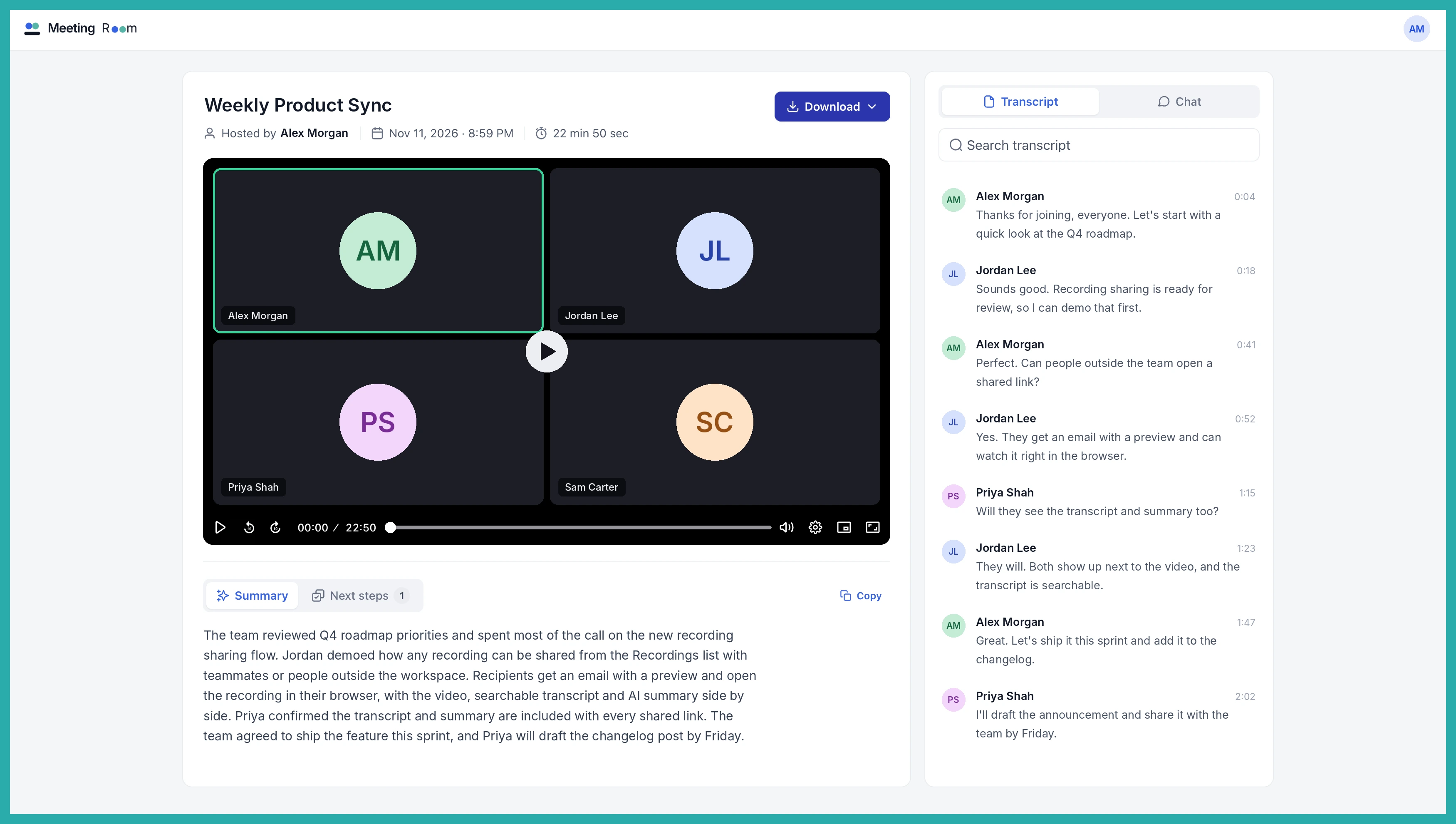
What your viewers get
They watch right in their browser, nothing to download or install. If you've turned on transcript access, they can search the transcript and jump straight to any moment they need. Meeting summaries and next steps show up too, when they've been generated and included.
A couple of handy extras
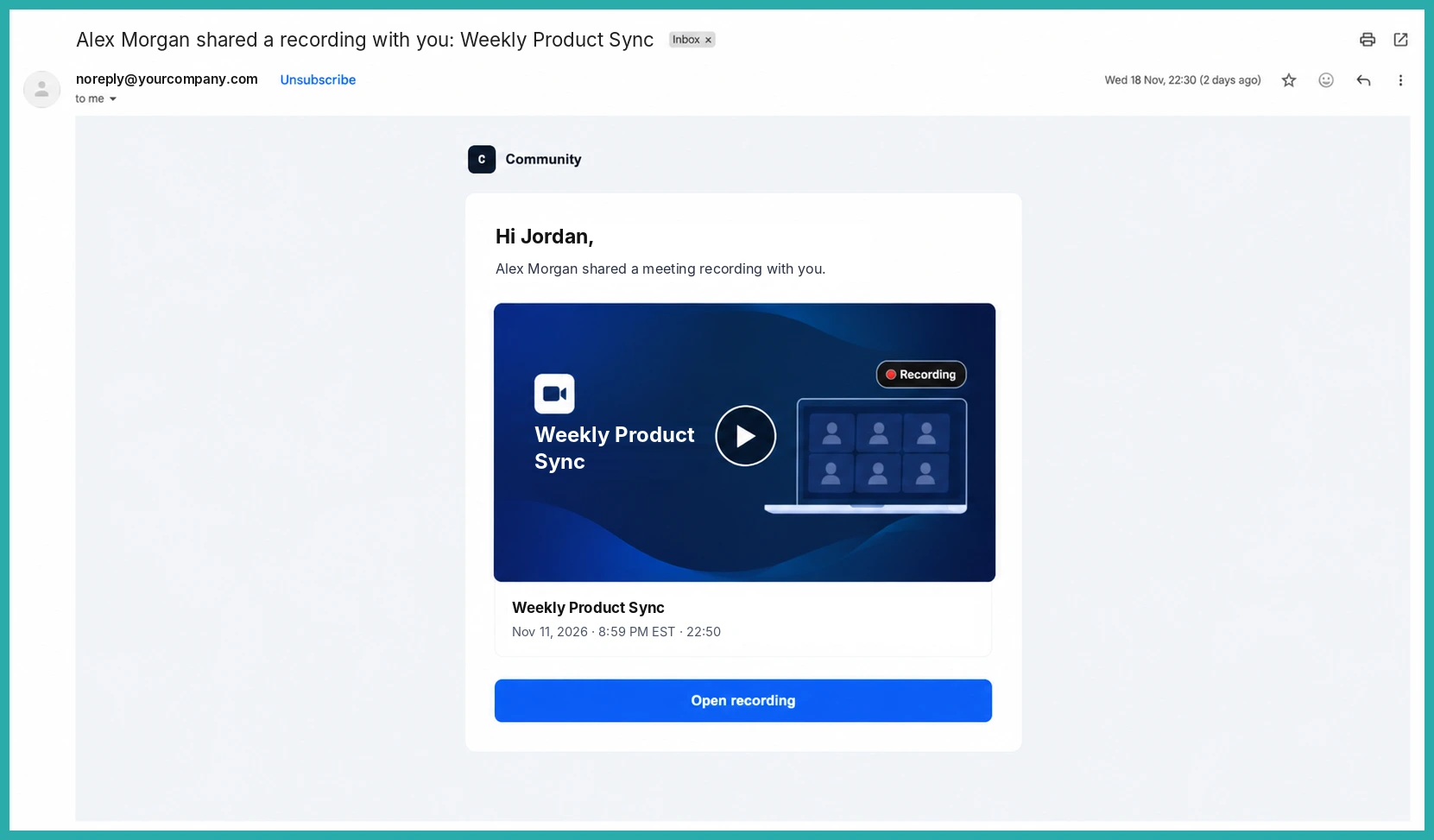
Recipients get an email the moment you share a recording with them, so you don't have to chase. And as a host, you'll get an email when your own recording is saved, so you always know it's ready to share.
There are a few quieter wins in this update too: smoother audio and video during meetings, fixed video backgrounds, and a fix for hosts who couldn't start recordings or transcription.
Next time someone says they missed the call, you'll have the answer ready in about thirty seconds. Go try it on your most recent recording.
