
Your AI Agent Can Now Run on a Schedule and Report Back on Its Own
You know those little jobs you keep meaning to do on a regular basis? Summarise your new leads. Check your inactive deals. Pull a quick recap every Monday morning. They're not hard, but they eat your time and you have to remember to do them.
Now your Managed Agent can handle them for you, on a schedule, and report back on its own.
What landed
Managed Agents now have Routines. You tell your agent what you want done and how often, in plain language, and it runs the task automatically and posts the results right in the same conversation. No triggers to configure, no re-prompting every time.
Each routine stays tied to the chat where you set it up, so the results land where you'd expect and you can keep talking to your agent about what it found.
Setting up a routine
Go to AI Agents, then Agent Studio, then Managed Agents, and open a published agent.
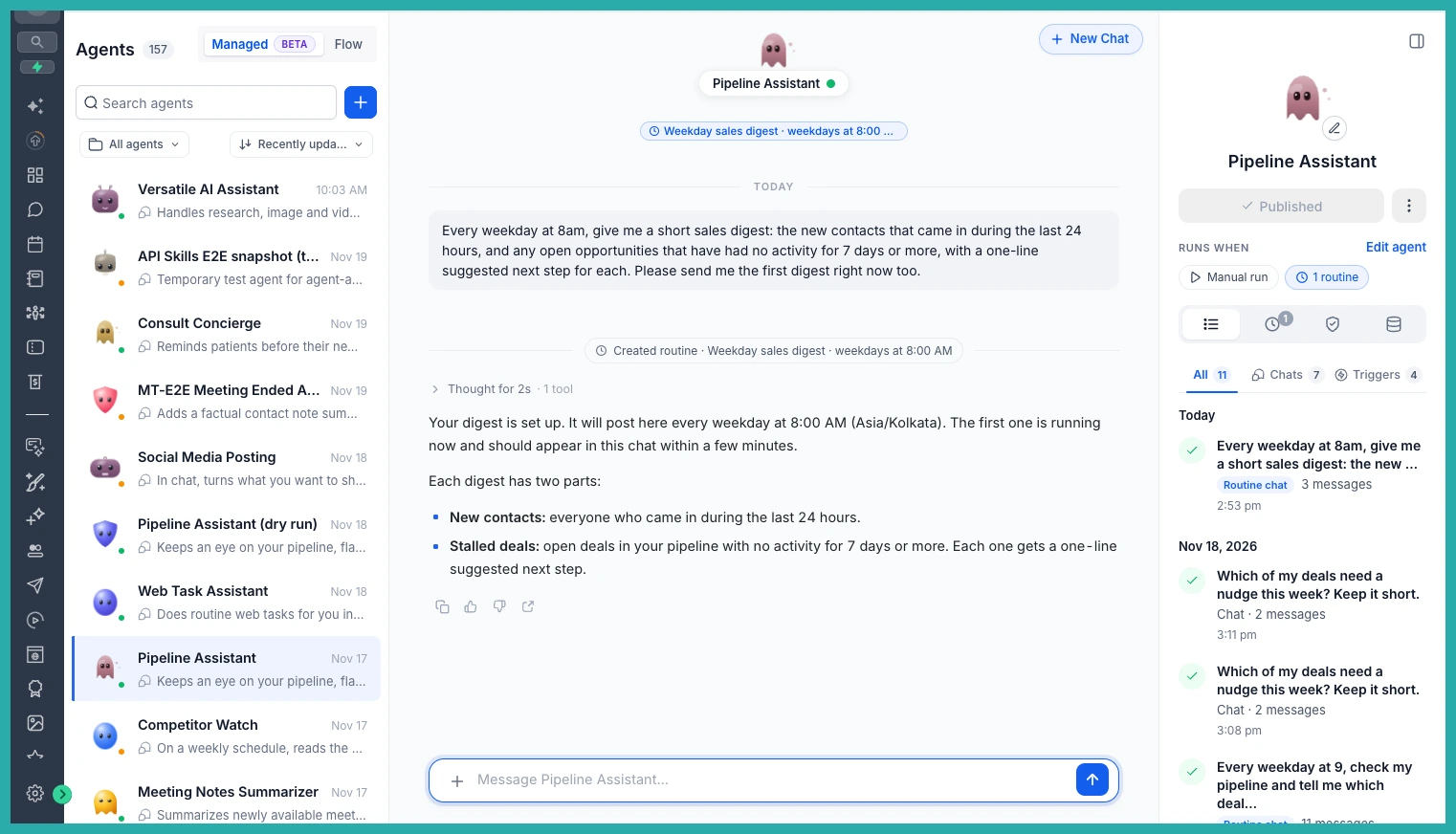
Then just ask for the task the way you'd say it out loud. Something like, "Every weekday at 8 AM, summarise my new leads and inactive deals." That's it - no building a workflow, no setting conditions by hand.
If the task needs your agent to use Computer to browse a website, the first run will pause and ask you to approve the action. Choose Allow for this routine once and it won't keep asking for that same action. Anything sensitive, or any payment, will always stop and wait for your approval - as it should.
Getting your updates
Once a routine is running, the results arrive automatically in that same conversation. You'll see an unread indicator so you can spot new updates at a glance, and you can carry on chatting with your agent about what it delivered.
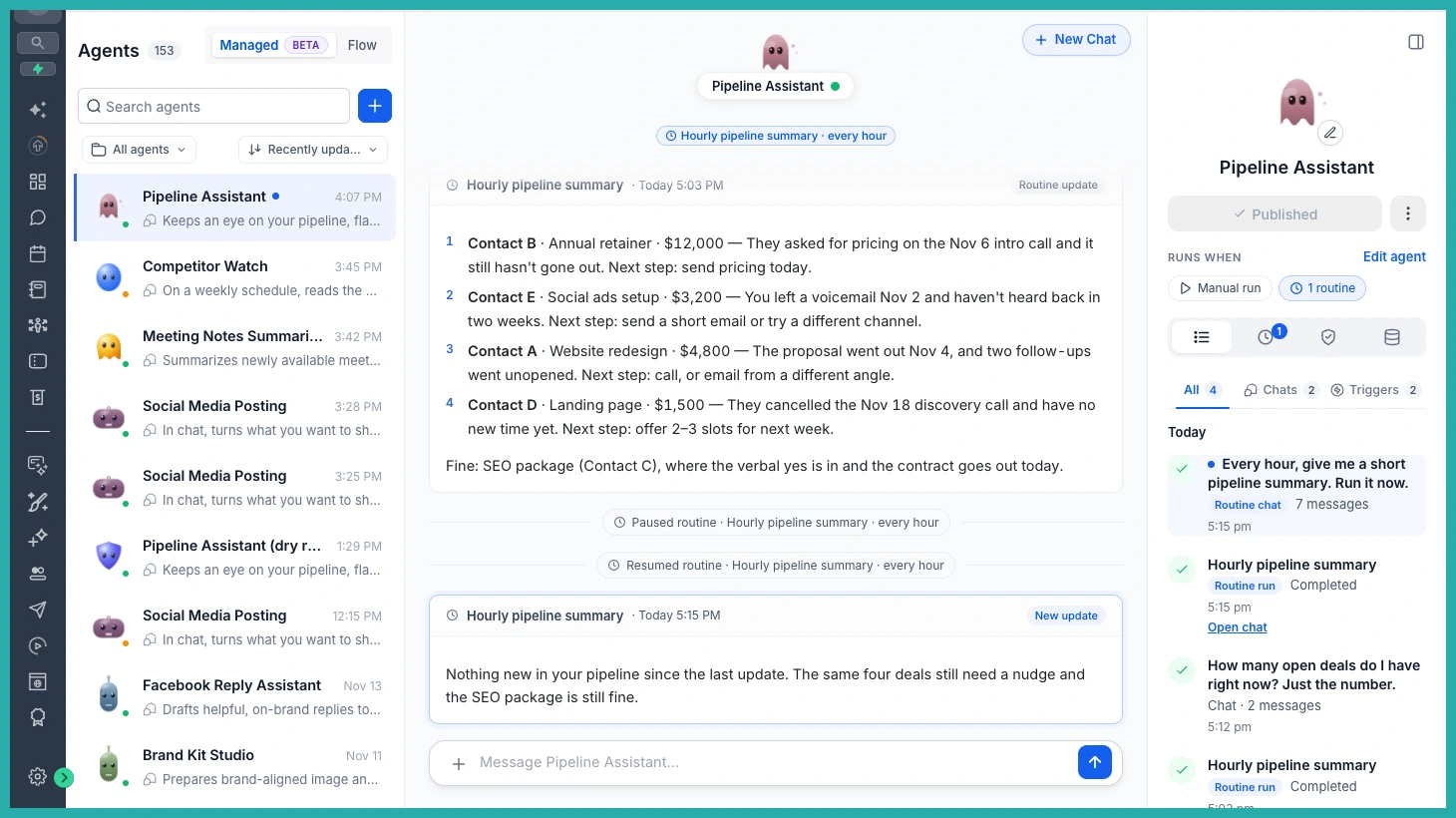
Managing it all
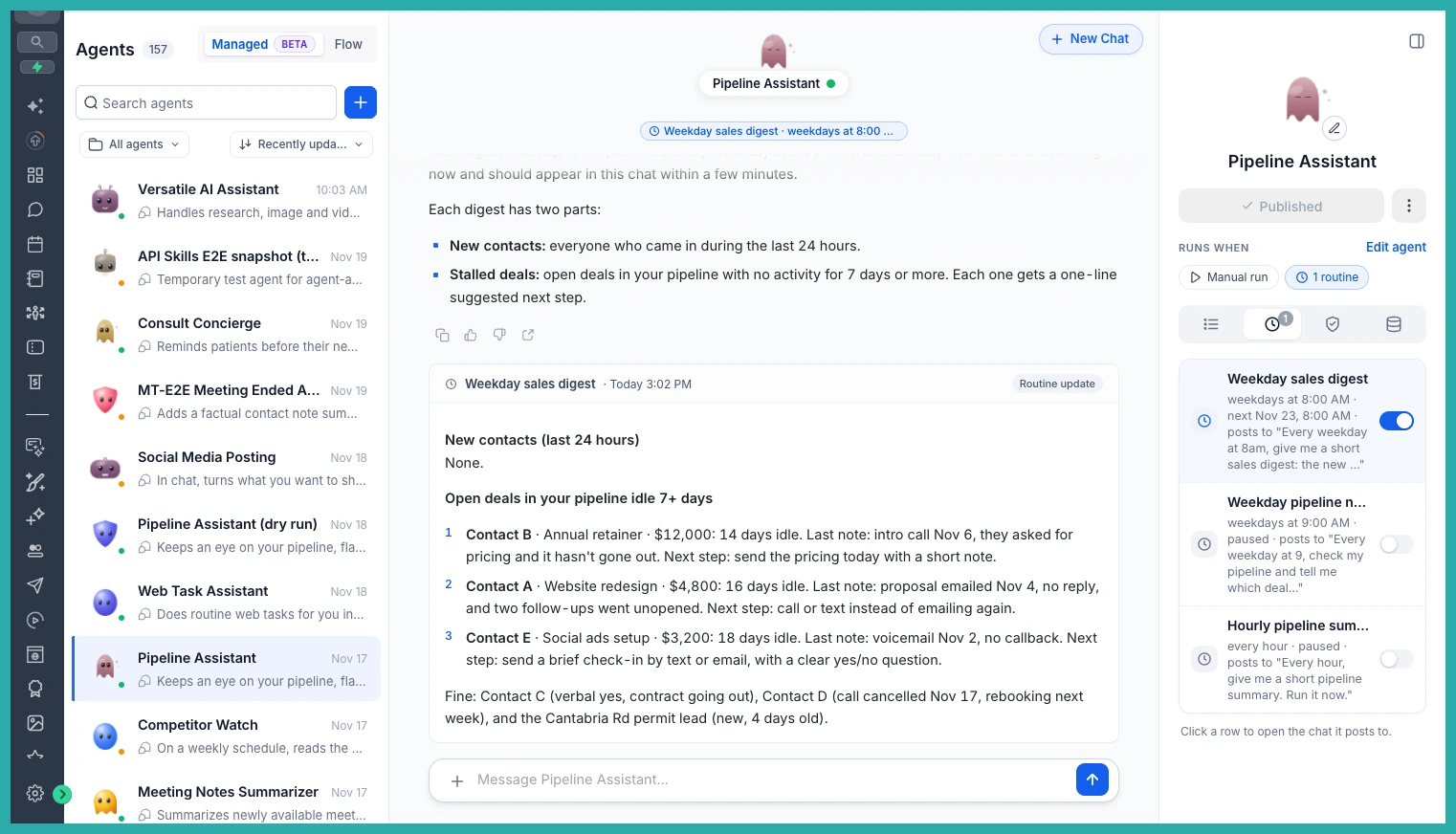
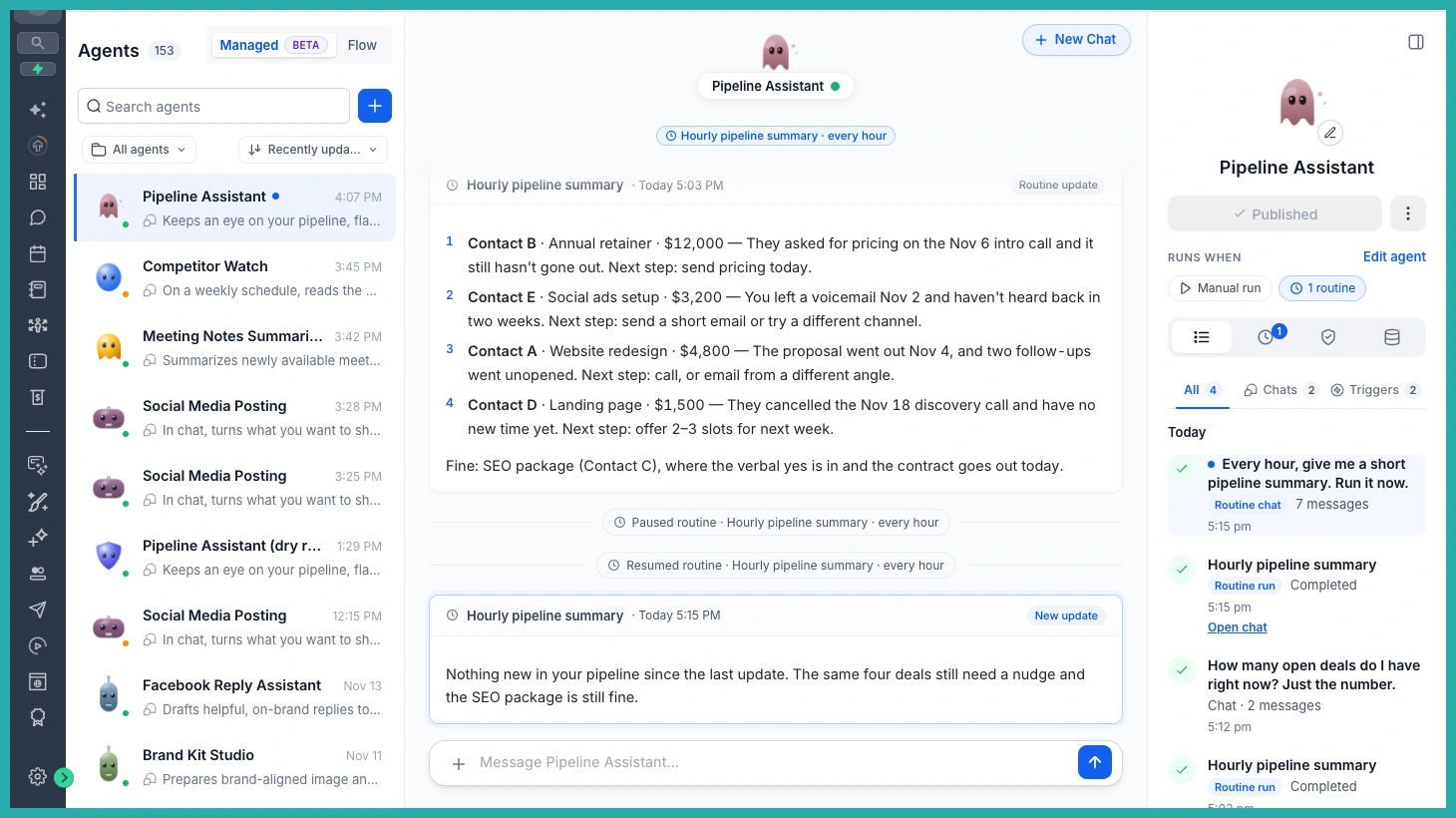
Everything lives in the Routines tab. From there you can pause a routine, resume it, and manage its permissions in one place. If something keeps failing, the built-in safety controls will pause it automatically so it's not running off doing the wrong thing in the background.
A few honest notes
- You can have up to 10 active routines per agent.
- The shortest interval is one run per hour.
- Routines use your agent's published version, and each run follows the usual Managed Agents usage billing.
- Email notifications for routine updates are on the way.
Pick one job you do over and over, set it up as a routine this week, and let your agent take it off your plate.
