
See How Your Certificates and Badges Actually Perform
You set up certificates and badges, started issuing them, and then... silence. Were members actually earning them? Downloading them? Showing them off anywhere? Until now you had no real way to tell.
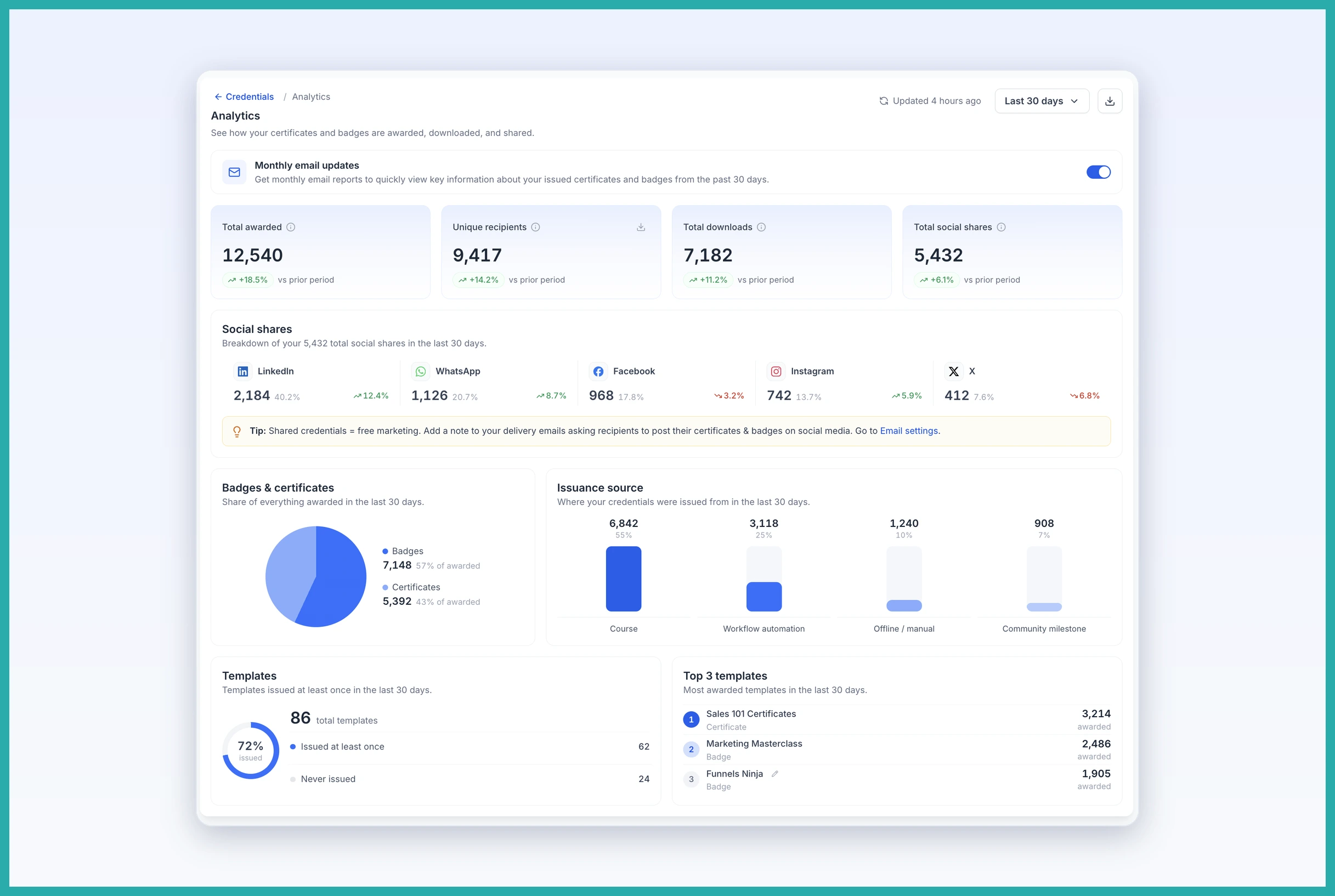
That gap is closed. There's a new Analytics page sitting under Credentials that shows you exactly how your certificates and badges are performing.
What you can now see
It's a dedicated view with the numbers that actually tell you something:
- Key metrics - credentials awarded, unique recipients, downloads, and social shares.
- Template insights - which templates have been issued and which haven't, your top performers, badges versus certificates, and where each credential was issued from.
- One-click CSV export - pull the whole lot out whenever you want it.
In the screenshot below, you'll see the Analytics page with your headline numbers up top and the template breakdown underneath.
Two things this makes easy. First, you finally know whether your credentials are landing with members or just sitting unopened. Second, you can spot the templates no one is earning, then refresh them or retire them instead of letting them clutter the place.
Let the numbers come to you
If you'd rather not go looking, there's an optional monthly summary email. Turn it on and a recap of last month drops into your inbox on the 1st - no logging in required.
How to find it
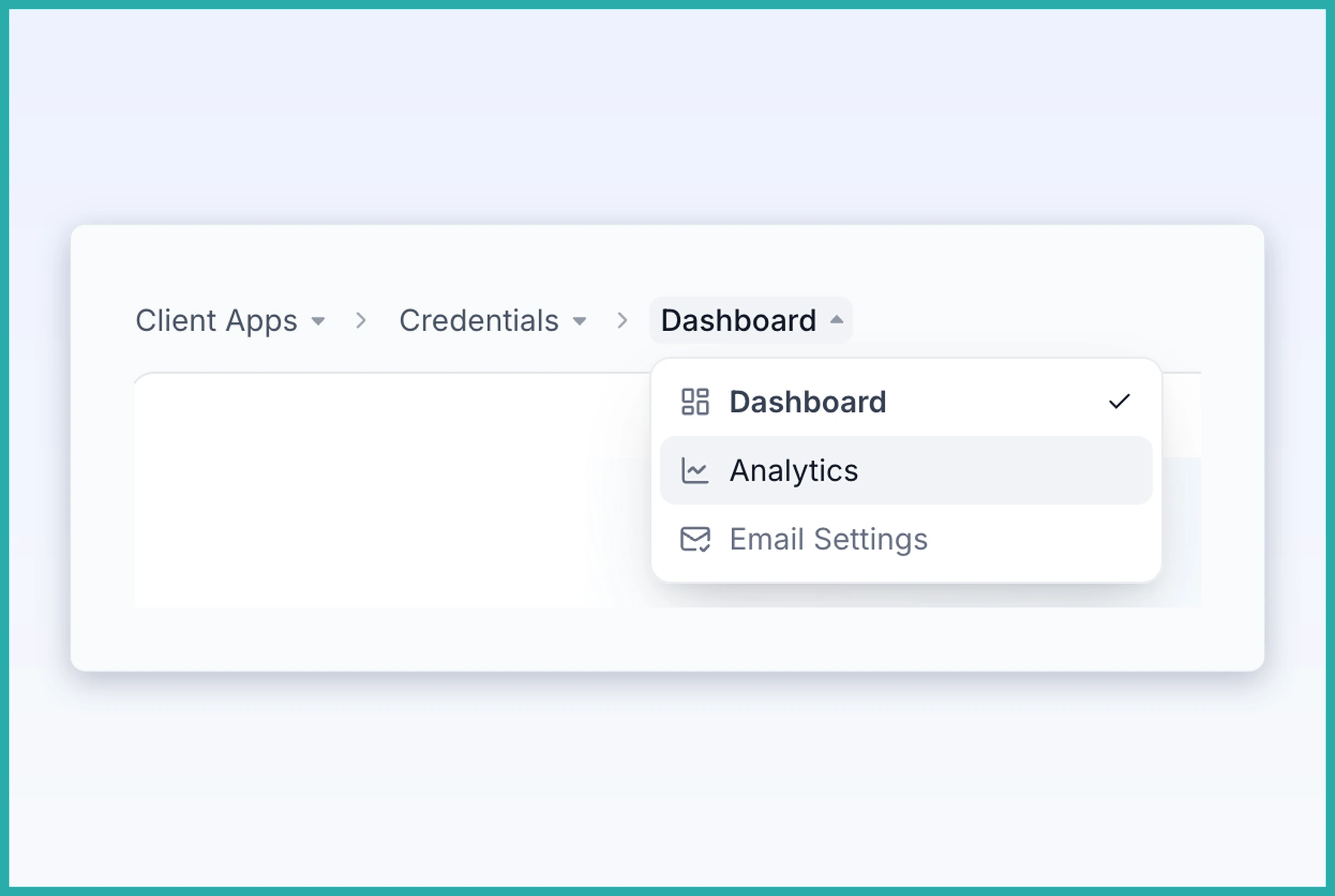
Go to Memberships (or Client Apps), then Credentials, then Analytics, and take a look around. While you're there, flick on the monthly email if you'd like your recap delivered.
Go have a look at what your members have been earning. You might be pleasantly surprised at how much use those certificates are getting.
