
Meeting Rooms Just Got Safer and Easier to Run
If you run meetings straight from your account, a couple of helpful changes just landed in Meeting Rooms. They make your calls safer to run and the controls easier to find.
Recording that waits for you
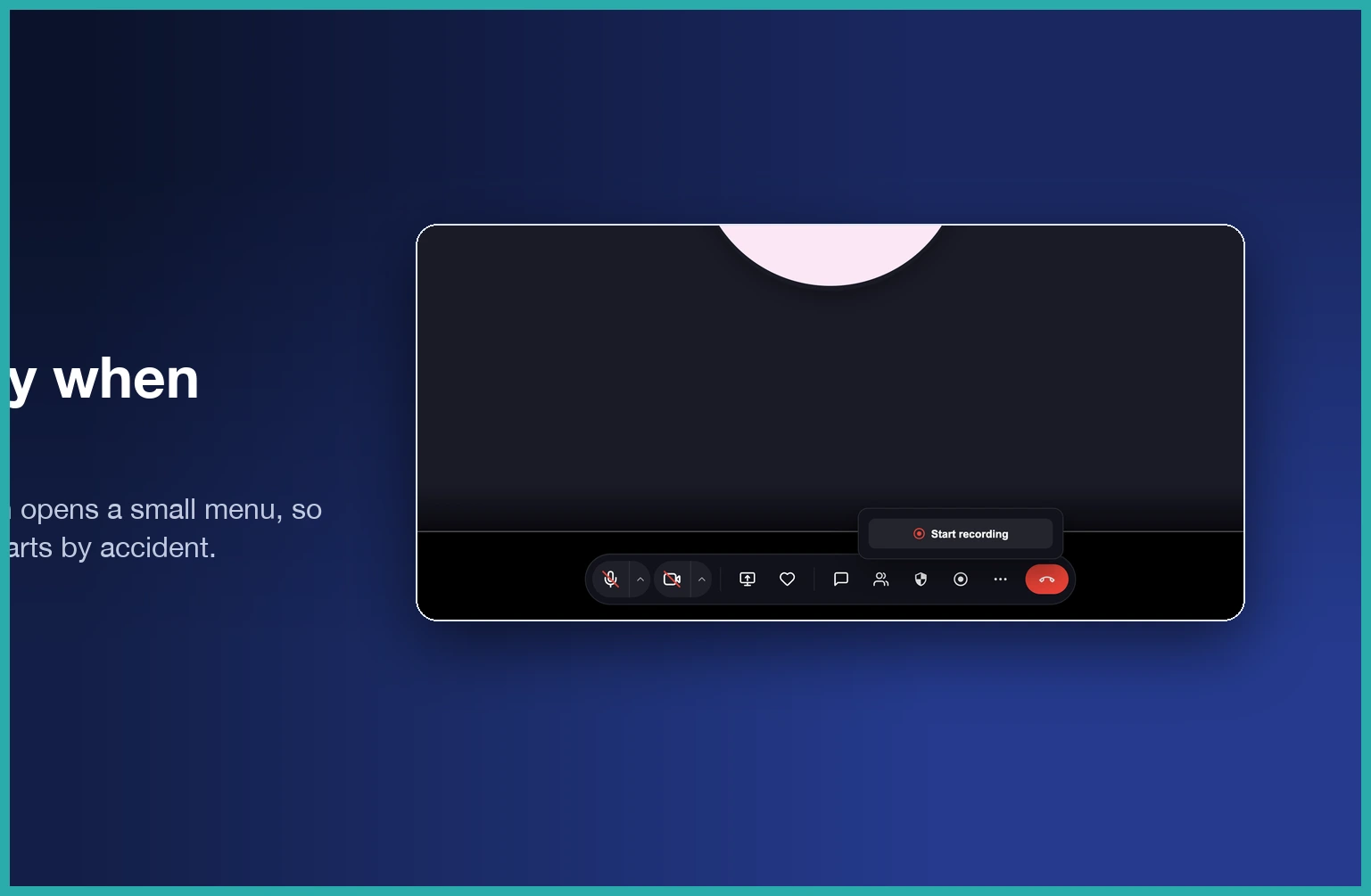
Recording used to start the instant you clicked. Not anymore. Now there's a confirmation step, so you're always in control of when it actually begins.
To start recording, click Record in the top bar, then click Start recording. That second click is your confirmation, so no more accidental recordings the moment your finger slips.
When you want to stop, click REC in the top bar, then Stop recording. It's right there at the top of your screen, so you never have to go hunting for it mid-call.
Transcription that picks up the language for you
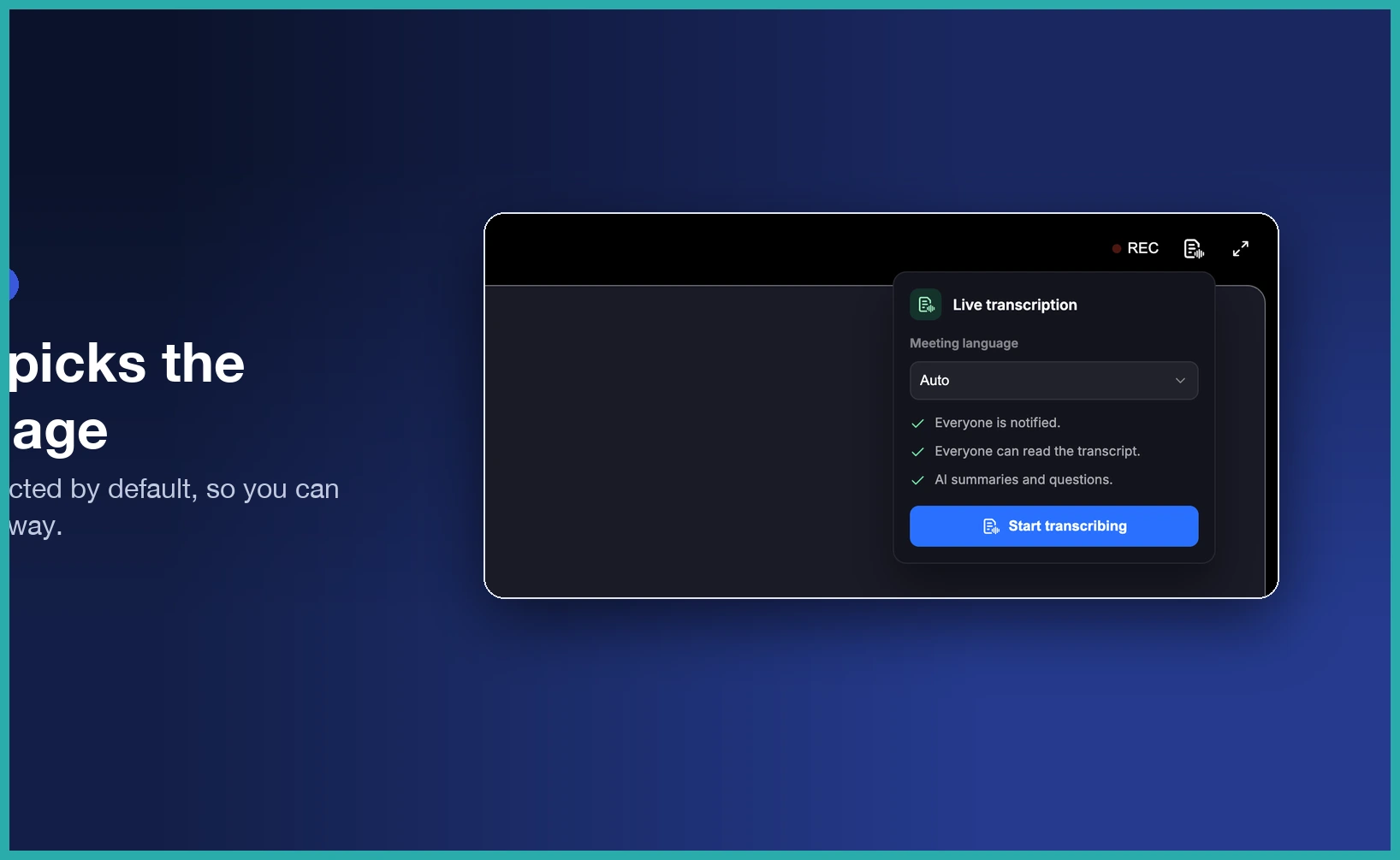
Transcription now defaults to Auto instead of English. That means it detects the spoken language on its own, which is handy if you meet with people who speak something other than English. Auto also sits first in the language list, so it's the easy pick.
To turn transcription on, open Transcript in the top bar, leave Auto selected, and click Start transcribing.
All your recording and transcription controls now live together in the top bar, so everything you need is in one spot while your meeting runs.
Next time you jump into a Meeting Room, take a second to find Record, REC and Transcript up top. Once you've used them once, they'll feel like second nature.
