
Google Ads reporting widgets are now in your dashboards
If you run ads, you know the drill. One place to see your pipeline, another for your email stats, and then Google Ads sits in its own corner, behind its own login, telling its own story.
So you either check it constantly, or you avoid it until the end of the month and hope for the best.
That changes now.
You can connect your Google Ads account to ESC Hub and pull your ad performance straight into your dashboard. Same screen as everything else. No separate login, no flicking between tabs.
What you get
Eleven ready-made widgets you can drop into any dashboard: total conversions, conversions over time, total cost, cost over time, clicks, impressions, clicks by campaign, conversions by campaign, and cost per click. Connect your account once and the data fills in on its own.
Each one is yours to shape. Filter by campaign, by campaign type, hide the empty stuff, add your markup. You see the numbers that matter to you, not a wall of everything.
And if you want to go further, your Google Ads data now plugs into Custom Metrics. You can build the numbers that actually tell you something - return on ad spend, cost per closed deal - by combining what you spend with what comes through your pipeline.
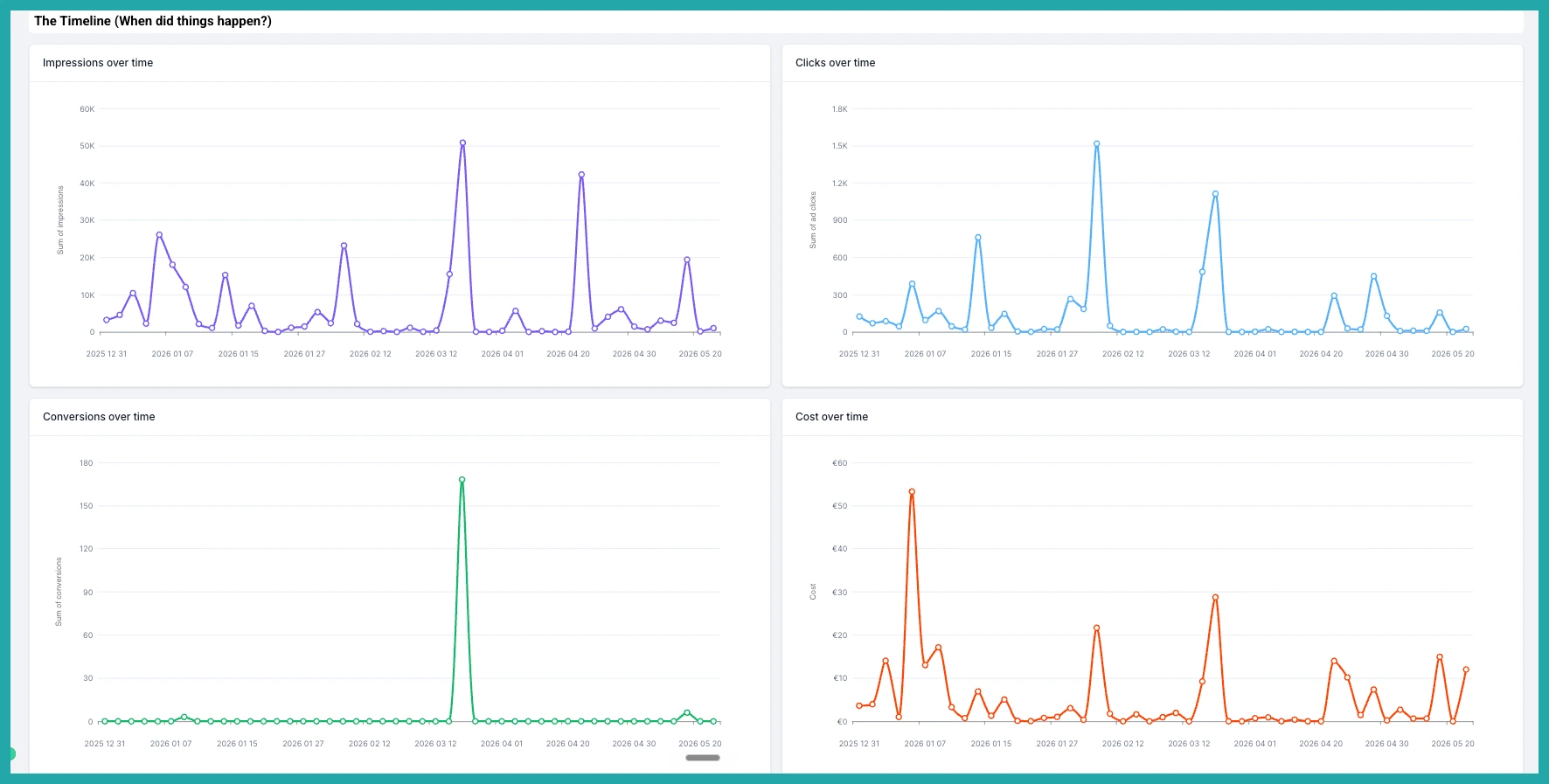
Here's the thing about ad spend. It's easy to keep pouring money in when you can't see what it's doing. The cost sits in one place, the results in another, and the link between them never quite lands.
One screen fixes that. You see what you're spending and what you're getting back, side by side. The campaigns that are working show themselves. So do the ones draining the budget.
That's not just tidier reporting. That's knowing where your money actually goes.
How to turn it on
1. Open any dashboard and click Edit dashboard.
2. Click Add widget and find the new Google Ads section.
3. Pick a widget, confirm your connected Google Ads account, set your filters, and save.
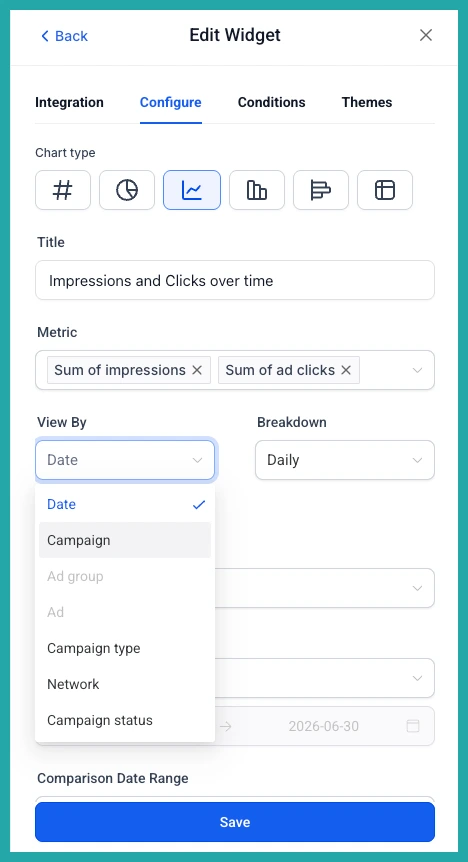
You'll need to connect Google Ads in your account settings first, under Integrations. Once it's linked, the widgets start pulling straight away.
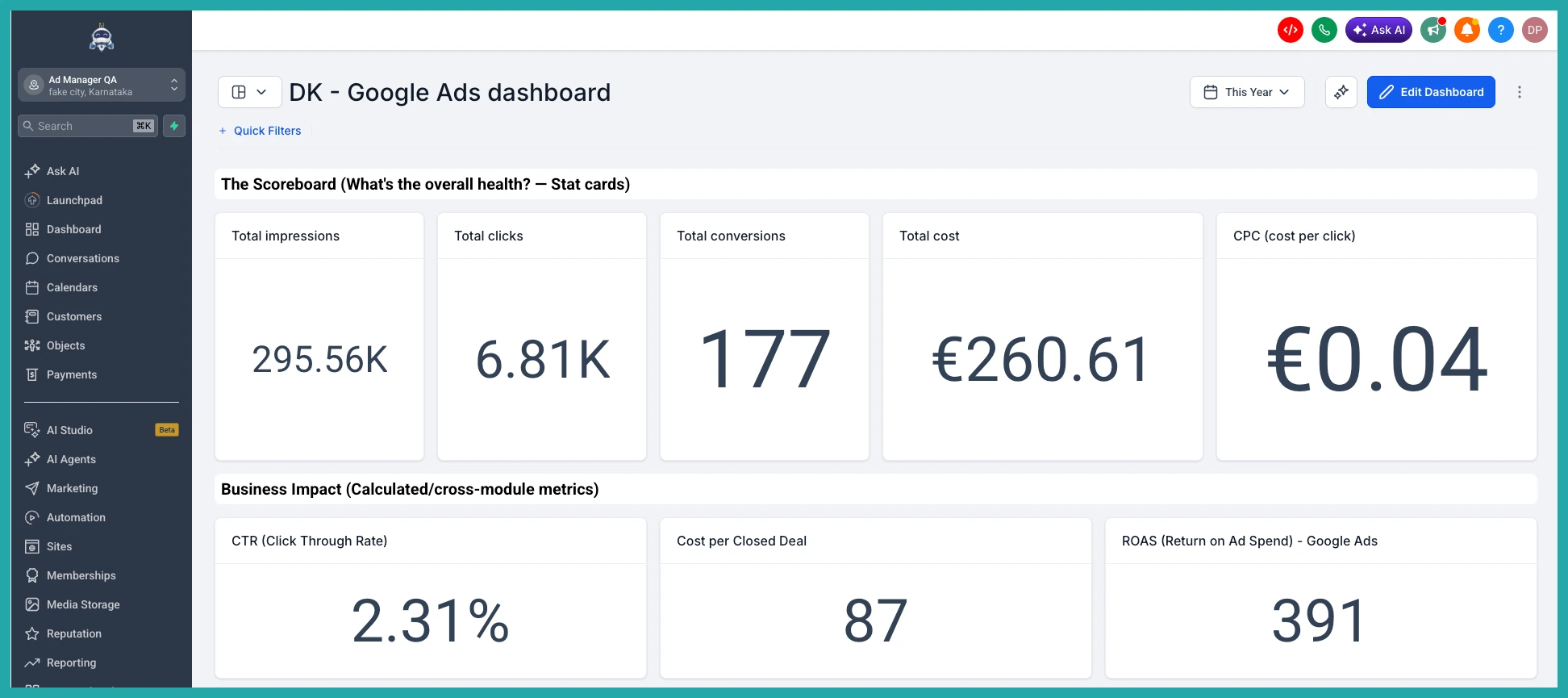
If you're running ads and you've never had a clear picture of what they're doing for your business, this is worth ten minutes. Log in and build your first Google Ads widget today.
