Follow Up Automation: Stop Losing Leads and Let Your System Work
Most leads do not go cold because they were not interested. They go cold because nobody followed up.
Not once more. Not three days later. Not with the right message at the right time. The lead expressed interest, received one response, and then heard nothing - until the moment passed and they moved on.
Follow up automation closes that gap permanently. This post explains what it is, which scenarios to automate first, and how to set it up so your system follows up consistently with every lead, every time, whether you are working or not.
Why most leads go cold (and it is not because they were not interested)
The research on follow-up is consistent: most sales happen after multiple touchpoints. The first contact rarely converts. The second is better. By the third, fourth, or fifth, the conversion rate is significantly higher - but most small business owners have already stopped following up by then.
The reasons are understandable. Manual follow-up feels pushy. It gets forgotten in a busy week. It does not scale - a business owner with 20 active leads cannot manually send personalised follow-ups to all of them on the right schedule. So most leads receive one or two contacts and then silence.
That silence is not neutral. While the business owner is not following up, someone else is. Or the lead simply moves on to the next option in their search. The leads are not cold because they were not interested. They are cold because the relationship was not maintained.
Follow up automation maintains those relationships automatically. Not pushily. Not with spam. With timely, relevant messages that keep the business present in the lead's mind until they are ready to act.
What is follow up automation and how does it work?
Follow up automation is the use of software to send pre-written follow-up messages automatically, triggered by a contact's behaviour or a specific time interval.
When someone opts in - a sequence starts. When someone books a call - a reminder sequence starts. When someone fills in a contact form but does not book - a follow-up triggers after 24 hours. When a lead goes quiet for 30 days - a re-engagement email fires. All of this happens without the business owner manually sending anything.
The business owner writes the messages once. Sets the triggers. Defines the schedule. Switches it on. From that point, every lead who takes a defined action gets the right response at the right time - automatically, indefinitely, for every lead who comes through the door.
What makes this different from a one-off email blast is the trigger. Automated follow-up is not sent to the whole list at once - it is sent to each individual contact at the right moment relative to what they did and when they did it.
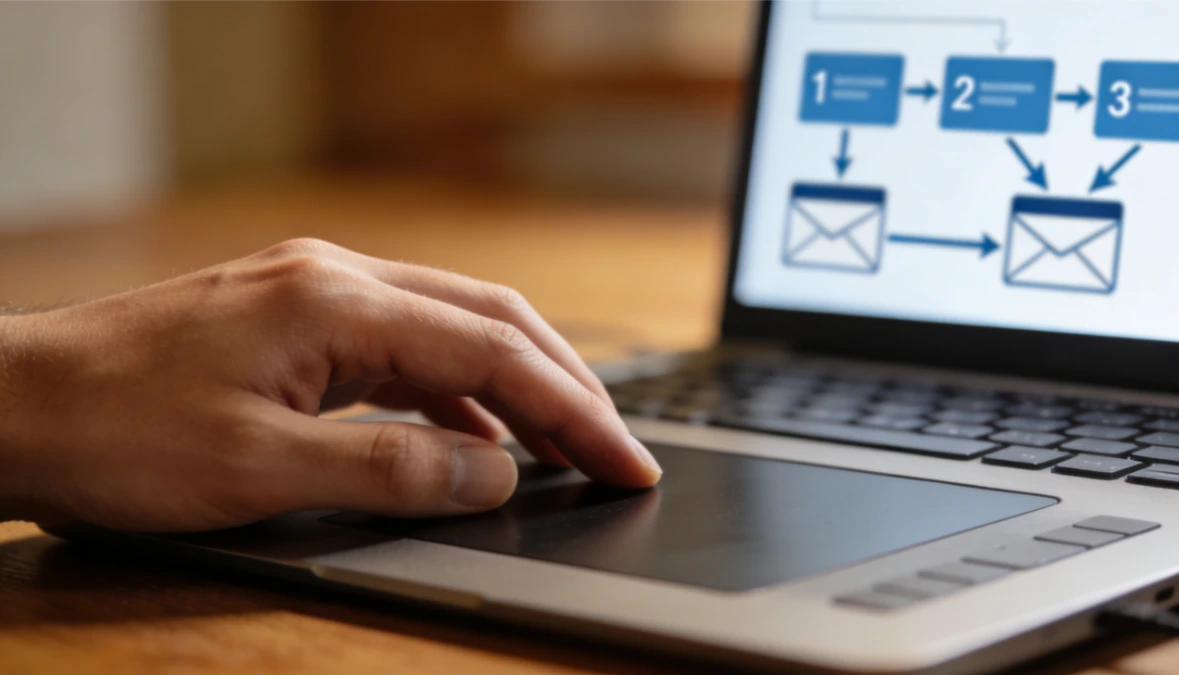
The four follow-up scenarios every small business should automate
Not all follow-up situations are equal. These four have the highest return for a small business owner and are the right place to start.
Scenario 1 - New lead follow-up
When someone opts in or downloads a lead magnet, a nurture sequence starts automatically. The sequence introduces the business, delivers value over several emails, and moves the subscriber toward a first offer. This is the most important automation to have running - the window of highest engagement is the first 7 to 14 days after opt-in. A sequence that runs in that window converts significantly more leads than one that does not.
Scenario 2 - Post-call follow-up
When someone attends a discovery call or strategy session, a follow-up email goes out the same day with a summary of what was discussed and clear next steps. A check-in follows 48 to 72 hours later if there has been no response. This removes the awkward manual follow-up after a call and ensures every prospect receives the same considered response regardless of how busy the week is.
Scenario 3 - Abandoned inquiry follow-up
When someone fills in a contact form or expresses interest but does not book or buy, a follow-up sequence triggers after 24 to 48 hours. A short sequence of two to three emails over five to seven days asks if they have any questions, shares a relevant piece of content, and makes the offer again. Most conversions from this sequence happen on the second or third email - after the first one would have been sent manually and the rest forgotten.
Scenario 4 - Re-engagement
When a contact has not opened an email or interacted with the business in 60 to 90 days, a short re-engagement sequence fires automatically. Two to three emails over one to two weeks - a genuine check-in, a relevant piece of value, and a direct question about whether they are still interested. Those who re-engage stay on the list. Those who do not can be removed, keeping the list healthy and the open rates accurate.
Each of these scenarios can be running simultaneously - triggering for the right contact at the right time - without any manual management. How to build a nurture email sequence that runs automatically covers the new lead scenario in full detail if Scenario 1 is the priority to set up first.
How to automate follow up emails: a simple setup process
Setting up follow up automation is less technical than most people expect. Here is the process for one scenario from start to finish.
Step 1 - Identify the trigger. What action or inaction starts the sequence? An opt-in, a form submission, a booking, 30 days of inactivity. Be specific. "Someone downloads the lead magnet" is a trigger. "Someone is interested" is not.
Step 2 - Write the follow-up emails. How many emails, what each one says, and what the call to action is. For a new lead sequence, three to five emails over seven days. For a post-call follow-up, one immediate email and one check-in 48 hours later. Write in plain language. One idea per email. One call to action per email.
Step 3 - Set the timing. When does each email go out relative to the trigger? Immediate, 24 hours, 48 hours, day 5, day 7. Define the schedule before building the automation.
Step 4 - Set up the automation in the platform. Connect the trigger to the sequence. In ESC Hub, this means selecting the trigger event, adding the emails to the workflow, and setting the delays between each. The first time takes an afternoon. Subsequent sequences take significantly less.
Step 5 - Test before switching on. Go through the entire sequence as a real contact. Opt in. Receive every email. Check timing, subject lines, links, and calls to action. Fix anything that does not feel right. Then switch it on.
The setup investment for one sequence is two to three hours. That two to three hours then runs indefinitely for every lead who comes through the door from that point forward.
Client onboarding checklist: automating the post-sale follow-up
Follow up automation is not only for leads. The moment a client pays is when the most important follow-up sequence should trigger - and it is the one most business owners handle manually, inconsistently, or not at all.
When a client pays, an automated onboarding sequence should start immediately. Here is what a complete client onboarding checklist looks like as an automated sequence:
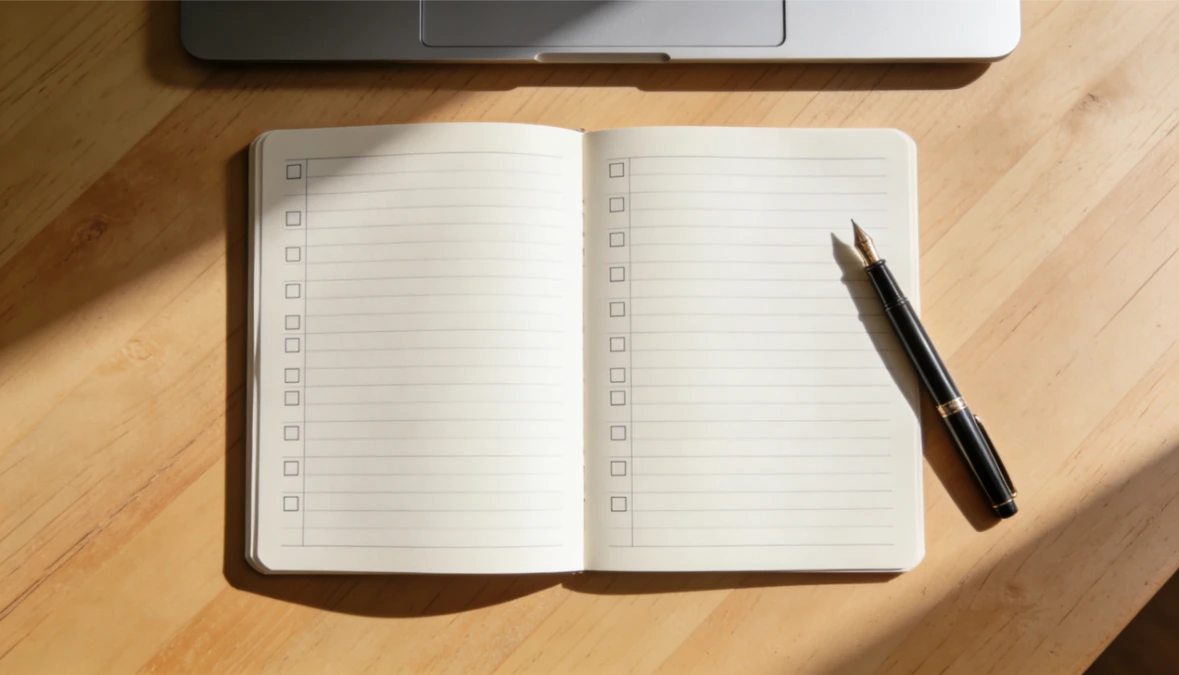
Automated client onboarding sequence
☐ Payment confirmation and receipt - sent immediately on purchase
☐ Login details and platform access - sent within minutes of payment
☐ Welcome email - introduces what happens next, who to contact, and what to do first
☐ Day 3 check-in - asks how they are getting on and whether they have any questions
☐ Day 7 touchpoint - points them to a specific resource or next step in the programme
☐ Day 14 progress check - a brief personal message asking about their experience so far
Every client gets the same considered onboarding experience regardless of when they join or how busy the week is. Automating your client onboarding from payment to first login covers this in full - including what to include in each onboarding email and how to set up the access automation alongside it.
Workflow automation for small business: beyond just email
Follow-up automation extends further than the inbox. A complete workflow automation for a small business also covers:
CRM updates triggered by lead actions. When a contact clicks a pricing page link, they are tagged as a warm lead in the CRM and their pipeline stage updates automatically. The business owner can see who is showing high intent without manually reviewing every contact.
Pipeline stage changes triggered by bookings. When a lead books a discovery call, their contact record moves from "prospect" to "call booked" without any manual update. When the call is completed and they do not buy, a follow-up sequence triggers automatically.
Task creation triggered by inaction. If a lead has not responded to two automated follow-up emails, a manual task is created in the CRM prompting the owner to make a personal connection. Automation handles the first two contacts. The system flags when a human touch is needed.
Appointment reminders. When a client or prospect books an appointment, reminder emails go out 24 hours and 1 hour before. No-show rates drop significantly. No manual reminders required.
Payment follow-up. When an invoice is outstanding beyond a defined period, a polite payment reminder triggers automatically. The business owner does not have to chase manually.
Each of these is a workflow automation running in the background, handling the operational tasks that consume time without requiring skill or judgement - freeing the business owner for the work that does.
How follow up automation connects to your CRM
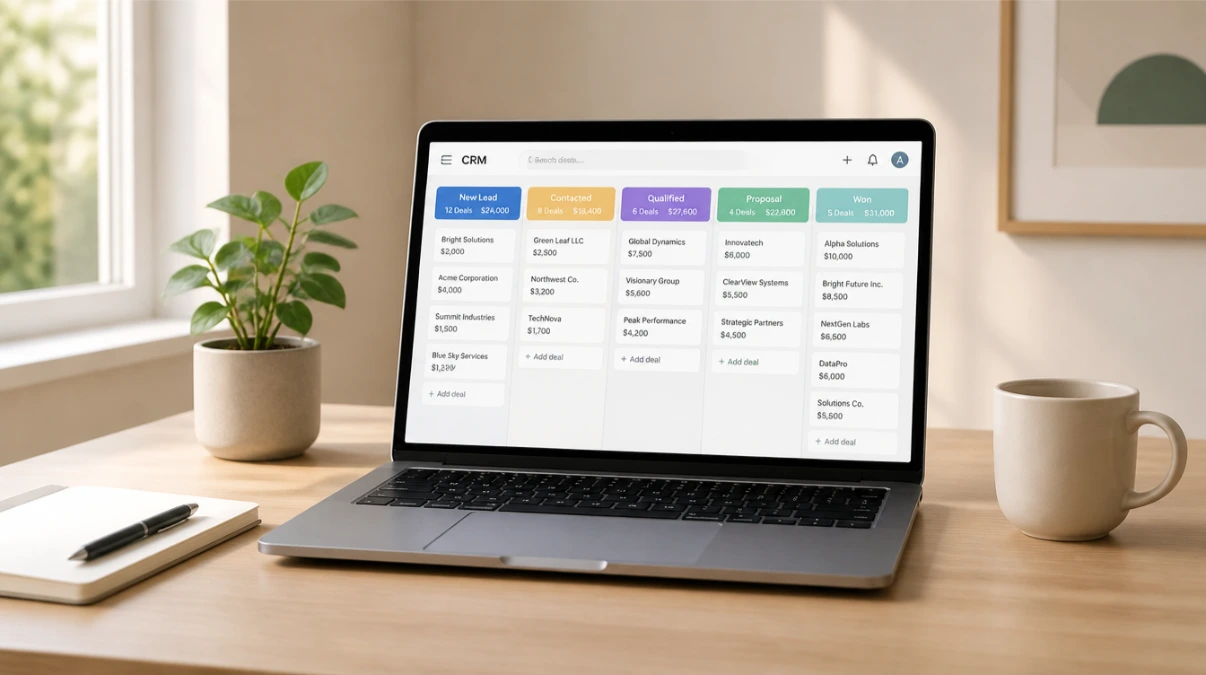
Follow up automation only reaches its full potential when it is connected to the CRM. Disconnected, it sends the same messages to everyone regardless of context. Connected, it responds to what each individual contact has done and where they are in the relationship.
A lead who has attended a discovery call should receive a different follow-up than a cold lead who just downloaded a lead magnet. A client who bought last week should not receive a sales email for the product they already own. A contact who replied to an email yesterday should not receive the same re-engagement sequence as someone who has been silent for 90 days.
When the CRM and the automation are in the same system, these distinctions happen automatically. Tags, pipeline stages, and contact history all inform what each person receives and when. How your CRM and marketing automation work together covers the technical side of that connection - and why having them in separate tools creates exactly the gaps that follow-up automation is supposed to close.
What good follow up automation looks like in practice
This is what a small business with follow up automation running looks like day to day.
A new lead opts in at 11pm on a Sunday. The welcome email goes out immediately. The nurture sequence starts. By the time the business owner opens their inbox on Monday morning, three follow-up emails have gone out and two leads have replied - both asking questions that move them closer to a conversation.
A lead attended a discovery call on Friday. A follow-up email went out Friday afternoon summarising the conversation and outlining next steps. A check-in email fired on Sunday evening. On Monday morning, the lead replies saying they are ready to move forward.
A client paid on Wednesday. Their login details went out within minutes. A welcome email followed that evening. A day 3 check-in went out on Saturday. The client is already inside the platform and has completed the first module before the business owner has spoken to them personally.
A contact who opted in six weeks ago and went quiet received a re-engagement email on Thursday. They reply saying they have been meaning to get back in touch. They book a call.
None of these required manual input after the automations were set up. The business owner's job is to respond to the conversations the system started - not to start those conversations manually for every contact, every time.
If you want a platform that makes setting up follow up automation straightforward - with a support team to help when you get stuck - start your free 14-day ESC Hub trial at eschub.com.
Find this useful? Click the Image below to save it for later.