
Your Members Can Now Filter and Sort Courses to Find What They Need Faster
If your community has been growing, so has your course library. And a long, flat list of courses gets harder to browse the more you add.
Now your members can filter and sort courses right from the Learning page, so they find what's relevant to them in seconds.
What your members can do
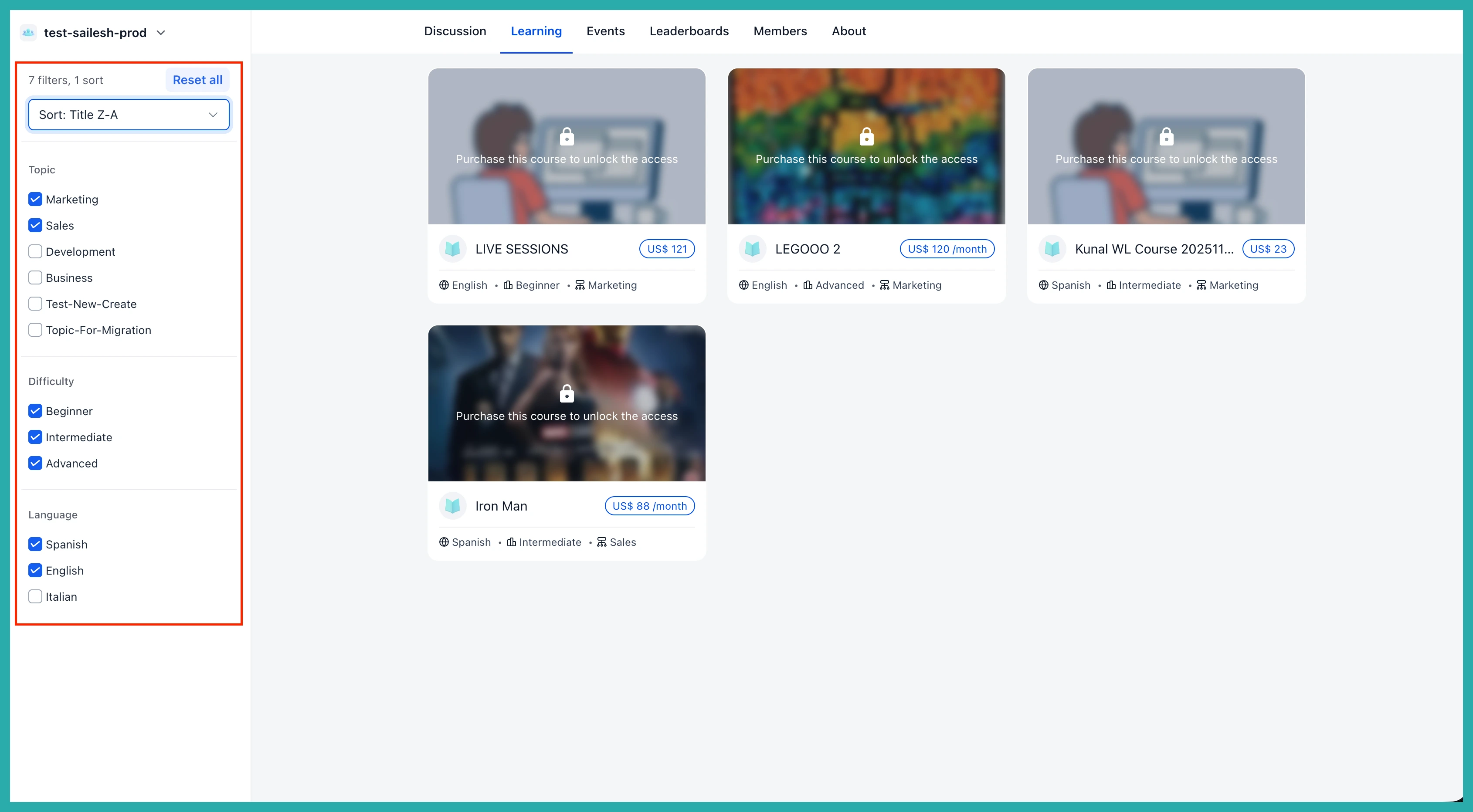
On the Learning page, members now get filter options to narrow courses down by Topic, Difficulty, and Language. They can pick one value or several across any mix of filters to land on exactly what they're after.
They can also sort the list by Title (A-Z or Z-A), Newest, or Oldest, so they browse in whatever order suits them.
Where the filters come from
Here's the part that's on you as the course creator. Those topic, difficulty, and language values are set inside the course builder. Once you assign them to a course, they become available as filters for your members inside the community.
So if you want your members to make full use of this, go back through your courses and add those values. No values assigned means nothing to filter by.
It works on mobile too
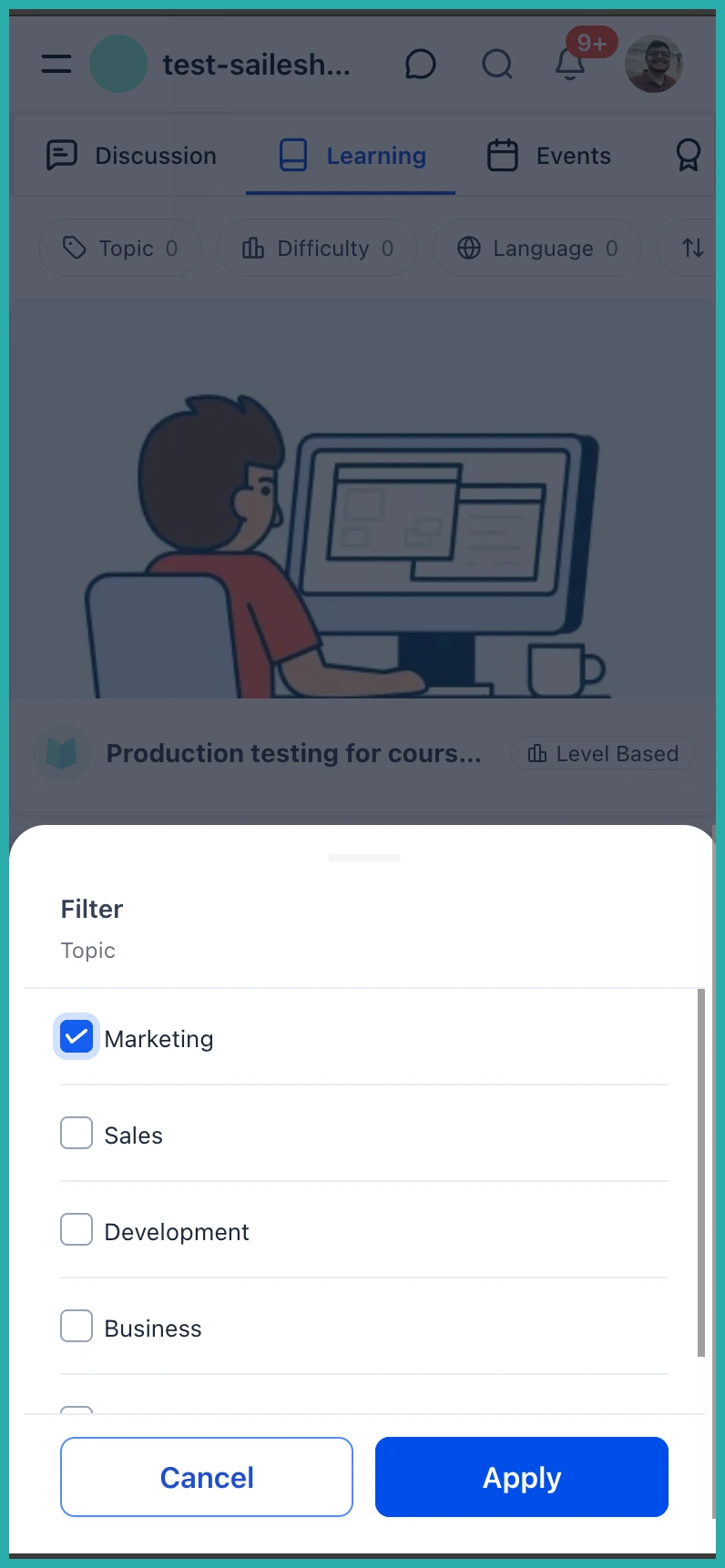
This isn't web only. In the mobile app, filter chips for Topic, Difficulty, and Language sit at the top of the Learning tab, and tapping one opens a simple selector to choose values.
As your library grows, this keeps your community easy to move around in. Members spend less time hunting and more time actually learning, which is the whole point.
Take five minutes to add topic, difficulty, and language values to your courses, and your members get the benefit straight away.
