
Download Certificates and Badges as PDF, PNG, or JPG
If you hand out certificates or badges when someone finishes a course, you've probably hit the moment where the file you have isn't the file you need. You want to print it cleanly, but it's a web image. Or you want to drop it into an email, but it's a heavy PDF.
That's sorted now. You can download your certificates and badges in the format that fits what you're actually doing with them.
What you get
Three formats, available across both certificates and badges:
- PDF for professional printing and high-quality documents.
- PNG for high-quality images with a transparent background.
- JPG for email, websites, and sharing on social.
Same options on both credential types, so you don't have to remember different steps for each one.
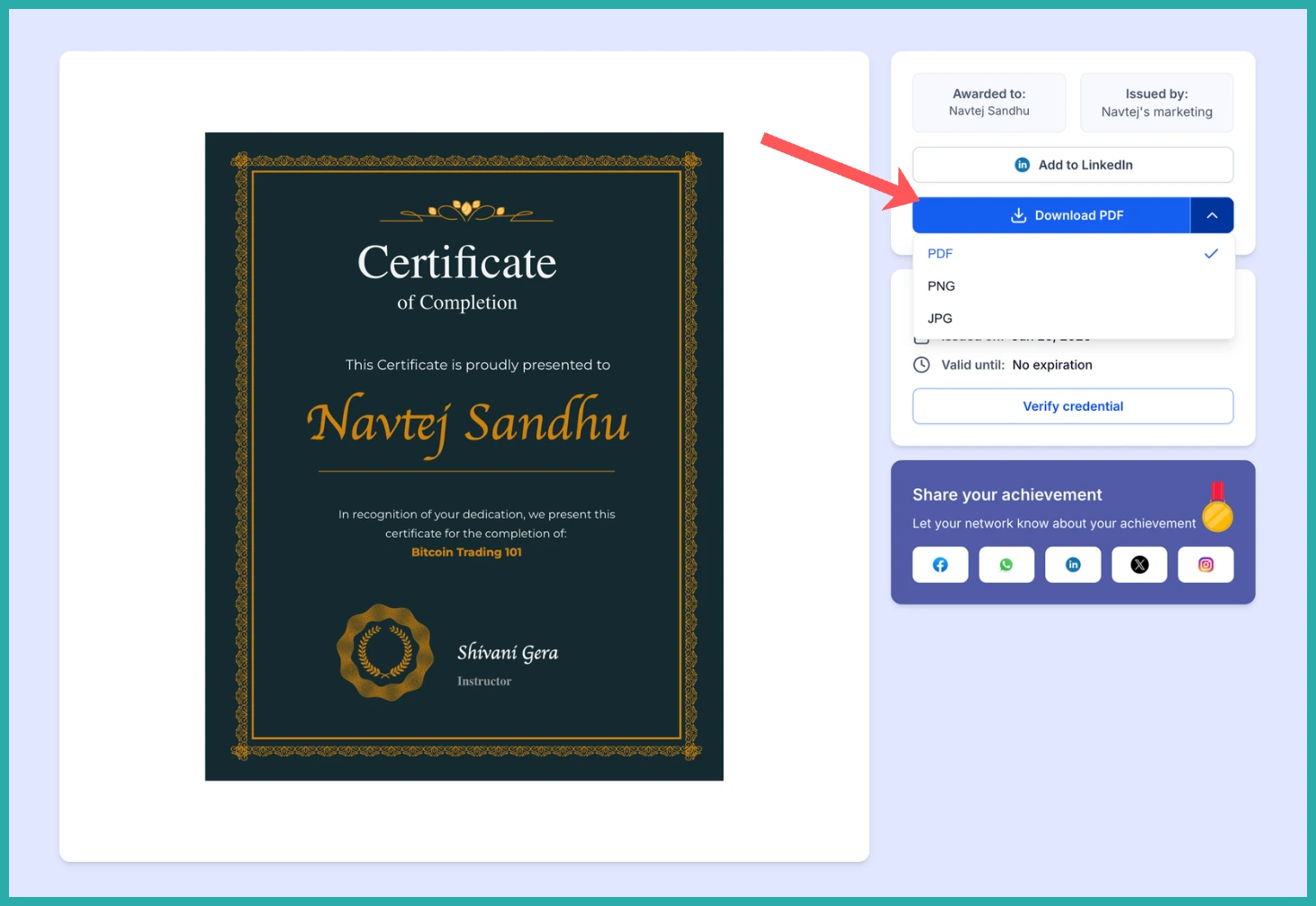
How to download in the format you need
Open the certificate or badge you want, then choose download. You'll see the format options laid out for you - just pick the one that suits the task.
- Going to a frame on the wall or a printed handout? Choose PDF.
- Dropping it onto a page or design where you want a clean, transparent background? Choose PNG.
- Sending it in an email or posting it online? Choose JPG.
In the screenshot below, you'll see the format picker with all three choices ready to go.

It's a small thing, but it saves you the round of converting files or settling for whatever you've got. Next time you send a credential out, grab the format that fits and move on.
