
Notifications Not Coming Through on the App? Now You Can Find Out Why in Under a Minute
A lead messages you. A payment comes through. And your phone stays silent. You only notice hours later, and you have no idea why the notification never showed up.
Was it your Wi-Fi? A setting you switched off by accident? Your phone on silent? Something on our end? Until now you were left guessing, poking at settings and hoping.
There's a proper fix for that now, right inside the app.
What landed
The mobile app has a new notification check-up. One tap runs four checks between our servers and your phone, then tells you in plain words what's working and what needs your attention.
It checks your network, your notification permission, your sound settings, and it actually sends a real test notification to your phone to confirm delivery. No more guessing.
Running the check-up
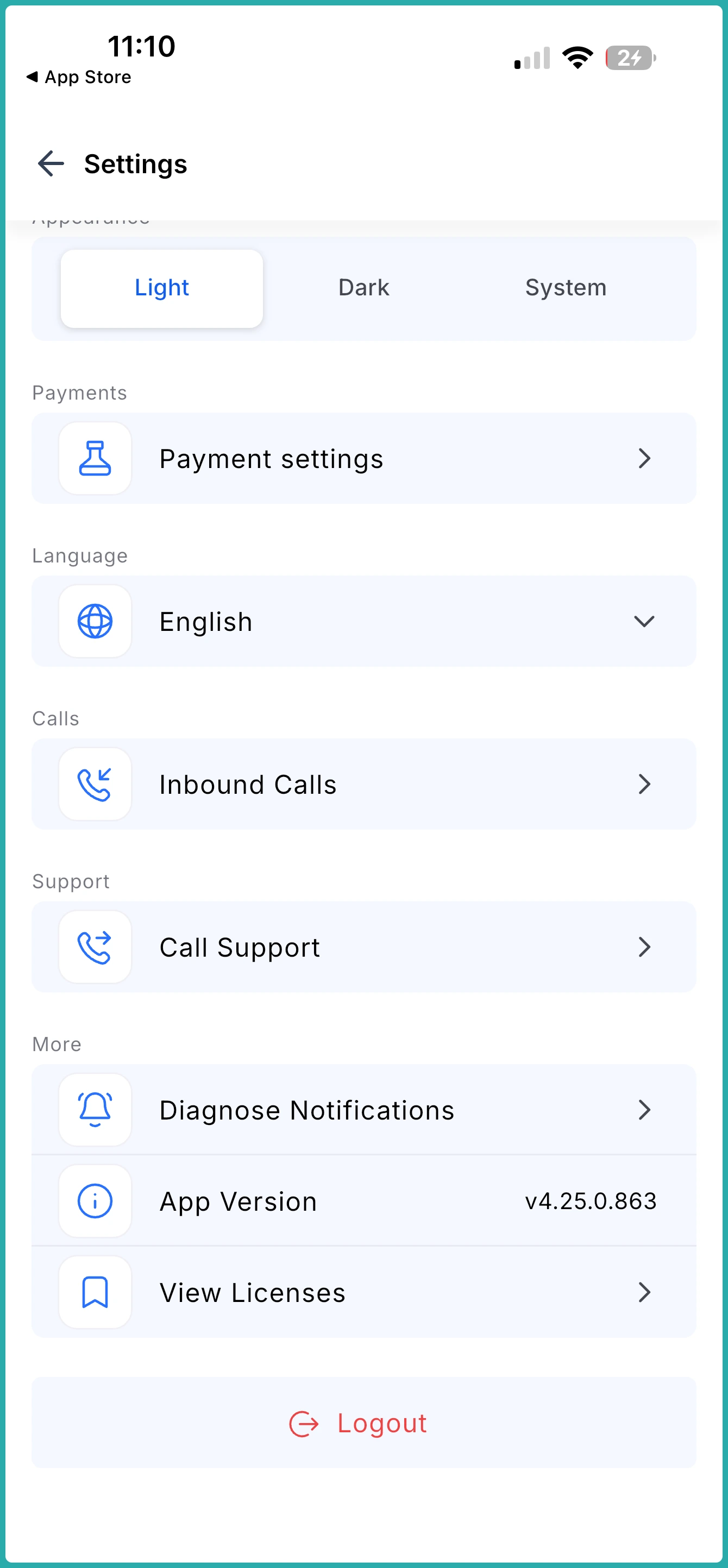
Open your Settings in the app and tap Diagnose Notifications, then tap Start Diagnosis. The system runs through all four checks in one go.
Each check comes back with a clear result: a pass, or a "needs attention" note telling you exactly what to change. If your ringer is off, it says so. If notification permission is turned off, it points right at it.
The real test notification
Here's the part that takes the guesswork out completely. The app sends an actual notification to your phone and asks you whether it arrived.
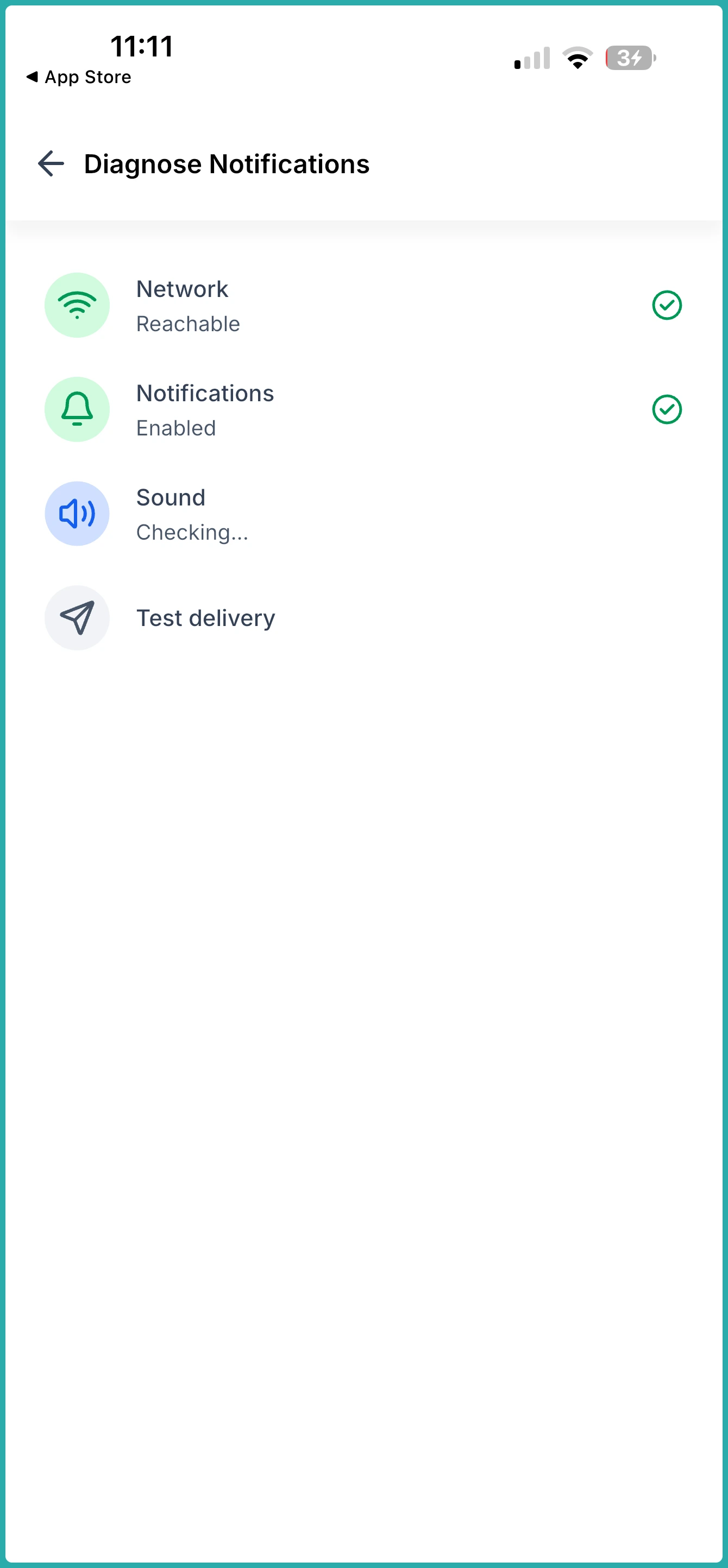
You tap Received, Didn't receive, or Resend. If it didn't show up, Resend tries again. This is what proves whether the problem is on your phone or ours.
Fix, re-check, or send it on
If a check gets flagged, go fix it - your Wi-Fi, your notification permission, or your ringer and Focus mode - then tap Run diagnosis again to confirm it's sorted.
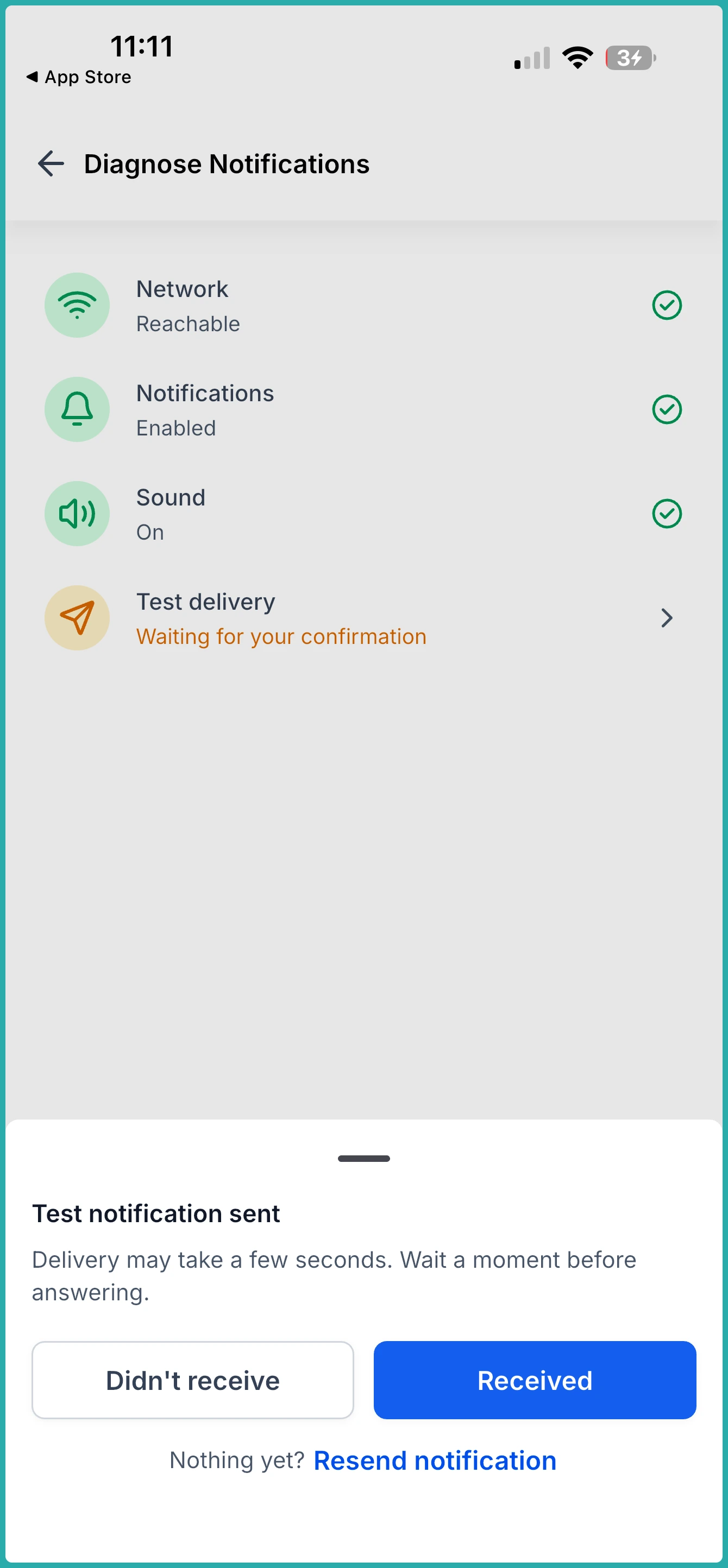
And if everything passes but the test still doesn't come through, that tells you it's on us to fix, not you. In that case, tap Copy report and paste the results straight into a support ticket. One report instead of a back-and-forth list of questions, which means a much faster answer.
You'll need version 4.25.0 or higher, so update your app if you're behind.
If notifications have been slipping past you lately, go run the check-up now. It takes under a minute, and you'll finally know what's actually going on.
