
Dark Mode Has Landed for Your Communities and Courses
Your community is where people settle in for long stretches. Reading discussions, working through a course, catching up in the evening after everything else is done. A bright white screen isn't always the kindest thing at 10pm.
Now it doesn't have to be. Dark Mode has arrived for your communities and courses on the web, and it does two things: it lets your members pick the view that's easy on their eyes, and it lets you keep your branding looking right in both light and dark.
What your members get
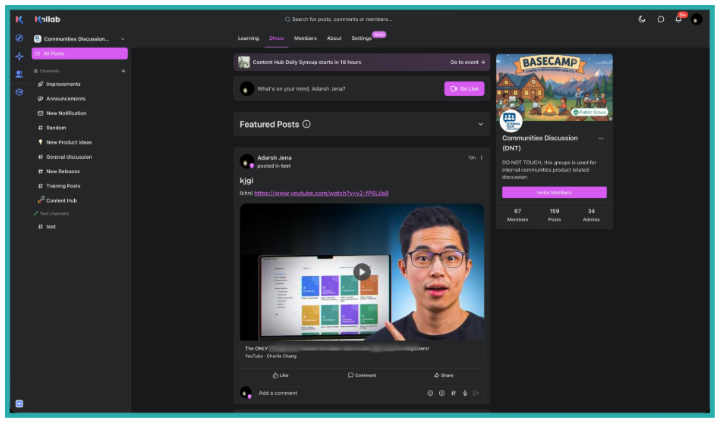
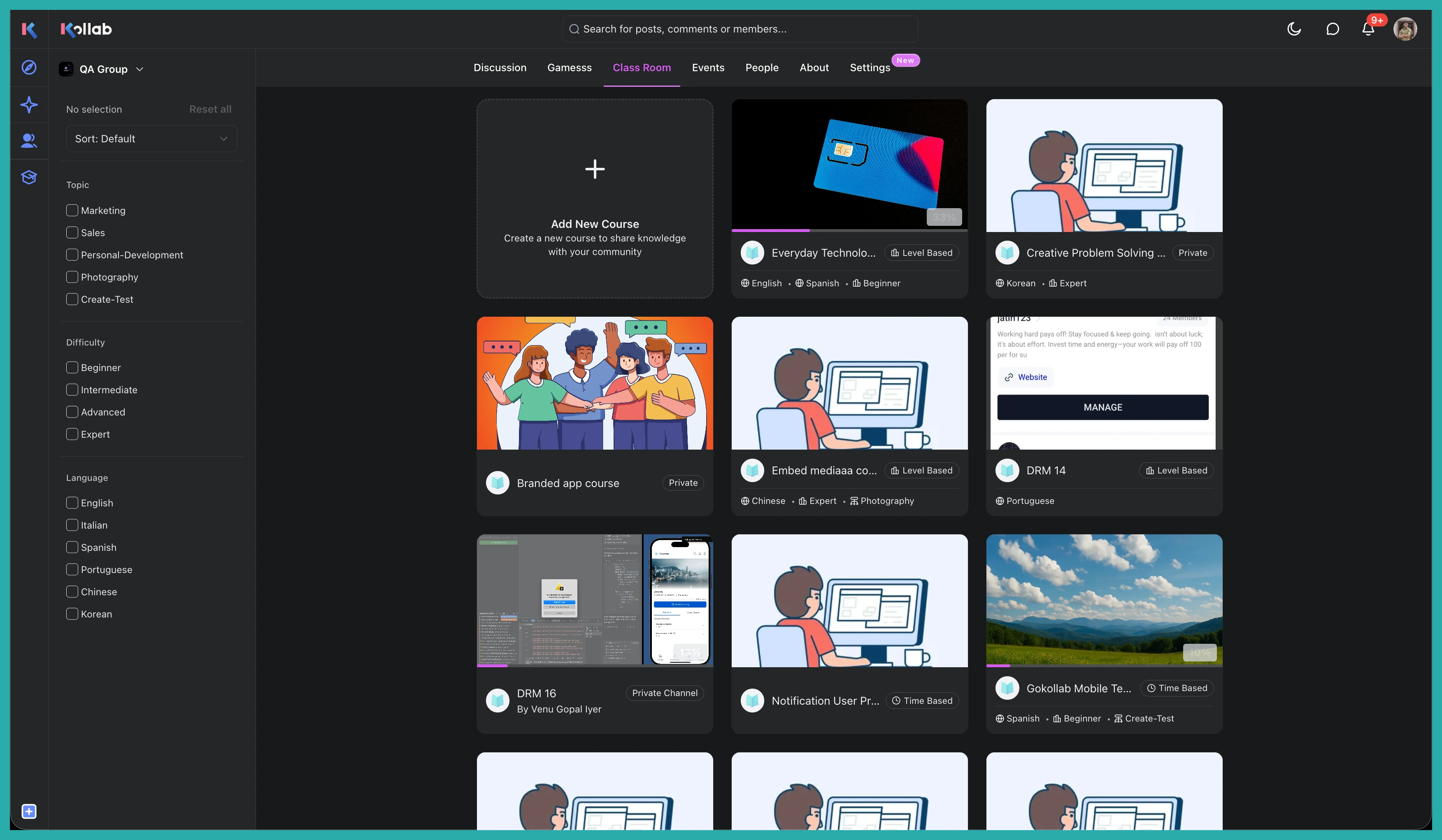
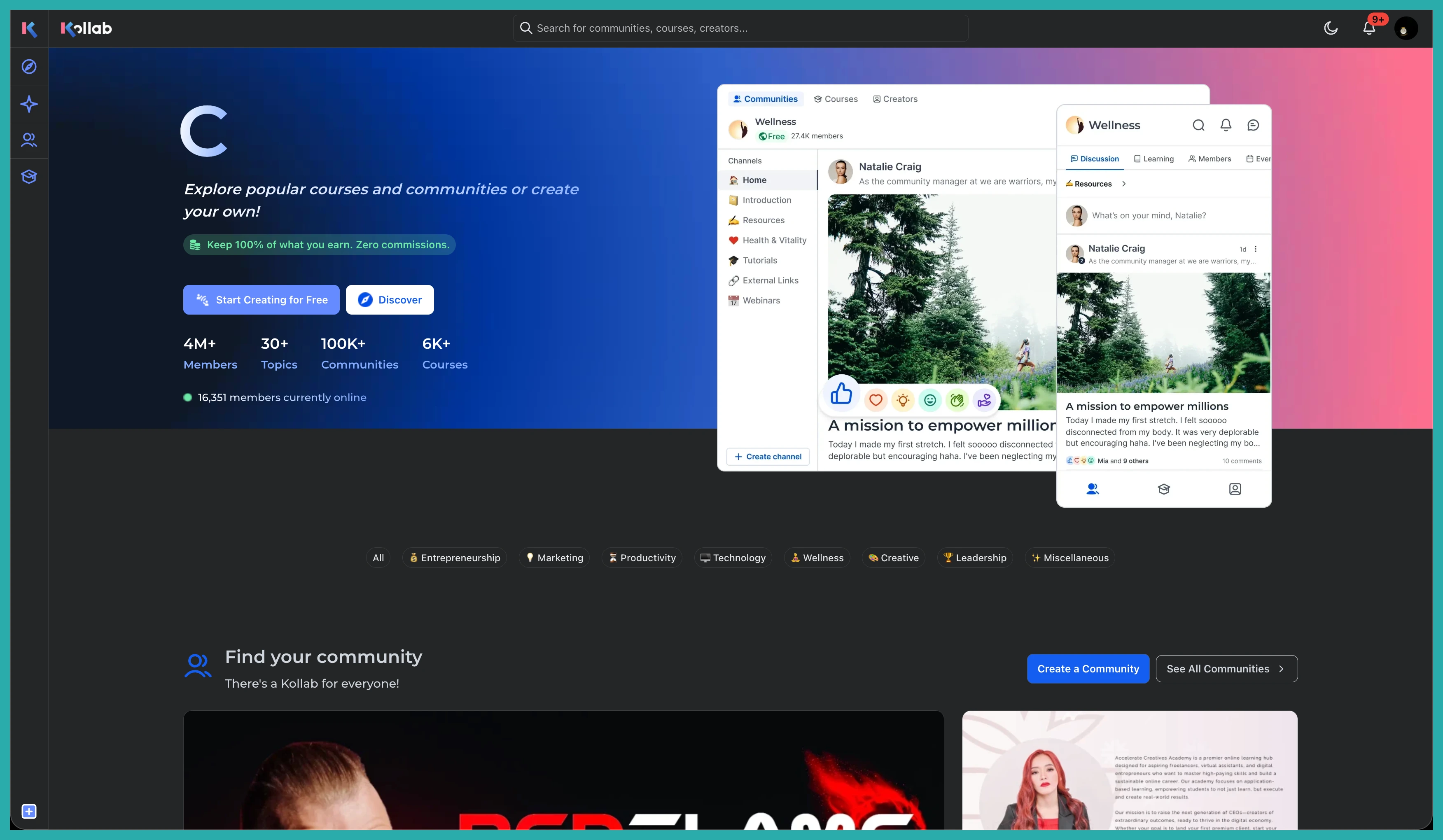
Any member can switch between light and dark straight from the top navigation. No settings menu, no hunting around. They pick their preference once and the whole experience follows - posts, comments, channels, chats, events, calendars, courses, lessons, quizzes, all of it.
Better still, their choice sticks. Refresh the page, come back tomorrow, and it stays exactly how they left it.
You stay in control of your branding
Here's the part that matters if you've put work into your look. Dark Mode doesn't just flip your colours and hope for the best. You set your light palette and your dark palette separately, so each one looks intentional rather than washed out.
Editing one doesn't touch the other. Your light branding stays your light branding, and you get to decide exactly how things appear once the lights go down.
How to set up your dark palette
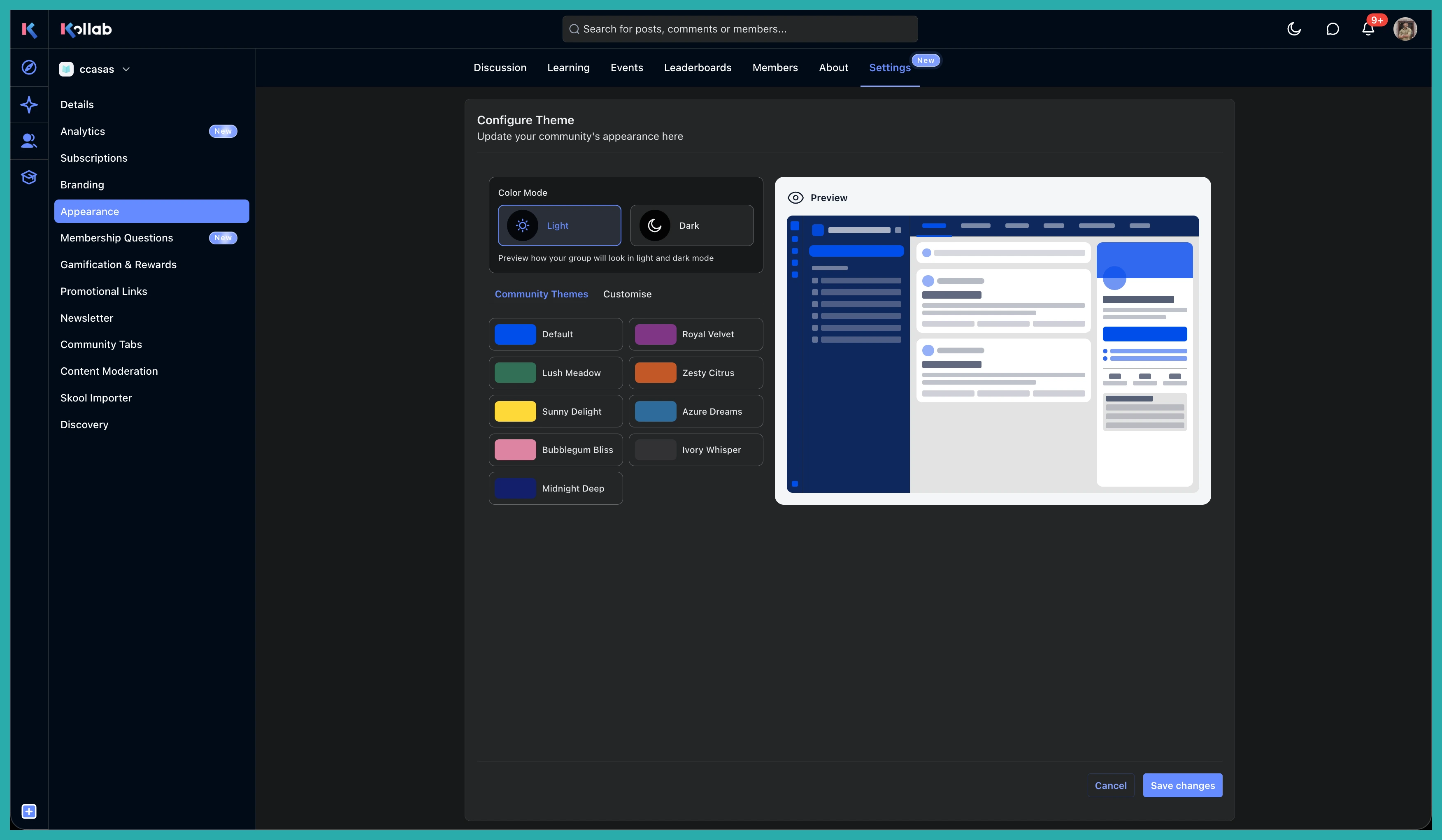
As the community owner, this lives in your appearance settings.
- Open your community's Settings, then Appearance.
- Choose the Light or Dark colour mode you want to work on.
- Pick a preset theme, or customise the palette to match your brand.
- Preview your changes in real time as you go.
- Click Save changes.
In the screenshot below, you'll see where you switch between the two modes and start adjusting colours.
Then do the same for the other mode, and you've got both looking exactly the way you want.
A few things worth knowing
- Dark Mode is available on the web for now.
- Existing communities keep working with no changes needed. If you haven't set up a separate dark palette yet, your current colours carry through.
- Member preferences save across sessions.
- A couple of surfaces, like Studio navigation, don't yet hold onto the setting when you move around. That's a known one to be tidied up.
If you've been meaning to give your community a bit more polish, this is a lovely quick win. Set your dark palette once, and your members get a comfier place to spend their time.
