
Turn Your Own Photos Into AI Images and Videos, Straight From Your Media Library
Here's a small thing that saves a real chunk of fiddly time. Your AI agents can now reach straight into your Media Library to build images and videos, using the photos you already have in there.
No downloading a logo to your desktop. No re-uploading a product shot. Your agent just grabs it and gets to work.
What you can now do
When you're chatting with a managed agent that has Image or Video Generation turned on, you can hand it one of your existing photos as the starting point.
That means your real brand assets - your logo, your storefront, your product photos - become the raw material for new, AI-generated content. On-brand from the first frame.
Two ways to pick a photo:
- Click the + in the chat and choose from your Media Library directly, including stock images from Unsplash and Pixabay.
- Or just ask in plain words, like "Use our logo" or "Create a video using our storefront photo." The agent finds it by name.
From there you can turn a photo into a new image, or use it as the opening frame of a short video.
How to get started
- Go to AI Agents, then Agent Studio, then Managed Agents.
- Open an agent that has Image or Video Generation enabled.
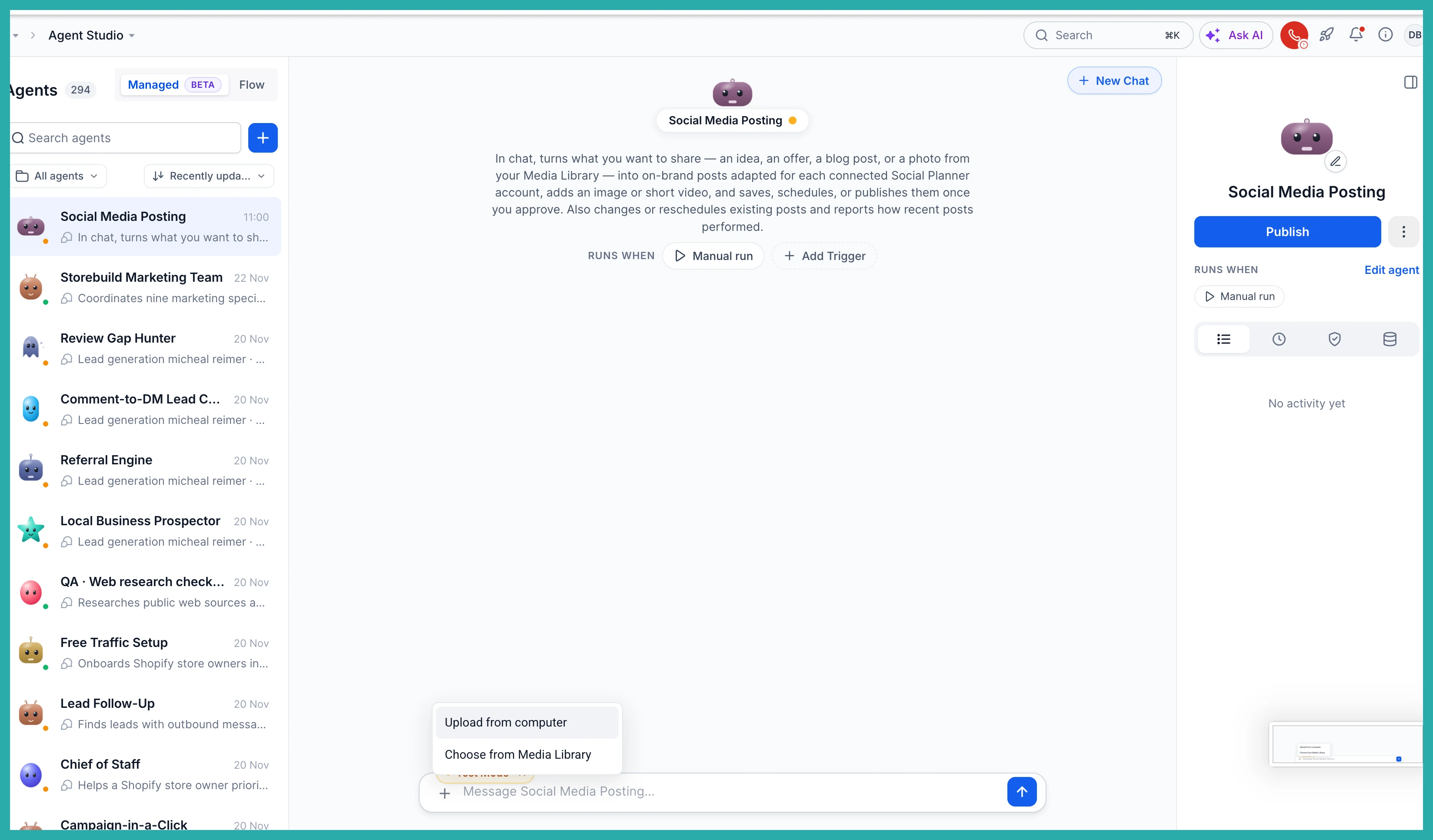
- In the chat, click + and choose Choose from Media Library, or simply ask the agent to find a photo by name.
In the screenshot below, you'll see the Choose from Media Library option right where you'd expect it in the chat.
Once your photo is in, describe what you want. Something like: "Create a 6-second promotional video using our storefront photo, with a smooth cinematic zoom."
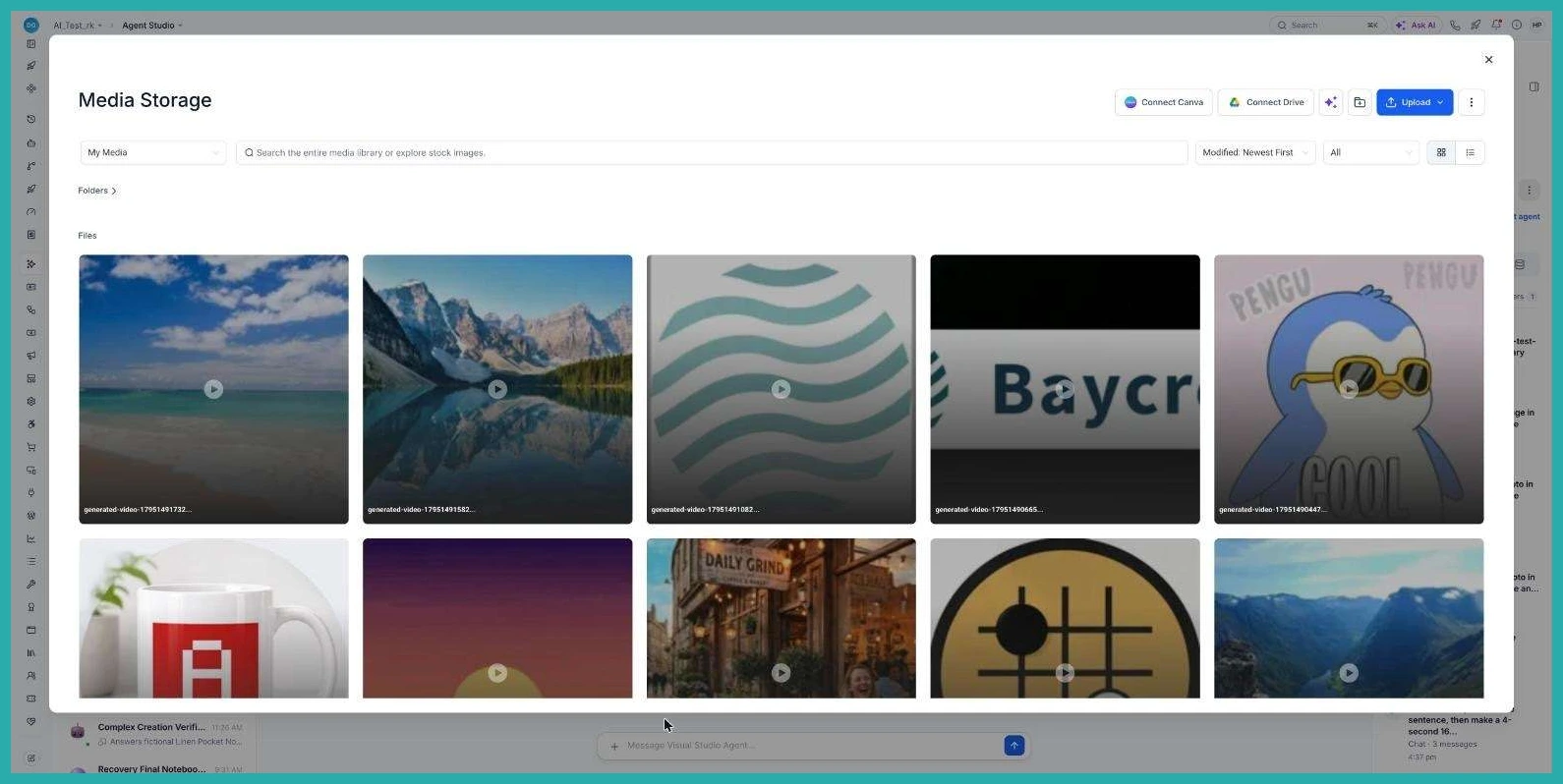
In this next screenshot, you can see a photo picked from the library and ready to be turned into something new.
A few things worth knowing
- Images up to 20 MB from your Media Library are supported, and large ones are resized automatically.
- Formats covered: PNG, JPEG, WebP, GIF and SVG.
- Video files can't be selected through the new picker - this is for still images.
- The ask-by-name lookup only works when Image or Video Generation is switched on.
If you've ever hunted through your downloads folder for the right logo, this is the end of that little chore. Go pick a photo you already have and see what your agent makes of it.
