
Control Who Can Open the Documents You Share From a Contact
A quick heads-up: this one's in Labs
It's an early feature you turn on yourself in Settings > Labs inside your account. It works, but it's still in development - the documentation and support is limited and not everything will behave perfectly yet.
If you like getting your hands on new things early, switch it on and have a play. If you'd rather wait for the finished, fully-supported version, leave it off and we'll let you know when it lands.
You keep files on your contact records - waivers, contracts, booking confirmations, the odd sensitive document. Until now, sharing one was a bit all-or-nothing. Now you get to decide exactly who can open it, for how long, and whether they can download it.
Here's how it works.
Find the document you want to share
Open the contact record and head to the Documents panel. You'll see the files stored against that contact, with a share option on each one.
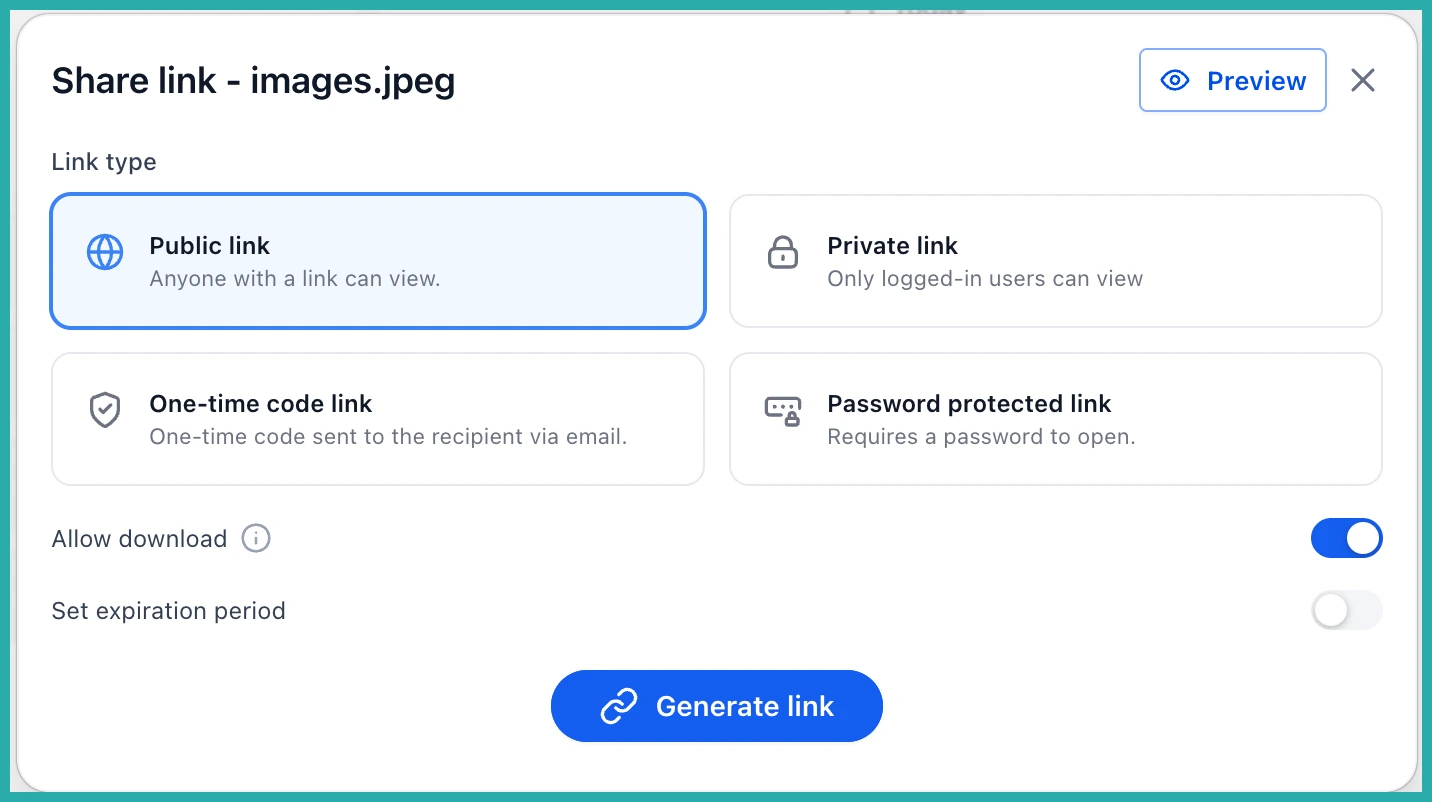
Click to share and you'll get the new link settings, where all the real choices live.
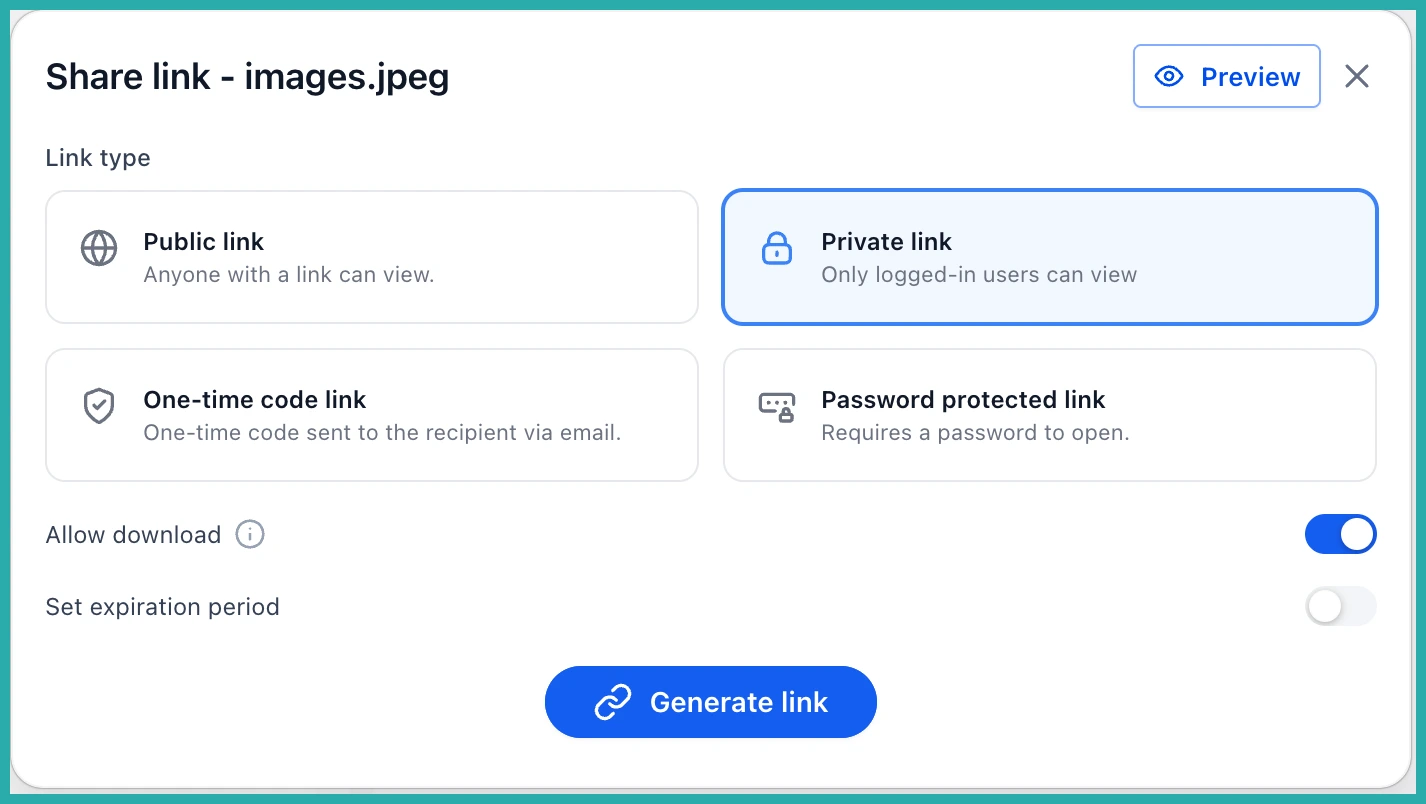
Pick the right kind of link
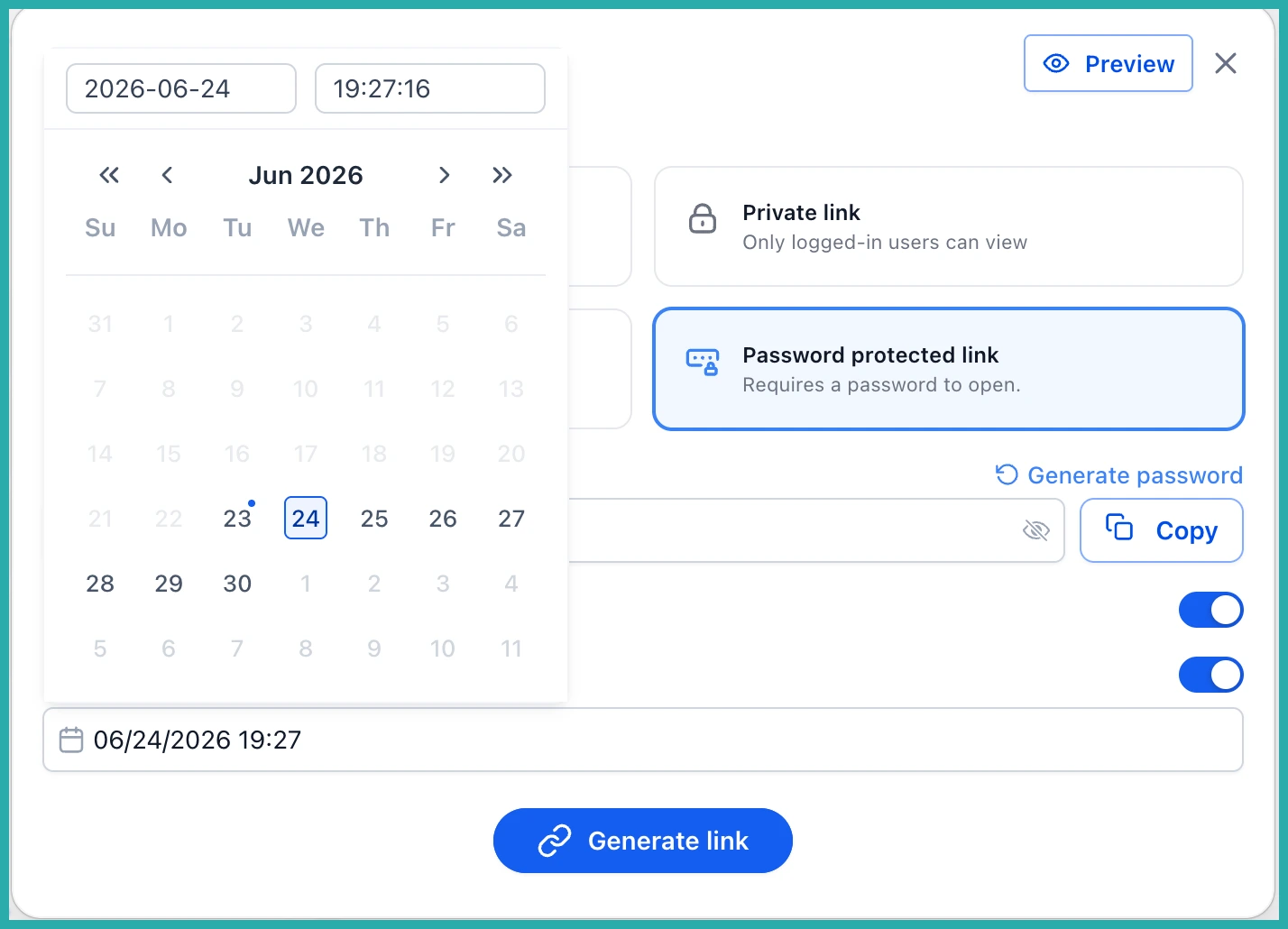
This is the heart of the update. When you share a document, you choose how protected the link should be:
- Public link - anyone with the link can open it. Handy for things that aren't sensitive.
- Private link - only authorised users in your account can open it.
- One-time code link - the contact gets a one-time code sent to their email, and enters it to view the file.
- Password-protected link - you set a passcode and share it with whoever needs access.
In the screenshot below you'll see the access options laid out so you can pick the level that suits the document.
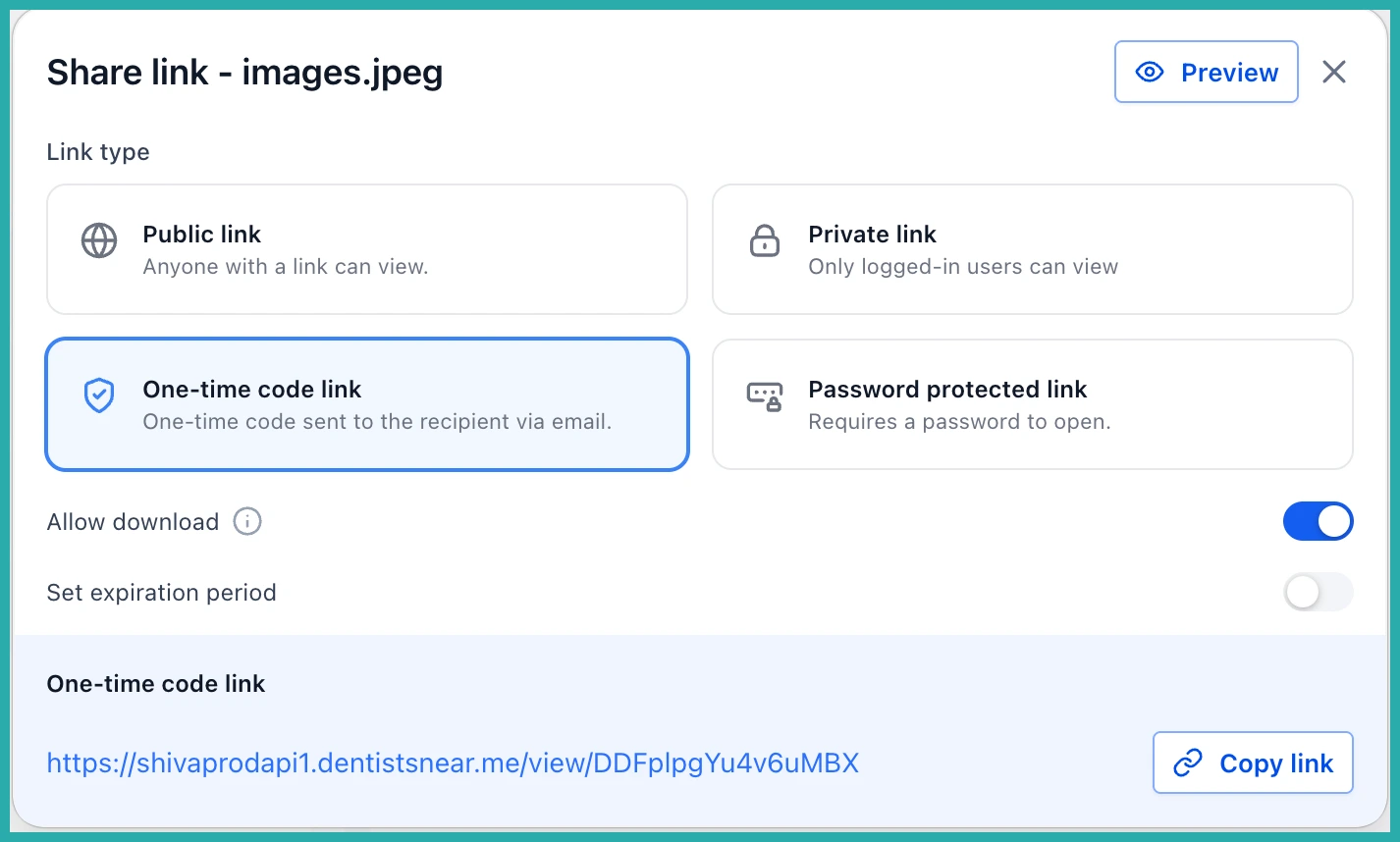
One thing worth knowing: the default is private. So unless you change it while sharing, a link stays internal by nature. That's the safe starting point, and you open it up only when you mean to.
Set an expiry date
For anything time-sensitive, give the link a shelf life. Set an expiration date and the link stops working after it, so a document doesn't stay open forever just because someone bookmarked it.
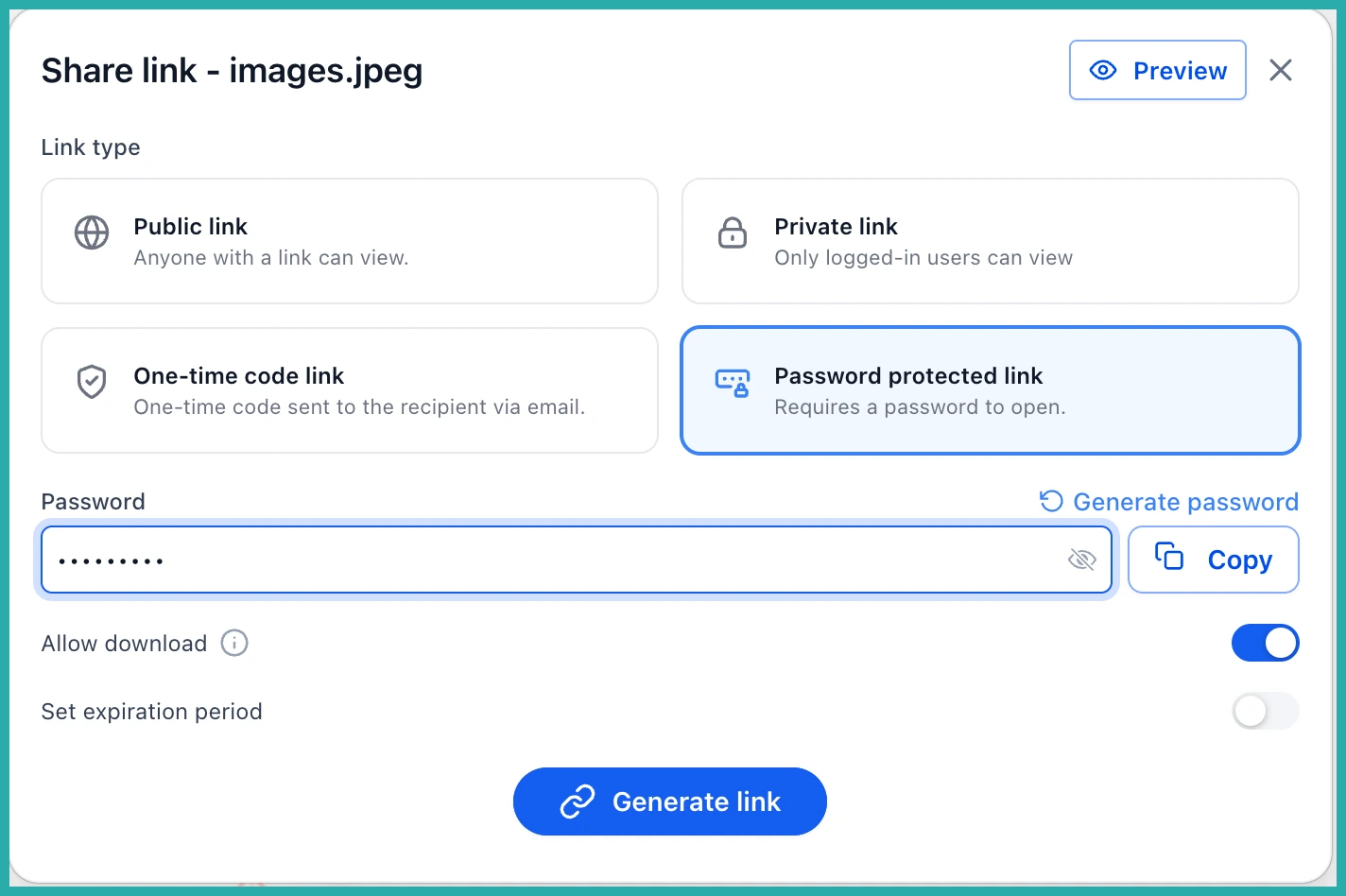
Decide whether they can download
You can also choose to allow or block downloads. Let people view a file without keeping their own copy, or open it up fully - your call, per share.
See who has opened it
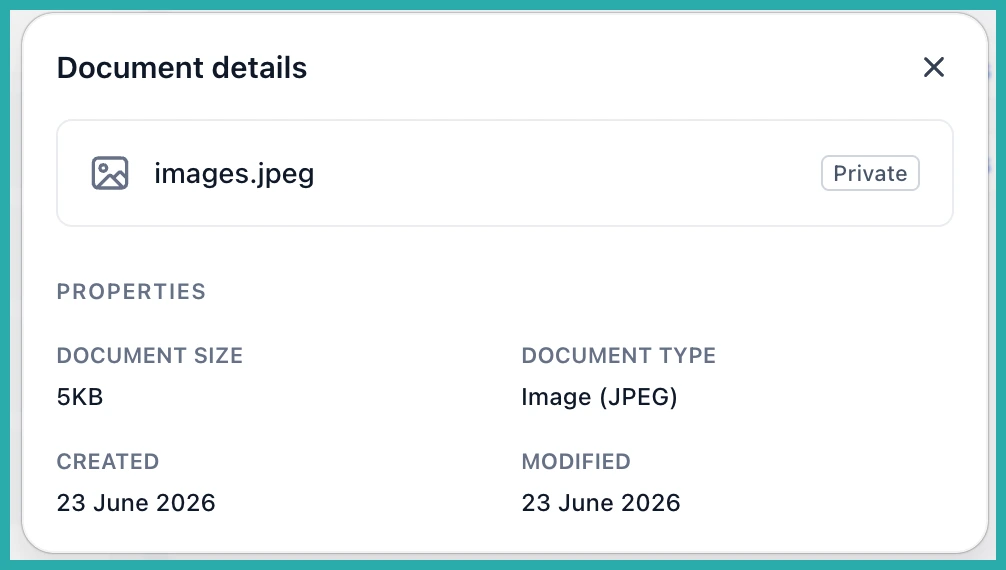
Each document now carries its own details and access history. You can check who opened it and when, which is exactly what you want when a file actually matters.
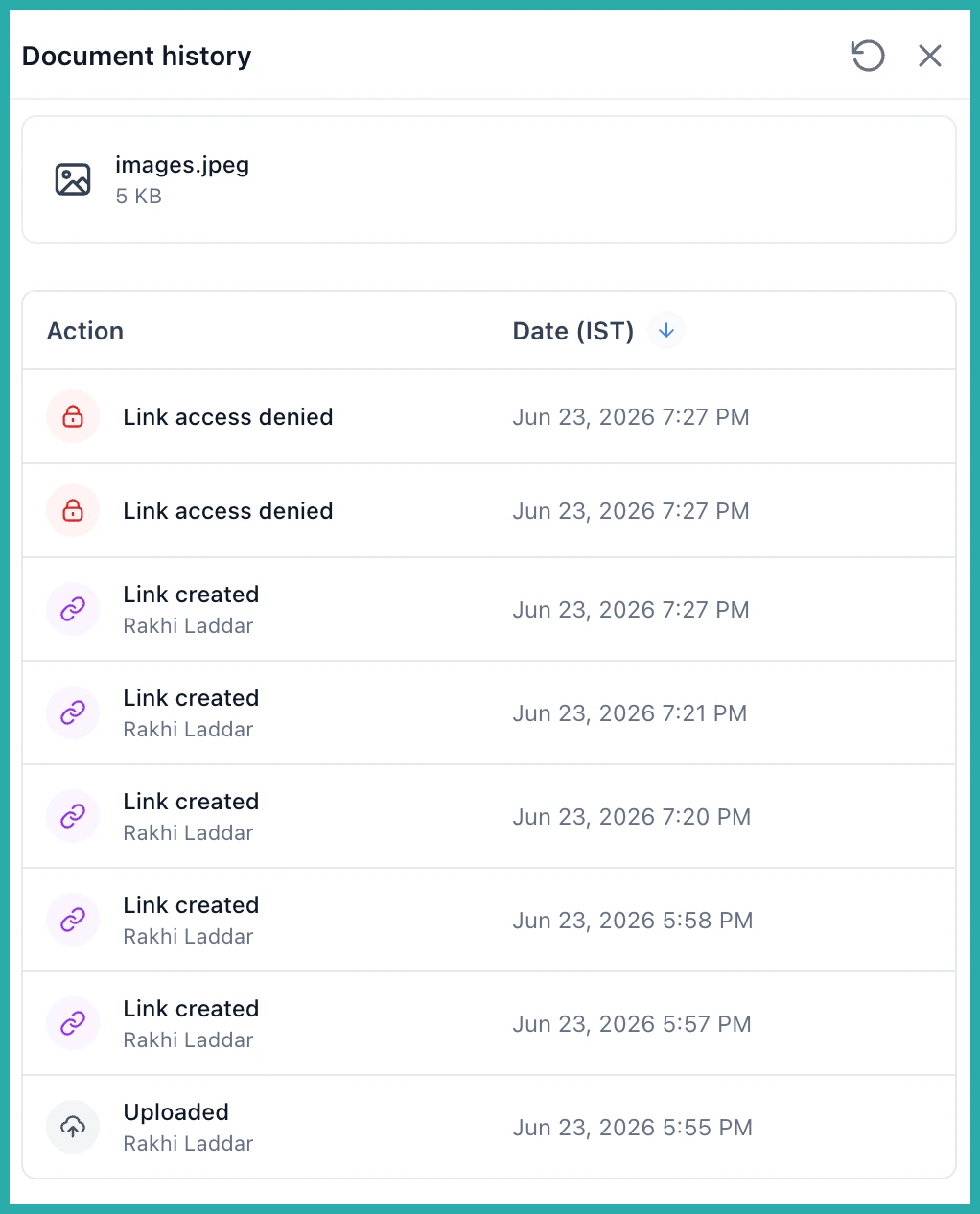
In the view below you'll get the full picture for a single document - its settings and its access trail in one place.
What's coming next
Right now these controls cover files in the contact's Documents panel. The plan is to bring the same privacy and access options to documents shared through notes and custom fields, plus stronger handling for email attachments, so the experience is consistent wherever a file goes out.
If you handle anything you'd rather not see floating around, this is a good one to try. Pick a document, share it as a private or password link, and you'll feel the difference straight away.
