
Community Email Unsubscribes Are Now Precise, So Members Don't Opt Out of Everything
Here's a small thing that used to cause a big problem. A member gets a community email, decides they don't want that particular one, and clicks Unsubscribe. In the past, that single click could opt them out of every email from your account - other communities, updates, the lot.
So someone who only wanted to mute one type of notification would go silent everywhere, and you'd never know why.
That's now fixed.
What changed
Unsubscribing from a community email is now scoped. It applies only to the specific community that sent the email and the specific notification type - like a comment mention, or a new post with @everyone.
Everything else keeps flowing. Other communities, other notifications, the rest of your account. One opt-out no longer means all-out.
How it works for your members
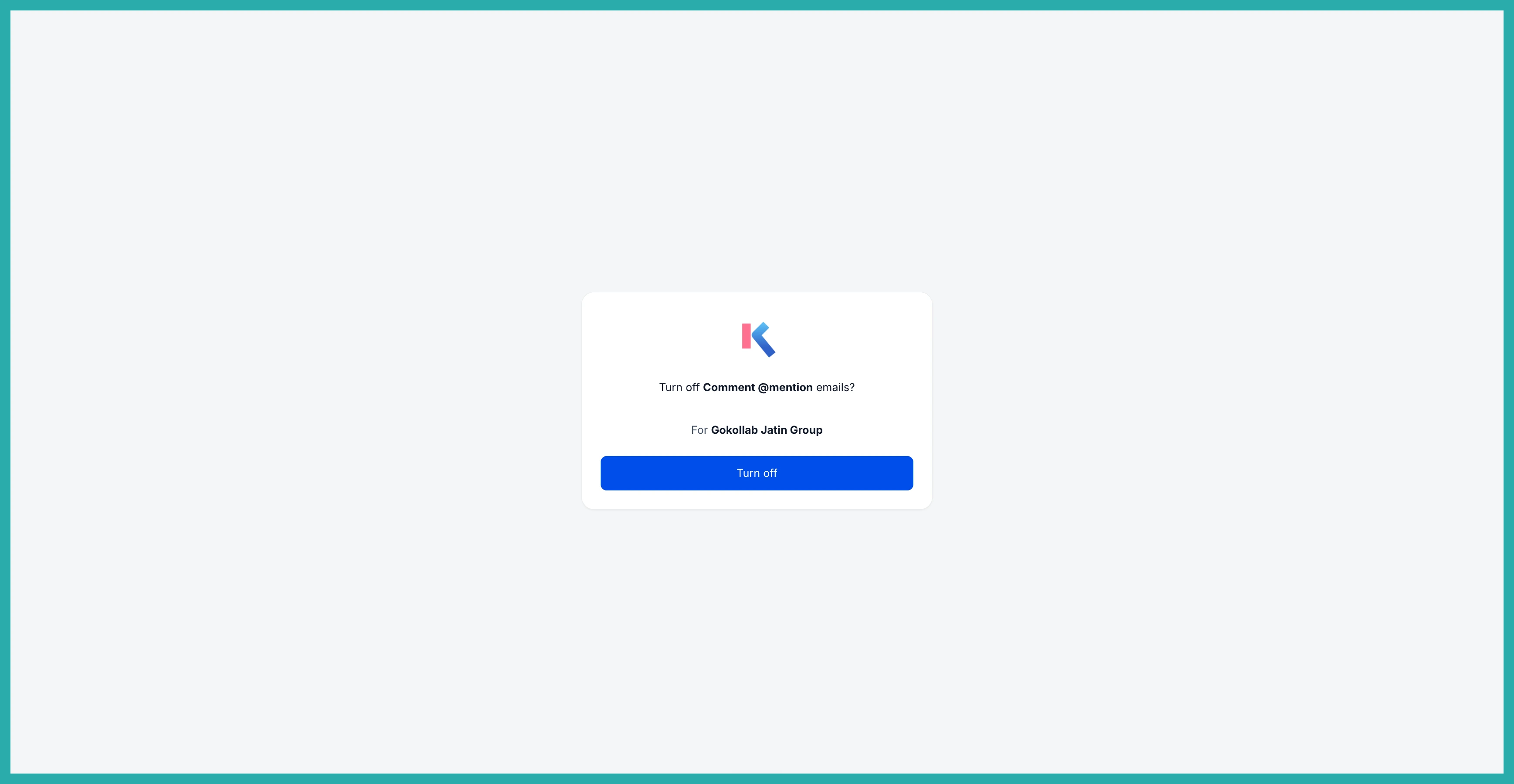
When a member clicks Unsubscribe in a community email, they land on a clear confirmation page. It names the community and the exact notification type they're about to turn off, so there's no guessing.
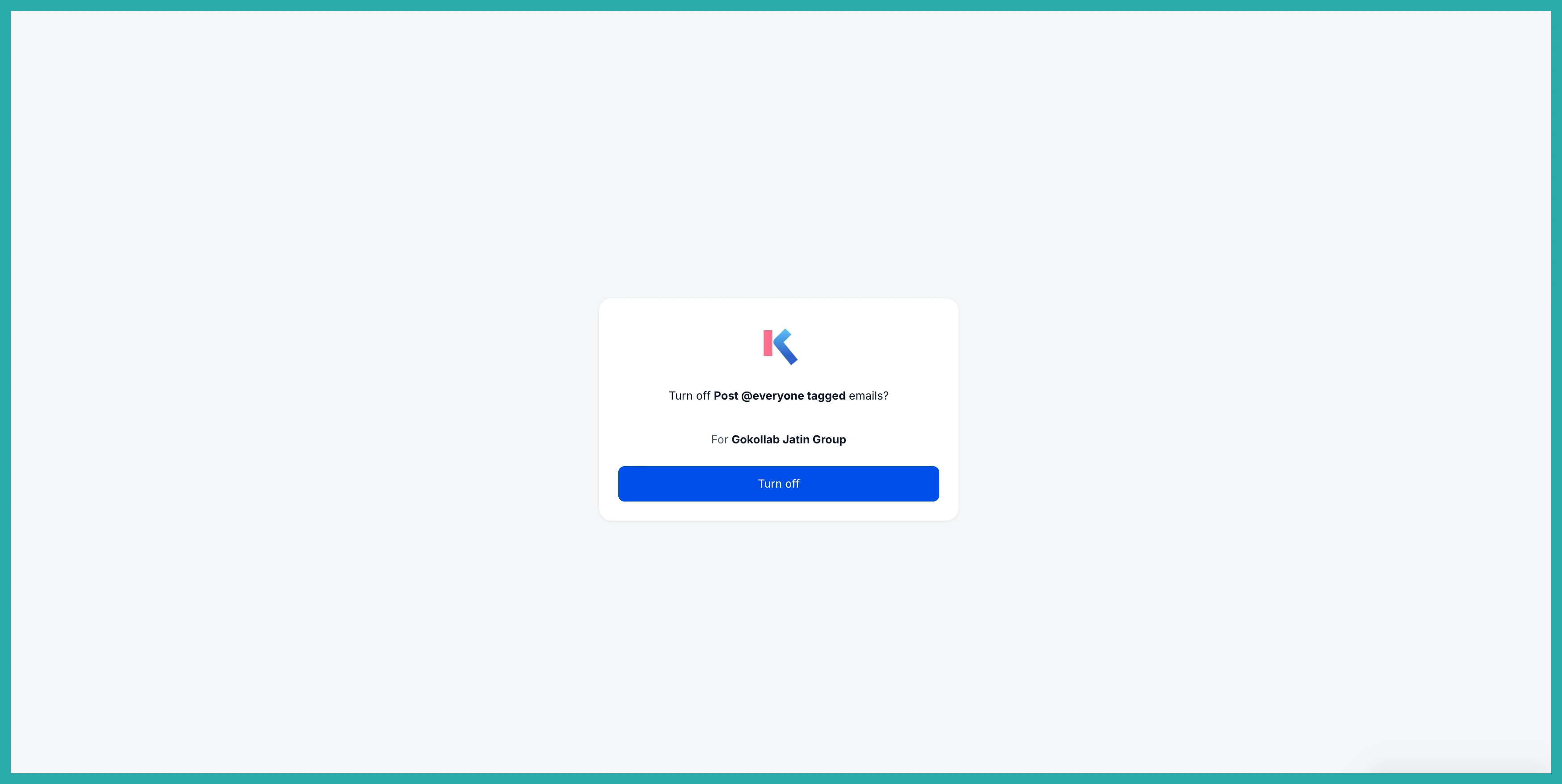
They confirm the choice, and only that community and that notification type stops. In the screenshot below you'll see the confirmation once it's done.
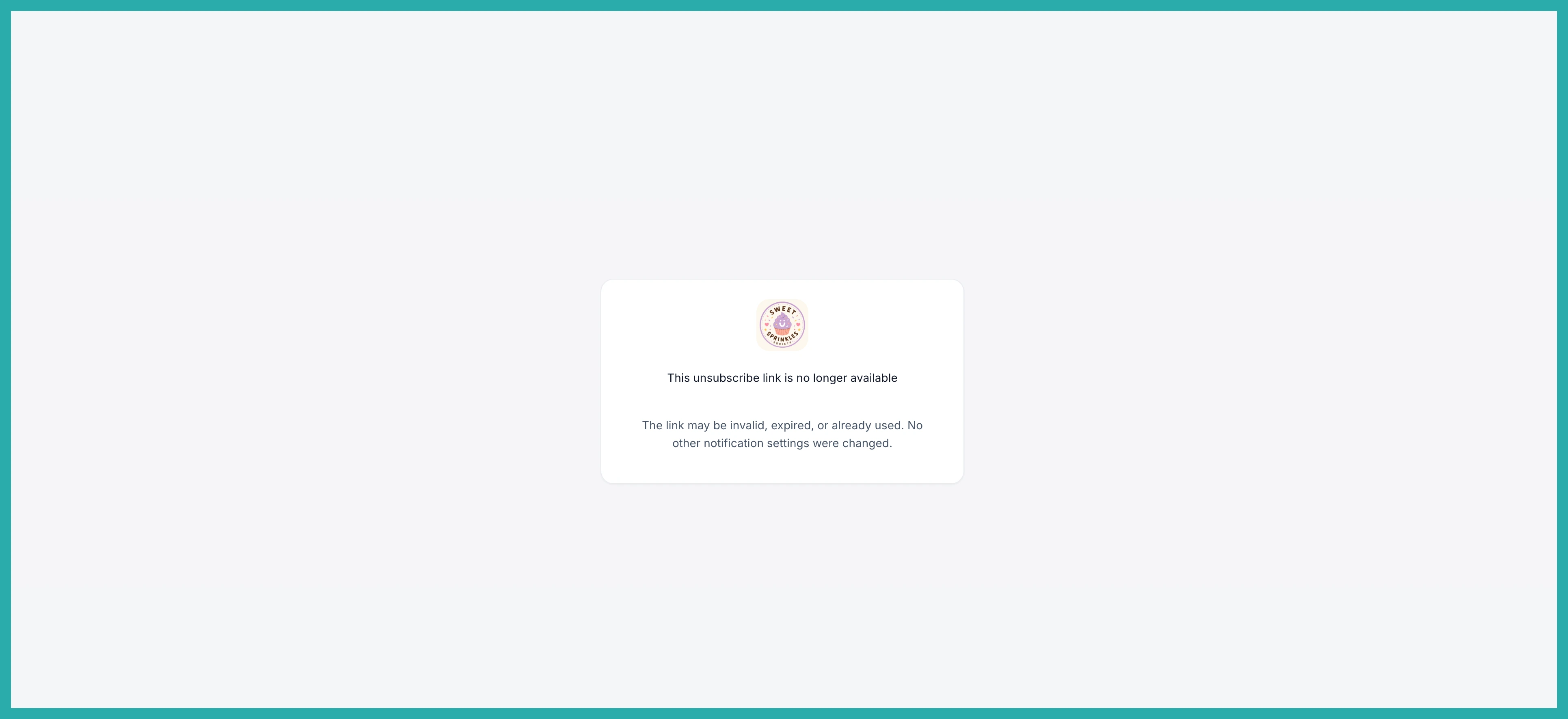
If someone clicks an unsubscribe link that's already been used, or one that's expired, they get a plain message telling them nothing was changed. No accidental settings, no confusion.
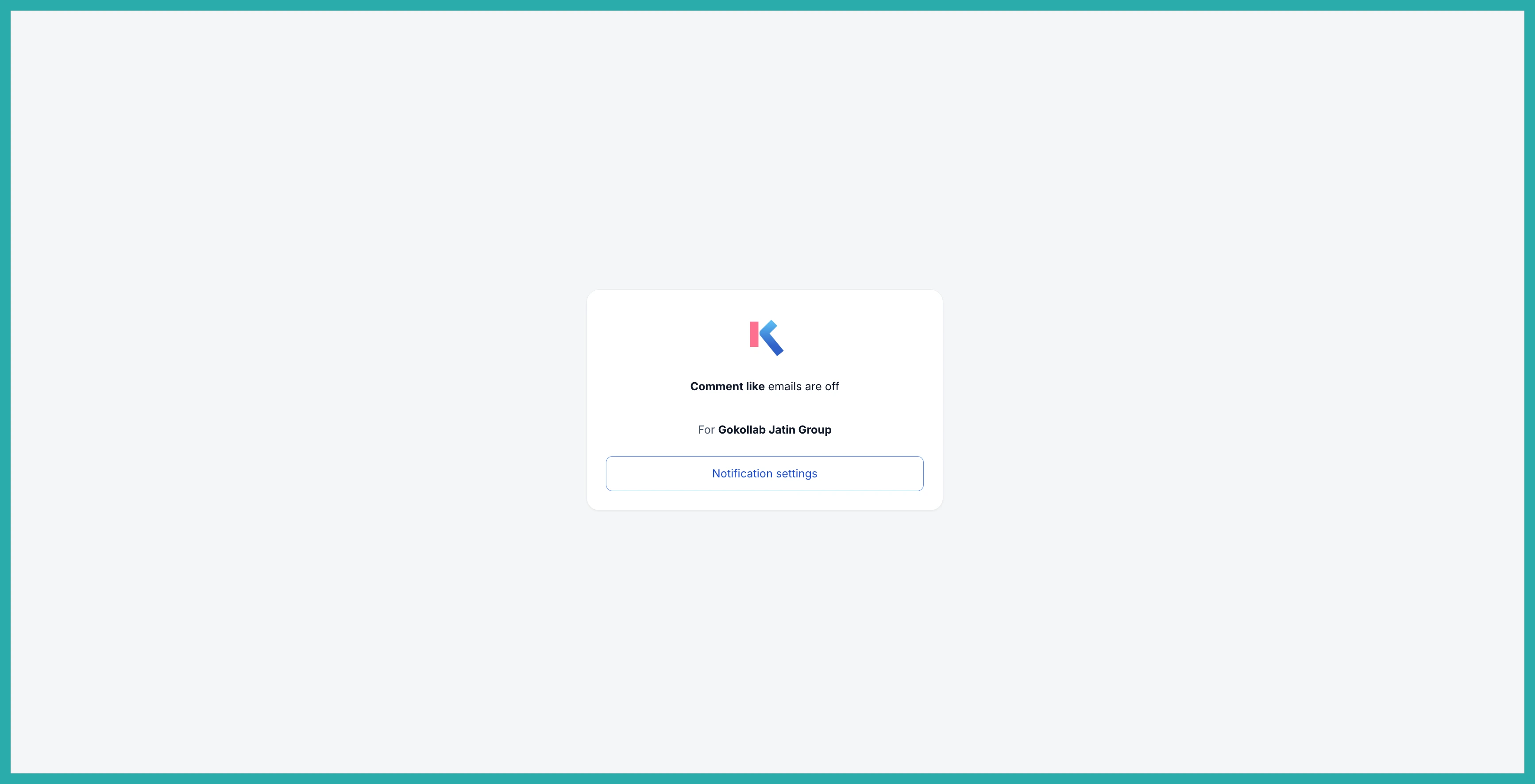
They can turn it back on any time
Nothing here is permanent. A member can re-enable any notification they've switched off from their own notification settings whenever they like.
You don't need to set anything up for this - it's already working across your community emails. It just means the people in your communities can tune out the one thing they don't want without disappearing from everything else, which keeps them engaged where it counts.
