
Your Client Portal Can Now Collect Member Info Straight Into Your CRM
A quick heads-up: this one's in Labs
It's an early feature you turn on yourself in Settings > Labs inside your account. It works, but it's still in development - the documentation and support is limited and not everything will behave perfectly yet.
If you like getting your hands on new things early, switch it on and have a play. If you'd rather wait for the finished, fully-supported version, leave it off and we'll let you know when it lands.
Up to now, your Client Portal was mostly a place to show things - content, courses, resources. Lovely, but one-way. If you wanted members to actually submit something, like an application or a request, you were off hunting for extra tools or fiddly workarounds.
Now your portal can take information in, and send it straight into your CRM where everything else lives.
What this actually does
Inside Client App Builder, you describe what you want members to be able to submit, in plain English. The system then designs the data structure behind it for you - the fields, the dropdowns, the way records connect - and builds the portal pages to match. No code, no technical setup.
Anything a member fills in gets saved as a record in your account's CRM. So a coaching application, a service request, a property inquiry, whatever you're collecting, it all lands in one organised place instead of scattered across inboxes and spreadsheets.
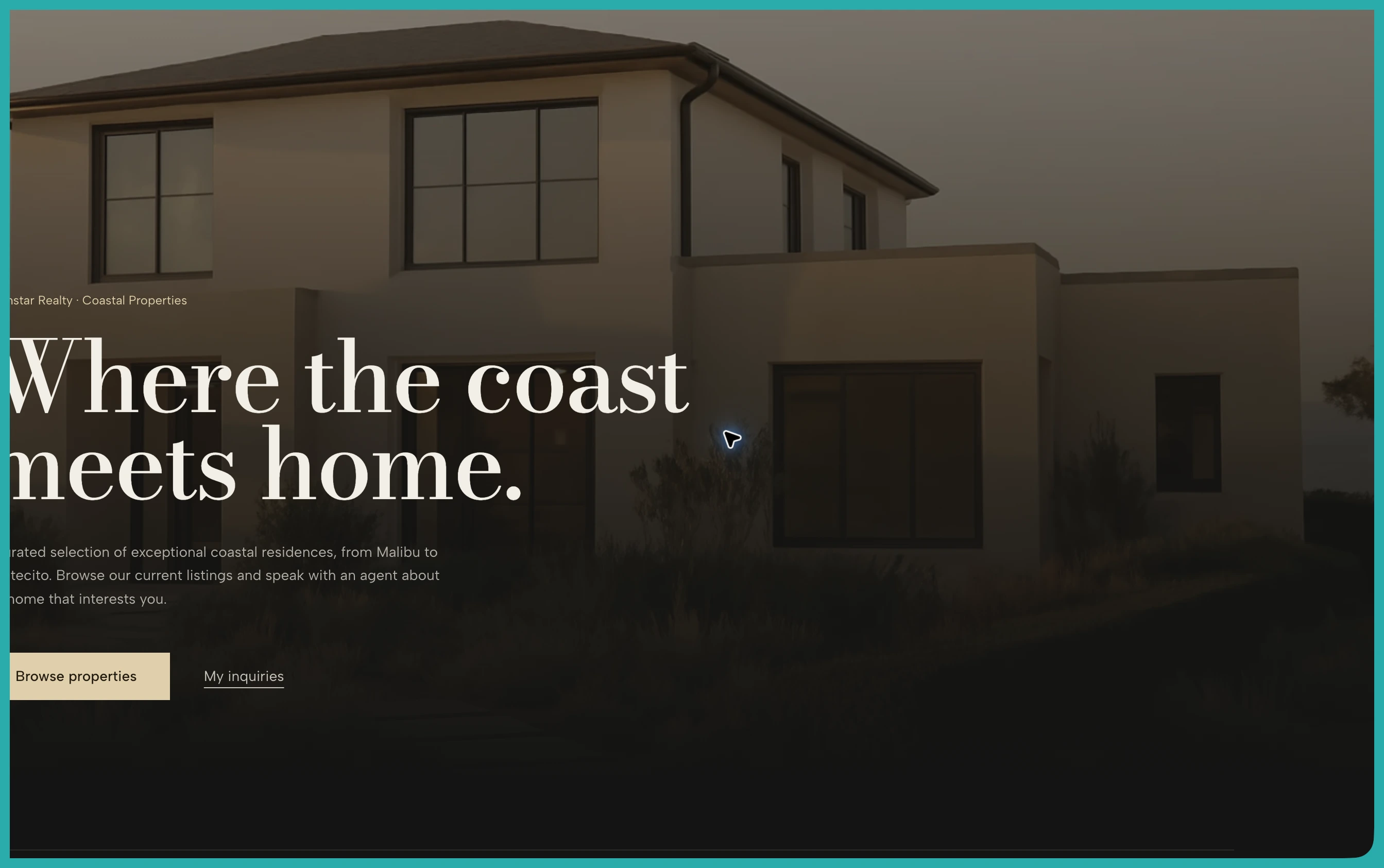
Describe it, and it gets built
You start by telling it what you need. Something as simple as "Let members apply for a 1:1 coaching session" is enough. From that, it works out the custom object, the fields members will fill in, and the pages where they'll do it.
In the screenshot below, you'll see how you set this up with a plain description rather than building anything by hand.
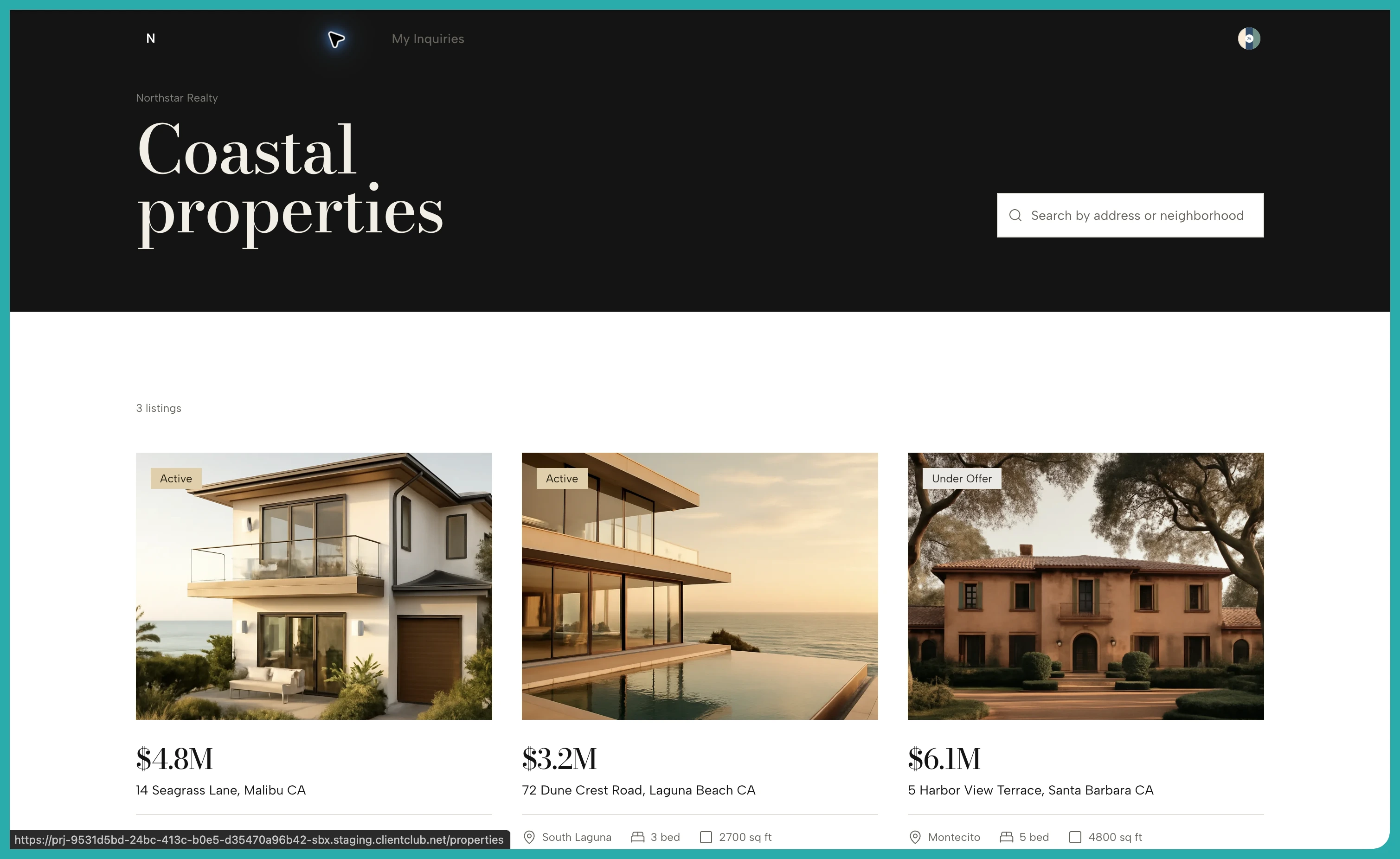
You review before anything is created
Nothing gets added to your CRM behind your back. Before it builds a thing, you get to preview the proposed data structure, some sample records, and who can see what. If it looks right, you approve it. If not, you don't.
You can create up to 3 objects per request, reuse objects you already have, and your account holds up to 10 custom objects in total, so there's plenty of room to work with.
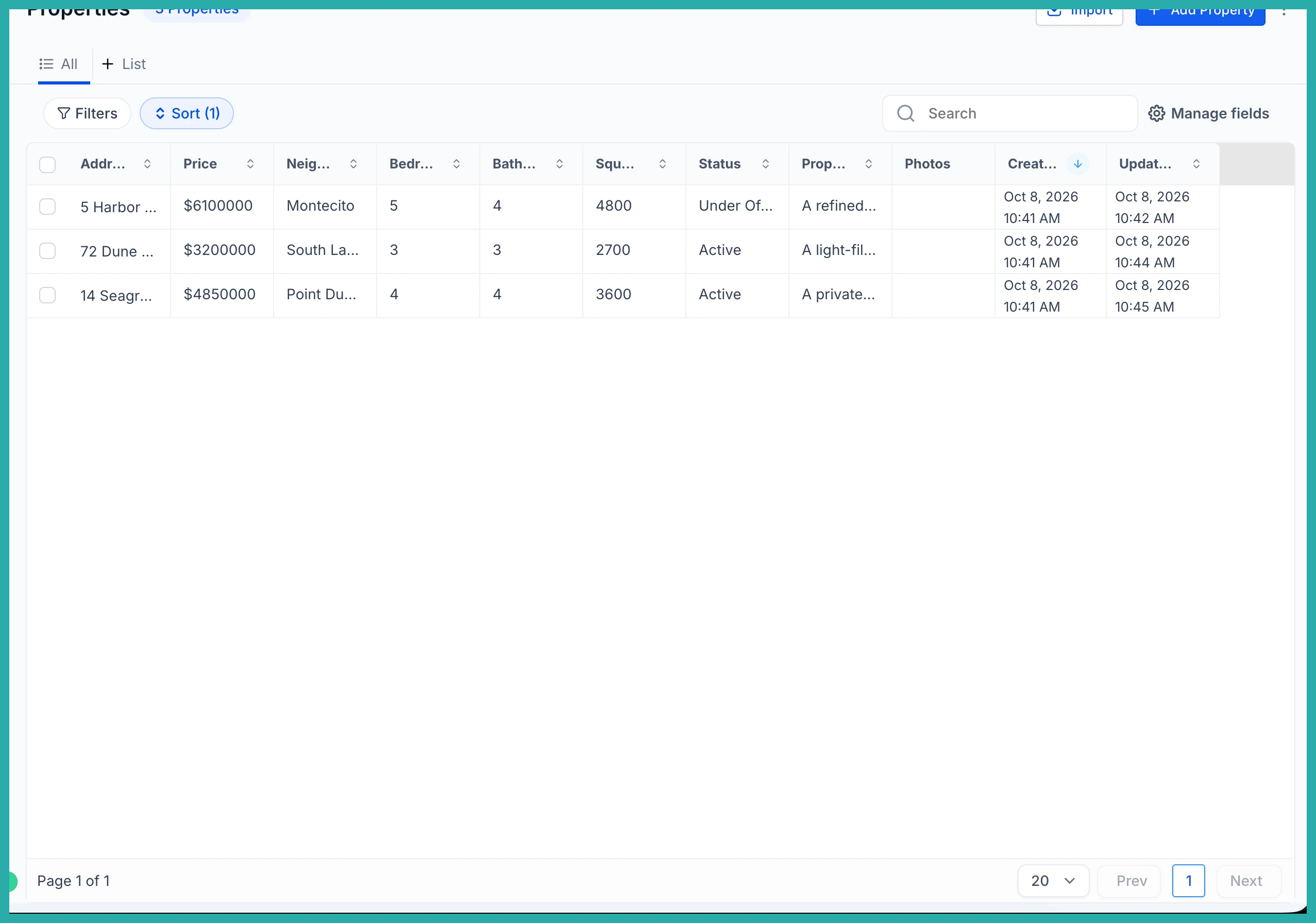
Deciding who sees what
You're in control of visibility. You can let members see only their own records, their whole company's records, or give read-only access to everything, depending on what you're building.
And if you've got a payment provider connected, you can switch on payment actions too, so members can pay against a record through an invoice without leaving the portal.
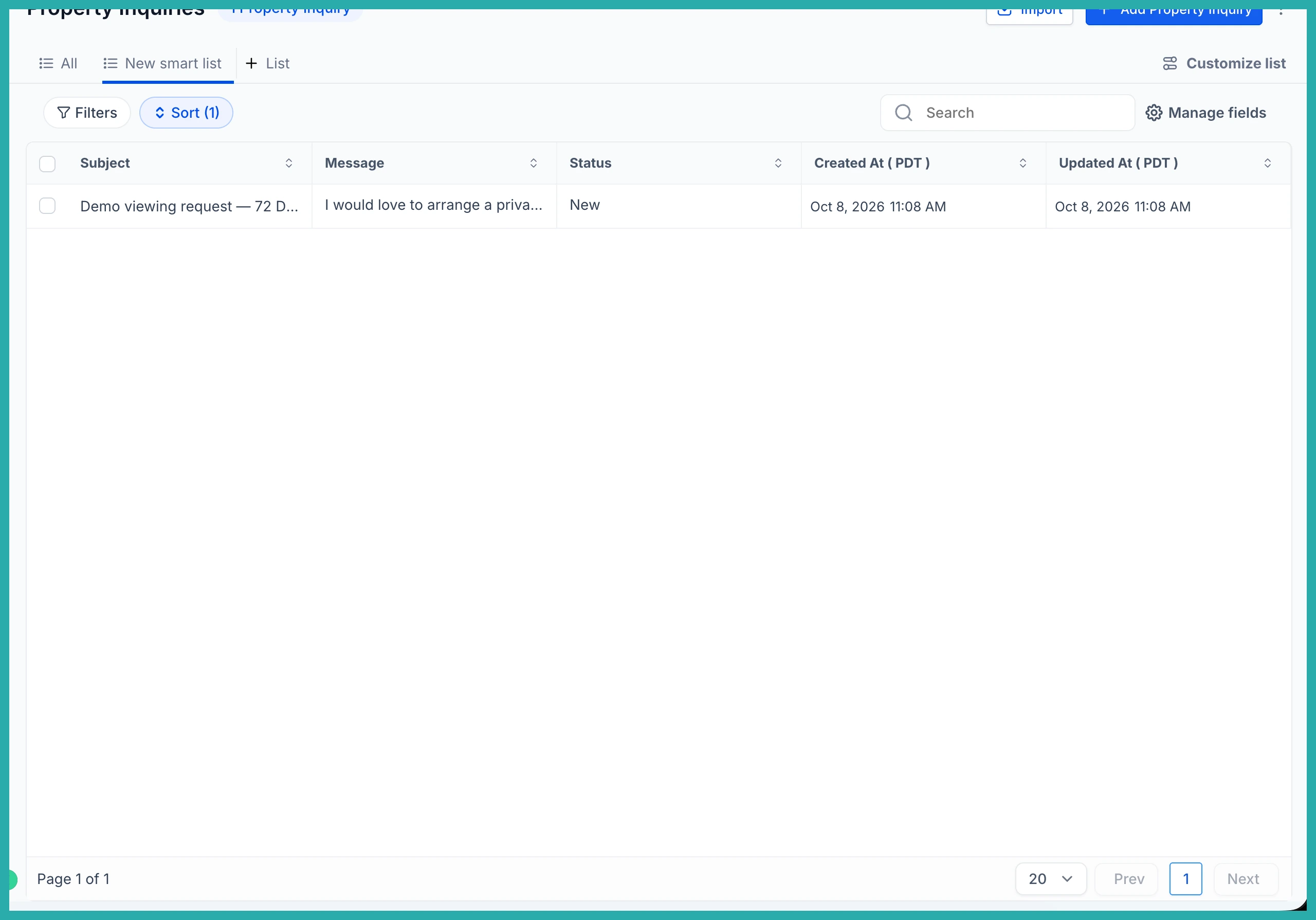
Getting started
- Open Client App Builder and start building or customising your Client Portal.
- Describe the information you want members to submit, for example "Let members apply for a 1:1 coaching session."
- When prompted, confirm you want to use Custom Objects in your CRM.
- Review the proposed objects, fields, relationships and visibility settings.
- Approve the plan, and your pages and objects are built for you.
Once it's done, you'll find the new objects sitting in your CRM, ready to use alongside everything else.
This turns your portal from a noticeboard into something your members can genuinely interact with. Have a play with one simple request and see how it feels.
