Business Systems: How to Stop Running Your Business in 12 Tabs
You opened your laptop this morning and counted the tabs. Email tool, scheduler, CRM, the form builder, the payment thing, the place where your course lives, the spreadsheet you swore you'd stop using. None of them talk to each other. So you copy a name from one and paste it into another, and you call that running a business.
That patchwork has a name. What you're missing isn't another app. It's business systems - the repeatable way your work actually flows from one step to the next. And right now yours are held together by memory and good intentions.
This is the difference between a business that runs and a business you carry. Let's sort out what business systems really are, what they look like in practice, and how to stop losing hours to the gaps between your tools.
What are business systems?
Business systems are the documented, repeatable processes that make the routine parts of your business happen the same way every time, with or without you doing them by hand. A booking turns into a confirmation, a payment, a welcome email, and a calendar hold - without you touching each step.
Think of a system as the answer to "what happens next?" When someone fills in your enquiry form, what happens next? When a client finishes their package, what happens next? If the honest answer is "I remember to do it, usually," you don't have a system. You have a habit, and habits break the week you get busy or unwell.
Systems and processes in business sit on a simple idea: anything you do more than a handful of times should have a set path. The path can be written down, partly automated, or fully automated. What matters is that it doesn't live only in your head.

Why your business feels harder than it should
Here's the thing about disconnected tools. Each one might be fine on its own. The cost shows up in the space between them.
You enter a client's details in your scheduler, then again in your CRM, then again on the invoice. Three chances to make a typo. Three jobs that used to be one. Multiply that across every lead, every booking, every refund, and you can see where your week goes.
There's a real number behind this feeling. McKinsey research found that the average worker spends about 28% of the workweek managing email and nearly 20% looking for internal information or tracking down colleagues to get things done. For a solopreneur, you are the colleague you're chasing. That lost time is your evenings and weekends.
Weak business systems also cost you trust. A lead waits two days for a reply because the form went to an inbox you don't check. A client gets billed twice because two tools both ran a charge. None of it is laziness. It's the natural result of asking a human to be the glue between software that was never meant to connect.
Types of business systems every solopreneur needs
You don't need dozens of systems. You need a handful that cover the moments where money and trust are on the line. These are the types of business systems that matter most when you're running things solo or with a small team.
Lead capture and follow-up
How a stranger goes from "interested" to "on your list" to "booked a call." This is your forms, your landing pages, and the emails that go out automatically when someone raises their hand. If you're still emailing every lead by hand, this is the first place to fix.
Booking and scheduling
How people book time with you without the back-and-forth. A good scheduling setup confirms, reminds, and reschedules on its own. If you're tired of being your own receptionist, the case for appointment scheduling software for consultants is hard to argue with.
Client onboarding
What happens the moment someone pays. Welcome message, contract, intake form, first steps, calendar invite. Done by hand it's an afternoon. Done as a system it's a single trigger. There are simple ways to automate your client onboarding process so new clients feel looked after from minute one.
Customer records (your CRM)
One place that holds who someone is, what they bought, and where they are in your world. This is the spine of the whole thing. When your CRM is separate from everything else, you end up with three half-true versions of each client.
Delivery and content
Where your course, membership, or program lives, and how people get access. This connects to your payment and onboarding systems so access turns on the moment a payment clears.
Business systems examples you can picture
Abstract talk about systems never sticks. So here are business systems examples drawn from the way a coach or solopreneur actually works.
The discovery call system. A visitor books through your scheduler. They instantly get a confirmation and a reminder the night before. Their details land in your CRM tagged "discovery call." After the call, they're moved to "proposal sent" or "not now," and the right follow-up email fires either way. You did the call. The system did everything around it.
The new client system. Payment clears. The contract goes out for signature. The intake form arrives. Course or portal access switches on. A welcome email lands with the first three things they should do. You find out it happened because a notification tells you, not because you spent an hour at the keyboard.
The re-engagement system. A client finishes their package. Two weeks later they get a check-in. A month after that, an offer to continue. None of this needs you to remember a date or feel guilty about a name you forgot to follow up.
Notice what every example has in common. The work is the same work you already do. The difference is that the steps connect, so nobody has to copy and paste a name at midnight. If you want a wider view of where to start trimming, this guide on how to simplify your business and stop paying for tools you don't need is a good companion read.
How do you build business systems without breaking everything?
You don't build all of it at once. You build the system that's costing you the most right now, get it working, then move to the next one.
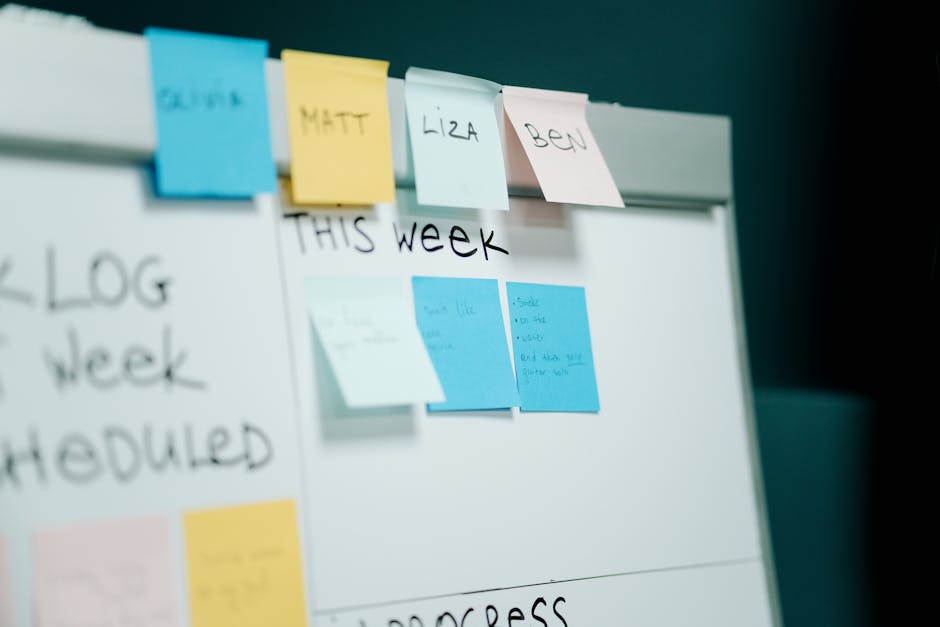
Start by writing down what actually happens for one process - say, a new booking - step by step, exactly as it goes today. Don't write the ideal version. Write the real one, including the spreadsheet and the bit where you copy the email address by hand. Seeing it written down usually makes the fix obvious.
Then ask three questions of each step. Can this be deleted? Can it be done once instead of three times? Can software do it instead of me? Most steps fall into one of those buckets, and most of your wasted hours hide in the third.
Automate the boring, repeatable, rule-based parts first. Confirmations, reminders, access, follow-ups, internal alerts. Keep the human parts human - the actual coaching, the messages that need your voice. If you're new to this, the principle is simpler than it sounds, and deciding what to automate first matters more than automating everything.
Why disconnected tools quietly defeat your systems
Here's where most people get stuck. They understand systems. They've even built a few. But each system lives in a different app, and the apps don't share information.
So your scheduler knows about the booking, but your CRM doesn't. Your email tool knows about the new subscriber, but your course platform doesn't grant access. You build connectors and zaps to bridge the gaps, and now you maintain the bridges too. When one breaks - and they break quietly - you usually find out because a client tells you something didn't arrive.
This is the real reason your business systems feel fragile. It's not that you designed them badly. It's that they're spread across tools that were never built to work as one. You're paying for ten subscriptions and a part-time job stitching them together.
A platform that holds your email, CRM, landing pages, bookings, payments, automations, and community in one place removes the bridges entirely. The booking and the CRM are the same system, so they can't fall out of sync. There's a longer case for this shift in this look at why solopreneurs are switching to all-in-one business software.
Is one platform actually better than best-in-class tools?
Fair question, and the honest answer is: it depends on what you're optimising for. If you have a dedicated operations person and you genuinely use the advanced features of ten separate tools, a stitched-together stack can work.
But you're probably not that person. You're a coach or a consultant who wants to do the work, get paid, and stop losing Tuesdays to admin. For you, one connected platform beats ten clever ones, because a system that works 90% as well but never breaks the connection is worth more than a perfect tool that sits on an island.
This is where ESC Hub fits. It replaces up to 20 separate tools with one platform - email, CRM, landing pages, bookings, automations, and community living together, so your systems can't drift out of sync. Your booking system and your customer records are the same thing, not two apps holding hands across an integration.
But the part that actually matters when you're setting up business systems isn't the feature list. Plenty of platforms have features. It's whether someone picks up the phone when you're stuck at step four of an automation and the email won't send. ESC Hub gives you a real team and real support to set things up and keep them running, which is the difference between a system you trust and one more thing you're scared to touch.
Frequently Asked Questions
What are business systems in simple terms?
Business systems are the repeatable, documented ways your routine work gets done the same way every time - like how a booking turns into a confirmation, a payment, and a welcome email. They're the difference between a business that runs and a business you carry.
What are some common business systems examples?
A discovery call system that books, confirms, and follows up automatically. A new client system that handles contracts, intake forms, and access the moment a payment clears. A re-engagement system that checks in with past clients on a schedule. Each one removes a job you currently do by hand.
What are the main types of business systems for a small business?
The ones that matter most are lead capture and follow-up, booking and scheduling, client onboarding, customer records (your CRM), and content or program delivery. These cover the moments where money and trust are at stake.
How do systems and processes in business differ?
A process is a single set of steps, like "send the contract, then the intake form." A system is the wider machine that connects several processes so they run together with little or no manual work. Processes are the parts; the system is how they fit.
Do I need software to build business systems?
Not to design them - you can map any system on paper. But to run them without doing every step by hand, you need software, and ideally one connected platform so your tools don't fall out of sync. The fewer disconnected apps, the fewer places your systems can break.
The fix for a business run in 12 tabs isn't more tools - it's a few connected business systems and a team that helps you keep them running.
Your business doesn't need you to work more tabs. It needs systems that connect, and a team that helps you set them up so they actually hold. Try it on your own processes and see how much of your week comes back