Small Business Automation: What to Set Up First in 2026
Most content on small business automation was written for businesses with staff. It covers payroll automation, HR onboarding, inventory management, and social media scheduling - useful if you have a team handling those functions. Less useful if you are running a one-person coaching or service business and the main thing eating your time is the admin between a lead arriving and a client getting started.
What Small Business Automation Actually Is - and Is Not
Automation for small business does not mean replacing yourself. It does not mean building complex workflows that require a developer to maintain. And it does not mean automating everything at once.
It means identifying the tasks in your business that repeat in exactly the same way every time - and setting up a system to handle those tasks automatically, without your involvement, every single time they occur.
When someone opts in to your lead magnet, the welcome email going out is not a creative decision. It is the same email, to every new subscriber, every time. That is automation. When someone books a discovery call, the confirmation email and calendar invite are not decisions either. Same action, every time. Automation.
The parts of your business that require judgment, creativity, and relationship - the coaching itself, the content you create, the strategic decisions you make - those stay human. Automation handles the repeating. You handle the rest.
For a broader look at how automation of manual processes applies specifically to small businesses, that post covers the foundation in useful detail.
The Automation Filter: Automate the Repeating, Not the Random
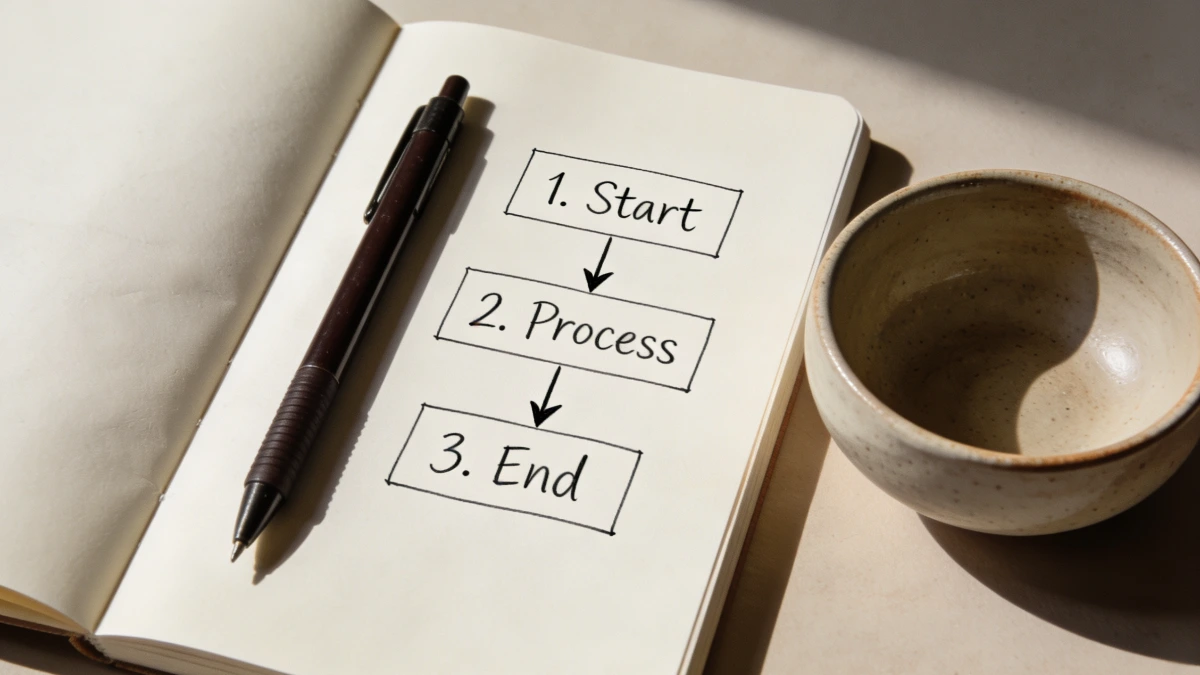
Before setting up any automation, one question cuts through the noise: does this task happen in exactly the same way every time?
If yes - it is a candidate for automation. If no - it stays manual for now.
This filter solves the most common mistake small business owners make with automation: trying to automate the wrong things. They spend an afternoon building a complex workflow for an edge case that happens twice a month while still manually sending welcome emails to every new subscriber.
The tasks worth automating first are the ones that:
Happen every single time a specific trigger occurs
Follow the same sequence with no variation
Do not require judgment or personalisation beyond the contact's name and details
Currently take you time even though the task itself is completely predictable
In a coaching or solopreneur business, those tasks are almost always clustered in the same place: the gap between a lead arriving and a client getting started. That is where your time is going. That is where automation delivers the fastest return.
The First Three Automations Every Small Business Should Have Running
These three automations are the starting point for workflow automation for small business. Get these working before you build anything else.
1. Lead capture to welcome sequence. When someone opts in to your lead magnet, they receive the download automatically and enter a sequence of three to seven emails that introduces you, builds trust, and leads toward a next step. The trigger is the form submission. The sequence fires without you. This is the single highest-value automation for most coaching businesses - and the one most solopreneurs either have not set up or have set up incorrectly.
2. Booking to confirmation and reminder. When someone books a discovery call or session, they receive a confirmation email immediately and a reminder 24 hours before. You receive a notification at the same time. No manual emails. No back-and-forth. The booking trigger fires both actions automatically every single time.
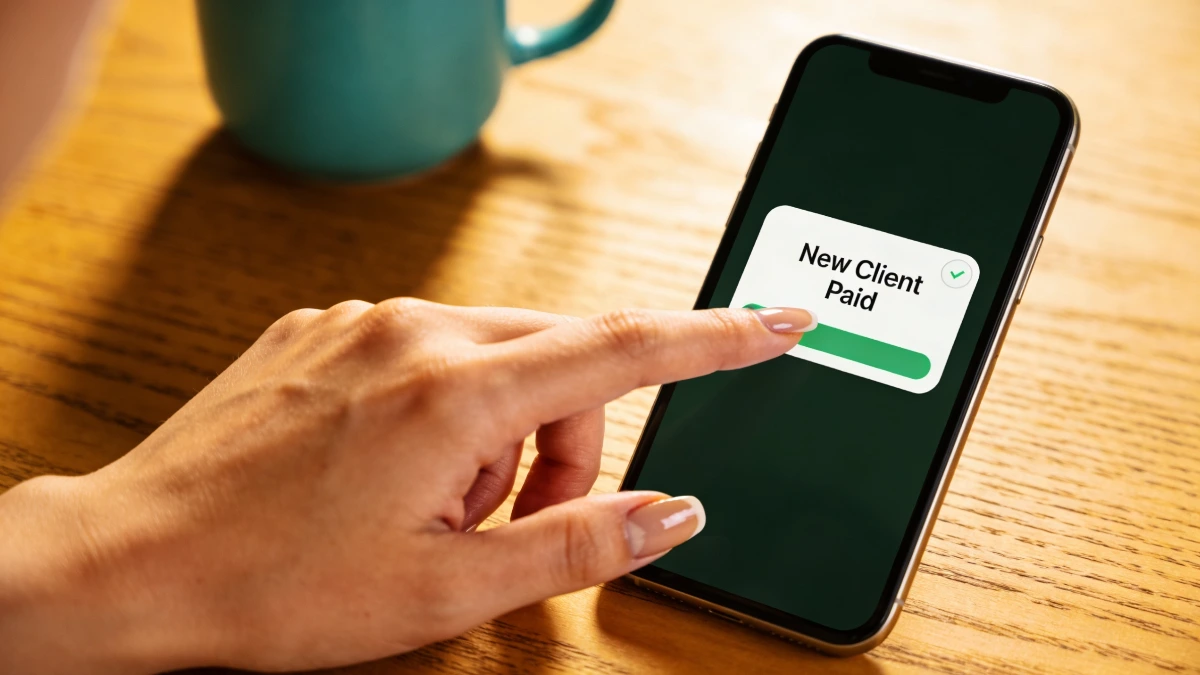
3. Payment to onboarding sequence. When a client pays, an onboarding email sequence starts automatically - welcome message, what to expect, how to access any materials, first session details. This one alone removes 20 to 30 minutes of manual work for every new client who joins. For more detail on how to set up a client onboarding process that runs without manual effort, that post walks through the full setup.
Set them up in this order. Get each one working before moving to the next. Three automations running reliably is worth more than ten half-built workflows sitting incomplete in the background.
What Workflow Automation for Small Business Actually Looks Like in Practice
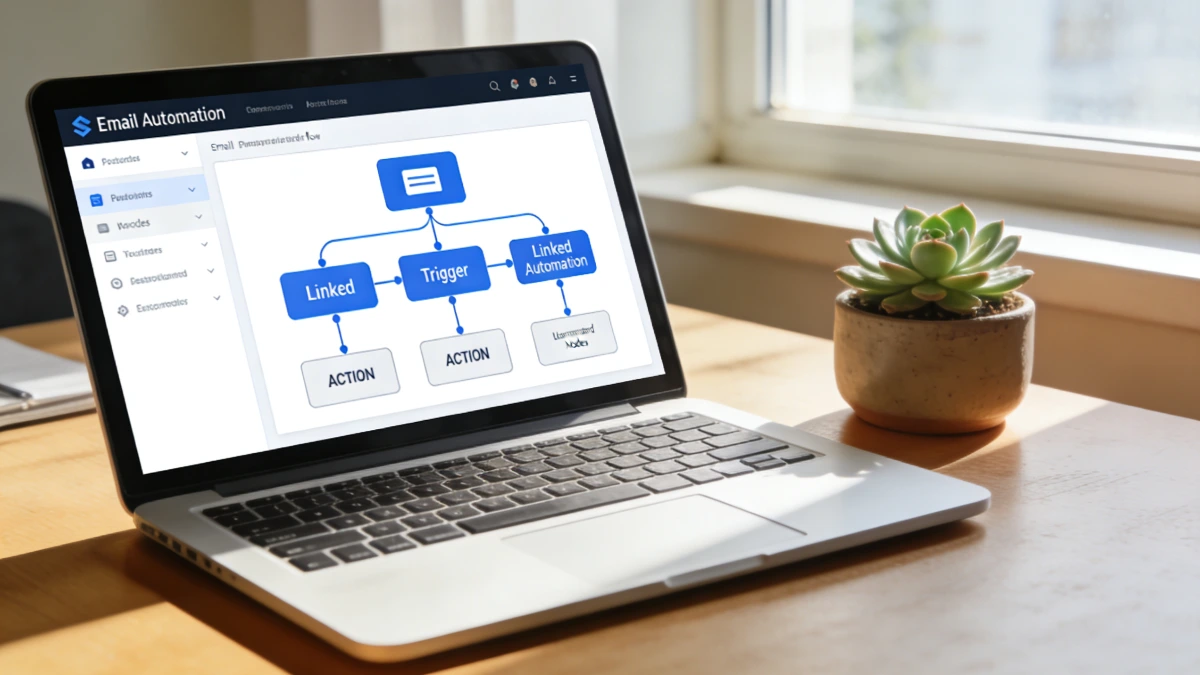
Here is the practical picture of an automated small business in action - not a theoretical list of what is possible, but what actually happens on an ordinary Tuesday when the system is working.
At 7am, a new subscriber opts in to your lead magnet while you are still asleep. The download lands in their inbox within seconds. The welcome sequence starts. They open the first email. Their contact record in your CRM is created automatically with the source, the opt-in date, and the email address logged.
At 10am, someone books a discovery call for Thursday. A confirmation email goes to them immediately. A reminder goes out Wednesday afternoon. Your calendar updates. You receive a notification. You have done nothing.
At 2pm, a client who signed up last week makes their first payment. An onboarding sequence fires - welcome message, questionnaire, how to book their first session. Their record in your CRM updates to show they are now a paying client. The follow-up reminder for their first session gets scheduled automatically.
You spent that Tuesday coaching. The system handled everything else.
That is not a complicated setup. It is three automations running inside one connected platform. But the combined effect is significant - hours of manual admin removed permanently from every week from the moment it is set up.
How to Automate Your Business Without Adding More Tools
The mistake most solopreneurs make when they start to automate is adding more tools to their stack. They set up Mailchimp for the welcome sequence, Calendly for the booking, a CRM they found in a comparison article, and Zapier to connect them all together. Each tool costs money. Each one has a learning curve. And every time one of them updates, something in the chain breaks.
Workflow automation for small business works best when the pieces are already connected - not integrated through a third-party connector, but natively connected inside the same platform. When your landing page, your email sequences, your booking system, your CRM, and your checkout all live in the same place, the trigger in one area fires the action in another without any connection to build or maintain.
This is the practical argument for an all-in-one platform. Not features - reliability. An automation that works every time, without Zapier breaking the connection when one platform updates, is worth more than a sophisticated workflow that requires regular troubleshooting to keep running.
For a detailed look at the specific business process automation tools that work best for small online businesses - and which ones to skip - that post covers the full breakdown.
What to Do When an Automation Breaks
Automations break. A form stops connecting to the email sequence. A booking confirmation fires but the CRM does not update. A payment comes through but the onboarding sequence does not start. This happens even in well-set-up systems, and knowing how to respond calmly is part of running an automated business.
The first step is always the same: identify the trigger. Did the trigger fire? Check the form submission or the booking record or the payment confirmation. If the trigger fired and the action did not, the problem is in the connection between them. If the trigger did not fire, the problem is earlier in the chain.
Most automation problems in small businesses fall into one of three categories: the trigger condition was not met exactly as specified, a tool updated and broke an integration, or the automation was turned off accidentally. All three are fixable in under ten minutes once you know where to look.
The practical advantage of running automations inside one platform - rather than across five connected tools - is that troubleshooting happens in one place. You are not comparing logs across Zapier, Mailchimp, Calendly, and your CRM trying to find where the chain broke. One platform, one place to look.
One System, All Your Automations Connected
Setting up small business automation does not require a stack of separate tools, a Zapier account, or a technical background. It requires the right starting point - a platform where the pieces are already connected and the automations work by default.
ESC Hub was built for exactly this. Landing pages, email sequences, CRM, booking pages, checkout, and automations are all inside the same platform. The three automations covered in this post - lead capture to welcome sequence, booking to confirmation, payment to onboarding - can all be set up inside ESC Hub without connecting any external tools.
The ESC Hub team runs daily coaching calls Monday to Friday. When an automation is not working the way you expected, there is a real team to help you find the problem and fix it - not a help article and a wait.
Building an automated business starts with one platform where everything works together. The time you save from the first three automations alone will more than justify the investment.
For most coaches, running those three automations inside one platform also means a lower monthly outlay than paying separately for the email tool, the booking system, and the connector between them.
Start your free 14-day ESC Hub trial at eschub.com
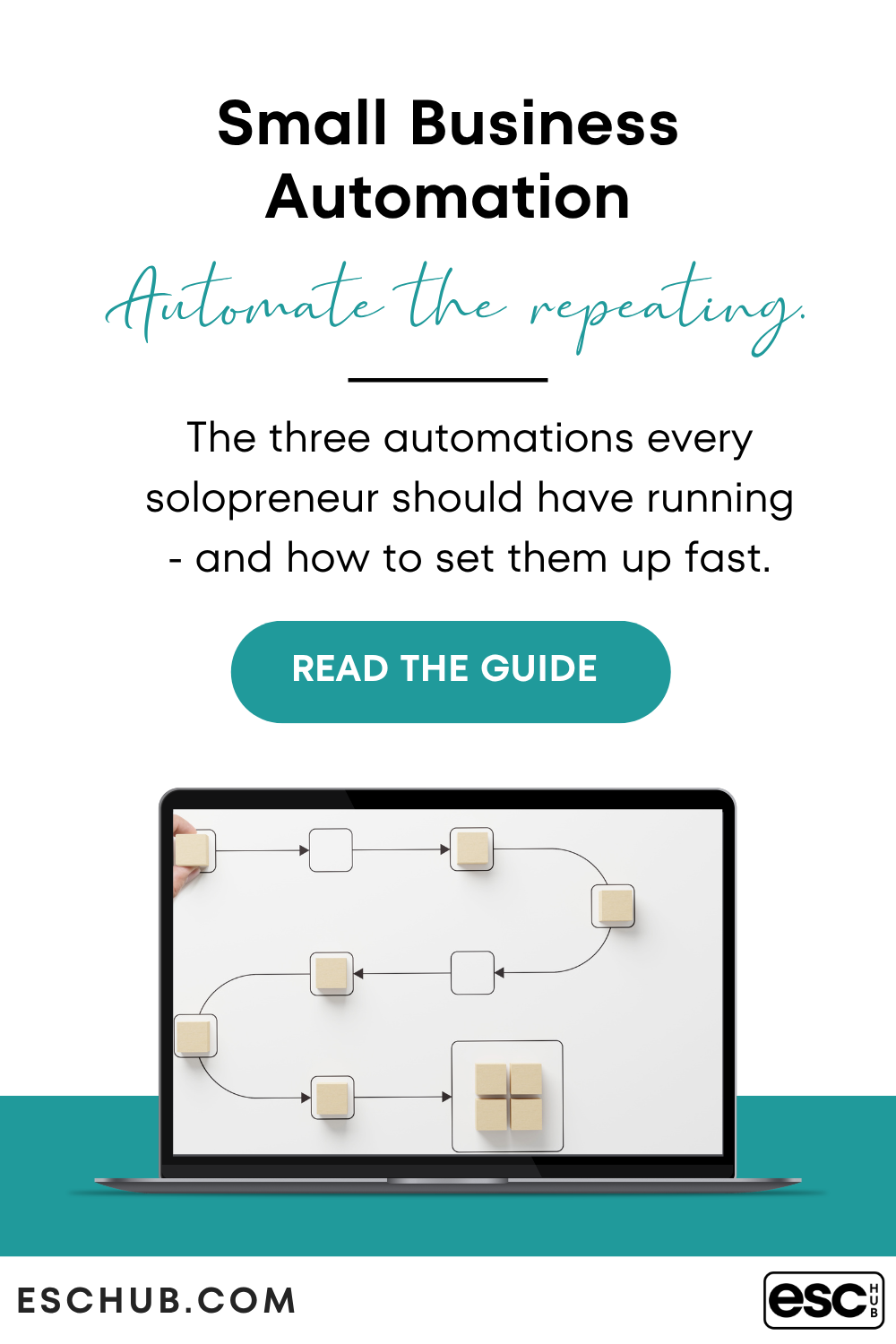
Find this useful? Click the Image below to save it for later.