Business Process Automation Services: What Small Business Owners Actually Need (And What to Skip)
Most articles on business process automation services are not written for you.
They are written for operations managers at companies with IT departments, implementation budgets, and a team of people to manage the rollout. The platforms they recommend cost thousands of dollars a month. The case studies involve warehouse logistics and enterprise HR systems.
If you are running an online business - coaching, consulting, services, courses - and you are still manually sending follow-up emails, booking appointments one by one, and doing the same repetitive tasks every single day, this post is the one that is actually written for your situation.
Automation is not complicated. It is not expensive. And you do not need a specialist to set it up. Here is what business process automation actually looks like for a small business owner - and where to start.
What business process automation services actually are (and what they are not)
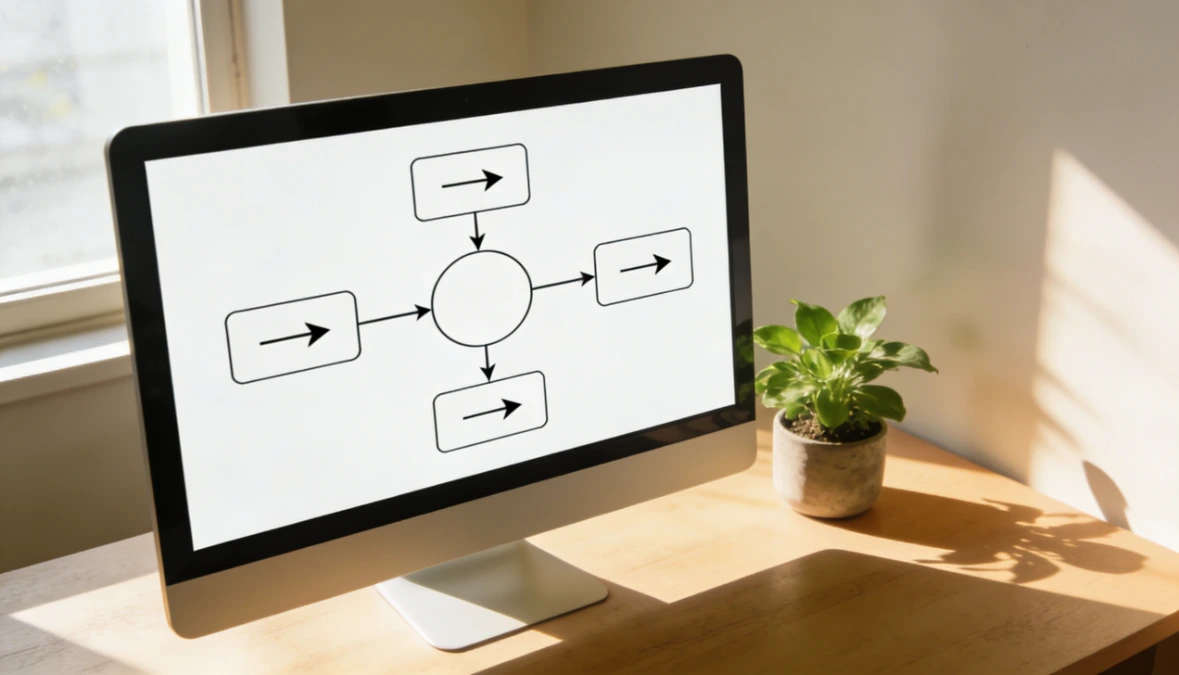
Business process automation means using software to handle a repeatable task so you do not have to do it manually every time.
That is it. A trigger happens - someone joins your list, books a call, makes a payment - and the system takes the next action automatically. An email goes out. A tag gets applied. A reminder gets sent. You set it up once and it runs without you.
It is not artificial intelligence. It is not a six-week consultant engagement. It is not something that requires a developer or a technical background. At its most basic, automation is just: when this happens, do that.
The term "business process automation services" gets used to describe everything from simple email sequences to enterprise software implementations worth six figures. For a small business owner, the relevant part of that spectrum is narrow - and far more accessible than most search results suggest.
Why most automation content is not written for you
Search "business process automation services" and the results will point you toward platforms like SAP, IBM, ServiceNow, and UiPath. These are legitimate tools - for companies with dedicated IT teams, implementation partners, and enterprise budgets.
They were not built for someone running a lean online business with a small team or no team at all.
The gap between what ranks for this keyword and what a solopreneur or small business owner actually needs is significant. The examples used in most automation content - automated invoice reconciliation across 12 departments, HR onboarding workflows for hundreds of new hires, supply chain exception handling - bear no resemblance to the daily tasks you are trying to get off your plate.
What you are actually trying to automate is simpler: the follow-up email you keep forgetting to send, the welcome sequence that should go out the moment someone joins your list, the appointment reminder that would save you ten back-and-forth messages. These are not complex automation challenges. They are solved by the right tool, set up correctly, once.
Business process automation examples for small business owners
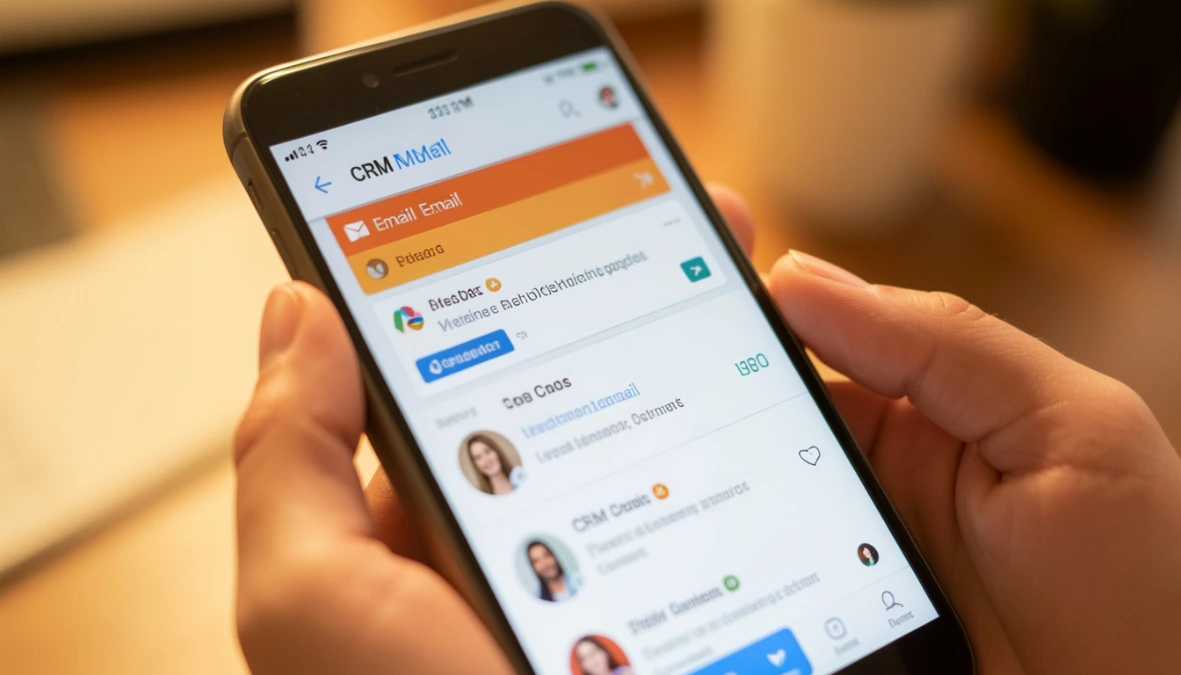
This is what automating business processes actually looks like in practice - specific examples that map directly to tasks most small business owners are still doing manually.
Welcome email on sign-up. When someone joins your list, an email goes out immediately with whatever you promised - a lead magnet, a free resource, a next step. No manual sending. No delay. The subscriber gets what they came for the moment they opt in.
Follow-up sequence after a lead magnet download. After the welcome email, a series of emails goes out over the following days - delivering value, building trust, and making a soft offer at the right moment. You write it once. It runs for every new subscriber automatically.
Appointment reminder before a call. When someone books a session, a reminder email goes out 24 hours before. No-shows drop. You stop sending manual reminders the morning of every call.
Payment confirmation and receipt. When a client pays, a confirmation email goes out immediately with their receipt and next steps. No manual follow-up. The client feels taken care of from the first transaction.
Client onboarding sequence triggered by payment. When someone buys, automating your client onboarding means a full onboarding email series starts automatically - welcome, access details, what to expect, how to get support. The client experience is consistent every time without you managing it manually.
Lead tagging in the CRM on link click. When a subscriber clicks a specific link in an email - a pricing page, a services page, a booking link - they are automatically tagged in your CRM as a warm lead. You know who is interested without having to check manually.
Re-engagement email for quiet subscribers. When a subscriber has not opened an email in 60 or 90 days, an automated email goes out asking if they still want to hear from you. It keeps your list healthy and your open rates accurate.
New lead notification to you. When someone fills in a contact form or opts in, you get an instant notification. You know immediately when a new lead comes in, without checking your CRM every hour.
Each of these is a simple trigger-and-action setup. None of them require a developer. All of them save real time every week.
The processes worth automating first
Not every automation is equal. For a small business owner, the highest-value processes to automate first are the ones that directly affect revenue and client experience.
Start here, in this order. Lead capture and follow-up - because a lead who does not hear from you within minutes of opting in is a lead going cold. Client onboarding - because a disjointed onboarding experience costs you referrals and retention regardless of how good your actual service is. Appointment management - because manual reminders and rebooking conversations are pure time drain with no upside. Payment confirmation - because a client who pays and hears nothing for 24 hours is already anxious.
Get those four running before you automate anything else. They are the ones with the clearest return.
Small business automation: what it costs and what to realistically expect
Dedicated business process automation services - agencies, enterprise platforms, implementation consultants - are expensive. They are built for scale and priced accordingly. A small business owner has no business paying for that level of complexity.
For automating business processes in a small online business, the cost of automation should be folded into the tools you are already using - not a separate line item. If you are currently paying for an email platform, a CRM, a booking tool, a course platform, and a payment tool separately, you are already spending more than you need to - and none of those tools are talking to each other without manual work in between.
The right approach for small business automation is a single platform where the automation layer connects everything: email, CRM, bookings, payments, and follow-up all in one place, with automations that run across all of them without you needing to build integrations or use a third-party connector.
That is both cheaper and simpler than the alternative - and it is what makes automation actually work for a business your size.
How to start automating business processes without a specialist or agency
The process is simpler than most people expect.
Pick one repetitive task you do manually every week. Something you have done the same way ten times in the last month. Write down what triggers it - what has to happen first - and what you do in response. That trigger-and-action pair is your first automation.
Set it up in your platform. In ESC Hub, this means choosing a trigger, defining the action, and testing it with a real example before switching it on. The whole process for a simple automation takes under an hour for most people.
Then leave it alone and watch it run. Once you have seen one automation work - once you have received a lead notification while you were doing something else, or watched a welcome email go out at 2am without you touching anything - the next one is easy. Business process automation software built for small businesses removes the technical barrier entirely. You do not need a specialist. You need the right tool and one afternoon.

What to look for in automation for small business
If you are evaluating tools for small business automation, these are the things that actually matter for a business your size.
Ease of setup without technical knowledge. If the platform requires a developer to build your first workflow, it is not the right tool. Automation for small business should be visual, logical, and doable by the person running the business.
Everything connected in one place. Automations only work when the tools they connect are in the same system. If your email platform does not know what your CRM knows, your automations have gaps. An all-in-one platform removes that problem entirely.
Automating manual processes in your business is simple when something works as expected. When it does not, you need a team you can actually reach - not a help centre article written for a technical audience.
Pricing that makes sense at your scale. Automation should save you money, not cost more than the time it saves. For a small business owner, that means a flat monthly price that covers everything - not per-automation fees or add-on costs that grow as you use more.
If the tool you are considering ticks all four, it is worth testing. If it does not, keep looking.
For most coaches, that means one flat monthly price - typically lower than the combined cost of running a separate email tool, CRM, booking platform, and payment system.
For a platform that has automation built in alongside your CRM, email, bookings, and payments - start your free 14-day ESC Hub trial at eschub.com.
Find this useful? Click the Image below to save it for later.