Business Process Automation Software for Small Businesses: What Actually Works
There is a version of running a business where your follow-up emails send themselves, your new clients are onboarded automatically, and you are not copying data between three different tools at midnight.
That version is not reserved for big companies with IT departments. Business process automation software has become genuinely accessible for small businesses, but finding the right tools is harder than it should be. Most of what comes up when you search is written for enterprise procurement teams, not a business owner who just wants to stop doing the same tasks over and over again.
This post cuts through that. You will leave with a clear understanding of what business process automation software actually is, which tools work for small businesses, and how to choose without spending another three weeks researching and doing nothing.
What Is Business Process Automation Software (and Why Should Small Business Owners Care)?
Business process automation software is any tool that handles a repetitive task in your business automatically so you do not have to do it manually every time.
That definition sounds simple because it is. But the industry has a habit of dressing it up in language like "workflow orchestration" and "enterprise-grade BPA solutions" until it feels like something that belongs in a boardroom, not a home office.
For a small business owner, automated business processes look like this:
A new lead fills in your contact form and immediately gets a welcome email and a calendar booking link without you touching anything.
A client pays their invoice and their onboarding sequence kicks off automatically.
You finish a discovery call and the follow-up email is already in their inbox.
Your weekly report pulls together automatically from data across your tools.
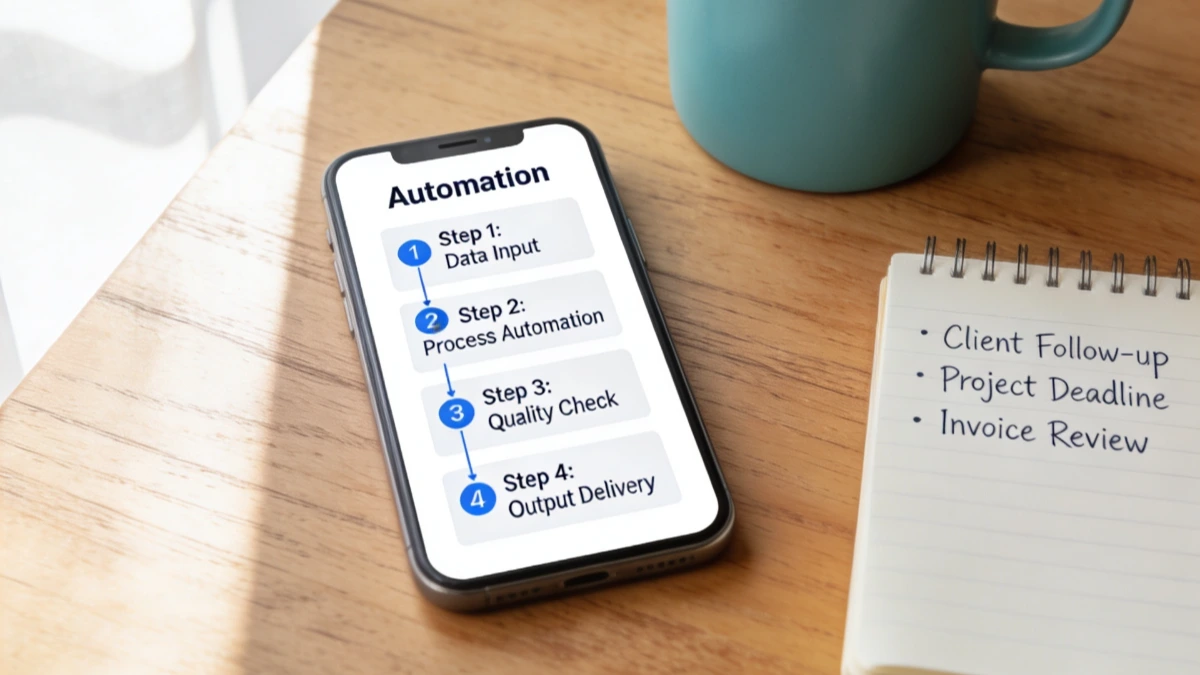
Workflow automation software is not about replacing the human parts of your business. It is about removing the mechanical, repetitive steps that eat your time without adding any real value to your client's experience.
The people who benefit most from it are not the ones with 50 staff and a systems team. They are business owners running lean operations who cannot afford to waste four hours a week on tasks a well-configured tool could handle in seconds.
The Real Cost of Not Automating Your Business Processes
I didn't start my business journey thinking about automation. I was running a cake decorating business six days a week time-poor, financially stretched, and exhausted. My daughter drew a picture of me with the caption: "my mum's favourite thing to do on the weekend is sleep."
That image is what repetitive manual work actually costs. Not just time - presence. The hours you spend on tasks your business should be handling for you are hours you are not spending on the things that actually matter.
For most small business owners, the cost of not automating shows up in a few specific ways:
Time you cannot get back. How many hours a week do you spend manually sending follow-up emails, copying contact details between tools, chasing unpaid invoices, or re-explaining your onboarding process to every new client? Add those hours up over a month.
Errors that cost you,
clients. Manual processes break. You forget to follow up. The wrong email goes to the wrong person. A lead falls through the gap between your inbox and your CRM. Repetitive task automation does not get tired or distracted.
The mental load. Beyond the time, there is the constant background hum of knowing those tasks exist and need doing. That cognitive weight is its own form of exhaustion, even on days you manage to stay on top of it.
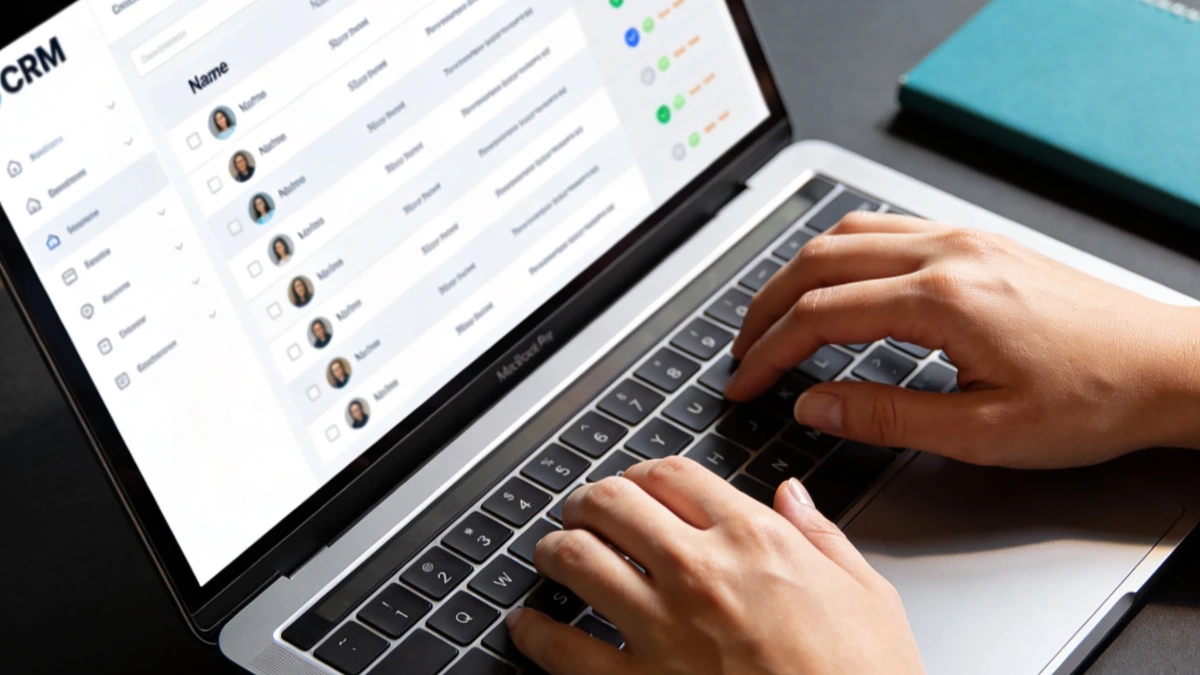
This is why business owner burnout is so often a systems problem disguised as a motivation problem. The fix is not trying harder it is removing the tasks that should not be in your hands in the first place.
What to Look for in Business Process Automation Software as a Small Business
Before you look at any specific tools, get clear on what "works for your business" actually means. The criteria that matter for enterprise buyers scalability to 10,000 users, SOC 2 compliance, on-premise deployment are not your criteria.
For a small business owner, here is what matters:
No-code automation. You should not need to write a single line of code to set up your automations. If a tool requires a developer or assumes you know what an API call is, it is not the right tool for most small business owners. No-code automation platforms have made this genuinely simple triggers, conditions, and actions set up visually, not technically.
Integration with the tools you already use. The best automation is one that connects what you already have. Before choosing a platform, list your current tools your email provider, your booking system, your payment processor, your CRM and check whether the automation software integrates with them.
Ease of setup without ongoing maintenance. Some tools are quick to configure but break every time something in your stack changes. Look for platforms with a reputation for reliability and straightforward updates.
Support that is actually useful. This is where most cheap automation tools fall apart. When your automation breaks at 9am on a Monday, you need to be able to get help fast. Automation software for entrepreneurs should come with real support not just a help article database.
Honest pricing for your scale. Many automation platforms charge per task or per "zap" — costs that look small but add up quickly as your business grows. Understand the pricing model before you commit.
The Best Business Process Automation Software for Small Businesses in 2026
These are the tools that genuinely suit small business owners not IT departments. The list is not exhaustive, but it covers the main options across different use cases and comfort levels.
Zapier
Zapier is the most widely used automation tool among small business owners for good reason it connects more apps than almost anything else and requires no technical knowledge to use. You build "zaps" (automated workflows) by picking a trigger in one app and an action in another. A new form submission triggers a CRM entry. A paid invoice triggers a welcome email. It is fast to set up and works reliably.
Best for: business owners who want to connect existing tools quickly without learning anything new. Pricing is task-based, so watch your usage as you scale.
Make (formerly Integromat)
Make is more powerful than Zapier and better suited to more complex, multi-step workflows. It uses a visual flow diagram rather than a simple trigger-action model, which makes it easier to build automations with conditions and branches. The learning curve is slightly steeper, but the free tier is generous and the pricing is generally lower than Zapier at higher volumes.
Best for: business owners who want more flexibility and are comfortable spending a bit more time on the initial setup.
n8n
n8n is an open-source workflow automation tool that can be self-hosted or used via their cloud platform. It is the most technical option on this list not recommended if you are not comfortable with slightly more complex setups but it offers near-unlimited flexibility and no per-task pricing.
Best for: more tech-comfortable business owners who want maximum control and lower long-term costs.
Airtable with automations
Airtable is primarily a database and project management tool, but its built-in automation features are strong enough to handle many common small business workflows particularly around client management, content planning, and task tracking. If you are already using Airtable as your central hub, its native automations can replace several external tools.
Best for: business owners who want a combined database, project management, and automation tool without adding another platform.
ESC Hub
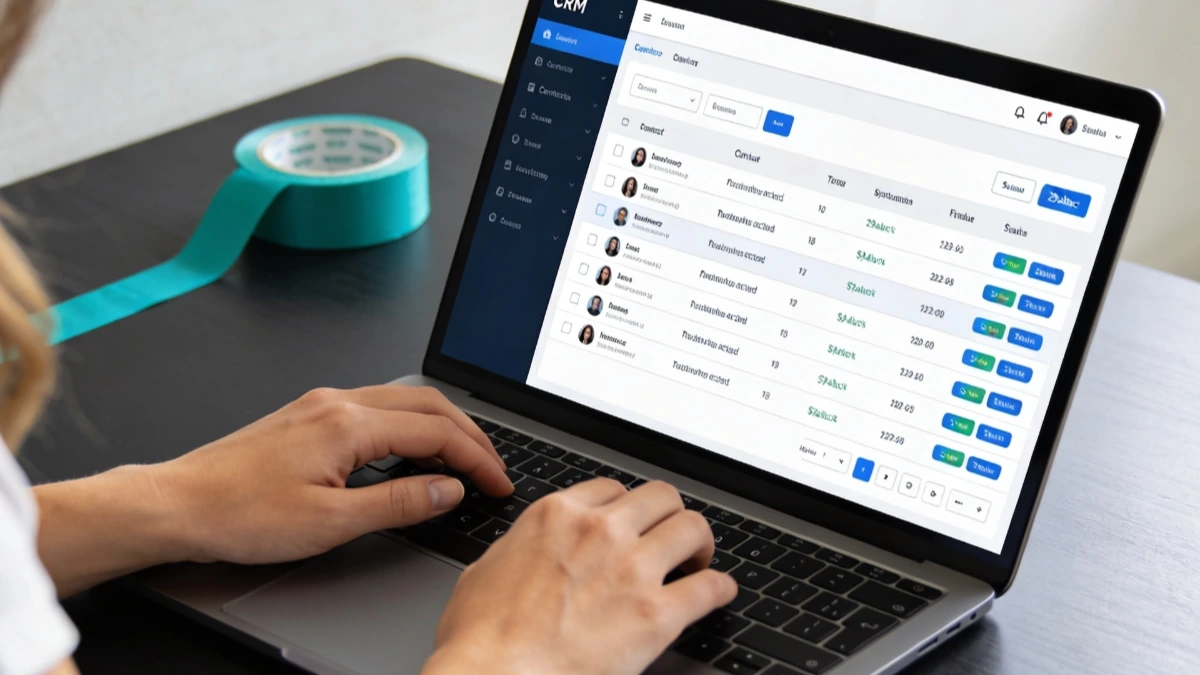
For online business owners who want automation built into a complete business system — not bolted on top of five separate tools ESC Hub is worth a serious look. It combines CRM, email marketing, funnels, bookings, and automation in one place, which means your automations do not have to bridge gaps between disconnected platforms. The support team is available daily, which makes a real difference when you are setting things up for the first time.
Best for: small business owners who are done juggling multiple tools and want their automation to live inside their entire business system. Explore ESC Hub here.
How to Choose the Right Tool for Your Business (Without the Overwhelm)
The most common reason business owners never actually implement automation is not that they cannot find a tool. It is that they spend so long comparing tools that they never commit to one.
Here is a simple framework for how to automate business processes without getting stuck in research mode.
Start with one process, not a whole system. Pick the single most repetitive task in your business right now the one you do manually at least three times a week. That is your starting point. Automate that one thing. Then move to the next.
Match the tool to your current stack. Do not switch everything at once. If you are using Mailchimp for email and Calendly for bookings, start with a tool that integrates with both. Zapier or Make are good starting points. If you want to consolidate everything into one system at the same time, ESC Hub removes the integration problem entirely.
Give yourself a setup window. Block out two to three hours to actually configure your first automation. Do not try to squeeze it between client calls. Treat it like a client task that deserves focused time.
Get support. The tools that come with genuine human support live chat, community, daily coaching calls will save you hours compared to tools where you are left working through documentation on your own. This is often where cheap tools end up costing more in your time than a better-supported option would have.
Common Business Processes Worth Automating First
If you are not sure where to start, these are the processes that deliver the fastest return for most small business owners.
Client onboarding. When someone buys from you, everything that follows the welcome email, the intake form, the first call booking, the contract can be automated. This is one of the highest-value automations you can build because it runs in the background while you are doing the actual work.
Lead follow-up. Most sales do not happen on the first contact. An automated follow-up sequence two or three emails over a week keeps you in front of warm leads without you remembering to manually send each one.
Invoice and payment reminders. Chasing unpaid invoices is one of the most draining manual tasks in any service business. A simple automation that sends a reminder at seven days and fourteen days overdue removes it from your plate entirely.
Email automation for new subscribers. When someone joins your list, a welcome sequence that delivers value over the first week builds trust faster than a single email and a long silence.
Appointment reminders. Reducing no-shows with automatic SMS or email reminders 24 hours before a call is a five-minute setup that saves hours of rescheduling.
Social media or content scheduling. Not strictly BPA, but scheduling tools that push content live at set times connected to your CRM or tagging system — remove one more daily decision from your plate.
What Comes After the Software: Building a Business That Runs Without You
Automation is not the end goal. It is a building block.
The business owners who get the most from workflow automation software are the ones who have already done the harder work: they know who they serve, what they offer, and what their business model actually is. The automations they build support a clear system — they are not just a collection of clever shortcuts sitting on top of a confused structure.
If you are in the middle of figuring that out if your tech problems feel like a symptom of a bigger lack of clarity about your business the Freedom Blueprint is worth a look. It is a free resource that helps you map out your online income model before you spend more time building the systems around it.
For those who are ready to implement who know what they are building and just want the right tools, automation, and support to make it work ESC Hub was designed specifically for that. It replaces up to 20 disconnected tools with one platform, and the support team is there every day to help you build it out. Real client results are on the ESC Hub testimonials page.
The goal was never to have a great set of tools. The goal was a business that gives you your time back. The software is just how you get there.
If you are ready to stop juggling and start building something that runs more smoothly, ESC Hub is the practical place to start.