
Build a Whole Website Just by Describing It in Ask AI
Building a website used to mean sitting down with a builder, picking templates, dragging blocks and second-guessing every choice. Now you can skip most of that.
Ask AI can build you a website or app from a plain description. You tell it what you want, it builds it, you preview it, refine it in everyday language, and publish it live - all without leaving the chat. It runs on the same AI Studio engine behind your account, so you're not learning a new tool.
What this lets you do
Instead of starting from a blank page, you start from a sentence. Describe the site, attach a brief or a logo if you have one, and the AI Studio agent takes it from there.
- Build from a prompt: describe what you want and the agent builds it.
- Use your own files: attach a PDF brief or images like your logo, and it works them in.
- Answer questions inline: when it needs a decision on colours, fonts, layout or which calendar to use, it asks right there with clickable options.
- Live preview: the project renders beside the chat so you can see it as it comes together.
- Conversational edits: ask for a change in plain words and it updates in place.
- Publish from the chat: take it live on the default domain without opening anything else.
How to use it
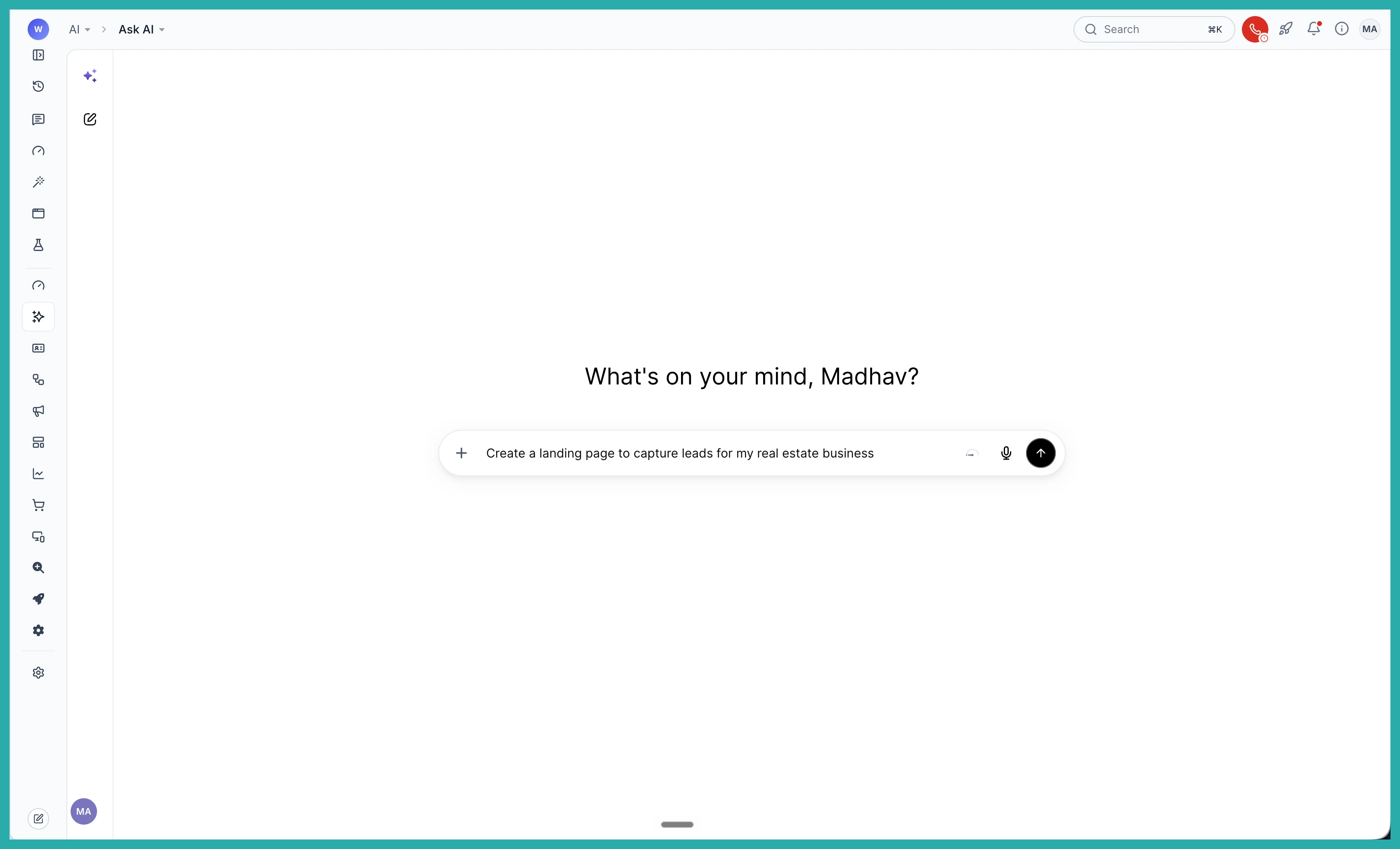
Open Ask AI and start a new chat. Describe the website or app you want, and attach a brief or images if you have them.
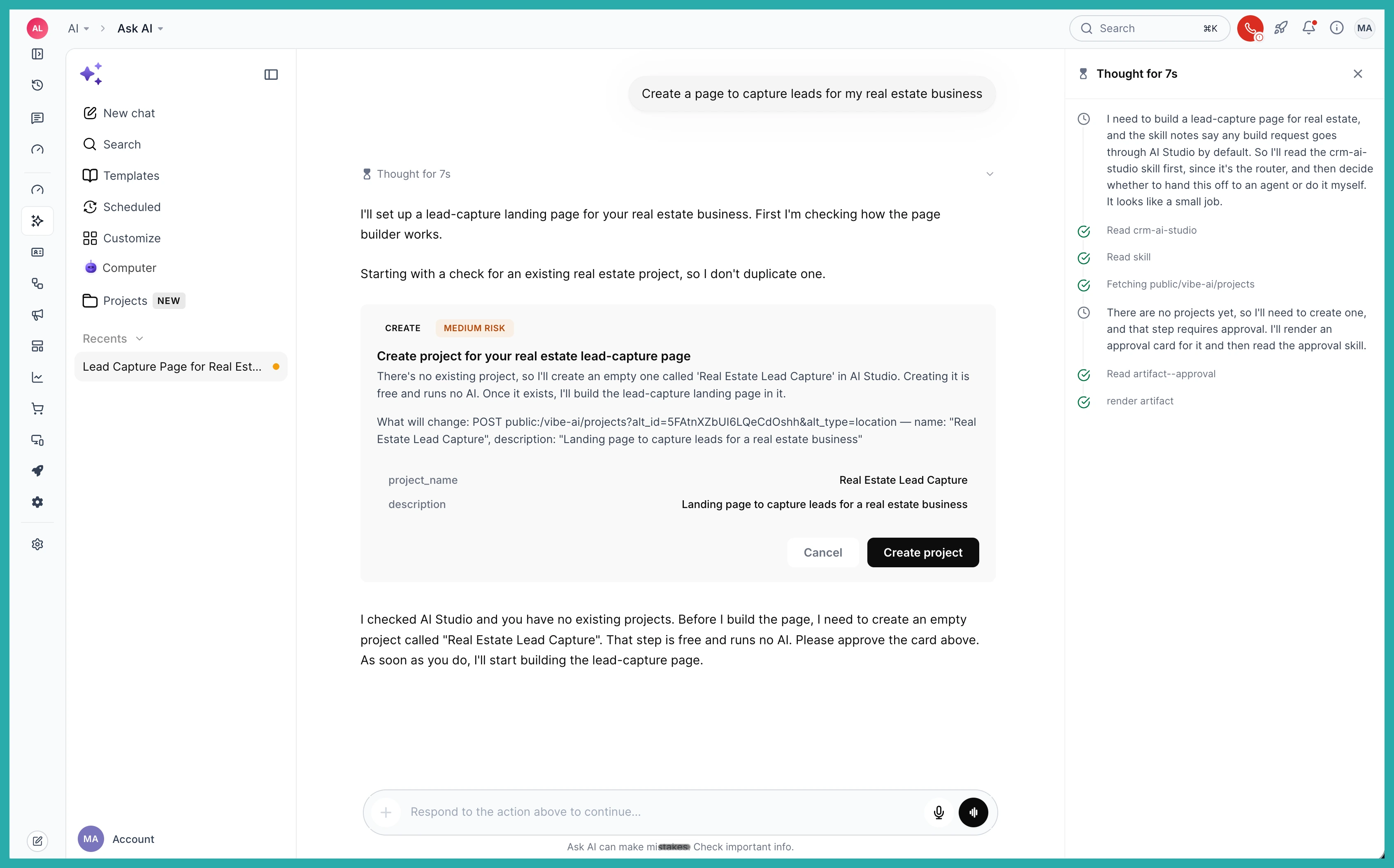
If you don't already have a project for this, Ask AI will ask you to approve creating one. Go ahead and approve it - this step is free and runs no AI.
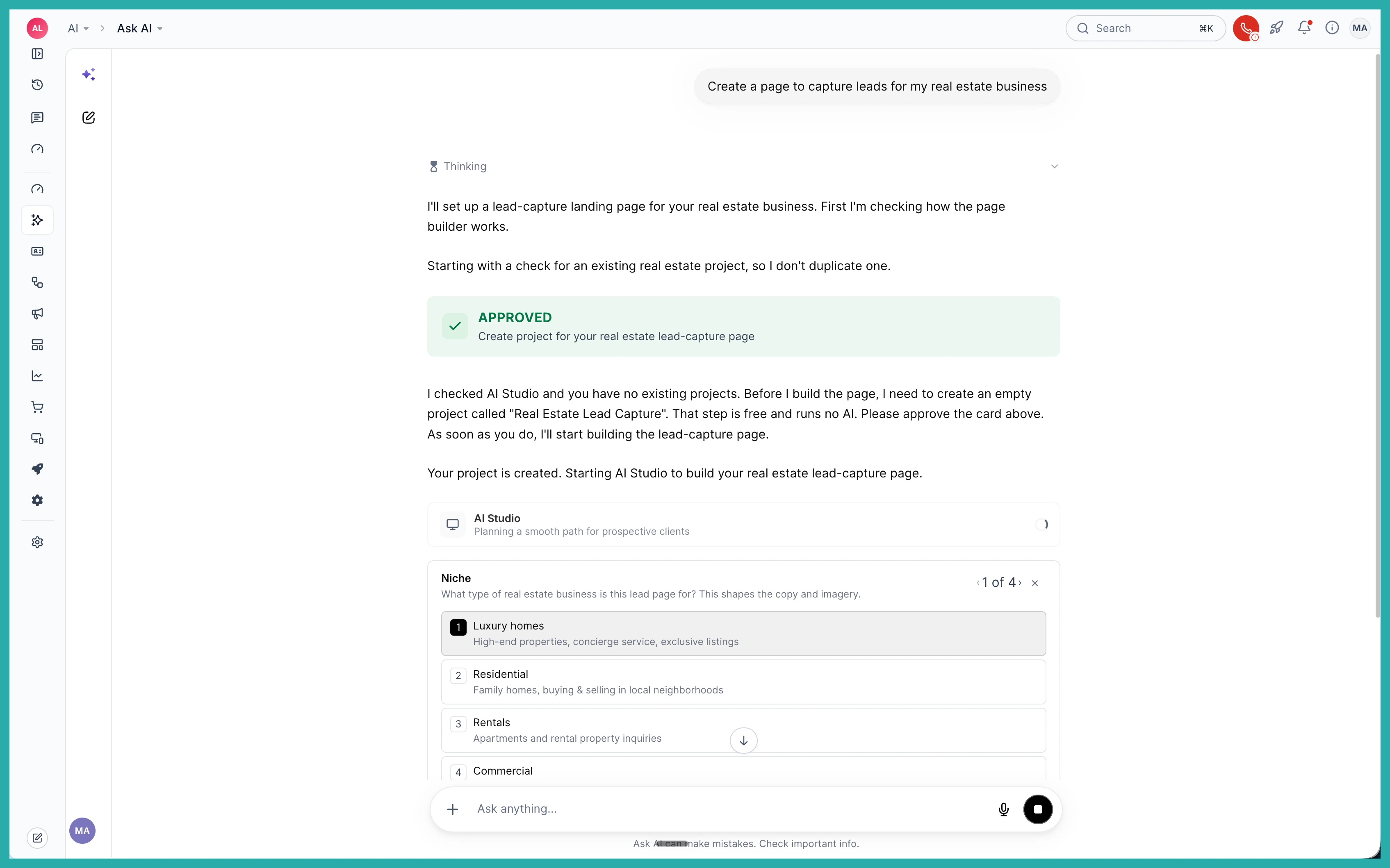
Next, the agent asks a few questions to shape the build - things like your niche, your style, or which calendar to connect. You just pick an option right in the chat.
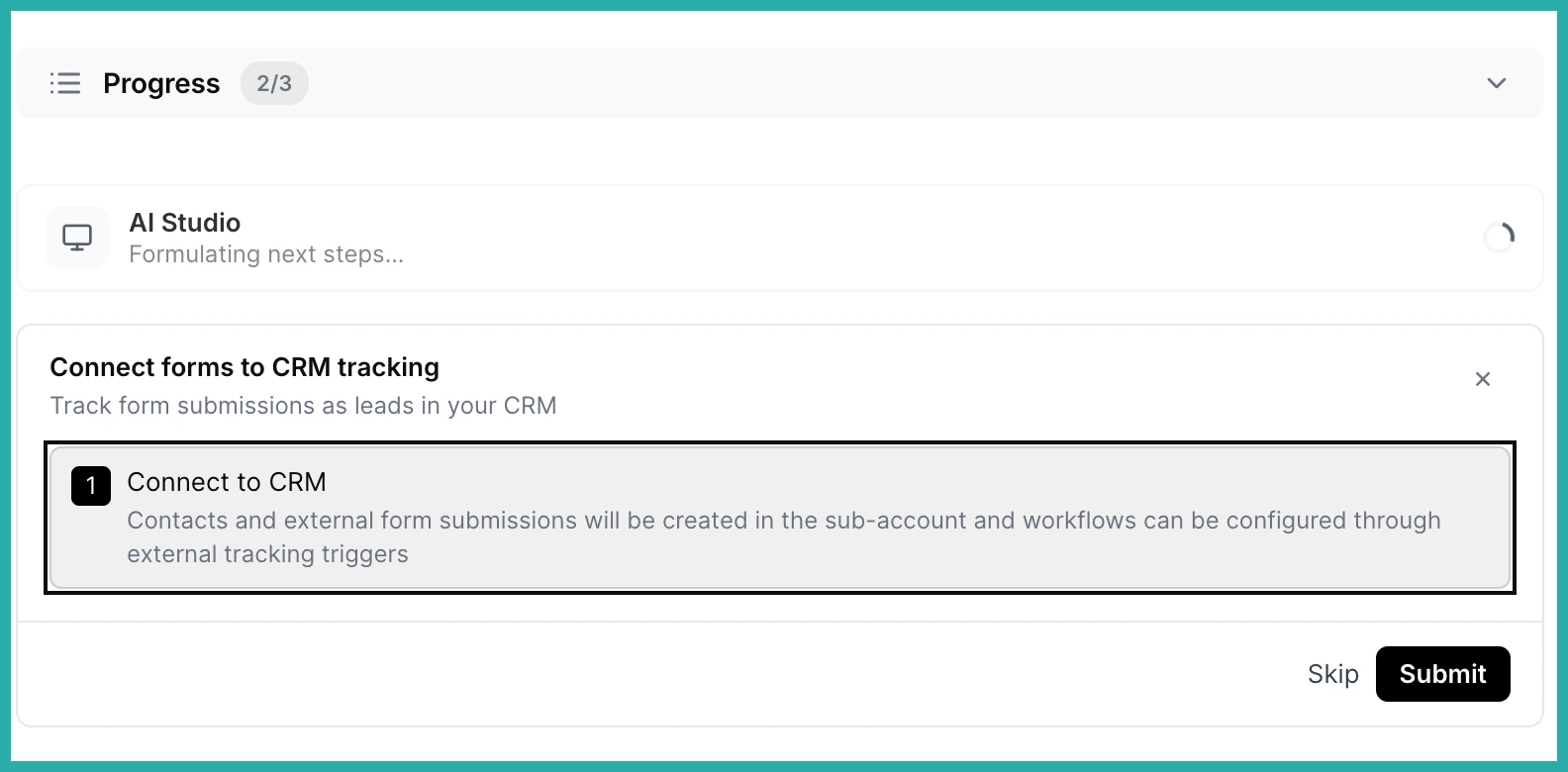
Then it gets to work. A step-by-step checklist shows you exactly what it's building, and it may ask follow-ups along the way, such as connecting your forms to your contacts. If you need to, you can click Stop at any time to cancel a running build.
When the build finishes, the preview opens beside the chat with a summary of what it created. From here you can refine anything. Ask for "add an FAQ section" or "change the phone number" and the project updates in place. If you don't like a change, you can ask it to undo.
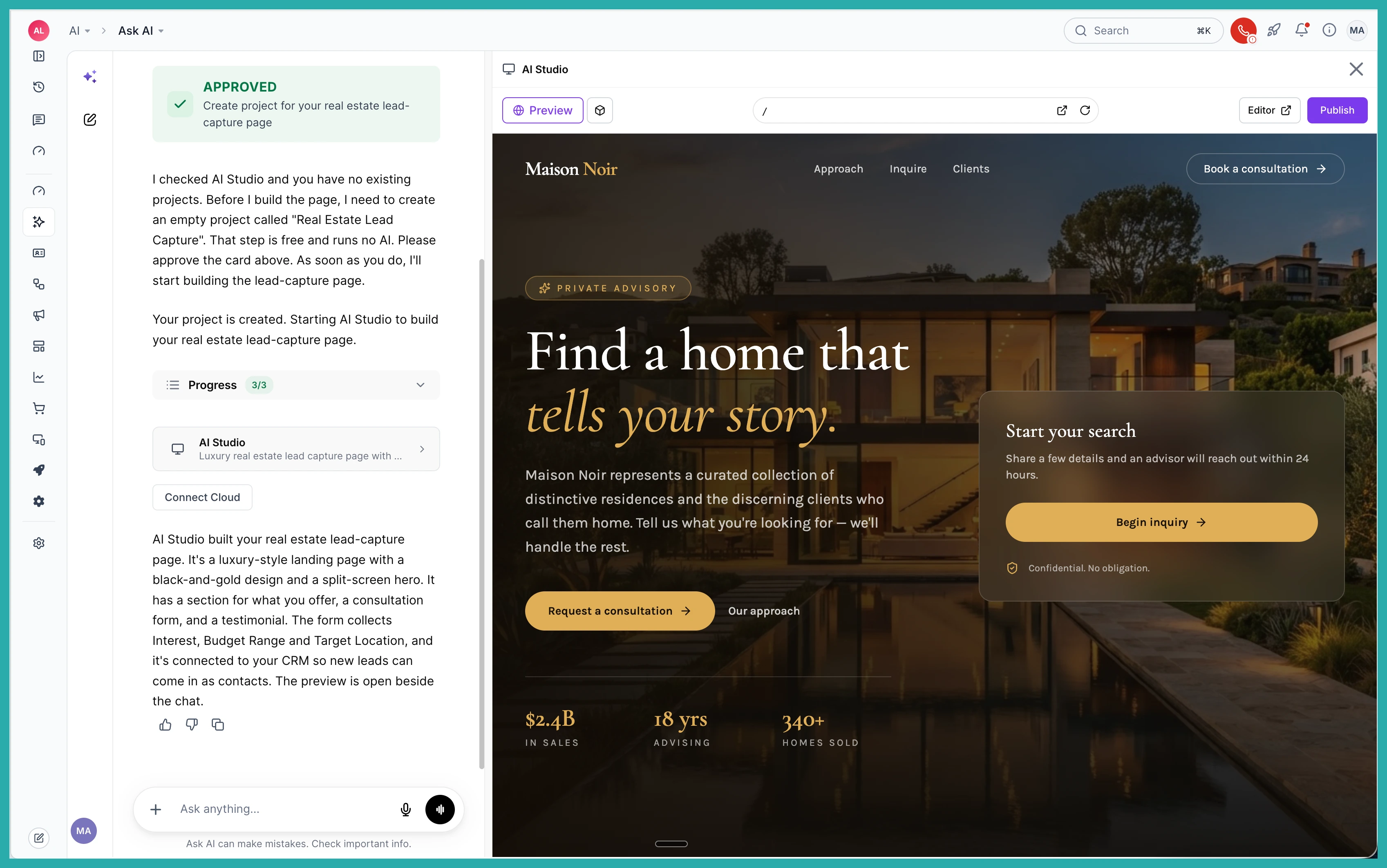
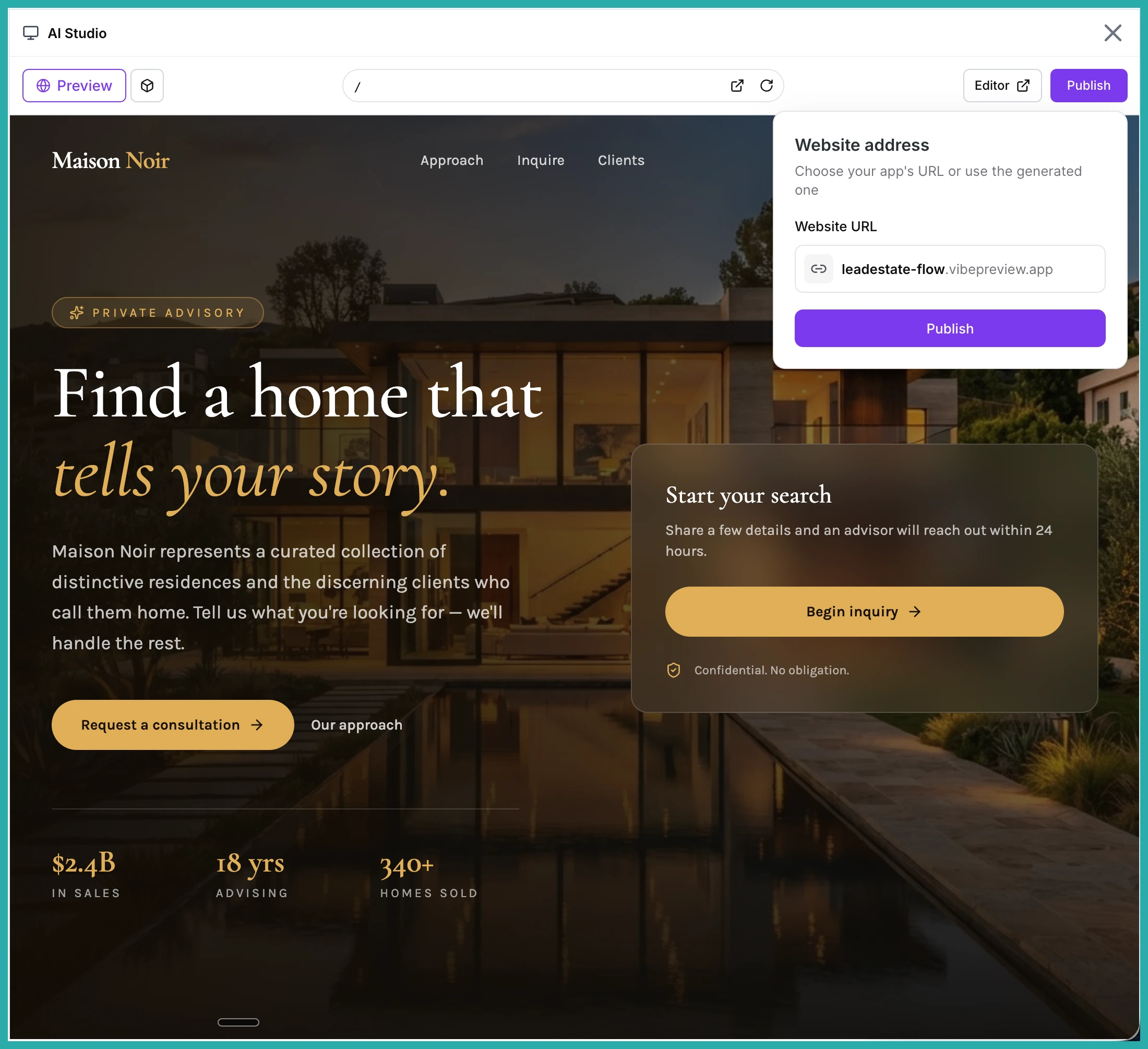
Once it matches what you need, click Publish to take it live on the default domain. If you want advanced features or a custom domain, open the project in the AI Studio editor with one click.
A few things worth knowing
- Give it a minute: a new build or edit usually takes a few minutes. Let it finish before sending your next request.
- Republish after edits: changes you make after publishing aren't live until you publish again. Ask AI will remind you.
- Swap in your real details: the agent may fill gaps with sample text, reviews or contact details. It flags these, but replace them with your own before going live.
- Default domain for now: publishing from the chat uses the default domain. To use a custom one, connect it in the AI Studio editor.
- It uses your AI usage: builds and edits draw on your account's AI usage.
If building a site has felt like one job too many, this is worth a try. Open a new Ask AI chat, describe what you've been meaning to put online, and see how far a single sentence gets you.
