
Your Booking Notifications Can Now Go Out in Your Business's Language
If you run your business in a language other than English, you'll know the drill. Every booking confirmation, every reminder, every follow-up had to be translated by hand, one template at a time.
That's now sorted. Your notification templates across Calendars, Services and Rentals can display in your business's language automatically.
What landed
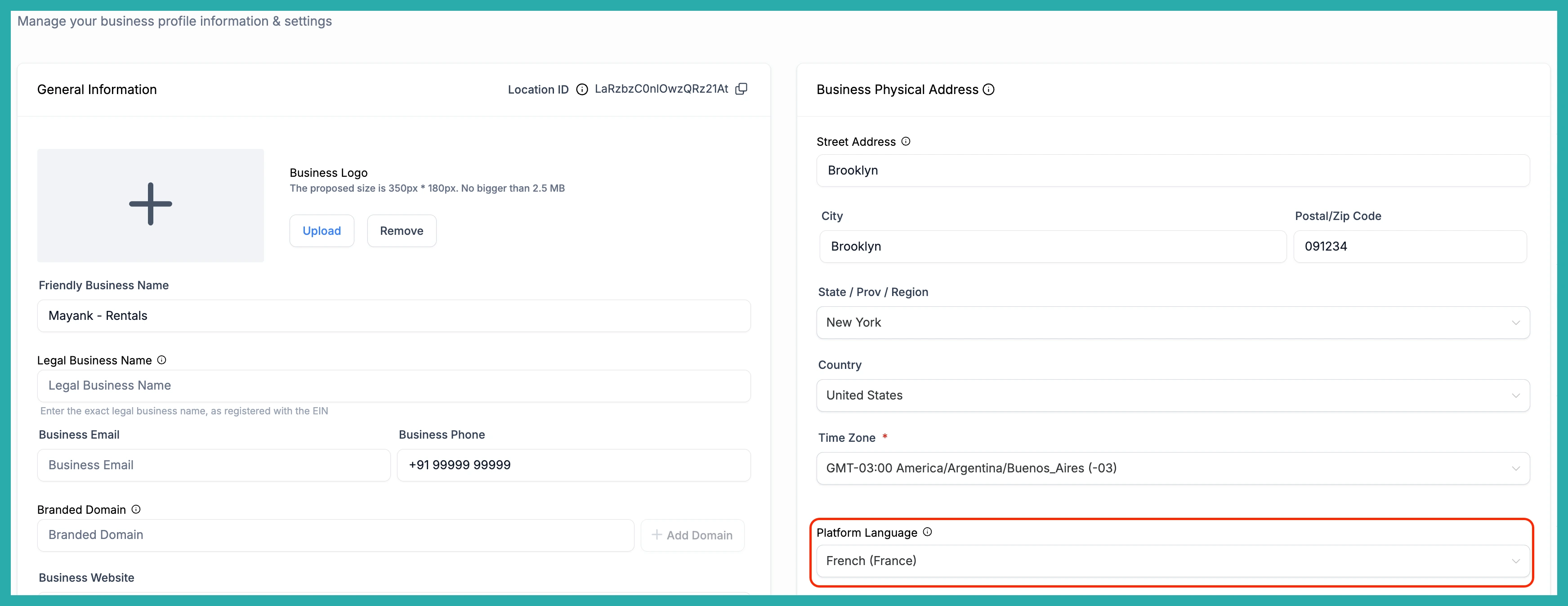
Default notification templates now match the Platform Language set in your Business Profile. That covers Email, SMS and WhatsApp, wherever each product uses them.
For Calendars, that includes the Assigned User, Additional Email, Additional Phone, Contact and Guest templates. Services and Rentals cover every recipient of each notification too.
There's one language source behind all of it - your Business Profile. So every product, every recipient, every channel pulls from the same place. No guessing, no piecing it together.
Your own edits are safe
This is the part worth knowing. If you've already customised a template, the system leaves it exactly as you saved it. It will never overwrite, retranslate, or reset anything you've touched.
Only the untouched, default templates get localised. Your work stays your work.
New calendars, services and rentals
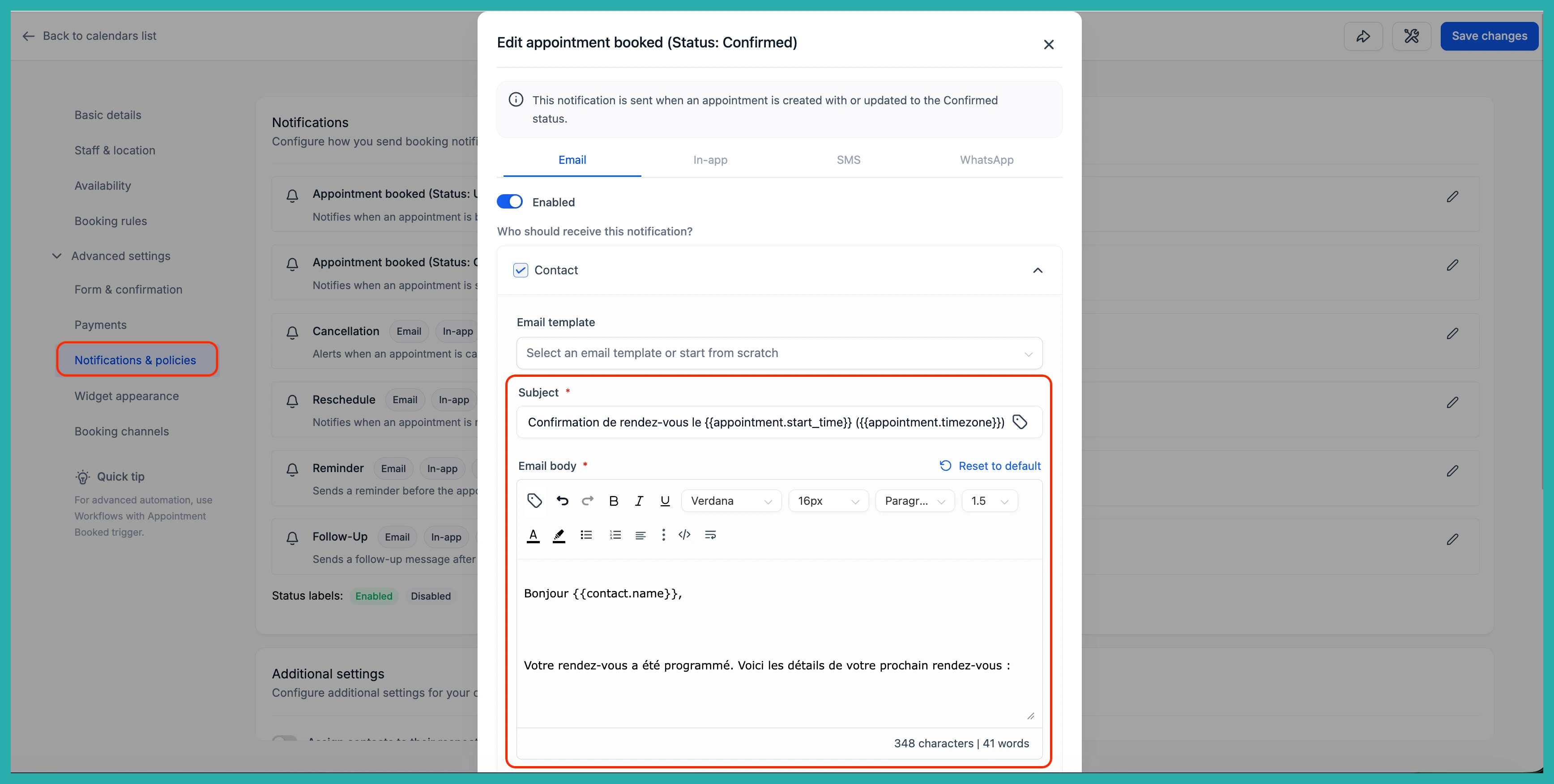
If you create a new calendar, service or rental location from here on, there's nothing to do. The default templates already show in your Business Profile language straight away.
Existing calendars, services and rentals
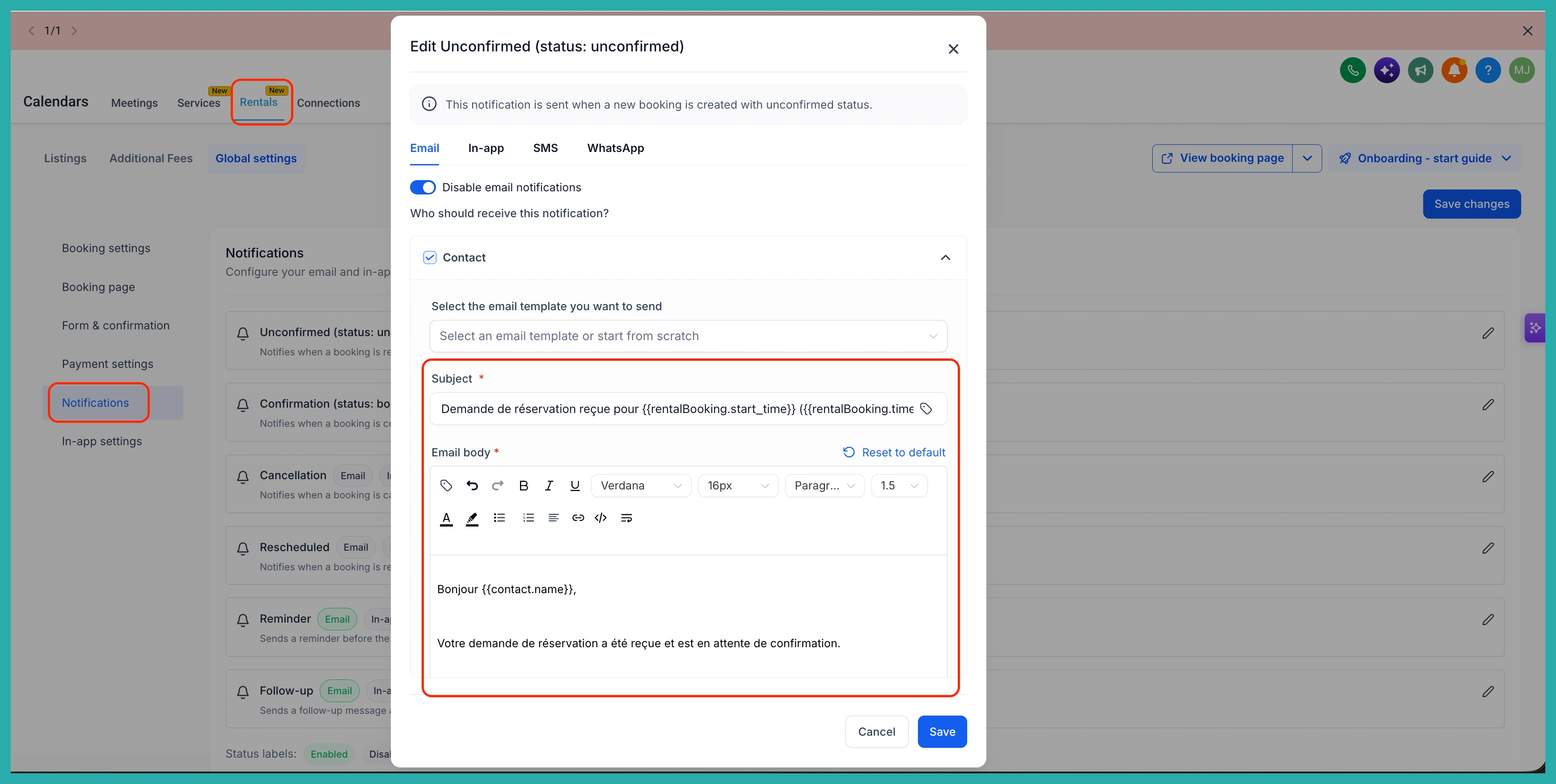
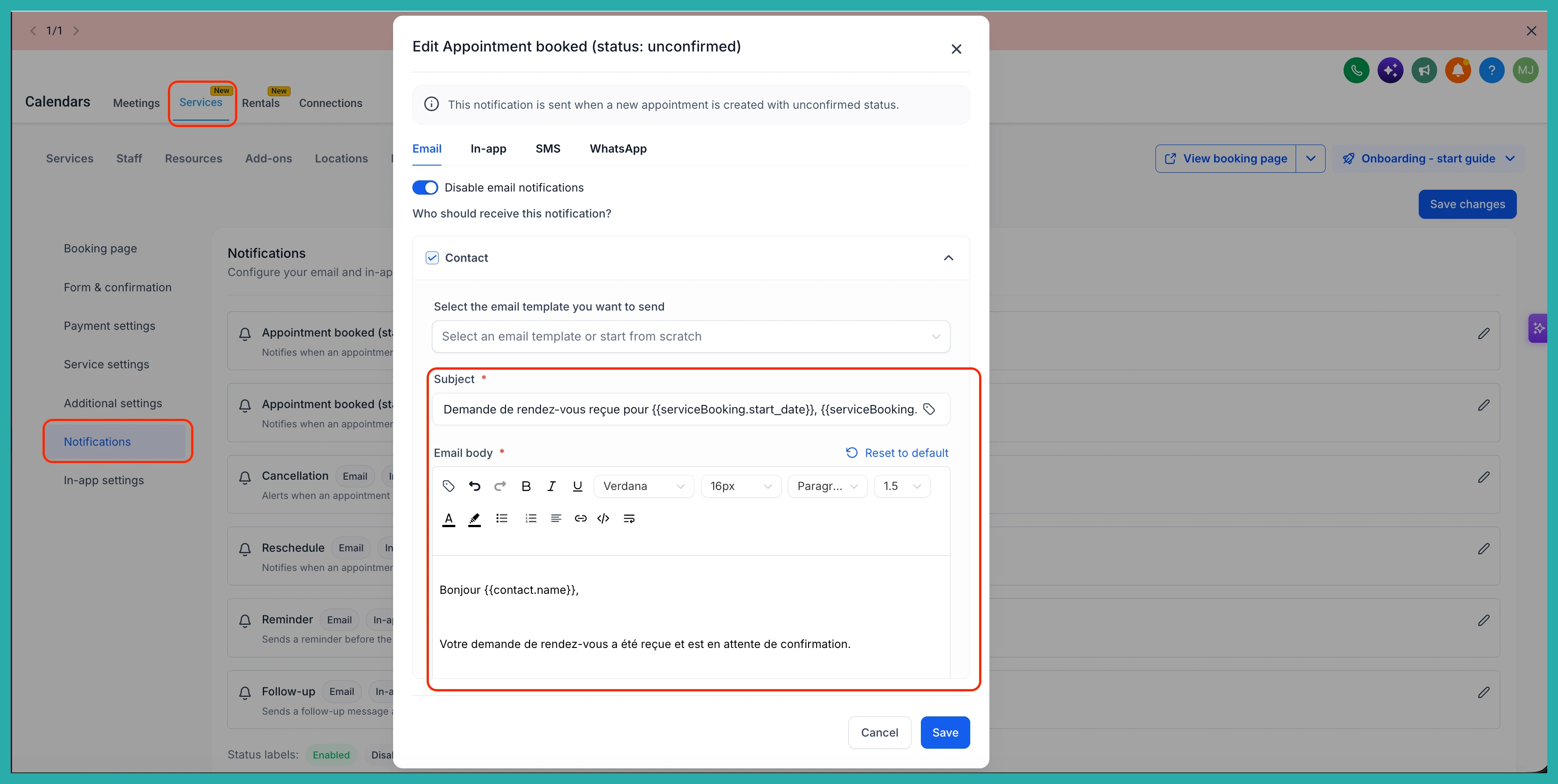
Anything already set up keeps its current English content for now, even if you've never edited it. This is on purpose, so nothing live changes underneath you without your say-so.
When you're ready to pick up the localised version, here's how:
- Calendars: go to Calendar Settings, then Notifications for the calendar you want to update.
- Services and Rentals: go to Global Settings, then Notifications.
Find the notification template you want, and click Reset to Default. That single click is what triggers the translation into your business's language.
So new setups work out of the box, and existing ones opt in whenever you're ready. If you run in more than one language, this is a good afternoon's tidy-up that pays you back every time a booking goes out.
