
Add a Whole Batch of Custom Fields to Your Forms in Two Clicks
If you've ever built a longer form, you know the drag. One field, drop it, go back, next field, drop it, back again. A dozen fields later you've done a hundred little clicks for something that should have taken thirty seconds.
That's now sorted. The Custom Fields sidebar in the builder has been rebuilt so you can search, tick several fields at once, and drop the whole lot onto your canvas as a group. And it works the same way across Forms, Surveys and Quizzes.
What you get
The sidebar is faster and clearer, with a few things that make building long forms much less tedious:
- Checkboxes on every field so you can select a batch at once
- An "Add N fields" button to insert everything you've ticked in one click
- Drag several selected fields together, with a stacked preview showing how many you're moving
- An object dropdown to switch between Contact, Opportunity, Business and any custom objects, so you only see the fields you actually need
- Search by field name, and hover tooltips for long names that get cut off
Best of all, your fields land right after whatever element you had selected on the canvas, not stranded at the bottom for you to scroll and rearrange.
How to use it
Open any Form, Survey or Quiz in the builder and switch to the Add Object Fields tab in the left sidebar. Pick your object from the dropdown - Contact, Opportunity, Business, or a custom object - so you're only looking at relevant fields.
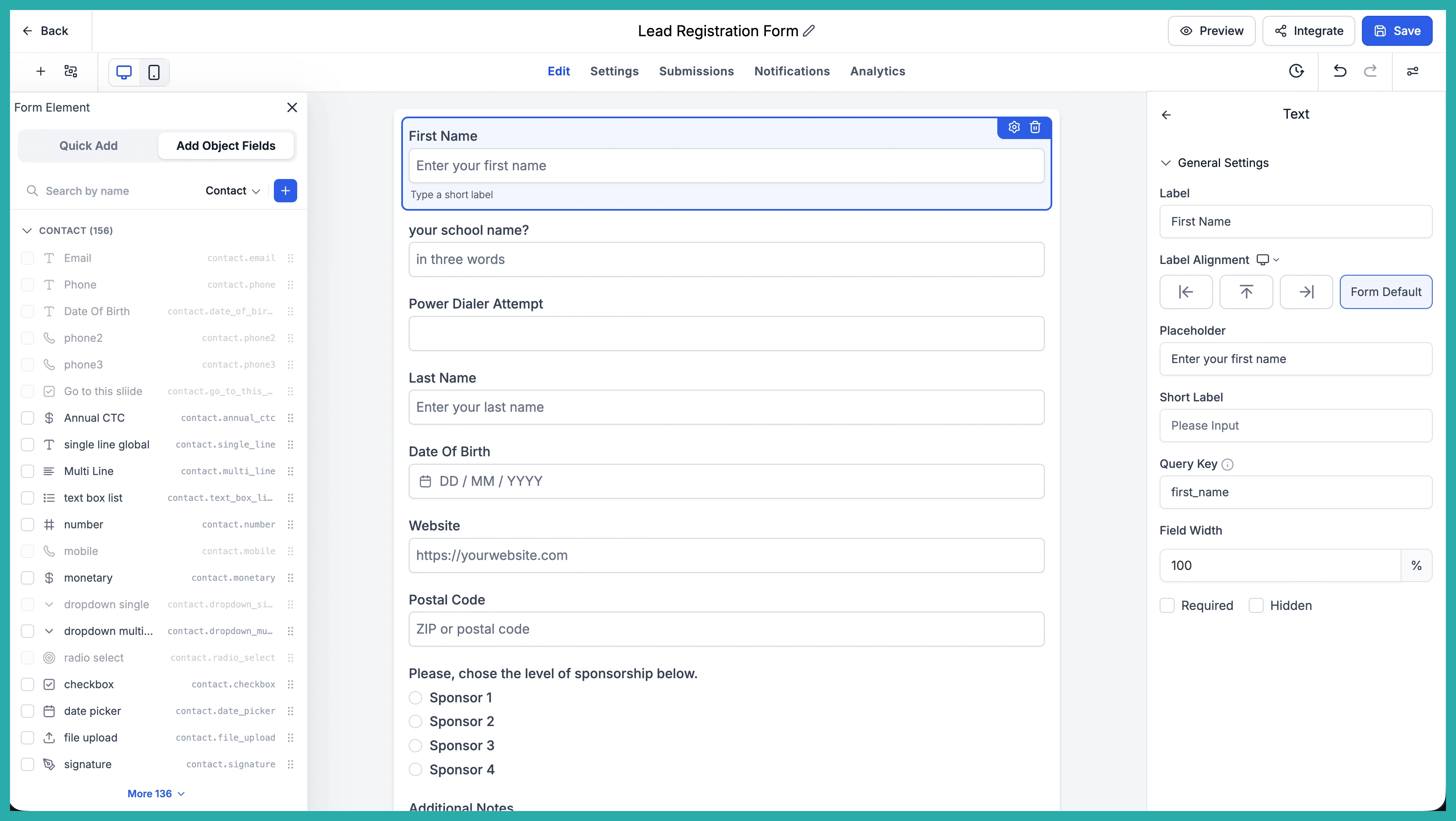
Now tick the fields you want using the checkboxes on the left of each row. You can search or expand folders to find them, and your selection stays put while you scroll, so you can build up a batch across different sections.
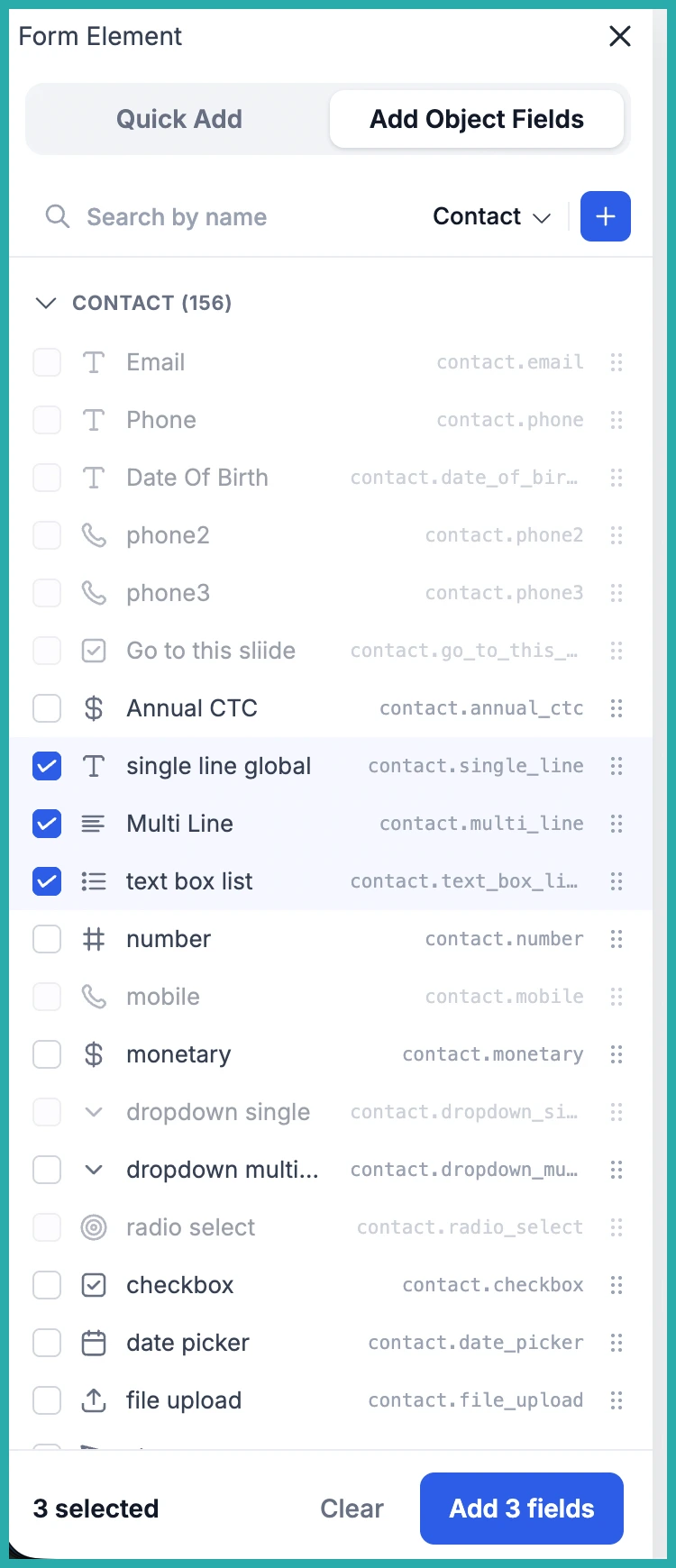
When you've got everything ticked, you have two options. Either click Add N fields at the bottom of the sidebar, or drag any one of your selected fields onto the canvas and the whole group comes with it.
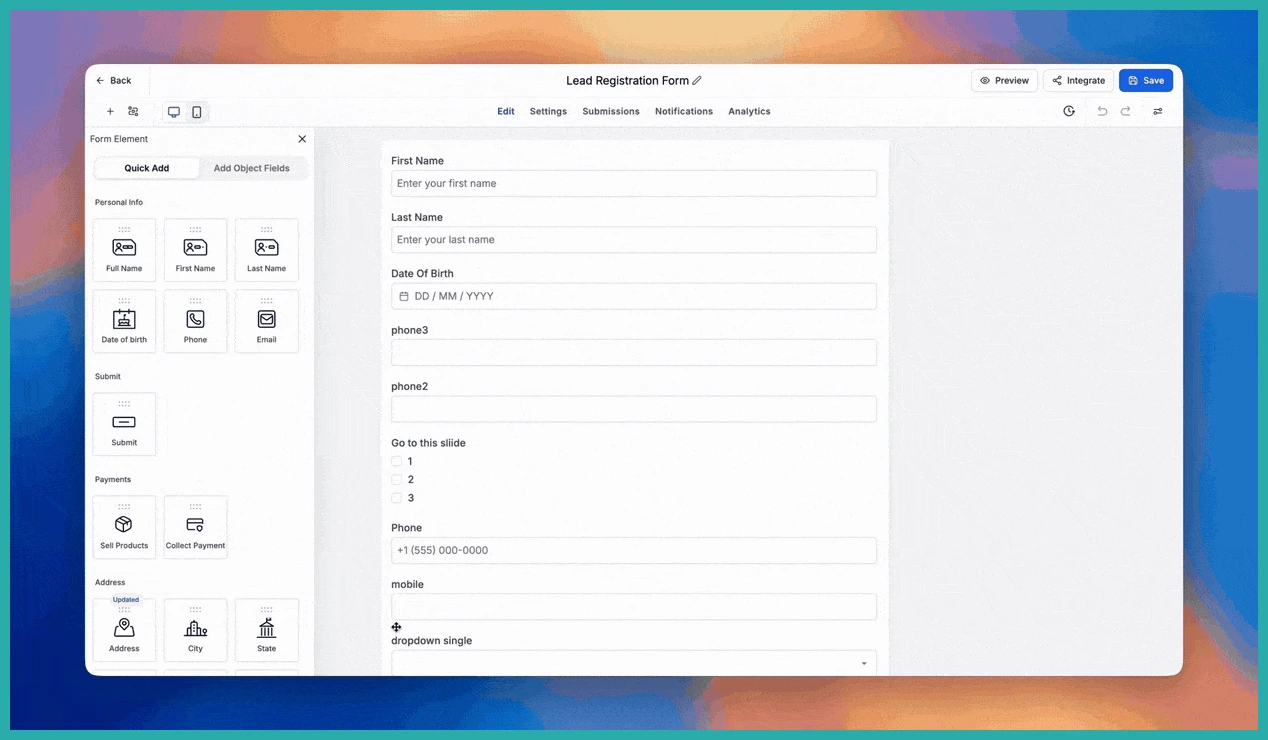
The fields drop in the exact order they appear in the sidebar, right after whichever element you had active. A full contact section that used to take a dozen clicks now takes two.
A few things worth knowing
Your existing Forms, Surveys and Quizzes are untouched - nothing about your saved builders changes.
Switching the object in the dropdown clears your selection automatically, so you won't get ghost counts hanging around. And if you shift-click to select a range, it skips any fields already on your canvas, so you can't accidentally add the same one twice.
If you're using the one-question-per-slide setting in Surveys, that's respected too - bulk-added fields get split onto their own slides where they should.
Got a long form you've been putting off? This is the good time to build it. Give the new sidebar a go and see how much quicker it feels.
