Business Process Automation Tools: What Actually Works for Small Online Businesses
Most content on business process automation tools was written for companies with IT departments. The tools they recommend - IBM, UiPath, Microsoft Power Automate - are built for enterprise teams with developers, budgets, and dedicated operations staff.
If you are a solopreneur or coach running an online business, that content is not written for you. Your automation needs are different. You do not need to route approvals across departments. You need the gap between a lead arriving and a client getting started to close itself - without you manually handling every step.
That is what this post covers. The business process automation examples that actually matter for a lean online business, the tools worth using, and how to set up the automations that will save you the most time first.
What Business Process Automation Actually Means for a Small Business
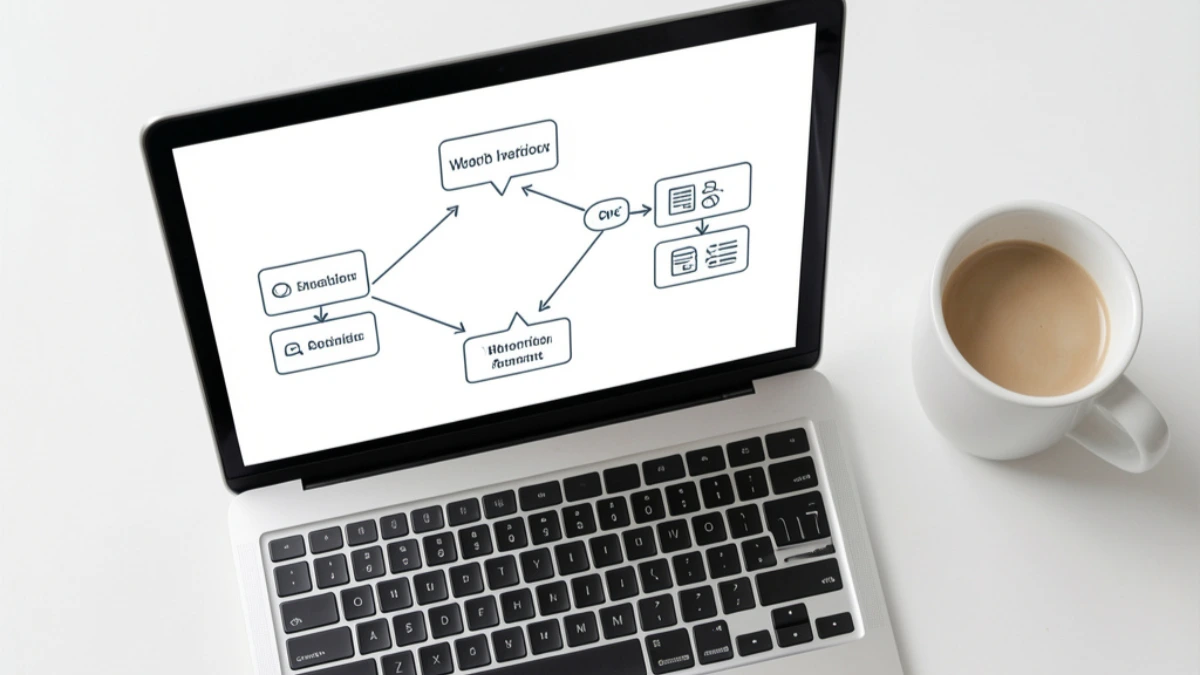
Business process automation is a broad term. In enterprise circles it covers workflow orchestration, robotic process automation, and cross-department approval routing. For a solopreneur or coach, it means something much simpler: setting up a system that handles a repeated task automatically, so you do not have to do it manually every time.
When someone opts in to your lead magnet and your email platform automatically sends them the download and starts a welcome sequence - that is automation. When someone books a discovery call and they receive a confirmation email and a calendar invite without you lifting a finger - that is automation. When a new client pays and an onboarding email sequence starts automatically - that is automation.
None of these require enterprise software. They require the right tools connected to each other, with a trigger and an action set up once.
For a broader look at how automation of manual processes applies specifically to small businesses, that post covers the foundation in more detail.
The Gap Most Coaches and Solopreneurs Are Not Closing
Here is the most common pattern in a coaching or solopreneur business that is not yet using automation properly.
Someone discovers you on social media. They find their way to your opt-in page and download your lead magnet. You meant to follow up but it has been three days and you have not sent anything. They have already moved on.
Someone books a discovery call. They receive no confirmation email, no reminder, and no pre-call information. They show up unprepared or forget entirely.
A new client pays for your coaching package. You manually write and send their welcome email, their onboarding questionnaire, and their first session details. Each one takes 20 minutes. You do it again for the next client. And the next.
These are not small inefficiencies. They are revenue leaks and time costs that compound every week. Business workflow automation closes them. And for most solopreneurs, closing these three gaps alone would save several hours a week and meaningfully improve the client experience.
Business Process Automation Examples That Matter Most
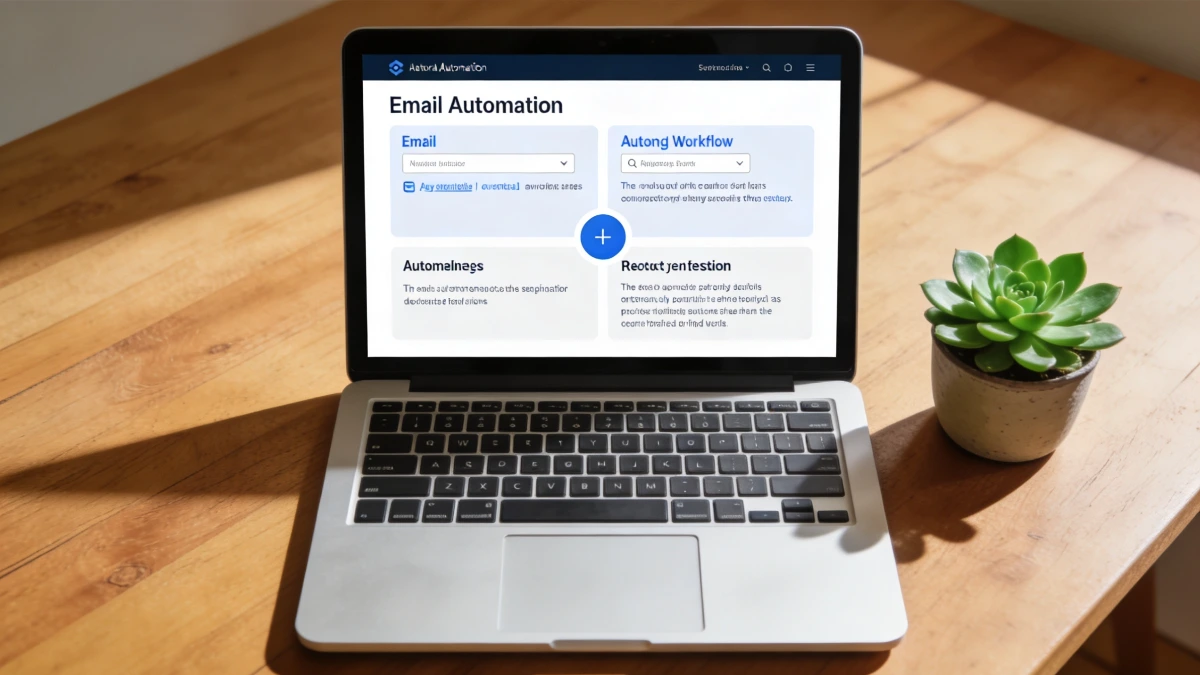
Here are the six automations that deliver the highest return for a lean online business - and what each one actually does.
1. Lead magnet delivery. When someone opts in, they receive the download automatically. No manual sending. No delay. The trigger is the form submission. The action is the email with the download link. This should be instant, every time, without you involved.
2. Welcome email sequence. After the lead magnet delivery, a series of three to seven emails goes out automatically over the following days. It introduces you, builds trust, and leads toward an offer or a discovery call. Set it up once. It runs for every new subscriber from that point on.
3. Booking confirmation and reminder. When someone books a discovery call, they receive a confirmation email immediately and a reminder 24 hours before. You receive a notification. Neither of you has to do anything. The trigger is the booking. The actions fire automatically.
4. Payment confirmation and onboarding sequence. When a client pays, an email sequence starts automatically - welcome message, onboarding questionnaire, what to expect before the first session, how to access any resources. For more detail on how to set up your client onboarding process so it runs without manual effort, that post walks through the full setup.
5. Lead tagging and CRM update. Every time a contact takes an action - opts in, clicks a link, books a call, makes a purchase - their record in your CRM updates automatically. You can see at a glance where every contact is in their journey without logging into multiple platforms or updating anything manually.
6. Re-engagement sequence. When a contact has been inactive for a set period - say, 60 days with no opens or clicks - an automated sequence goes out to re-engage them. A check-in email. A piece of useful content. A gentle reminder of what you offer. Most solopreneurs never follow up with cold subscribers. Automation does it for them.
The Tools Worth Using - and the Ones to Skip
Most business automation tools fall into two categories: standalone integration platforms, and all-in-one platforms where the automations are built in.
Standalone integration platforms like Zapier connect separate tools to each other. If you are already using Mailchimp for email, Calendly for bookings, and a separate CRM, Zapier can create triggers and actions between them. It works. But it also means managing another platform, another subscription, another point of failure, and troubleshooting across multiple systems when something breaks. For a solopreneur, this quickly becomes more overhead than it saves.
All-in-one platforms with built-in automation are a better fit for most coaches and solopreneurs. When your landing pages, email sequences, CRM, booking pages, and checkout are all inside the same platform, the automations between them are native connections - not integrations that need to be built and maintained. The trigger is in the same system as the action. There is no gap between platforms for something to break.
For a deeper look at which business process automation software actually works for small businesses, that post covers the software landscape in more detail.
The honest answer for most solopreneurs is this: you do not need the most sophisticated automation tool. You need the right automations running reliably inside a connected system. Sophistication is not the goal. Reliability is.
How to Start Automating Without the Overwhelm
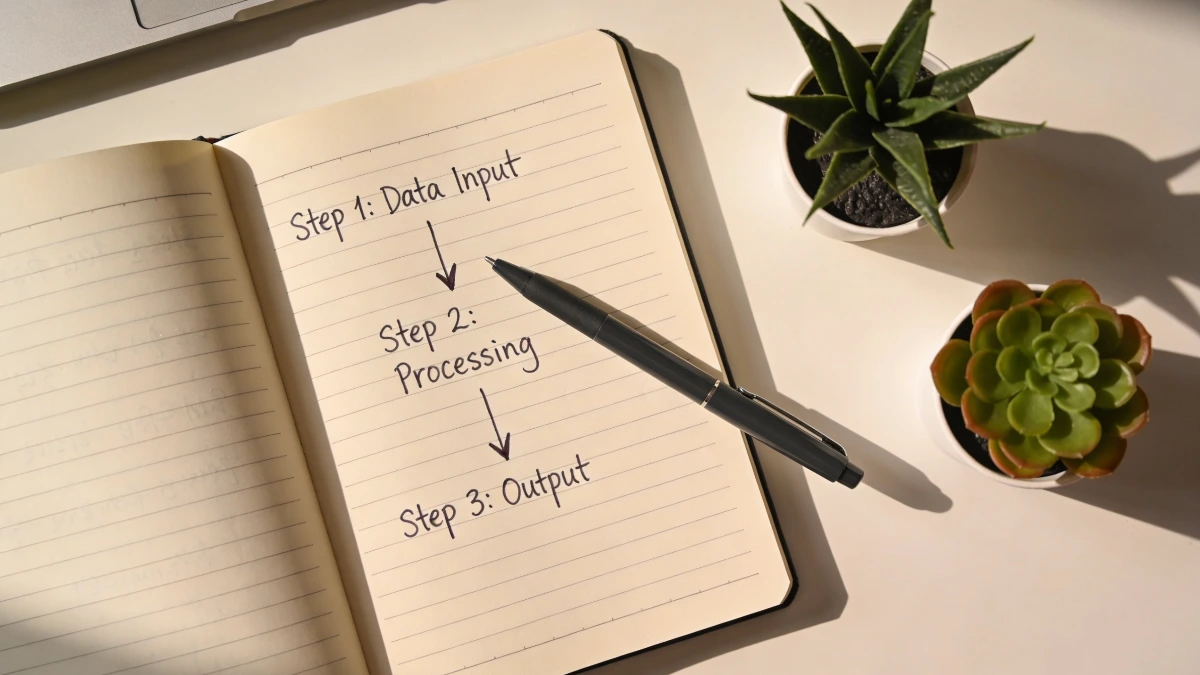
The mistake most small business owners make with automation is trying to automate everything at once. They map out complex workflows, research fifteen different tools, and end up doing nothing because the whole project feels too big.
Start with the lead magnet delivery and welcome sequence. That is the highest-value automation in most coaching businesses and the simplest to set up. Get that running. Then add the booking confirmation. Then the payment and onboarding sequence. Each one you add works in the background permanently from the moment it is set up.
The goal is not a fully automated business in week one. It is one fewer manual task this week than last week. That compounds quickly.
One Platform, All Your Automations Connected
The automations described in this post - lead delivery, welcome sequence, booking confirmation, onboarding, CRM tagging, re-engagement - do not need to be built across five different platforms. They need to be built once, in a system where the pieces are already connected.
ESC Hub was built for exactly this. Landing pages, email sequences, booking pages, CRM, checkout, and automations are all inside the same platform. When someone opts in, the automation fires within the same system - no Zapier, no integration, no separate platform to troubleshoot. The workflow is set up once and runs reliably in the background while you focus on coaching.
The ESC Hub team works with coaches and solopreneurs every day. Daily coaching calls run Monday to Friday, and when an automation is not behaving the way you expected, there is a real team to help you fix it - not a help article and a long wait.
For most coaches, consolidating onto one platform also means a lower monthly outlay than running a separate email tool, CRM, and booking platform alongside each other.
Start your free 14-day ESC Hub trial at eschub.com
Find this useful? Click the Image below to save it for later.