Best CRM for Coaches: Simple Systems That Actually Work
You finally pick a CRM. You spend a weekend setting it up, watch three tutorial videos, and by Wednesday, you're back in your spreadsheet.
Sound familiar?
Most coaches don't have a discovery problem. There are dozens of CRM options out there and the internet is full of comparison articles ranking them all. The real problem is that most of those CRMs were built for sales teams in companies with dedicated ops staff - not for a solo life coach juggling clients, sessions, invoices, and follow-ups on their own.
If you're looking for the best CRM for coaches that you'll actually use consistently, this guide cuts through the noise. We'll look at what features genuinely matter for a coaching business, why "feature-rich" often means "never fully set up," and which options are worth your time depending on where you are in your business.
By the end, you'll know exactly what to look for - and what to ignore.
What Makes a CRM Actually Good for Coaches?
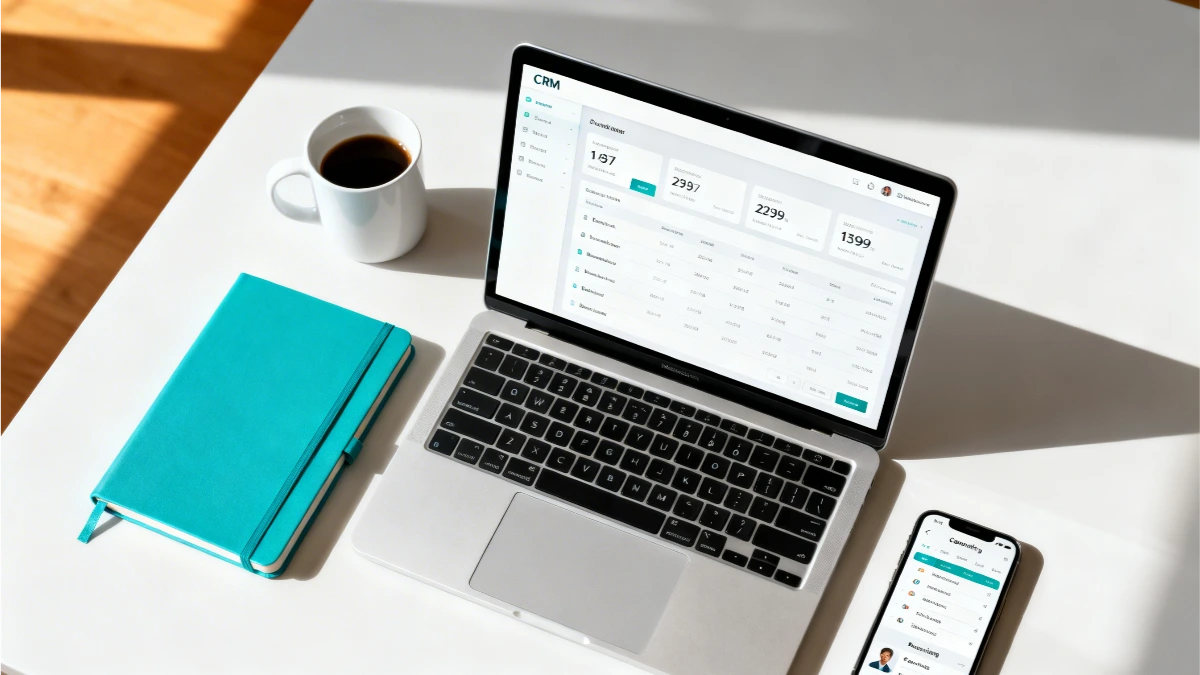
Not all CRMs are created equal, and most aren't designed with coaches in mind.
The coaching industry has specific needs that differ from a typical sales-driven business. You're managing ongoing client relationships, not just chasing one-time transactions. You need session notes, follow-up reminders, intake forms, and scheduling - often all tied to the same contact.
Good coaching client management software should do a few things well:
It should centralize your client information. One place for contact details, session history, notes, and communication. No more digging through emails or switching between apps to find what you need before a call.
It should make follow-up automatic. Manually remembering to check in with a client three days after a session, or to send a reminder before a booking, is a recipe for things falling through the cracks. The right CRM removes that cognitive load.
It should handle bookings and payments without a separate tool. If your CRM doesn't align with how you book sessions or collect payments, you're still juggling disconnected tools, which defeats the purpose.
It should be set up in an afternoon, not a month. CRM software for life coaches that requires weeks of configuration before it's usable isn't solving your problem. It's adding a new one.
That last point matters more than most people give it credit for - so let's talk about it.
The Simplicity Trap: Why "Feature-Rich" Often Means "Never Used"
Here's a pattern that plays out constantly in the coaching world.
A coach hits the point where their spreadsheet and notebook system is clearly not working. A client falls through the cracks. An invoice goes unsent. They decide it's time to get proper software. They research CRMs, get excited by a platform that does everything, sign up, and spend two weekends trying to get it configured correctly.
Then real life kicks in. Clients need sessions. Content needs to be created. The CRM sits half-finished, and the coach goes back to the spreadsheet because at least they know where everything is.
This is the shelfware trap. It doesn't mean the coach isn't capable. It means the tool wasn't built for how a solo coaching business actually runs.
The best CRM for your coaching business isn't the one with the most features. It's the one you'll actually open every single day.
Karen King, Founder of ESC Hub, has worked with hundreds of coaches and online business owners who came to her after exactly this experience - months wasted trying to build complex systems they'd never fully use. Her consistent finding: simpler systems create more freedom, not less. Technology should disappear into the background and let you do your best work. The moment your tools require more attention than your clients, something has gone wrong.
When evaluating any CRM, ask yourself honestly: can I see myself using this every day without thinking about it? If the answer isn't a clear yes, keep looking.
Must-Have Features vs Nice-to-Have Features for Your Coaching Business
Before comparing specific platforms, it helps to separate what you actually need from what sounds impressive in a demo.
Must-haves for coaching client management:
Contact records with notes and interaction history
Automated email follow-up sequences
Booking and scheduling (or seamless integration with your scheduling tool)
Pipeline or stage tracking so you can see where each prospect or client sits
Payment collection or invoicing
Nice-to-have coaching business software features (but not essential to start):
Lead scoring
Advanced analytics and reporting dashboards
Social media integration
Multi-user team access (unless you have a team)
AI-powered features
The mistake most coaches make is optimising for the nice-to-haves. They choose the platform with the most integrations, the most automations, the most dashboards - and then spend all their time managing the software instead of running the business.
Start with the must-haves. Build from there.
Top CRM Options for Coaches: Honest Assessments
Here's a straightforward look at the most commonly recommended platforms - what they do well, and where they fall short for coaches specifically.
HubSpot CRM
Best for: coaches just starting out who need something free and basic
HubSpot's free tier is genuinely useful for getting organised when you're early-stage. Contact management is solid, and the interface is clean. The problem is that the features coaches actually need - automated sequences, booking integration, pipeline customisation - sit behind paid tiers that get expensive quickly. Many coaches outgrow the free plan fast and find the jump to paid plans harder to justify as a solo operator.
The reality check: Free is compelling, but the upgrade path for a solo coaching business can become costly without delivering proportional value.
Dubsado
Best for: coaches who need proposals, contracts, and client onboarding workflows
Dubsado does a specific job well: onboarding new clients. Proposals, contracts, questionnaires, and payment collection are all baked in. Coaches who do a lot of project-based or packaged work often find it fits naturally.
The downside is the learning curve. Dubsado has a reputation for taking significant time to set up correctly. If you're not someone who enjoys configuring software, expect a rocky start. It's also not built for ongoing relationship management in the way a true CRM for coaches should be - once a client is onboarded, it's less useful.
The reality check: Strong onboarding tool, weaker ongoing CRM. Better suited to coaches who work in defined packages than ongoing retainer models.
Active Campaign
Best for: coaches who are ready to invest seriously in email marketing automation
ActiveCampaign is one of the strongest email marketing and automation platforms available. If email is central to how you run your business - automated sequences, nurture campaigns, lead segmentation - it's hard to beat.
The issue for most coaches is that it's primarily a marketing tool that has added CRM functionality, rather than the other way around. Setup is involved, and getting the automation working the way you want takes real time. It's also priced as a marketing platform, which can feel steep if you're mainly using it to track client relationships.
The reality check: Excellent if email marketing is a core part of your strategy. Overkill if you just need to manage client relationships and follow-ups.
Paperbell
Best for: coaches who want a coaching-specific tool and nothing else
Paperbell is built specifically for coaches - scheduling, packages, contracts, session notes, and payments all in one place. It does those things well and is relatively simple to get running.
The limitation is that it's narrow by design. It doesn't have the email marketing capability, pipeline management, or broader CRM functionality that coaches who are also building their audience need. If your business has grown beyond just managing existing clients and you're actively generating leads and nurturing prospects, Paperbell alone won't cover it.
The reality check: A strong focused tool for session management, but it leaves gaps as your business scales.
ESC Hub
Best for: coaches who are done juggling disconnected tools and want everything in one place
ESC Hub is an all-in-one business platform built specifically for online business owners, coaches, and service providers. It combines CRM, email marketing, automations, funnels and landing pages, bookings, payment collection, and community - all in one account.
The difference between ESC Hub and most CRM options isn't just the feature list. It's the support. Most platforms give you software and a help centre. ESC Hub gives you a team that genuinely cares whether you succeed with it - including daily live coaching calls, Monday to Friday, where you can get actual answers to actual questions in real time.
Coaches who come to ESC Hub after years of tool-stacking typically report the same experience: they arrived for the software consolidation, and stayed because of the community and support. That shift - from isolated business owner to supported one - often matters as much as the features themselves.
ESC Hub replaces up to 20 separate tools. For a coach currently paying for a scheduling tool, an email platform, a landing page builder, and a CRM separately, the consolidation often saves money as well as time.
You can explore ESC Hub's approach to business systems at eschub.com and see how members have simplified their businesses on the ESC Hub testimonials page.
CRM Integration Essentials: Scheduling, Payment, and Communication Tools

Even if you choose a standalone CRM, there are a few integrations that are non-negotiable for a coaching business.
Scheduling: Your CRM needs to connect with how you book sessions. Whether that's a built-in booking system or an integration with a tool like Calendly, the handoff from lead to booked call should be automatic - not a manual step you manage every time.
Payments: Invoicing and payment collection should live close to your client records. Sending an invoice from one platform while managing the client relationship in another adds friction and creates gaps in your records.
Email: Your CRM should either include email automation or connect directly to the platform where you send emails. Disconnected email and CRM systems mean you're never looking at the full picture of a client relationship.
The more integrations you rely on, the more points of failure you introduce. Every time two tools need to sync, something can break. This is the core argument for an all-in-one platform - not that it does everything perfectly, but that it removes the dependency on integrations holding together correctly.
Pricing Reality: What You'll Actually Pay (Beyond the Marketing)
CRM pricing is one of the most misleading areas in software marketing. Here's what to watch for.
Introductory pricing vs real pricing. Many platforms advertise a low entry price that applies only to the most basic tier. Features coaches actually need often sit one or two tiers up.
Per-contact pricing. Some email and CRM platforms charge based on how many contacts you have in your database. As your list grows, so does your bill - often steeply. Check the pricing at 500, 1,000, and 5,000 contacts before committing.
Feature add-ons. Platforms that advertise a low monthly fee sometimes charge separately for automations, reporting, additional users, or specific integrations. Get clarity on what's genuinely included before you sign up.
The multi-tool total. If you're evaluating a standalone CRM, add up everything else you're paying for: scheduling, email, landing pages, payments. The true cost of your current setup is often higher than a consolidated platform like ESC Hub.
Making Your Decision: Match Your CRM to Your Business Stage
The best CRM for a coach just starting out is different from the best crm for coaches running a full client roster with a lead generation system in place.
Early stage - just getting organised: Focus on something simple you'll actually use. HubSpot free or a basic dedicated coaching tool gives you structure without complexity. Don't over-invest in software before your business model is settled.
Growing - building a pipeline and managing existing clients: This is where standalone tools start to strain. You need email automation, lead tracking, and booking integration working together. Either invest in a CRM with strong integration support, or consider moving to a platform that handles all of it.
Established - scaling with systems: If you're generating leads consistently and managing multiple clients, disconnected tools become a genuine bottleneck. This is the stage where an all-in-one platform like ESC Hub pays for itself - not just in cost savings, but in the hours you stop spending managing integrations and troubleshooting syncs.
The coaches CRM that works best is always the one that fits your current stage, not the one with the most impressive feature page.
The Bottom Line
There is no single best CRM for coaches. There is the right CRM for your stage, your technical comfort level, and how you want to run your business.
What there is a clear answer on: the tool you don't use is worth nothing, no matter how impressive it looked in a demo. Start with simplicity. Expand as your needs grow. And if you're at the point where you're spending more time managing tools than actually coaching, that's the clearest sign it's time to consolidate.
If you're ready to stop juggling disconnected software and start running your coaching business from one platform - with real support behind you every step of the way - start your free 14-day ESC Hub trial at eschub.com. No tech degree required.