Automated Follow-Up Emails: Setup Without Overwhelm
You follow up with some leads. Not all of them. The ones you remember, or the ones who seemed most likely to say yes. The rest - the ones who downloaded your freebie, filled out your contact form, or asked for more information - those ones fall through the gaps.
It’s not laziness. It’s capacity. You’re running a business, and manually following up with every single enquiry at exactly the right time isn’t something a one-person operation can do consistently.
That’s what automated follow-up emails are for. Set them up once, and every lead gets followed up with - on time, every time, without you having to think about it.
This post covers what you actually need to know: how follow-up automation works, what a simple sequence looks like, and how to make sure your automated emails still sound like a real person wrote them.
Why Most Solopreneurs Are Losing Leads
The leads aren’t going cold because your offer is wrong. They’re going cold because the follow-up is late, inconsistent, or doesn’t happen at all.
Research consistently shows that responding to a lead within the first few minutes dramatically increases the chance of converting them. By the time you get around to following up - later that day, or the next morning, or when you finally clear your inbox - the moment has passed. They’ve moved on, found someone else, or simply forgotten they were interested.
The problem gets worse with every extra thing on your plate. When you’re delivering work, managing clients, and trying to grow your business at the same time, follow-up is always the thing that gets pushed. It feels less urgent than everything else - right up until you realise how much revenue has quietly walked out the door.
Automating this doesn’t just save time. Your follow-up becomes as fast and consistent as a business with a full sales team - because the system handles it while you’re doing everything else.
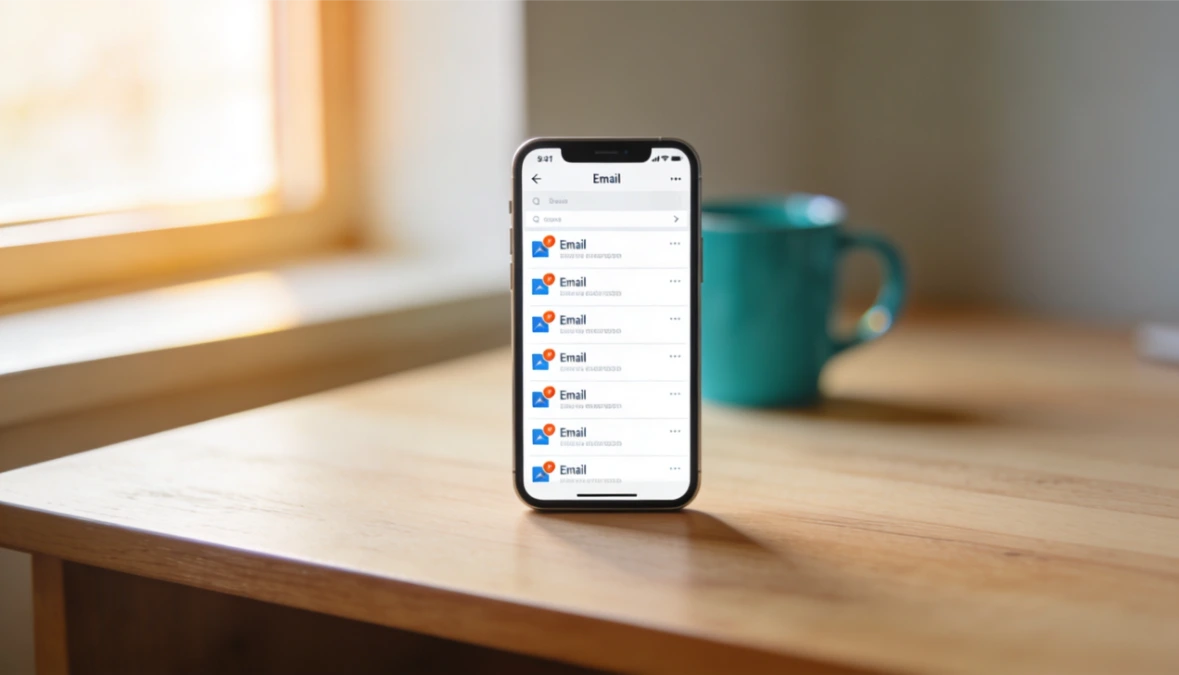
To automate customer follow-up means setting up your system to send the right message at the right time without you having to remember or hit send. Automated customer follow-ups run on triggers - someone books, buys, or goes quiet - and the email goes out on its own.
Done well, automated customer follow-up does not feel robotic. It just means the person who reached out actually hears back, every time, instead of falling through the cracks when you get busy.
What Automated Follow-Up Emails Actually Are
An automated follow-up email is an email that sends itself, triggered by something your lead did.
That’s really all it is. Someone fills in your contact form - a follow-up goes out. Someone downloads your lead magnet - a welcome sequence starts. Someone books a discovery call but doesn’t show up - a re-engagement email fires.
You write the emails once. You set the trigger and the timing. After that, it runs without you.
The key pieces are:
The trigger - what starts the sequence (a form submission, a download, a booking, a tag being added to a contact)
The sequence - the emails themselves, in order, with timing between each one
The stop condition - what tells the system to stop sending (usually when the person replies, books a call, or buys)
Understanding those three things is all you need to set up a follow-up sequence that actually works.
What a Simple Follow-Up Sequence Looks Like
You don’t need ten emails. For most solopreneurs following up with warm leads, three to four emails is enough.
Here’s a practical structure that works for a lead magnet or enquiry follow-up:
Email 1 - Immediate (within minutes of the trigger): Deliver what they asked for, or confirm their enquiry. Keep it short. One or two sentences. The goal is to show up fast and confirm that the message landed.
Email 2 - Day 2 or 3: Add something useful. A short tip, a relevant question, a piece of content that connects to what they downloaded or enquired about. This isn’t a sales email. It’s a value email. It keeps the conversation warm without pushing.
Email 3 - Day 5 or 6: A gentle nudge. Ask if they have any questions, whether they’ve had a chance to look at what you sent, or whether they’d like to talk. This is where you make it easy for them to take the next step without making them feel chased.
Email 4 - Day 10 to 14 (optional): A final follow-up for leads who haven’t responded. Keep it light. Something like “no worries if the timing isn’t right - I’ll leave this here in case it’s useful later.” Then stop. Over-following-up damages trust faster than not following up at all.
Stop the sequence the moment someone replies or takes the next step. Nothing kills a relationship faster than an automated email landing after a real conversation has already started. This is what the stop condition is for - and any decent automation tool will handle it automatically.
How to Make Automated Emails Feel Human
This is where most automated sequences go wrong. The workflow works perfectly and the emails sound like they were written by no one in particular.
The fix isn’t complicated:
Write like you talk. Read every email out loud before you set it live. If it sounds like a marketing email, rewrite it.
If you wouldn’t say it in a real conversation, cut it.
Keep it short. Automated emails don’t need to work hard. They just need to move the conversation forward. Three sentences is often enough.
Use the person’s name, but don’t overdo it. One use of their first name in the opening is natural. Using it three times in the same email starts to feel like a sales technique.
Don’t fake urgency. “This offer expires soon” when it doesn’t, or “I’m only available for a limited number of clients” when you always have space - readers can feel the artificiality. Be straightforward about what you’re offering and why they should respond.
Leave space for a real reply. End emails with an open question or a simple invitation to respond. Automation handles the sending. A real conversation takes over from there.
The goal isn’t to hide the fact that the email was automated. The goal is to make sure that when it arrives, it’s genuinely useful and sounds like it came from a person who cares about the answer.
The Tools You Actually Need
You need two things: something to capture the lead, and something to send the follow-up sequence.
If those two things are connected - meaning the moment someone fills in your form, the sequence starts automatically without you having to do anything - that’s the setup you want. If they’re in separate platforms that don’t talk to each other, you’ll end up doing manual work to bridge the gap, which defeats the purpose.
This is one of the clearest advantages of running your business on an all-in-one platform. When your lead capture forms, CRM, and email automation all live in the same place, the trigger-to-sequence connection is built in. Someone fills in a form, they get tagged in your CRM, and the sequence starts - automatically, without you touching it.
ESC Hub does this at $97 a month - one subscription covering the forms, CRM, and email automation that would otherwise require three separate tools and manual connections between them.
If you’re currently using separate tools for your forms, email marketing, and contact management, it’s worth looking at whether those tools actually connect cleanly - or whether the gaps between them are creating the exact problem you’re trying to solve.
Automating the repetitive parts of your business is most effective when your systems are set up to work together rather than in isolation.
Where Follow-Up Fits in Your Wider Client System
Follow-up automation is one piece of a broader system. The leads have to come from somewhere, they need to be tracked somewhere, and there needs to be a clear next step once the sequence does its job.
That means thinking about your client onboarding process as a whole - not just the follow-up, but what happens before and after it. A well-designed follow-up sequence points to a clear next action: book a call, start a trial, sign up for a membership. Without that next step defined, even a perfectly timed sequence has nowhere to go.
The best CRM for coaches and solopreneurs is one that connects all of these pieces - lead capture, follow-up, booking, and client management - in a single system rather than a collection of tools that only partially talk to each other.
Once that system is in place, follow-up stops being something you do when you remember and becomes something that happens every time, for every lead, without you having to think about it.
That’s when things start to move.
If you want to see what that looks like inside a platform where the forms, CRM, and email automation are already connected - the trial is free for 14 days.
Start your free 14-day ESC Hub trial at eschub.com
Find this useful? Click the Image below to save it for later.
Any tricks for setting up automatic follow-up reminders in a simple CRM?
Start with one trigger and one message, not a whole sequence. Tag people at the moment they enquire, then set a single reminder or email to fire two or three days later if they haven't replied.
Keep the timing loose and the copy short. The point is to nudge, not to build a machine you have to babysit.
How do you automate email enquiries?
Send an instant reply the moment an enquiry lands, so nobody sits wondering if you got it. Include what happens next and a rough response time, then set a follow-up to check back if you haven't answered within a day or two.
That one automated reply buys you time and stops warm leads going cold while you finish other work.
Do automated follow-up emails work for print customers?
Yes. Print work runs on repeat orders and reorders, which is exactly what automated follow-ups are good at. Set a message to go out after a job is delivered to check they're happy, then another before they're likely to run low.
The same approach fits any product or service with a predictable reorder cycle - you're just reminding people at the moment they'd actually buy again.
Does automating follow-ups make them feel less personal?
Only if you write them that way. Use the person's name, keep the tone like something you'd actually type, and stick to one clear point per email.
An automated follow-up that reaches someone on time beats a personal one you never got round to sending.